Windows Hard Drive
-
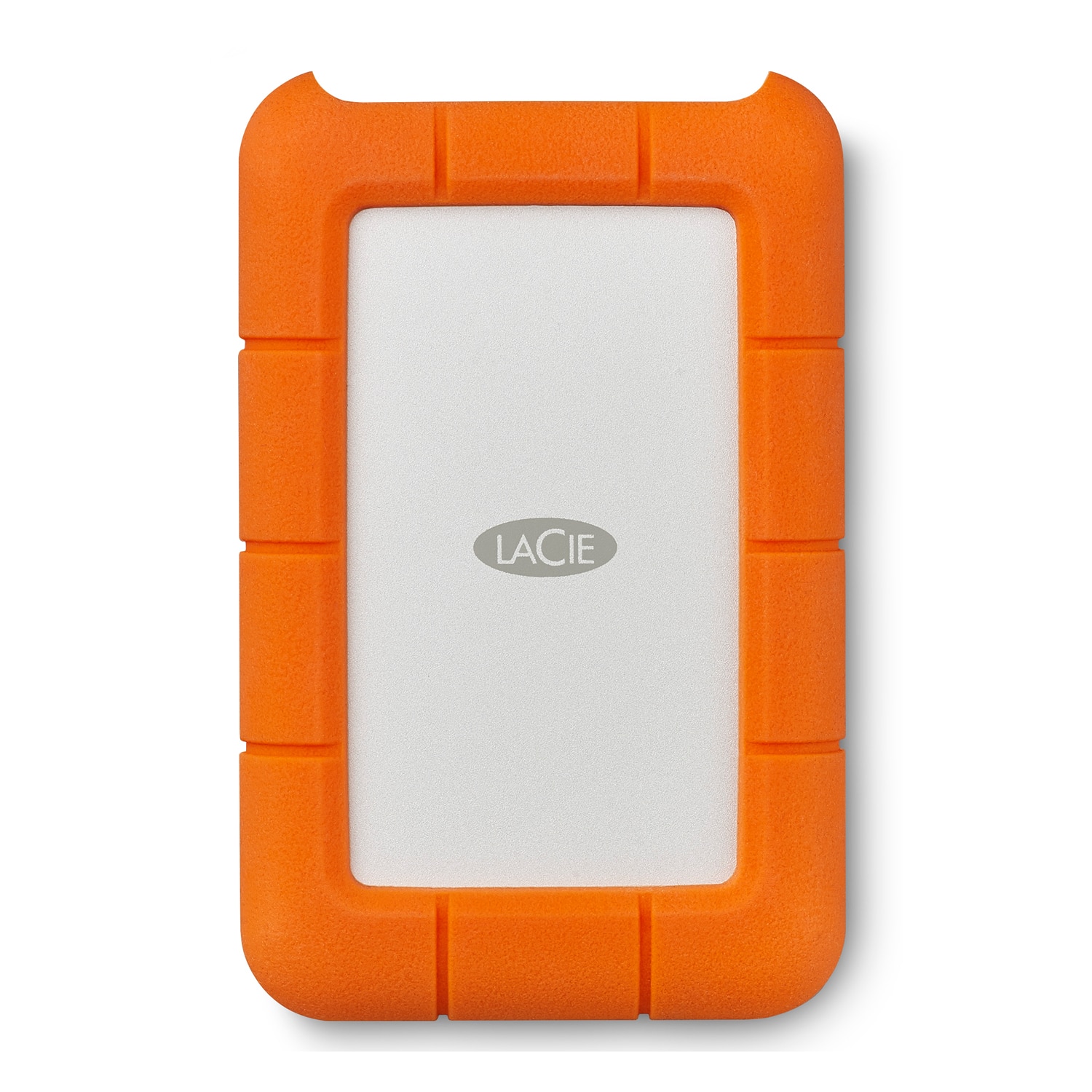
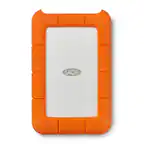
LaCie - Rugged 2TB External USB-C, USB 3.1 Gen 1 Portable Hard Drive - Orange/Silver
SKU: J37C5HW2T3love this item. one didn't work and got no hassle for the return and replacement… great customer service...We love using these drives. They are durable and shock resistant, great for traveling....Best...
See all External Hard DrivesProduct Description
An ultra-durable orange and silver portable hard drive with 2TB storage, USB-C connectivity, and rain resistance.Your price for this item is $149.99 -
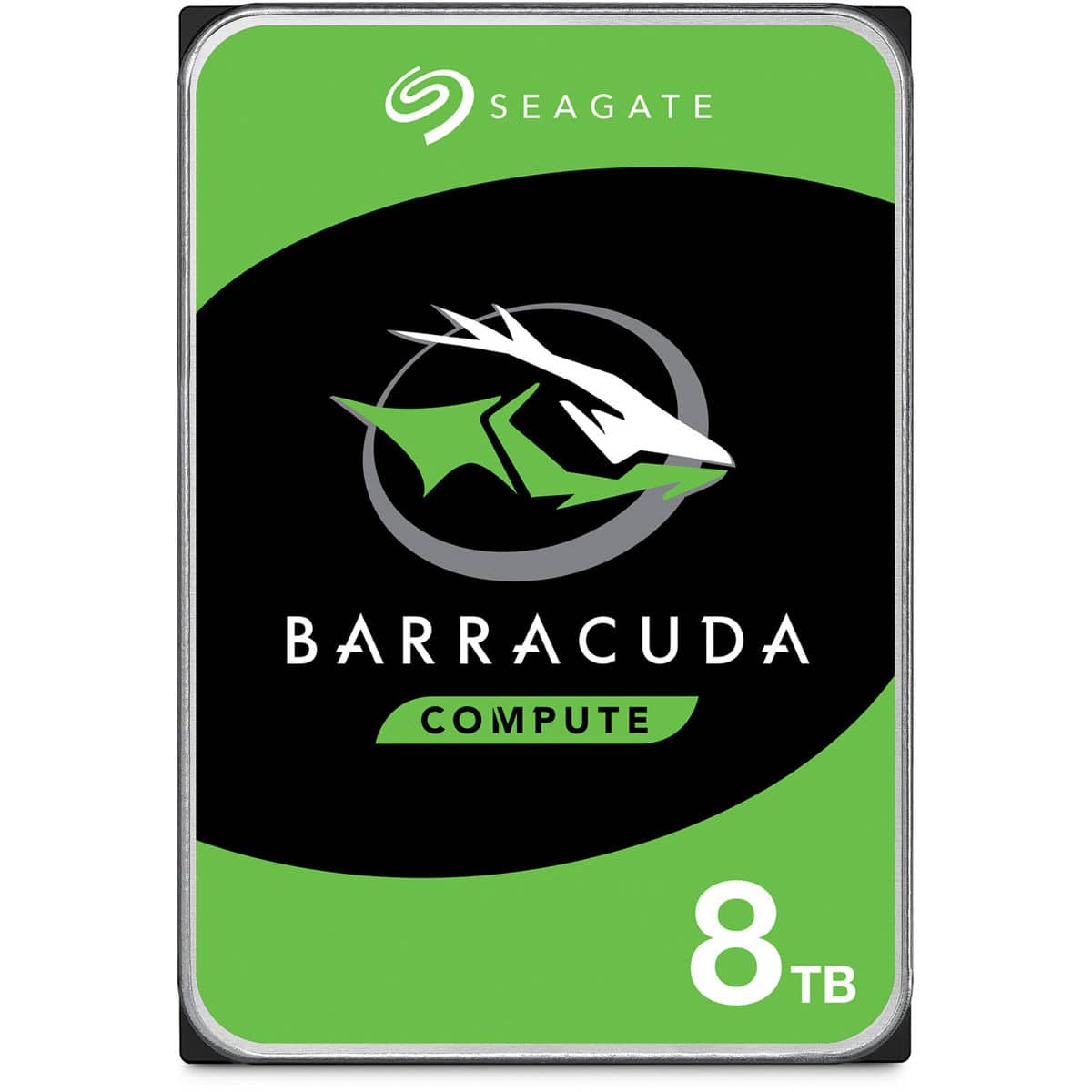
Seagate - BarraCuda 8TB SATA III 6 Gb/s 3.5" Internal HDD
SKU: J37C5HTJJKSee all Internal Hard DrivesProduct Description
A reliable 3.5-inch internal hard drive offering 8TB of storage for desktops, gaming, and creative workstations.Your price for this item is $249.99Save $47The previous price was $296.99 -
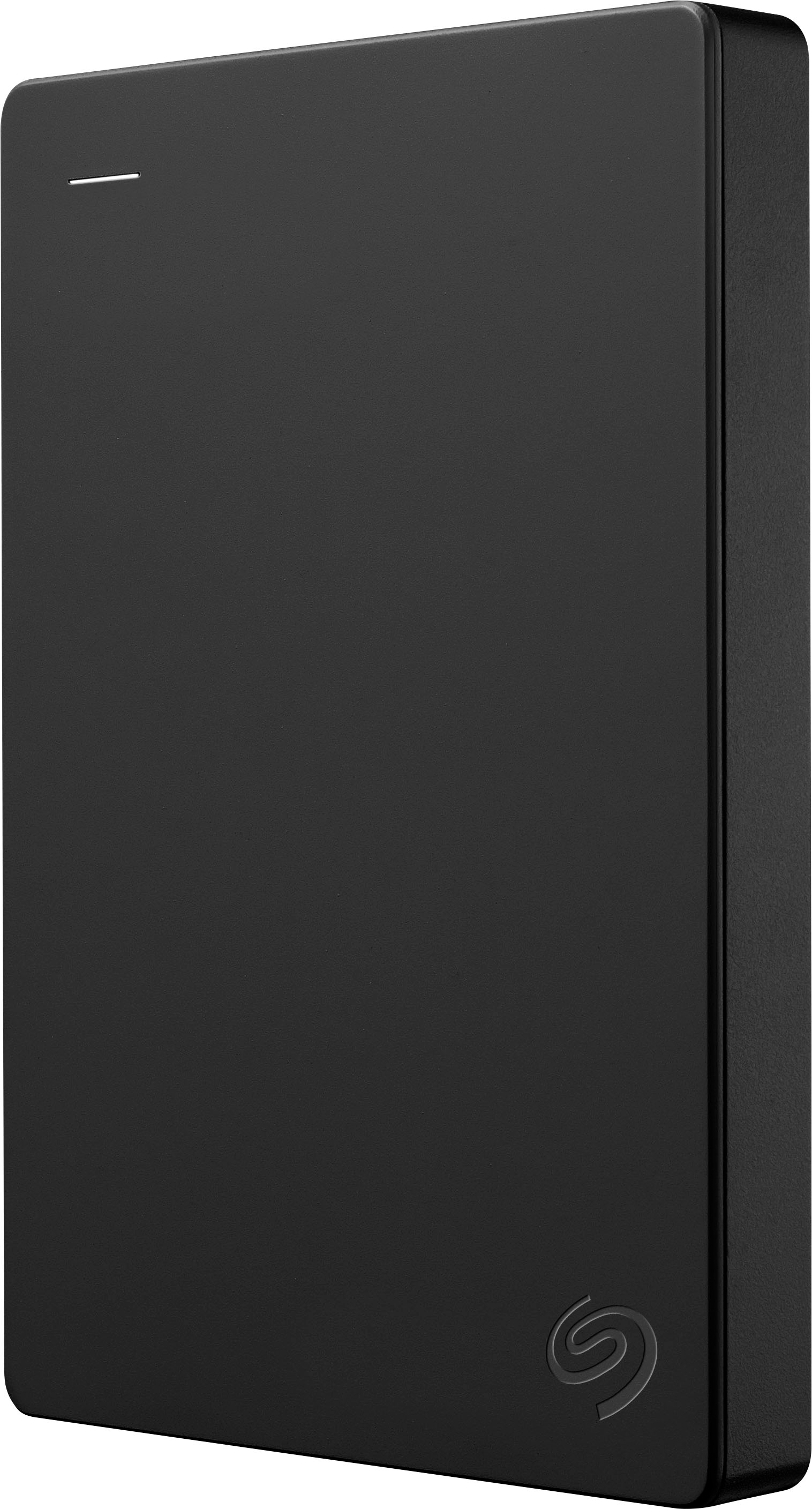
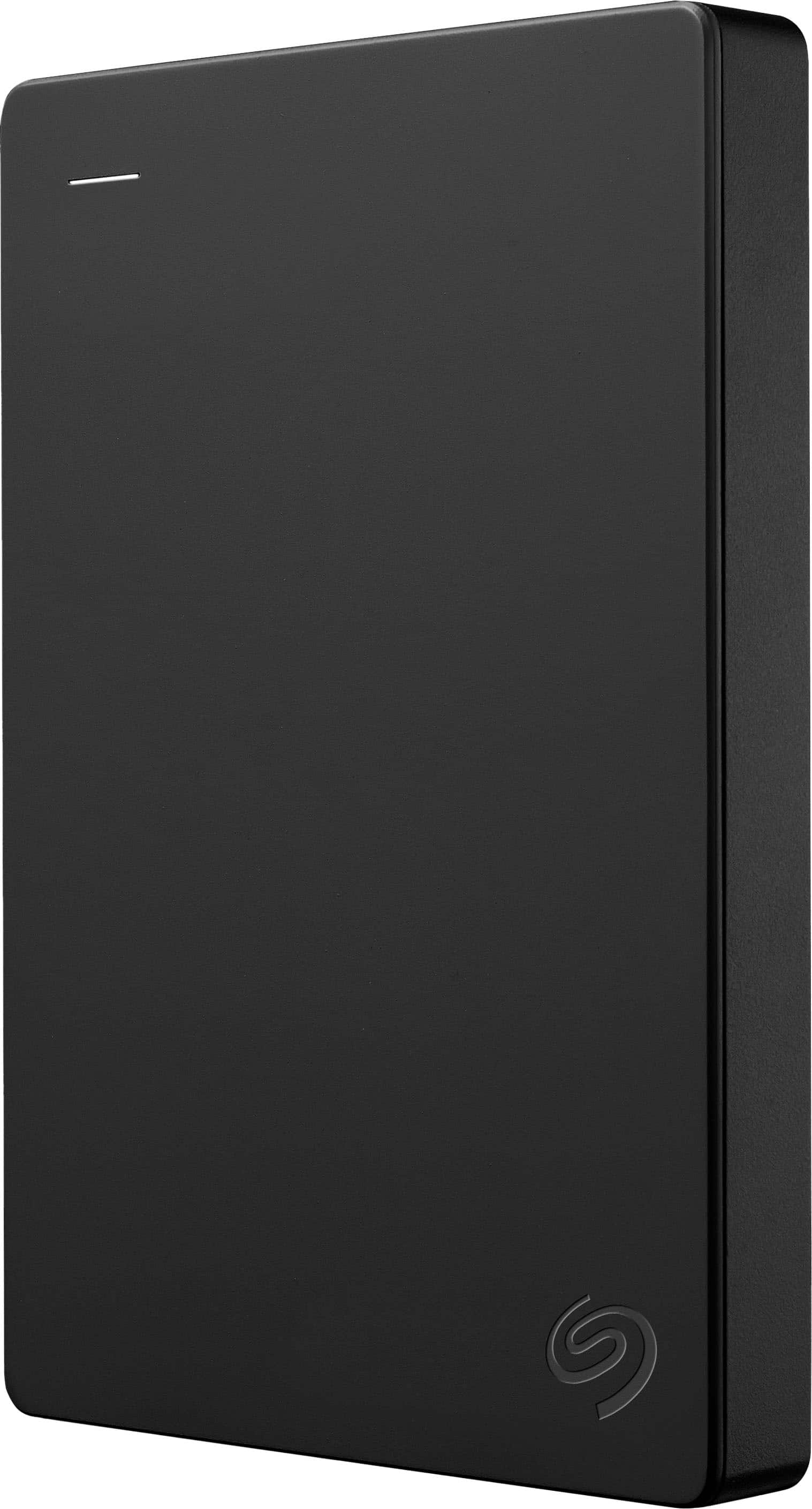
Seagate - 2TB External USB 3.0 Portable Hard Drive with Rescue Data Recovery Services - Black
SKU: J37C5HK2TLSee all External Hard DrivesProduct Description
A portable black external hard drive offering 2TB storage, fast USB 3.0 transfers, and data recovery services.Your price for this item is $129.99Save $52The previous price was $182.40 -
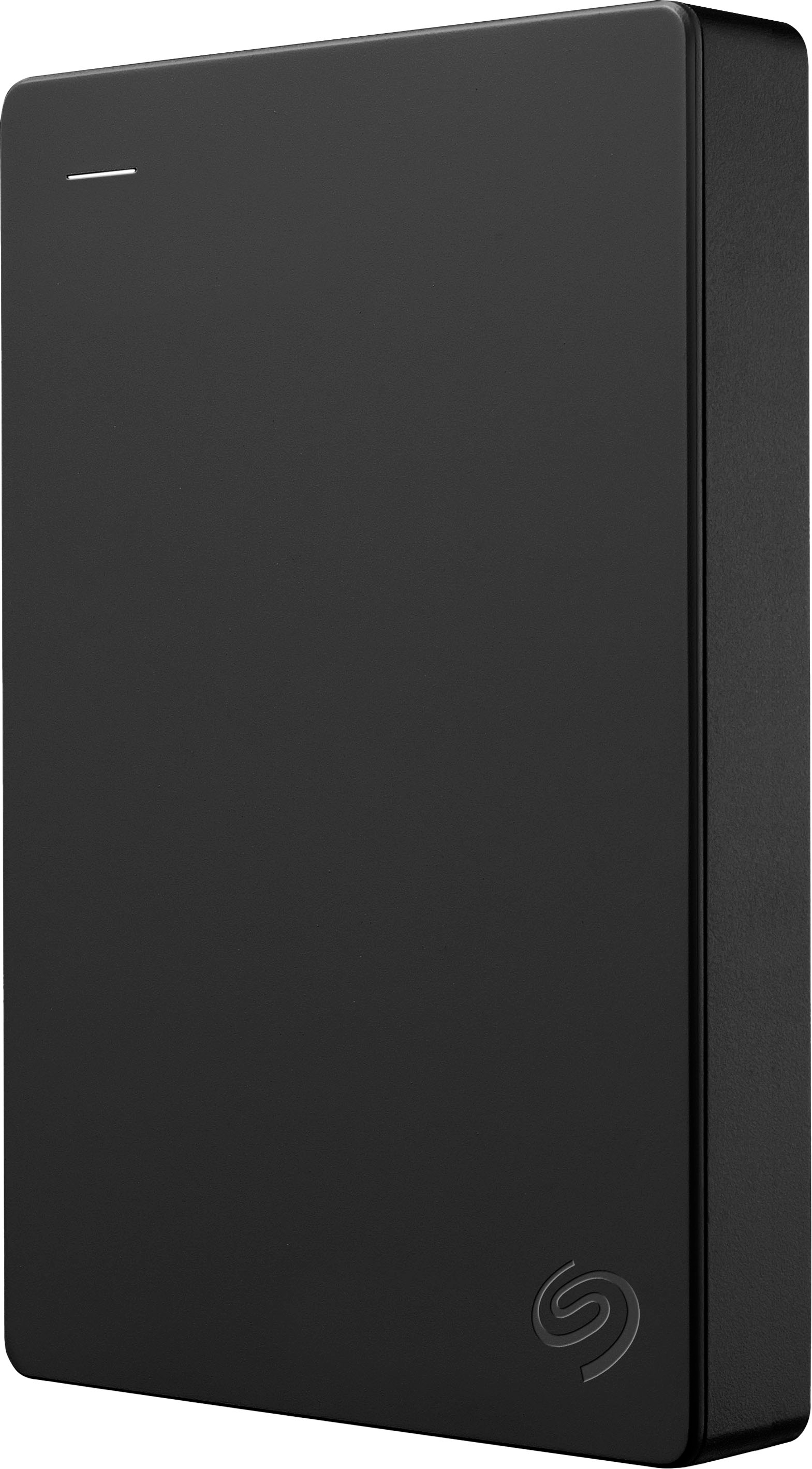
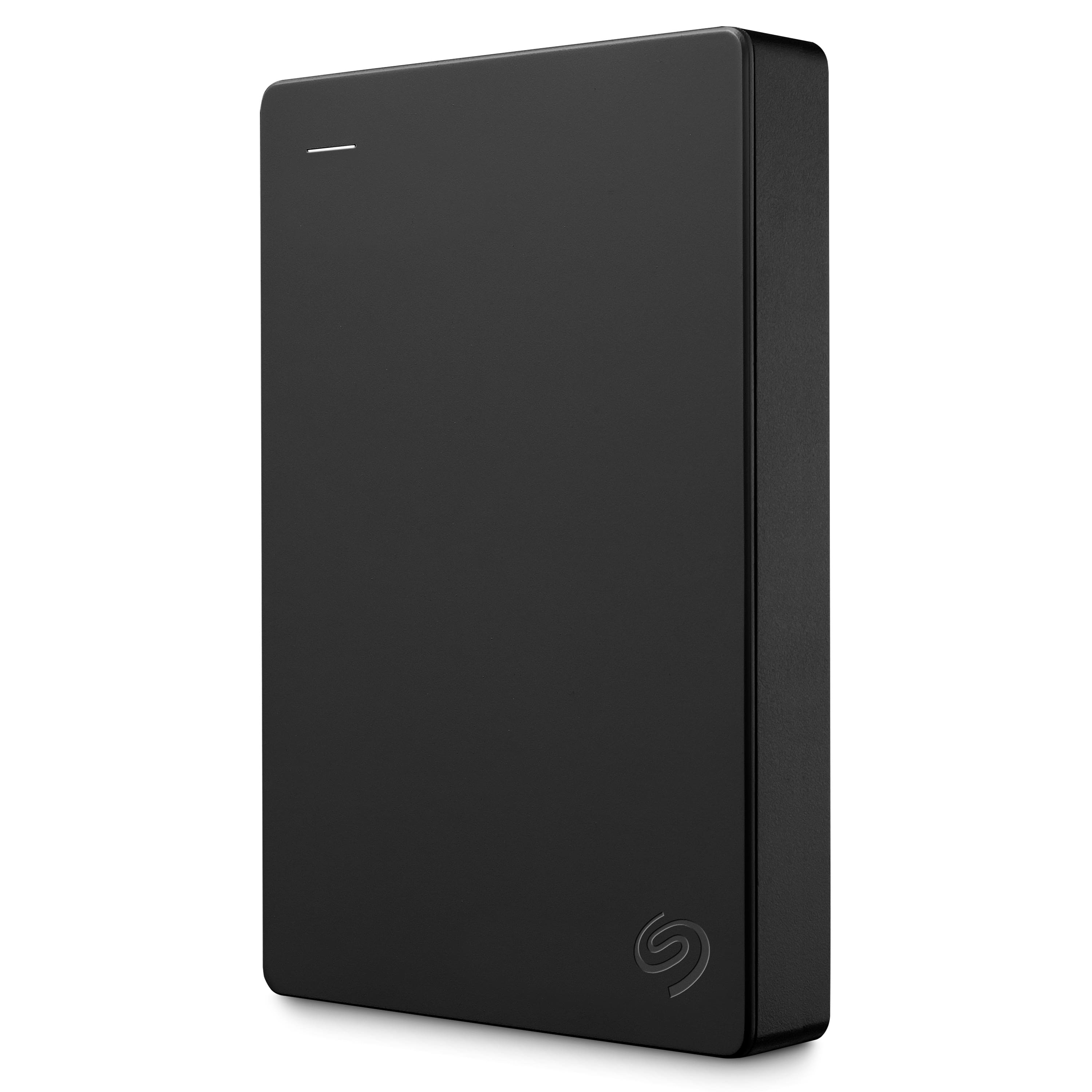
Seagate - 5TB External USB 3.0 Portable Hard Drive with Rescue Data Recovery Services - Black
SKU: J37C5HK4JWSee all External Hard DrivesProduct Description
A portable black external hard drive offering 5TB storage, fast USB 3.0 transfers, and data recovery services.Your price for this item is $233.49Save $28The previous price was $262.07 -
Seagate - 1TB External USB 3.0 Portable Hard Drive with Rescue Data Recovery Services - Black
SKU: J37C5HK2HTGreat Item...Great external drive. It's my first Seagate Drive. Normally I get Western Digital....Great hard drive
See all External Hard DrivesProduct Description
A portable black external hard drive offering 1TB storage, fast USB 3.0 transfers, and data recovery services.Your price for this item is $142.81 -
Seagate - 4TB External USB 3.0 Portable Hard Drive with Rescue Data Recovery Services - Black
SKU: J37C5HK2TQGreat product...I bought this product and was exactly what I was looking for and it works great.
See all External Hard DrivesProduct Description
A portable black external hard drive offering 4TB storage, fast USB 3.0 transfers, and data recovery services.Your price for this item is $201.49 -
Seagate - One Touch with Password 4TB External USB 3.0 Portable Hard Drive with Rescue Data Recovery Services - Black
SKU: J37C5H4WRSSee all External Hard DrivesProduct Description
A portable black hard drive offering 4TB storage, USB 3.0 connectivity, password protection, and data recovery.Your price for this item is $201.91 -
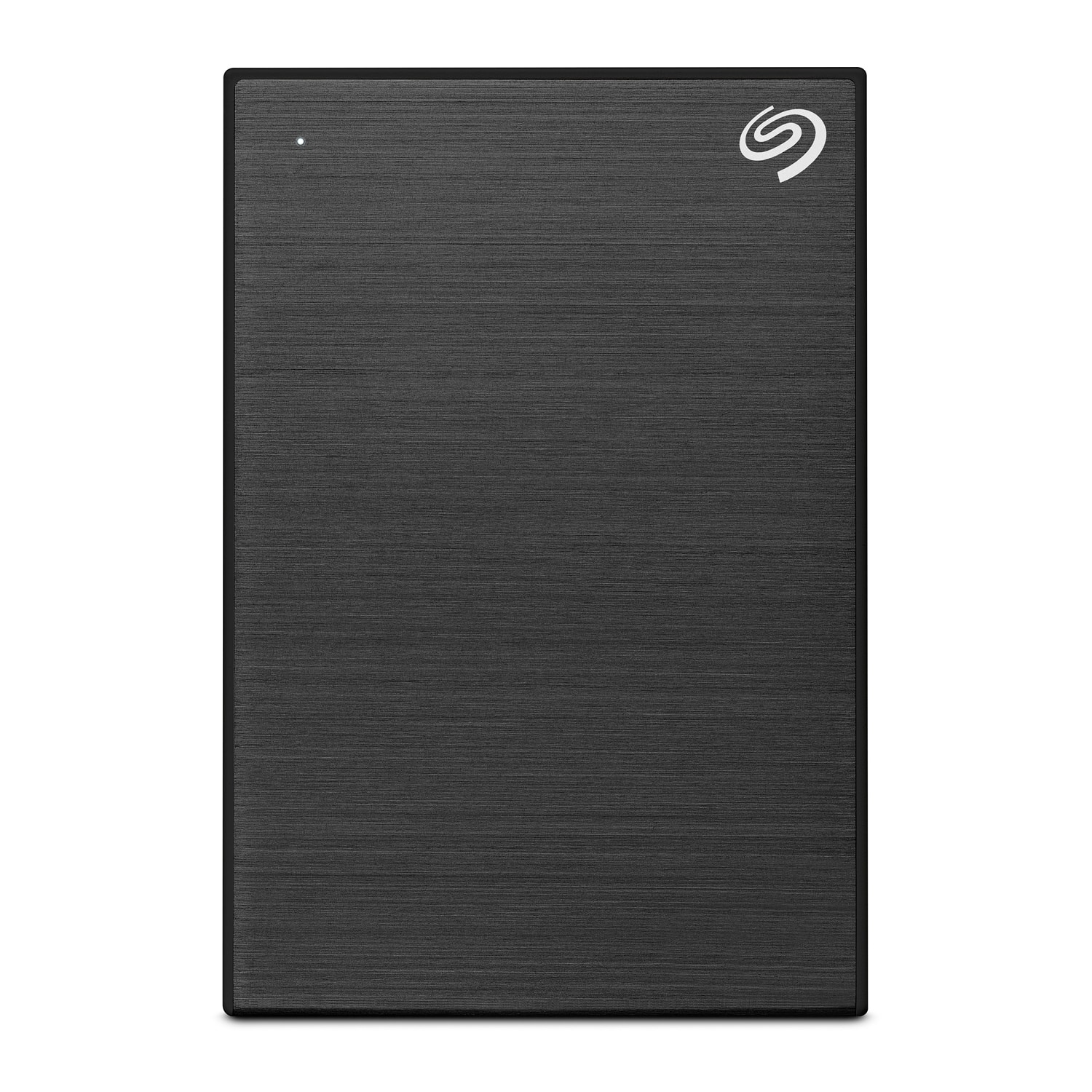
Seagate - One Touch 1TB External Hard Drive Slim Portable HDD USB 3.0 / USB 2.0 - Black
SKU: J37C5H4W3VGreat for saving and transfer files from old to new laptop.
See all External Hard DrivesProduct Description
A slim black portable hard drive offering 1TB storage, compatible with USB 3.0 and USB 2.0.Your price for this item is $117.99Save $17The previous price was $134.99 -
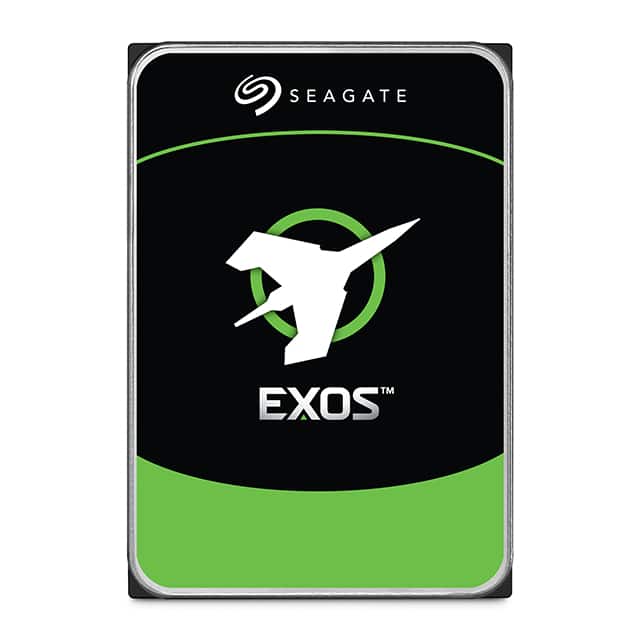
Seagate - Exos X24 24TB Internal Hard Drive
SKU: J37C5H5XZLSee all Internal Hard DrivesProduct Description
A high-capacity 24TB 3.5" internal hard drive with SATA/600 interface and advanced data security features.Your price for this item is $1,194.99 -
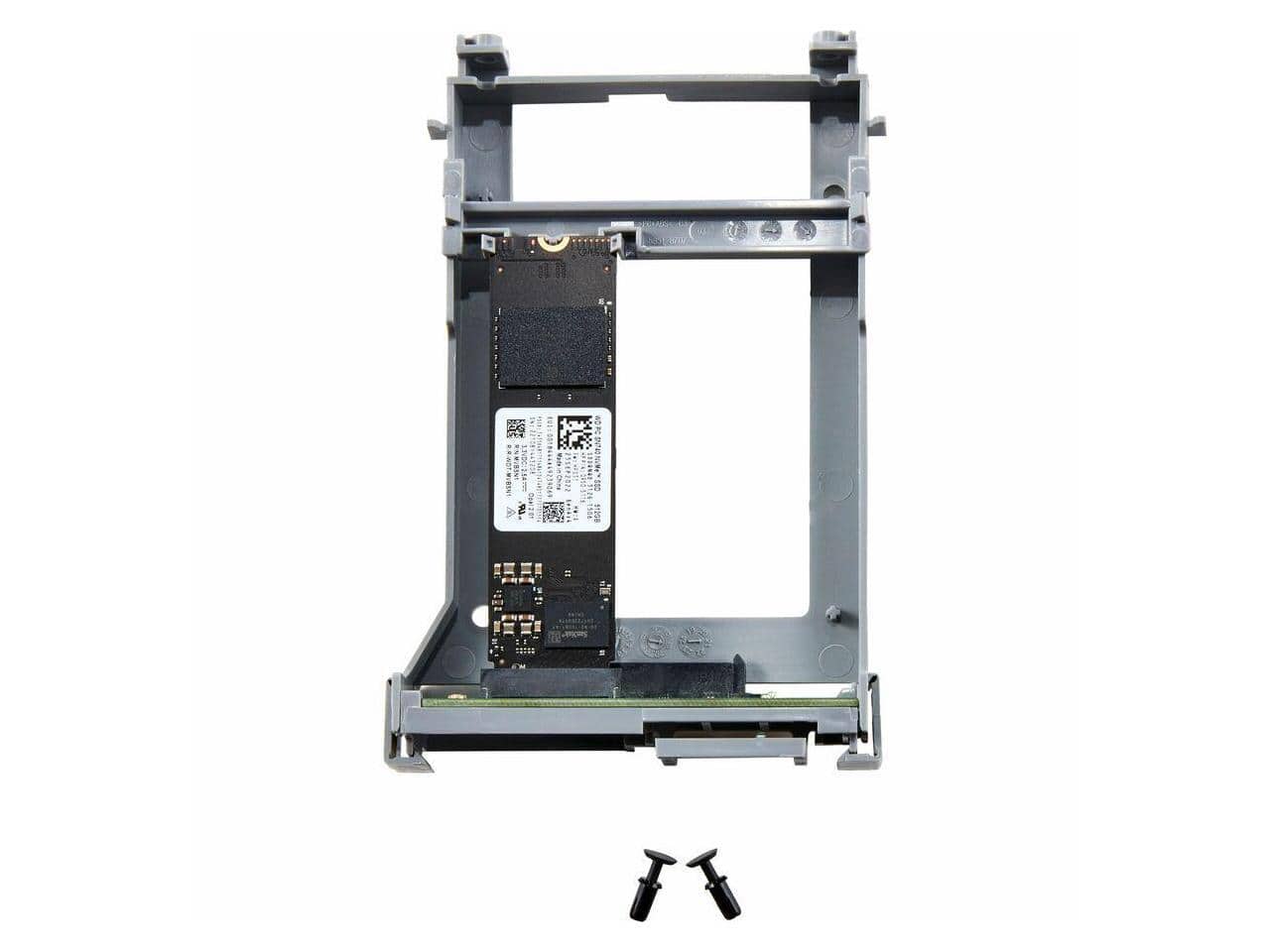
HP - 512 GB Solid State Drive TAA Compliant 766R7A
SKU: JJGG7ZLJH2See all Internal SSDsProduct Description
A TAA-compliant internal solid state drive offering 512GB of reliable, high-speed storage.Your price for this item is $398.30Save $170The previous price was $569.00
Best Sellers
Related Pages


FAQ
A Windows hard drive is a storage device that is compatible with computers running the Microsoft Windows operating system. It can be used to store files, install applications, and back up data on your Windows PC or laptop.
Yes, external hard drives are a convenient way to transfer files, documents, and media between different Windows computers. Simply connect the hard drive via USB or another compatible port, and you can move or copy files as needed.
Most Windows hard drives use the NTFS (New Technology File System) by default, but they can also be formatted to FAT32 or exFAT for compatibility with other devices and operating systems.
After connecting your new hard drive, Windows will usually detect it automatically. You may need to initialize, partition, and format the drive using the Disk Management tool before you can use it for storage.
Yes, most Windows hard drives are compatible with both desktops and laptops, as long as the connection type (such as USB, SATA, or NVMe) matches the available ports on your device.