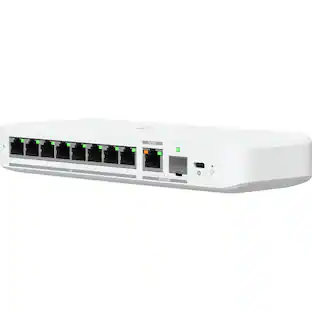
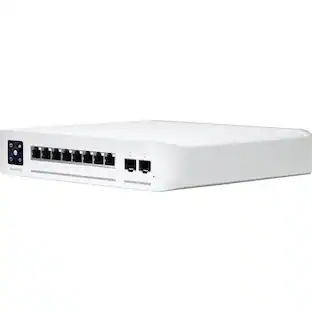
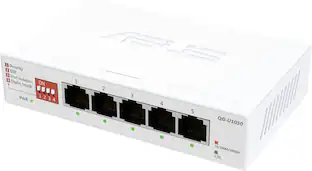
ASUS - ExpertWiFi EBP15 5-Port Gigabit Smart Managed PoE+ Ethernet Switch - White
Customers are saying
Customers are impressed with the ExpertWiFi EBP15 5-Port Gigabit Smart Managed PoE+ Ethernet Switch's overall performance, noting that it works reasonably well. Users also appreciate the ease of use, particularly mentioning the straightforward setup process.
Ethernet Technology
4 PoE+ ports capable of delivering up to 60 watts of power offer a convenient solution for powering various PoE-enabled devices.
VLAN for Added Security
Each of the Ethernet ports can be assigned to one or more VLAN IDs that provides additional security for your business.
Fluent Network Experience with QoS
Dedicated bandwidth priority based on Quality of Service traffic management ensures better delivery of mission-critical traffic such as voice and video, without delay.
Multimedia Traffic Optimization
IGMP snooping to prevent traffic congestion and optimize multicast traffic distribution, ensuring better network experiences during video conferencing or media streaming.
Device Management Made Easy
The ASUS ExpertWiFi router on your network enables conveniently centralized control over the EBP15 and connected devices.
Ports
1G LAN x 5 with PoE+ port x 4
Standalone Mode
With the web-based user interface, you can manage your PoE+ switch easily and conveniently.
- Number of PoE (Power over Ethernet) Ports4Switch Management TypeSmart managedNumber of LAN Ports5
Reviews
Rating 4.4 out of 5 stars with 25 reviews
- Overall Performance (11)
- Ease of use (5)
The vast majority of our reviews come from verified purchases. Reviews from customers may include My Best Buy members, employees, and Tech Insider Network members (as tagged). Select reviewers may receive discounted products, promotional considerations or entries into drawings for honest, helpful reviews.
Compare similar products

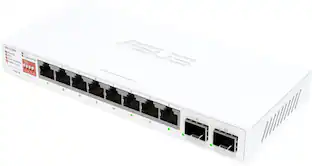
The ASUS ExpertWiFi EBP15 offers versatile connectivity options. When connected to an ExpertWiFi router, the EBP15 can manage connected devices through ExpertWiFi AiMesh mode. When connected to a non-ExpertWiFi router, the EBP15 can still control connected devices using standalone mode. As businesses expand, owners can connect the wired router to EBP15 and access point for broader coverage, ensuring the scalability and extendability of ExpertWiFi.

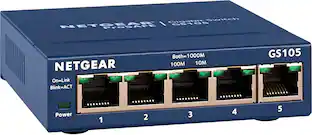
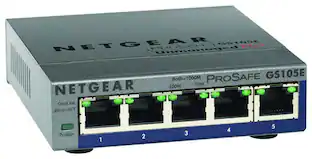
This NETGEAR Gigabit unmanaged switch helps businesses cost effectively expand their network to Gigabit speeds and high port counts. The GS105 switch comes with 5 Gigabit copper ports in a desktop metal case and is wall-mountable. This switch is energy-efficient, built to last, and rigorously tested to provide the reliability businesses need. 802.1p traffic prioritization and jumbo frame support allow for seamless integration with sophisticated networks.

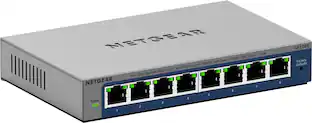
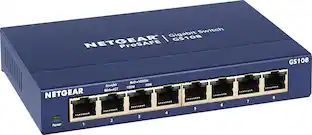
On top of the plug-and-play Gigabit Ethernet connectivity, this NETGEAR Plus Series GS108E switch offers essential networking features such as VLAN, QoS, IGMP snooping, rate limiting, traffic monitoring and more. This switch is an exceptional value for businesses looking to add intelligence to their network beyond what unmanaged switches can provide.

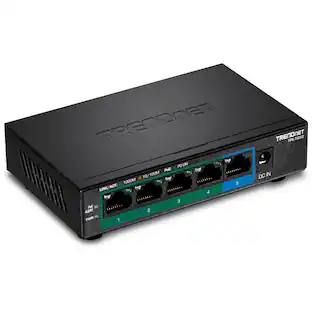
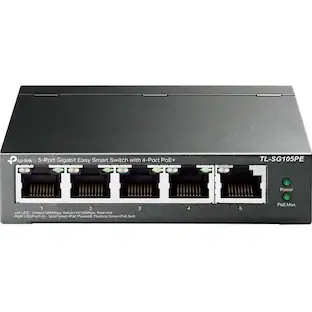
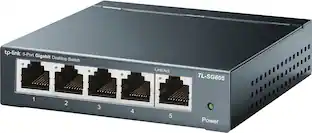
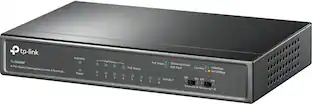
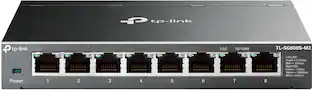
Increase the reliability of your connected devices and expand your network easily with TP-Link 5-port full gigabit desktop PoE+ switch. 4 PoE ports provide extra convenient support for PoE devices such as IP phone and camera. Ideal for home or offices, the TL-SG605P's plug-and-play design allows for easy and effortless deployment, no technician is required to begin connecting at ultra-smooth speeds. Auto-negotiation senses the link speed of a network device then intelligently adjusts to ensure full compatibility and optimal performance. Durable metal casing ensures a long product life and desktop/wall-mounting design is well-suited for different environments.
| Pros for ASUS - ExpertWiFi EBP15 5-Port Gigabit Smart Managed PoE+ Ethernet Switch - White | |||
|---|---|---|---|
| Overall Performance, Ease of use | Ease of use, Size, Performance, Speed, Ports | Overall Performance, Ease of Use, Connectivity, Setup, Port Quantity | Overall Performance, Setup, Ease of Use, Connectivity, Size |
| Cons for ASUS - ExpertWiFi EBP15 5-Port Gigabit Smart Managed PoE+ Ethernet Switch - White | |||
| There were no cons for this product— | Lag, Power, Signal Loss | There were no cons for this product— | There were no cons for this product— |
Specs
Can this deactivate a port on a schedule?
Answered by ASUS AnswersThe ASUS ExpertWiFi EBP15 lets you manually disable ports but does not support scheduled port deactivation.
Does it provide 24 volts POE
Answered by ASUS AnswersNo, this Switch provides 48 volts to the POE ports.

How many LAN ports does the ExpertWiFi EBP15 have?
The ExpertWiFi EBP15 has a total of 5 LAN ports.
This question and answer was generated by AI based on customer and product data.Does this switch offer any security features for businesses?
Yes, each Ethernet port can be assigned to one or more VLAN IDs for enhanced security.
This question and answer was generated by AI based on customer and product data.How does the ExpertWiFi EBP15 handle multimedia traffic?
This device uses IGMP snooping to optimize multicast traffic distribution and prevent congestion, ensuring a smoother experience for video conferencing and media streaming.
This question and answer was generated by AI based on customer and product data.

Customers often buy these together
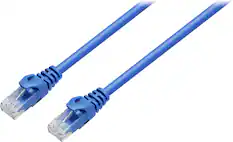
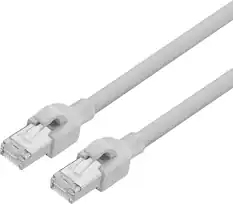
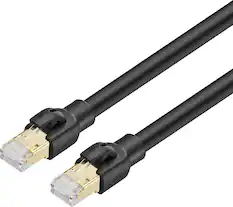
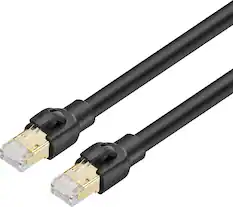
Ethernet Cables


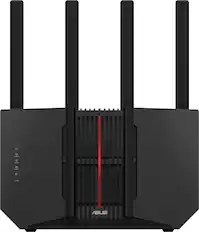
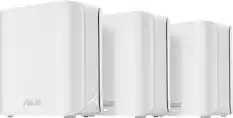
Network Routers


More recommended items
 Network Adapters
 UPS Battery Backup Devices
 Surge Protectors
 Network Range Extenders and Repeaters
 Modems
Customers ultimately bought



Explore tech essentials Sponsored




Discover related products
 $155.99The price was $184.99
 $12.99The price was $13.99








Keep exploring
 $111.34The price was $119.99