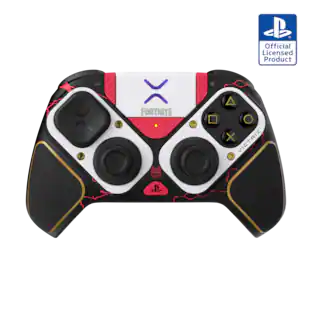
ASUS - ROG Raikiri II Pro PC Wireless Controller with Hot-Swappable TMR Joysticks - Black
About this product
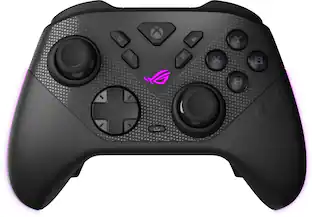
The ROG Raikiri II Pro PC Controller delivers competition-grade 8K polling in wired and 2.4GHz modes, hot-swappable TMR joysticks, dual-mode triggers, micro-switch controls, and a full-color panel. Tri-mode connectivity, customizable rear buttons and bumpers, Gear Link support, and up to 79 hours of battery life enable responsive, personalized PC gaming.
Features
Competition-Grade 8K Polling Rate
ROG SpeedNova technology delivers an 8000 Hz report rate in both wired USB and RF 2.4GHz modes for ultra-responsive control and low latency
Hot-Swappable TMR Joysticks
Anti-drift, power-efficient TMR joystick modules can be replaced and paired with the included high-profile and dome joystick caps
Full-Color Panel
Provides direct access to profile switching, button settings, lighting effects, vibration strength, calibration, animations, and brightness controls
Extra Customizable Buttons
Features four removable rear buttons, two extra bumpers, and four face buttons that can be remapped for personalized control
Dual-Mode Triggers
Switch between short-travel micro-switch triggers and full-travel TMR sensor triggers to suit different game types
Micro-Switch Buttons
The D-pad, ABXY buttons, rear buttons, and bumpers use micro-switches for instant actuation and tactile feedback
Tri-Mode Connectivity
Supports USB wired, RF 2.4GHz wireless, and Bluetooth 5 connections on Windows 10 and Windows 11 PCs
Extended Battery Life
Provides up to 79 hours of 2.4GHz wireless gameplay at a 1000 Hz polling rate with the RGB lighting, vibration, and panel switched off
ASUS Gear Link Customization
Gear Link and Gear Link Mobile support button mapping, joystick sensitivity, trigger settings, vibration, polling rate, calibration, lighting, screen settings, power settings, and Turbo Mode
Premium Accessories
Includes a protective charging case, charging stand, USB wireless dongle, USB Type-A to Type-C cable, two hot-swap joysticks, four rear button caps, high-profile joystick cap, dome joystick cap, and joystick puller
Specifications
- WirelessYesBattery SizeBattery packCompatible Platform(s)Windows
Reviews
Rating 3.2 out of 5 stars with 52 reviews
Top Mentions
- Build Quality (6)
- Button Durability (3)
Customer Images
The vast majority of our reviews come from verified purchases. Reviews from customers may include My Best Buy members, employees, and Tech Insider Network members (as tagged). Select reviewers may receive discounted products, promotional considerations or entries into drawings for honest, helpful reviews.


Compare similar products
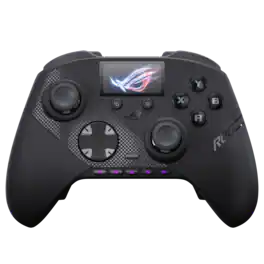
The ROG Raikiri II Pro PC Controller delivers competition-grade 8K polling in wired and 2.4GHz modes, hot-swappable TMR joysticks, dual-mode triggers, micro-switch controls, and a full-color panel. Tri-mode connectivity, customizable rear buttons and bumpers, Gear Link support, and up to 79 hours of battery life enable responsive, personalized PC gaming.
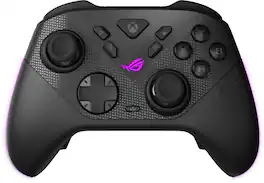
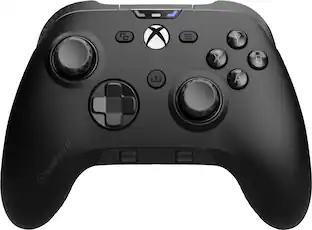
The ROG Raikiri II Xbox Wireless controller features TMR joysticks, 1KHz polling rate in PC mode, four rear buttons, dual-mode triggers, micro-switch buttons, and tri-mode connectivity.
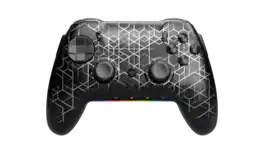
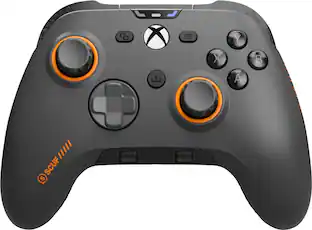
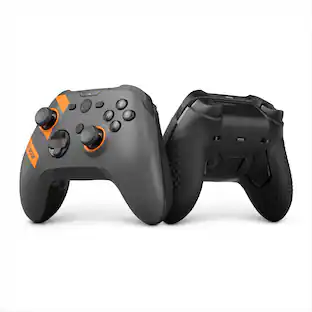
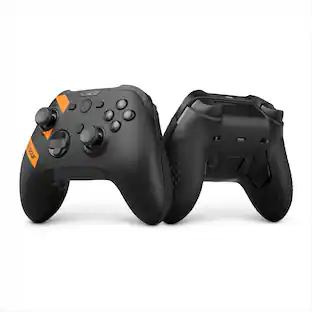
SCUF Envision was designed to deliver the best controller experience for PC gamers. Equipped with 11 additional remappable inputs, ultra-fast wired/wireless connectivity, and advanced software for macros and endless customization options. Our new OMRON mechanical ABXY and D-Pad buttons offer crisp and responsive clicks. Adjustable Instant Triggers allow you to switch between mouse-like clicks and full trigger range. Unlock the full power of Envision by mapping the fully configurable inputs to any PC shortcut, customizing your RGB Lighting Strip, and tailoring your anti-drift Hall Effect thumbstick and trigger response curves. More control, more finesse, and more performance to once again, change your game.
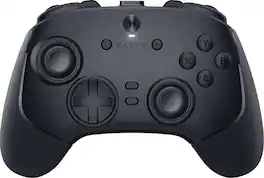
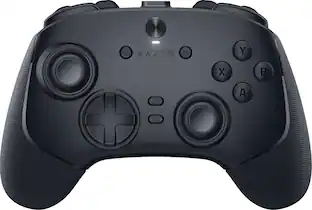
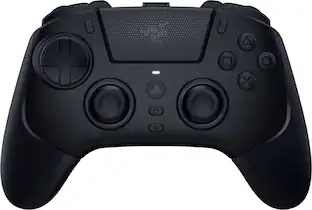
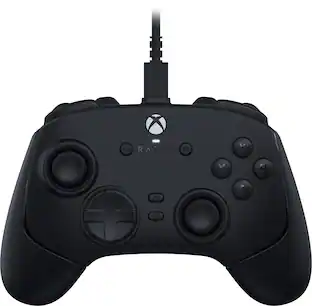
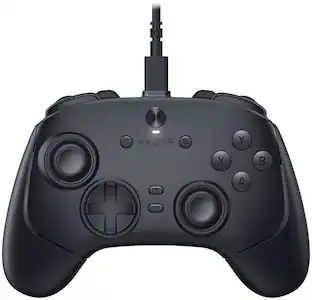
Stay one step, one shot, and one level above the competition with the Razer Wolverine V3 Pro 8K PC—our first ever native 8000 Hz wireless esports controller. Be the one that others fear to face with speed, control, and precision that’s unlike any other.
| Pros for ASUS - ROG Raikiri II Pro PC Wireless Controller with Hot-Swappable TMR Joysticks - Black | |||
|---|---|---|---|
| There were no pros for this product— | Overall Performance, Button Quality, Ergonomics, Battery Life, Connectivity | Overall Performance, Button Quality, Ergonomics, Battery Life, Stick Drift | Overall Performance |
| Cons for ASUS - ROG Raikiri II Pro PC Wireless Controller with Hot-Swappable TMR Joysticks - Black | |||
| Build Quality, Button Durability | Input Responsiveness | There were no cons for this product— | There were no cons for this product— |
Specs
Customers often buy these together
Gaming Headsets
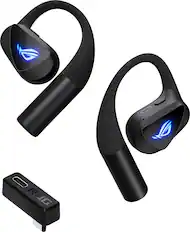
ASUS - ROG Cetra Open Wireless SpeedNova Open-Ear Gaming Earbuds for PC, iOS, Android, Switch - Black
$189.99The price was $229.99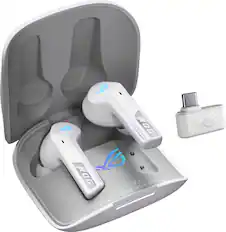
ASUS - ROG Cetra True Wireless SpeedNova In-Ear Gaming Earbuds - White
Black Friday Deal$109.99The price was $199.99

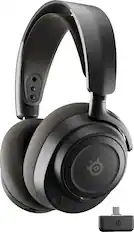
Power Adapters and Chargers
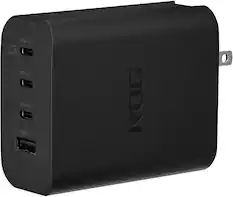
ASUS - ROG 140W Charger Dock for ROG Ally (USB-C, USB-A) - Black
$89.99The price was $119.99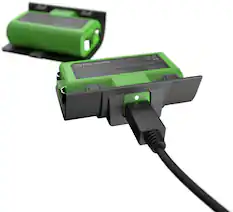
PowerA - Play & Charge Kit for Xbox Series X|S and Xbox One - Green USB-C
$15.49The price was $19.99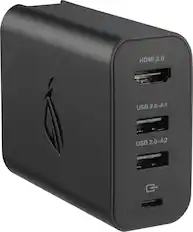
ASUS - ROG 100W Charger Dock for ROG Xbox Ally (HDMI 2.0, USB-A, USB-C) - Black
Black Friday Deal$79.99The price was $99.99
PC Gaming Headsets
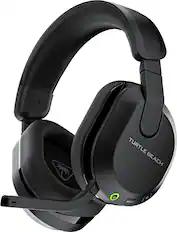
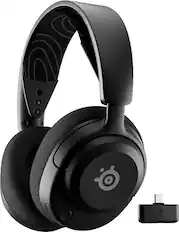
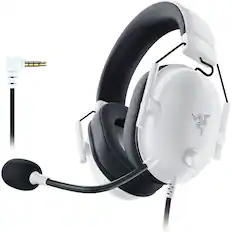
ASUS - ROG Pelta Wireless Gaming Headset for PC/Mac, PS5, PS4 and Switch - Black
Black Friday Deal$64.99The price was $129.99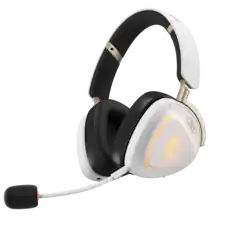
ASUS - ROG Delta II Wireless RGB Gaming Headset for PC/Mac, Xbox, PS5, PS4 and Switch - KOJIMA PRODUCTIONS Edition
Clearance$188.99The price was $269.99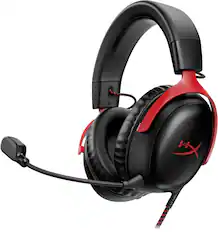
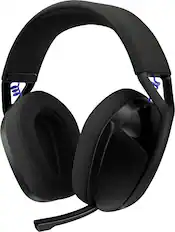
HyperX - Cloud III Wired Gaming Headset for PC, PS5, PS4, Xbox Series X|S, Xbox One, Nintendo Switch, and Mobile - Black/Red
Black Friday Deal$57.99The price was $99.99
Customers ultimately bought
ASUS ROG Raikiri II Wireless Controller for ROG Xbox Ally, PC, Xbox Series X/S
Black Friday Deal$109.99The price was $189.99Turtle Beach Victrix Pro BFG Reloaded Wireless Modular Controller for Windows & Steam Deck
Black Friday Deal$109.99The price was $189.99GameSir G7 Pro 8k Wireless Controller for Windows, Mag-Res TMR Sticks, Hall Effect Triggers, 8000Hz Polling Rate, Tri-Mode
Black Friday Deal$69.99The price was $89.99Razer Wolverine V3 Pro 8K Wireless Gaming Controller with TMR Thumbsticks and Swappable Caps for Windows
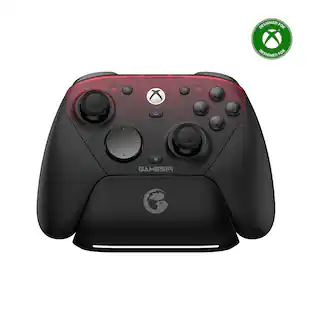
Black Friday Deal$122.99The price was $199.99GameSir G7 Pro Controller for Xbox Series X|S|One, PC, Android, TMR Sticks, Hall Effect Triggers, 1000Hz Polling Rate,Audio Jack
Black Friday Deal$63.99The price was $79.99SCUF VALOR PRO Wireless Performance Controller for Xbox Series X|S, Xbox One and PC
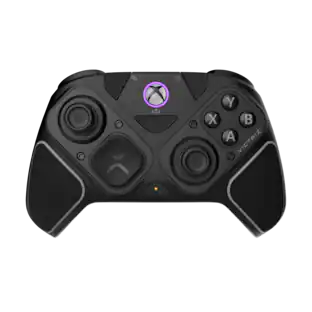
Black Friday Deal$139.99The price was $189.99Turtle Beach Victrix Pro BFG Reloaded Wireless Modular Controller for XBOX Series X|S, XBOX One & Windows
Black Friday Deal$129.99The price was $209.99


Level up your game Sponsored
SCUF VALOR PRO Wireless Performance Controller for Xbox Series X|S, Xbox One and PC
Black Friday Deal$139.99The price was $189.99SCUF VALOR PRO Wireless Performance Controller for Xbox Series X|S, Xbox One and PC
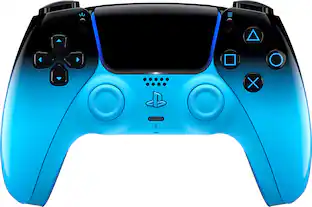
Black Friday Deal$139.99The price was $189.99Sony Interactive Entertainment DualSense Wireless Controller for PS5, PC, Mac & Mobile
Black Friday Deal$64.99The price was $84.99
Discover related products
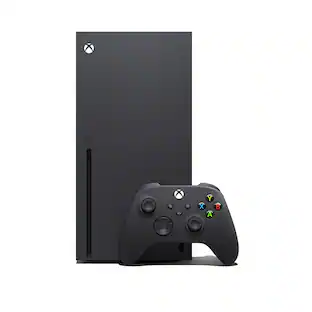
Microsoft XBOX Series X 1TB Console with XBOX Wireless Controller - 4K Gaming - 120FPS
$1,249.00The price was $1,389.00





Keep exploring
Sony Interactive Entertainment DualSense Edge Controller with Skins Voucher
$219.99The price was $269.99EasySMX M15 Bluetooth Mobile Gaming Controller for Android/iPhone 15+ Series with Hall Effect
$35.99The price was $36.99Logitech X56 HOTAS Microsoft Flight Simulator RGB Dual-Throttle and Joystick
$248.62The price was $297.23Hori Controller - HORI Split Pad Pro - Ditto: Officially Licensed by Nintendo
$44.69The price was $51.48