CHERRY - JW4500 Wireless Ergonomic Mouse - Wireless - Black
Reviews coming soon
About this product
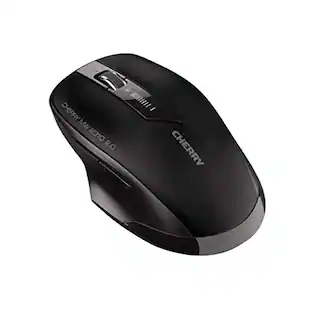
The JW4500 Wireless Ergonomic Mouse is designed to prevent wrist strain with its 45° angle, allowing for a more natural hand position. It features adjustable DPI settings up to 1200 dpi for precise navigation and includes 6 buttons for enhanced functionality. The compact nano receiver ensures easy portability, making it ideal for both office and home use.
Features
Adjustable DPI
The mouse features adjustable DPI settings with a maximum resolution of 1200 dpi for precise control.
Ergonomic Design
Designed with a 45° angle to promote a natural hand position, reducing wrist strain during extended use.
Wireless Connectivity
Utilizes 2.4 GHz wireless technology for easy mobility and a range of up to 10 meters.
Multiple Buttons
Equipped with 6 buttons, including two thumb buttons for easy navigation in web browsers.
Compact Receiver
Includes an extra small nano USB receiver that can remain plugged into your laptop.
Specifications
- Connection TypeWireless
Reviews
This product doesn't have any reviews yet.

Compare similar products

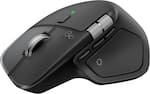
The JW4500 Wireless Ergonomic Mouse is designed to prevent wrist strain with its 45° angle, allowing for a more natural hand position. It features adjustable DPI settings up to 1200 dpi for precise navigation and includes 6 buttons for enhanced functionality. The compact nano receiver ensures easy portability, making it ideal for both office and home use.

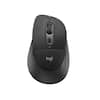
The Wireless 6-button mouse JWT0320 features an energy-efficient optical sensor with adjustable DPI settings, a nano USB receiver for convenience, and an ambidextrous design suitable for all users. With a battery life of up to 3 years, this mouse is perfect for both office and gaming use.

Say goodbye to arm and wrist strain caused by using a traditional mouse! The J-Tech Digital Wireless Vertical Ergonomic Mouse features a design that places your hand in a natural “handshake” position which greatly reduces strain on your wrist and arm especially during extended computer sessions. This wireless mouse features 2.4G wireless and 3.0 / 5.0 Bluetooth modes to allows for 3 multi-device connectivity. Made for small-medium sized hands and right-hand orientation, it’s never too late to start taking advantage of all the benefits that this wireless mouse has to offer!

Discover the wireless S12, boasting superior CMOS sensors for everyday computing needs, providing comfort, functionality, and wireless freedom across diverse operating systems.
Specs
Be the first to ask a question.
We’ll try to get your question answered within 24 hours by a Best Buy customer or brand representative.
Customers often buy these together
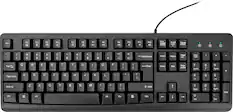
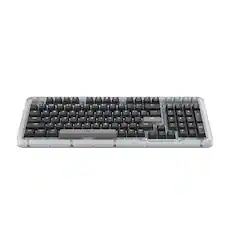
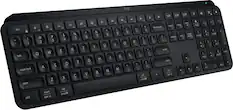
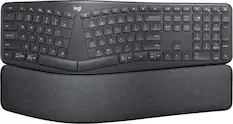
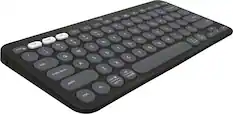
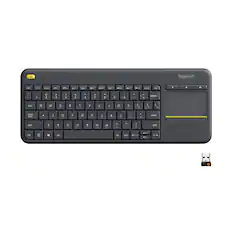
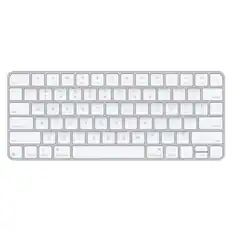
Computer Keyboards

![The text on the image reads:
888 DD DI DD 4 DSC i F2 F3 4 FS T6 ET 1. 1N IN F.. 11 1.. 114 1n F1 F12 118 in9 - a ee 1 8F 2 3 $ 4 % 5 A 6 & 7 . 8 I 9 I 0 ee I + = delete fn home page up clear - / + tab Q W E R T Y U I 0 P { [ ] ] | I delete end page down 7 8 9 ee caps lock A S D F G H J K L : I - return 4 5 6 + shift Z X C V N M < F > ? / shift a 1 2 3 control option 2 command 3 command option control Y - 0 enter
After grouping and correcting the text, it reads:
888 DD DI DD 4 DSC i F2 F3 4 FS T6 ET 1. 1N IN F.. 11 1.. 114 1n F1 F12 118 in9 - a ee 1 8F 2 3 $ 4 % 5 A 6 & 7 . 8 I 9 I 0 ee I + = delete fn home page up clear - / + tab Q W E R T Y U I 0 P { [ ] ] | I delete end page down 7 8 9 ee caps lock A S D F G H J K L : I - return 4 5 6 + shift Z X C V N M < F > ? / shift a 1 2 3 control option 2 command 3 command option control Y - 0 enter](https://pisces.bbystatic.com/image2/BestBuy_US/images/products/f4059d3a-0c2a-46ef-bcfd-4e11b9b26d5d.jpg;maxHeight=232;maxWidth=233?format=webp)




More to consider
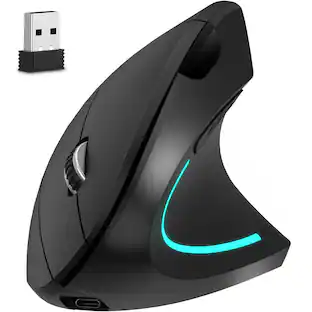
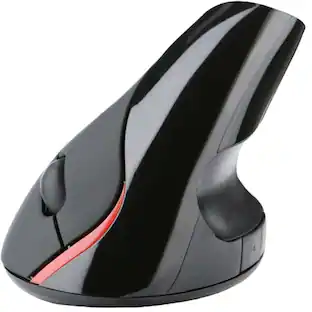
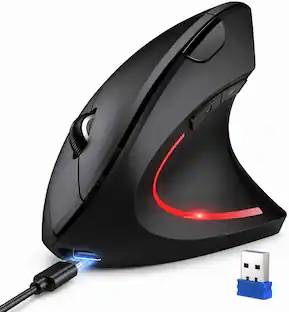
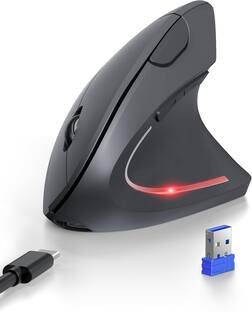
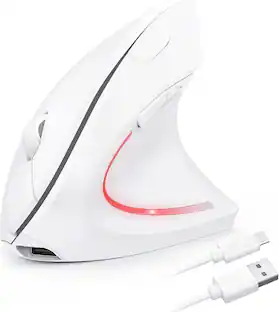
TECKNET 2.4G Wireless Ergonomic Vertical Mouse(USB Receiver, Rechargeable)
$25.99The price was $39.99


Explore tech essentials Sponsored
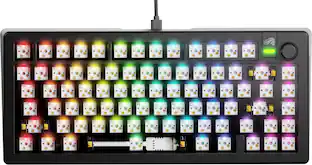
Glorious GMMK 3 PRO 75% Barebones Wired Mechanical Linear Switch Gaming Keyboard with Hot-swappable Switches
Clearance$96.99The price was $239.99
Keep exploring
GravaStar Mercury M2 Wireless Gaming Mouse with 26000 DPI, PAW3395 Sensor and 79g Lightweight Design
$75.95The price was $79.95Logitech Design Mouse Limited Edition Wireless Optical 3-button Mouse with Broad Compatibility
$31.84The price was $55.07ProtoArc EM11 NL Wireless Ergonomic Vertical Mouse, Rechargeable
Holiday Deal$24.99The price was $45.99