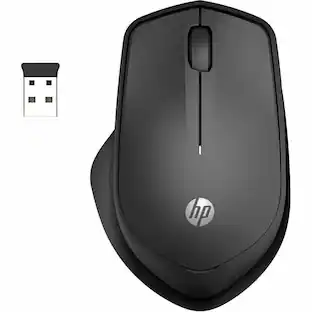
CORSAIR - M55 Wireless FPS Optical Gaming Ambidextrous Mouse with Slipstream Technology - Wireless - Black
Customers are saying
Customers appreciate the overall performance, portability, and impressive battery life of this mouse. Users frequently highlight its lightweight design, reliable dual-connectivity options, and smooth gliding experience on various surfaces. While the tracking precision and grip are also well-regarded, some users have noted concerns regarding the device's compact size and the stability of the buttons.
Features
Compact Symmetrical Shape
The streamlined design fits a wide range of hand sizes and grip styles, making it easy to control even during fast-paced gameplay.
Low-latency Wireless Connectivity
Low-latency 2.4GHz SLIPSTREAM WIRELESS v1.5 offers a reliable no-lag connection, or connect via versatile Bluetooth.
Ultra-long-lasting Wireless Battery
Play with confidence knowing your mouse battery won’t quit, lasting up to 185 hours on a single AA battery.*
Precise Optical Sensor up to 24,000 DPI
The optical sensor supports up to 24,000 DPI to accurately track every microscopic movement and aim, adjustable on-the-fly with a dedicated DPI button.
Textured Side Grips
Textured tri-hex pattern side grips give you the added control you need to come through in the clutch.
Durable Left- and Right-Click Switches
Ultra-quick mechanical switches are guaranteed for 60 million clicks.
Six Programmable Buttons
Put your roster of moves and attacks right where you need them on six optimally placed programmable buttons.
100% PTFE Mouse Feet
Mouse feet built from 100% ultra-low-friction PTFE skates offer a smooth glide across any surface.
Optimize Your Mouse in iCUE
Powerful CORSAIR iCUE software enables you to set DPI, program buttons, sniper mode, and more.
Specifications
- Lighting TypeNoneMaximum Sensitivity24000 dots per inchNumber of Buttons (Total)6Connection TypeWireless
Reviews
Rating 4.6 out of 5 stars with 93 reviews
- Overall Performance (20)
- Portability (19)
- Battery Life (17)
- Connectivity (15)
- Weight (15)
- Size (4)
- Button Quality (3)
Customer Images
The vast majority of our reviews come from verified purchases. Reviews from customers may include My Best Buy members, employees, and Tech Insider Network members (as tagged). Select reviewers may receive discounted products, promotional considerations or entries into drawings for honest, helpful reviews.





Compare similar products

Become a truly unstoppable force. The CORSAIR M55 WIRELESS gaming mouse has the compact symmetrical shape to fit your hand size and grip style. The sleek M55 WIRELESS dashes across your desktop with ease, and quick snaps and flicks are a cinch to control thanks to ergonomic textured side grips. Its wireless connection is just as fast, transmitting inputs with near-zero lag via SLIPSTREAM WIRELESS v1.5. The optical sensor supports up to 24,000 DPI to track every sweep and stop with pinpoint precision. With prime performance so close at hand, M55 WIRELESS puts you in position to make your best gaming moves.
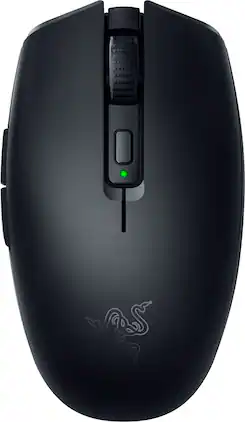
Introducing the Razer Orochi V2—a compact, ultra-lightweight wireless gaming mouse designed for exceptional portability and performance. Weighing under 60g, its ambidextrous shape ensures agile control on the go without sacrificing durability. With dual-mode connectivity, switch to Bluetooth for maximum battery efficiency during work, or unleash HyperSpeed Wireless for seamless, low-latency gaming. Built to outlast the grind, it delivers up to 1100 hours of battery life on Bluetooth and 445 hours on HyperSpeed, so you can keep going without frequent replacements. Outfitted with Razer Mechanical Mouse Switches Gen-2, enjoy crisp, consistent execution rated for up to 60 million clicks, while the Razer Focus X 18K Optical Sensor offers pinpoint precision with 99.4% resolution accuracy. Its hybrid battery slot works with either a single AA or AAA battery, giving you versatility and balanced weight distribution. Compact, versatile, and engineered for lasting performance—the Orochi V2 is the ultimate travel companion for work and play.
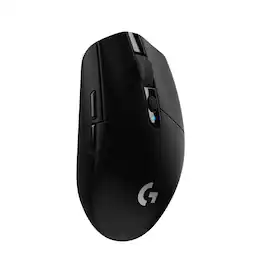
G305 features the next-gen HERO sensor with 12,000 DPI sensitivity and LIGHTSPEED wireless 1 ms performance. It’s long-lasting with 250 gaming hours from one AA battery (an indicator light reminds you before you need a new AA), ultra-portable with built-in nano receiver storage, lightweight weighing in at 99 grams, and ready to game with 6 programmable buttons. G305 is the LIGHTSPEED wireless mouse for all.
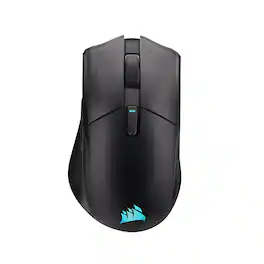
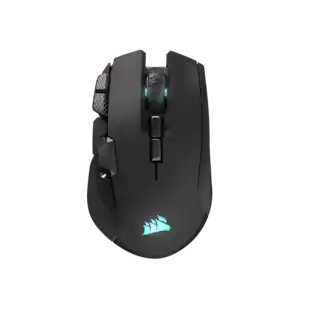
Get a better grip on your gaming with the HARPOON v2 WIRELESS Gaming Mouse. CORSAIR’s iconic asymmetric ergonomic shape and textured side grips deliver comfortable control and reduced thumb fatigue for all your daily gaming. Keep your aim on point with the crisp precision of the 26K DPI CORSAIR MARKSMAN sensor. Customize the 6 programmable buttons to get instant access to important abilities or powerful macros. With 140 hours* of battery life, you’ll enjoy days of wireless freedom before your mouse needs a recharge.
| Pros for CORSAIR - M55 Wireless FPS Optical Gaming Ambidextrous Mouse with Slipstream Technology - Wireless - Black | |||
|---|---|---|---|
| Overall Performance, Battery Life, Weight, Portability, Connectivity | There were no pros for this product— | Overall Performance, Weight, Battery Life, Ease of use, Price | Battery Life, Ergonomics, Performance, Button Layout, Build Quality |
| Cons for CORSAIR - M55 Wireless FPS Optical Gaming Ambidextrous Mouse with Slipstream Technology - Wireless - Black | |||
| Size, Button Quality | There were no cons for this product— | Lag, Button Placement, Software | There were no cons for this product— |
Specs
Customers often buy these together
Computer Keyboards
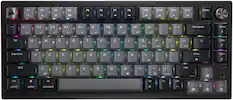
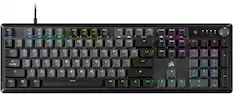
CORSAIR - K65 PLUS RGB 75% Wireless Mechanical Pre-Lubricated MLX Red Linear Switch Gaming Keyboard with Hot-Swappable Switches - Black/Gray
Top Deal$129.99The price was $159.99
![Esc A S D F G H J K L Z X C V B N M < > ? 1 2 3 4 5 6 7 8 9 0 - = Ins Home PgUp Q W E R T Y U I O P [ ] \ Del End PgDn CAPS A S D F G H J K L : - Z X C V B N M < > ? J5ZU Ctrl Alt Fn Ctrl](https://pisces.bbystatic.com/image2/BestBuy_US/images/products/3b0d5b45-939a-4b4a-8a4f-2498193cd8c0.png;maxHeight=232;maxWidth=233?format=webp)
![ESC F1 F2 F3 F4 F5 F6 F7 FB F9 F10 F11 F12 DEL PRTSC P6 UP PD ON ... 1 A - 1! 2 3# 4$ 5% 6^ 7& 8* 9( 0 ) = + NUM / - TAB Q W E R T Y U I O P [ ] \ | HOME B + 9 PB UP + CAPS A S D F G H J K L : : 1 ENTER 4 5 6 SHIFT Z X C V B N M ? SHIFT 1 END S + 3 PG ON ENT CTRL ALT ALT FN O INS DEL](https://pisces.bbystatic.com/image2/BestBuy_US/images/products/a921344c-ee7b-4281-ba27-e7c65f14d628.jpg;maxHeight=232;maxWidth=233?format=webp)
![ESC 1! 2@ 3# 4$ 5% 6^ 7& 8* 9( 0) - = + TAB Q W E R T Y U I O P [ ] \ CAPS A S D F G H J K L ;: ' ENTER SHIFT Z X C V B N M , < . > /? SHIFT CTRL ALT FN ALT CTRL](https://pisces.bbystatic.com/image2/BestBuy_US/images/products/fb45d967-e3b2-4557-bdfd-81cebccad467.jpg;maxHeight=232;maxWidth=233?format=webp)
![Sure, here is the corrected and grouped text from the image:
**Top Row:**
- ESC
- F1
- F2
- F3
- F4
- F5
- F6
- F7
- F8
- F9
- F10
- F11
- F12
- PRTSC
- DEL
**Number Row:**
- 1
- 2
- 3
- 4
- 5
- 6
- 7
- 8
- 9
- 0
- -
- =
- \
**Letter Row:**
- TAB
- Q
- W
- E
- R
- T
- Y
- U
- I
- O
- P
- [
- ]
- \
**Letter Row:**
- CAPS
- A
- S
- D
- F
- G
- H
- J
- K
- L
- ;
- '
**Letter Row:**
- SHIFT
- Z
- X
- C
- V
- B
- N
- M
- ,
- .
- /
**Function Row:**
-](https://pisces.bbystatic.com/image2/BestBuy_US/images/products/9be10b95-8e90-4a5d-b85f-cbc6a7d8e8df.png;maxHeight=232;maxWidth=233?format=webp)
![esc 1 ! 2 @ 3 # 4 $ 5 % 6 ^ 7 & 8 * 9 ( 0 ) - = | F1 F2 F3 F4 F5 F6 F7 F8 F9 F10 F11 F12 tab Q W E R T Y U I O P [ ] { } | caps A S D F G H J K L : : enter shift Z X C V B N M , < > ? shift ctrl alt fn ctrl](https://pisces.bbystatic.com/image2/BestBuy_US/images/products/bc5bce35-ca08-45da-bcc3-8d6fb215154b.jpg;maxHeight=232;maxWidth=233?format=webp)
Mouse Pads








More recommended items
 PC Gaming Headsets
 Gaming Headsets
More to consider
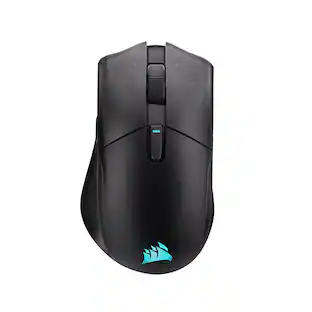
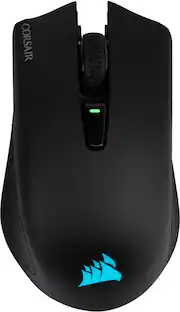
CORSAIR HARPOON RGB Wireless FPS Optical Gaming Mouse with Bluetooth
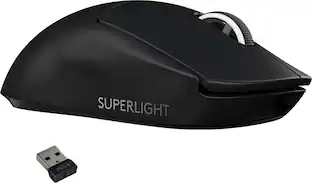
Clearance$45.99The price was $64.99Logitech PRO X SUPERLIGHT Lightweight Wireless Optical Gaming Mouse with HERO 25K Sensor
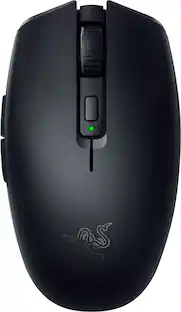
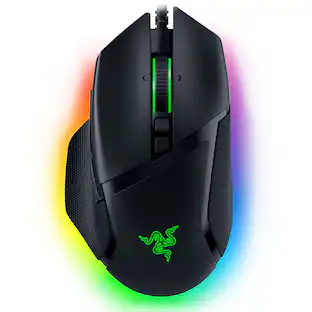
Top Deal$69.99The price was $139.99Razer Basilisk V3 X HyperSpeed Optical Gaming Mouse with 9 Customizable Controls
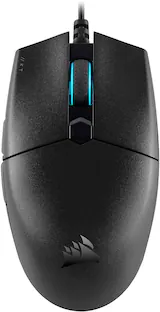
Top Deal$49.98The price was $69.99Razer Viper V3 HyperSpeed Lightweight Optical Gaming Mouse with 280 Hour Battery Life
Top Deal$59.99The price was $69.99
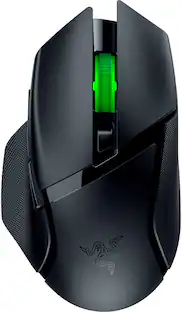
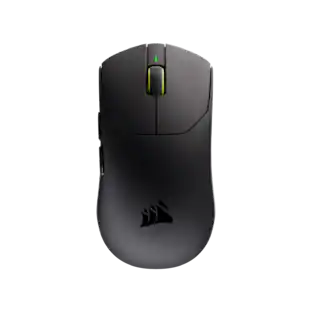
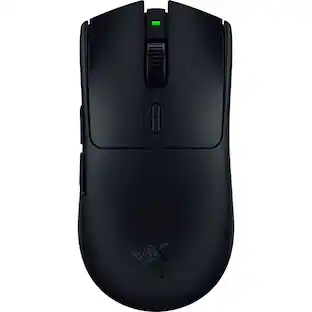

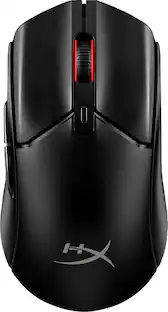
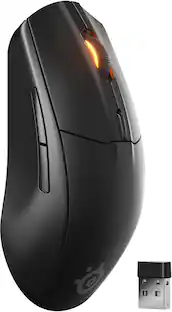
Explore tech essentials Sponsored
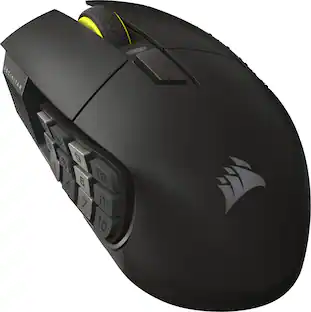
CORSAIR Scimitar Elite Wireless SE MOBA/MMO Optical Gaming Mouse with 16 Programmable Buttons
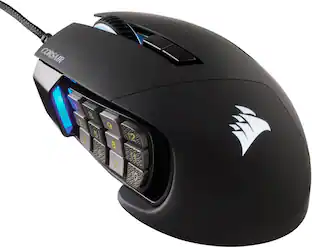
$99.99The price was $139.99CORSAIR Scimitar RGB Elite Wired MOBA/MMO Optical Gaming Mouse with 17 Programmable Buttons
$69.99The price was $89.99
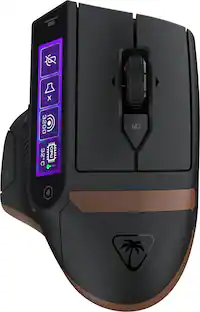
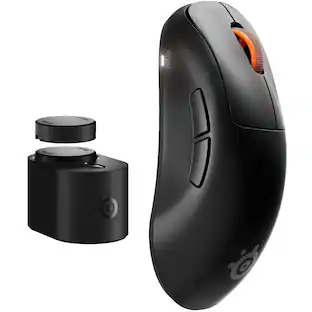
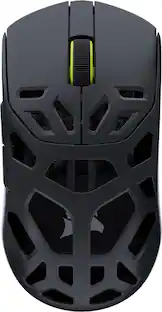

Discover related products
Acer USB C Docking Station With 2 HDMI, 9-IN-1 Docking Hub with USB A&C 3.0, SD/Micro SD, 100W Charging
$40.99The price was $47.99Acer USB C to HDMI Cable for Home Office 6.6FT (4K@60Hz), High-Speed Type C to HDMI 2.0 Braided Cord
$12.99The price was $13.99AGPtek 8 in 1 External CD/DVD Drive for Laptop, USB 3.0 Ultra Slim Portable CD Burner with 4 USB Ports
$31.99The price was $32.99Z Z-Edge 2K 2592x1944 Stream Webcam Auto Focus Web Camera for PC/Desktop/Laptop
$24.99The price was $39.99













Keep exploring
GravaStar Mercury X Pro Wireless 8K Hz Gaming Mouse with 32000 DPI and 49g Magnesium Alloy Frame
$139.95The price was $187.95GravaStar Mercury X Wireless Optical Gaming Mouse with 32000 DPI and 49g Magnesium Alloy Frame
$79.95The price was $109.95Logitech Design Mouse Limited Edition Wireless Optical 3-button Mouse with Broad Compatibility
$29.46The price was $55.07