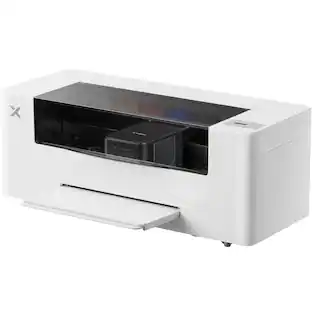
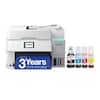
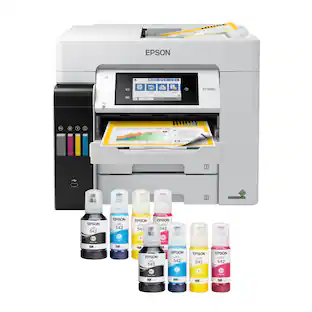
Epson - EcoTank Pro ET-5850 Wireless All-In-One Supertank Inkjet Printer - White

Key Accessories:
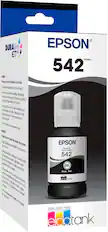
- Epson - 542 XL High-Yield Ink Cartridge - Black$35.99
More Buying Options from Best Buy
Related Item

Specifications
- NetworkingWired, WirelessENERGY STAR CertifiedYesPrinter TypeAll In OneISO Color Print Speed25 pages per minuteISO Mono Print Speed25 pages per minuteTouch ScreenYes
- Key Specs
- Networking: Wired, Wireless
- ENERGY STAR Certified: true (Devices carrying the ENERGY STAR service mark, such as computer products and peripherals, kitchen appliances, and other products, generally use 20% to 30% less energy than required by federal standards.)
- Printer Type: All In One
- ISO Color Print Speed: 25 pages per minute (The number of color pages able to be printed per minute in the device's default single-side mode, as tested by the International Standards Organization (ISO).)
- ISO Mono Print Speed: 25 pages per minute (The number of black ink (grayscale) pages able to be printed per minute in the device's default single-side mode, as tested by the International Standards Organization (ISO).)
- Touch Screen: true (Touch-screen devices make navigating more intuitive. Using a touch-screen display, you can do things such as tap to select, hold and drag to move items, swipe to scroll, and pinch to zoom.)
- General
- Brand: Epson
- Model Number: C11CJ29201
- Product Name: EcoTank Pro ET-5850 Wireless All-In-One Supertank Inkjet Printer
- Color: White
- Display Screen: true
- Display Screen Size: 4.3 inches
- Dimensions
- Product Height: 13.8 inches (The out of box height of the item. Height is measured as the vertical distance from the bottom of the item to the top as it would be primarily used or placed.)
- Product Width: 16.7 inches (The out of box width of the item. Width is measured as the horizontal distance from one side of the item to the other as it would be primarily used or placed.)
- Product Depth: 19.7 inches (The out of box depth of the item. Depth is measured as the distance from the front of the item to the back as it would be primarily used or placed.)
- Product Weight: 39.2 pounds (The out of box weight of the item.)
- Features
- Automatic Document Feeder: true
- Photo Printing: true
- Monochromatic/Color: Color
- Automatic Reduction/Enlargement: true
- Automatic Two-Sided Printing: true
- Tray Capacity: 550
- Connectivity
- Wired Connectivity: Ethernet, USB-B
- Wireless Connectivity: Bluetooth, Wi-Fi (The manner in which a device sends data to another device over a short distance without the use of wires or cables.)
- Scanner Info
- Scanner Type: Flatbed
- Scanner Resolution: Up to 1200 x 3200 (Refers to the number of pixels/dots, both horizontally and vertically, of the image produced by the scanner. Generally, the higher the resolution, the sharper and cleaner the produced image.)
- Fax Info
- Integrated Fax: true
- Ink
- Compatible Cartridges: Epson T542
- Ink Cartridges Required: None (The quantity and color of ink cartridges required for the printer to operate.)
- Ink Cartridges Included: None (The quantity and color of ink cartridges included.)
- Ink Bags/Bottles Required: 1 x Black, 1 x Cyan, 1 x Magenta, 1 x Yellow (The quantity and color of ink bags/bottles required for the printer to operate.)
- Ink Bags/Bottles Included: 2 x Black, 2 x Cyan, 2 x Magenta, 2 x Yellow (The quantity and color of ink bags/bottles included.)
- Paper Info
- Automatic Document Feeder Capacity: 50 sheets
- Maximum Document Length: 236.4 inches
- Maximum Document Width: 8.5 inches
- Supported Paper Sizes: A6, Half letter, Letter, A4, Executive, Legal
- Paper Feeder: Cassette
- Paper Handling: Two 250-sheet input cassettes, 50-sheet rear feed
- Copier Info
- Maximum Number Of Copies: 999
- Performance
- Printer Resolution (Black): Up to 4800 x 2400 (Refers to the number of pixels/dots, both horizontally and vertically, of the image produced by the printer in black ink. Generally, the higher the resolution, the sharper and cleaner the produced image.)
- Printer Resolution (Color): Up to 4800 x 2400 (Refers to the number of pixels/dots, both horizontally and vertically, of the image produced by the printer in colored ink. Generally, the higher the resolution, the sharper and cleaner the produced image.)
- Warranty
- Warranty - Parts: 1 year
- Warranty - Labor: 1 year
- Other
- UPC: 010343952799
Employ high-quality printing with this Epson EcoTank Pro all-in-one printer. The 550-sheet paper tray capacity handles a large volume of work without interruption, while Wi-Fi, Ethernet and Bluetooth connectivity lets you print from various devices. This Epson EcoTank Pro all-in-one printer has a 4.3-inch touch screen for easy menu navigation, and the print speed of up to 25 ISO ppm produces documents quickly.
- Up to 4800 x 2400 dpi (dots per inch) color resolution: High resolution for producing incredible quality and detail in documents and photos.
- Apple AirPrint enabled: You can use it for Apple iPad and iPhone printing.
- Page yield: A set of replacement bottles includes enough ink to print up to 7,500 pages in black and up to 6,000 pages in color.
- Wireless and mobile printing capability: Connect this printer to your home or office network with built-in Ethernet or wireless LAN. You can also print from your mobile device with the free Epson iPrint mobile App or Apple AirPrint.
- Be sure you have the right cartridge: Enter your printer's model number into Ink and Toner Finder to find compatible cartridges. Get started ›
- Ideal for home or small business use: This inkjet printer offers excellent print quality for photos and documents and accepts a variety of paper types and sizes.
- Prints up to 25 ISO ppm* in black and up to 25 ISO ppm* in color: Generates documents quickly.
- USB port for simple connectivity: The high-speed USB port offers a standard connection to your PC or a simple way to plug in and print from a USB drive, camera, or any other device.
- Large paper cassettes for your high-volume printing: Reload less often with two 250-sheet input cassettes and a 50-sheet rear feed.
- 4.3" color touch-screen display: Easily input commands for printing, copying, and scanning directly from the printer.
- Tablet and smartphone printing: Epson Connect enables simple wireless printing from most smartphones, tablets and more.
Whats Included
- Epson EcoTank Pro ET-5850 Wireless All-In-One Inkjet Printer
- Two bottles of Epson 542 Black ink (127 mL)
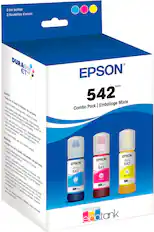
- Two bottles each of Epson 542 Cyan, Magenta, Yellow (70 mL) ink
- Power cord
- Owner's manual
Disclaimers
- *Requires a high-speed Internet connection.
- Requires a high-speed Internet connection.
Q: What is the page yield of the ink bottles for this printer?
A: With a set of replacement ink bottles, you can print up to 7,500 pages in black and up to 6,000 pages in color.
Q: Does this printer offer automatic two-sided printing?
A: Yes, this Epson all-in-one printer has automatic two-sided printing functionality.
Q: What is the maximum printing resolution of this printer?
A: This Epson printer offers a high resolution of up to 4800 x 2400 dpi (dots per inch) for both color and black printing.
Q: What is the paper tray capacity of this Epson printer?
A: This Epson printer has a large paper tray capacity of 550 sheets.
Q: Can I print from my phone or tablet with this Epson printer?
A: Yes, you can print wirelessly from your smartphone or tablet using the Epson iPrint mobile app or Apple AirPrint.
Q: Does this printer have a touch screen?
A: Yes, this printer has a 4.3-inch color touch-screen display for easy navigation.
Q: How do I connect this printer to my computer?
A: This printer can be connected to your computer using the high-speed USB port.
A: Yes, the ADF does single pass duplex scans
Compare similar products

Employ high-quality printing with this Epson EcoTank Pro all-in-one printer. The 550-sheet paper tray capacity handles a large volume of work without interruption, while Wi-Fi, Ethernet and Bluetooth connectivity lets you print from various devices. This Epson EcoTank Pro all-in-one printer has a 4.3-inch touch screen for easy menu navigation, and the print speed of up to 25 ISO ppm produces documents quickly.
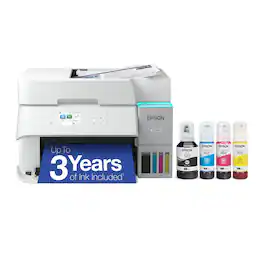
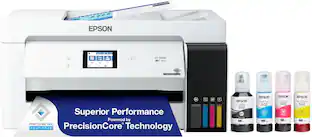
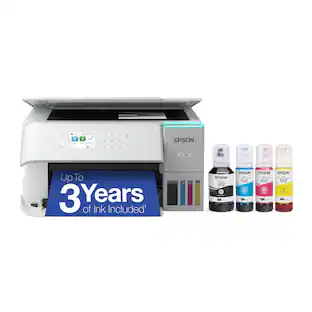
Introducing the EcoTank ET-3950 — The Perfect Printer for Busy Families. Say goodbye to expensive cartridges with the Epson EcoTank ET-3950, the newest innovation from a recognized leader in photographic printing. Combining simplicity with a modern design, the ET-3950 features advanced technology that enhances both performance and print quality, making it an ideal choice for home office printing—including content created by AI. Powered by PrecisionCore Heat-Free technology, the ET-3950 offers a duty cycle that’s twice as robust as its predecessor (1). And unlike conventional thermal inkjet printers, its unique permanent printhead is engineered to last the life of the printer. Designed to be simple and error-free, refilling ink is a breeze with large ink tanks and uniquely keyed EcoFit bottles—no mess, no stress and no ink bottle mix-ups. And with enough ink in the box to last up to three years (2), you'll enjoy affordable color printing without the hassle of frequently replacing cartridges. Featuring Ethernet and Wi-Fi for seamless connectivity, along with the user-friendly Epson Smart Panel app (3), you can easily print, scan, and more directly from your computer or mobile device (4). Choose Epson EcoTank, the #1 Best-Selling Supertank Printer (5). With more than 100 million units sold globally (6) across seven generations of innovation, EcoTank consistently delivers affordable, photo-quality prints, making it a reliable choice for all your printing needs.
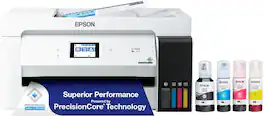
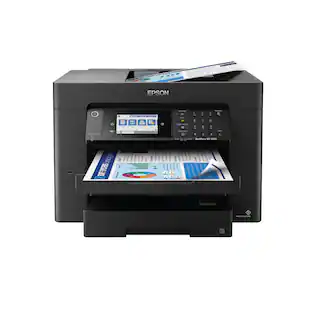
The EcoTank ET-15000 wireless all-in-one offers Cartridge-Free Printing with easy-to-fill supersized ink tanks. Save up to 90 percent on ink with low-cost replacement bottles (1). This all-in-one delivers vibrant prints up to 13" x 19" (through rear-feed tray) and scans up to 8.5" x 14" (via the ADF). Print for up to 2 years with each included or replacement ink bottle set (2) — each replacement set includes enough ink to print up to 7,500 pages (3). That’s equivalent to about 80 individual cartridges (4). And, there’s zero cartridge waste. The ET-15000 features a 250-sheet front tray paper capacity and rear specialty-paper feed, plus a 2.7" color touchscreen and hands-free voice-activated printing (5).

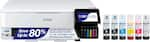
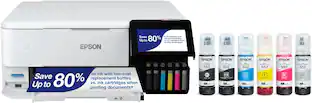
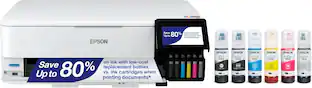
The EcoTank Photo ET-8550 wireless all-in-one prints lab-quality, wide-format color photos, graphics and everyday documents — all at an incredible value. Epson’s cartridge-free, 6-color Claria ET Premium Ink system delivers vibrant colors and sharp text for all your creative projects. With low-cost replacement ink bottles, print 4" x 6" photos for about 4 cents each compared to 40 cents with cartridges (1). Print everything from borderless 13" x 19" photos to customized CDs/DVDs. You can even print on cardstock and other media up to 1.3 mm thick. For added convenience, each set of bottles lets you print for up to 2 years (2). Plus, save up to 80 percent with replacement ink bottles vs. ink cartridges (3) — that’s about $2,000 on each set (3). The EcoTank Photo lets you do it all with affordable in-house printing.
| Pros for Epson - EcoTank Pro ET-5850 Wireless All-In-One Supertank Inkjet Printer - White | |||
|---|---|---|---|
| There were no pros for this product— | Print Quality, Setup Ease, Connectivity, Size, Noise Level | Print Speed | Print Quality, Overall Performance, Ease of use, Setup |
| Cons for Epson - EcoTank Pro ET-5850 Wireless All-In-One Supertank Inkjet Printer - White | |||
| There were no cons for this product— | Control Panel | There were no cons for this product— | Paper Jam, Price, Noise Level |
Specs

Reviews
Rating 4.7 out of 5 stars with 244 reviews
Customer Images
The vast majority of our reviews come from verified purchases. Reviews from customers may include My Best Buy members, employees, and Tech Insider Network members (as tagged). Select reviewers may receive discounted products, promotional considerations or entries into drawings for honest, helpful reviews.
Customers often buy these together
Ink Cartridges
Copy and Multipurpose Paper



More recommended items
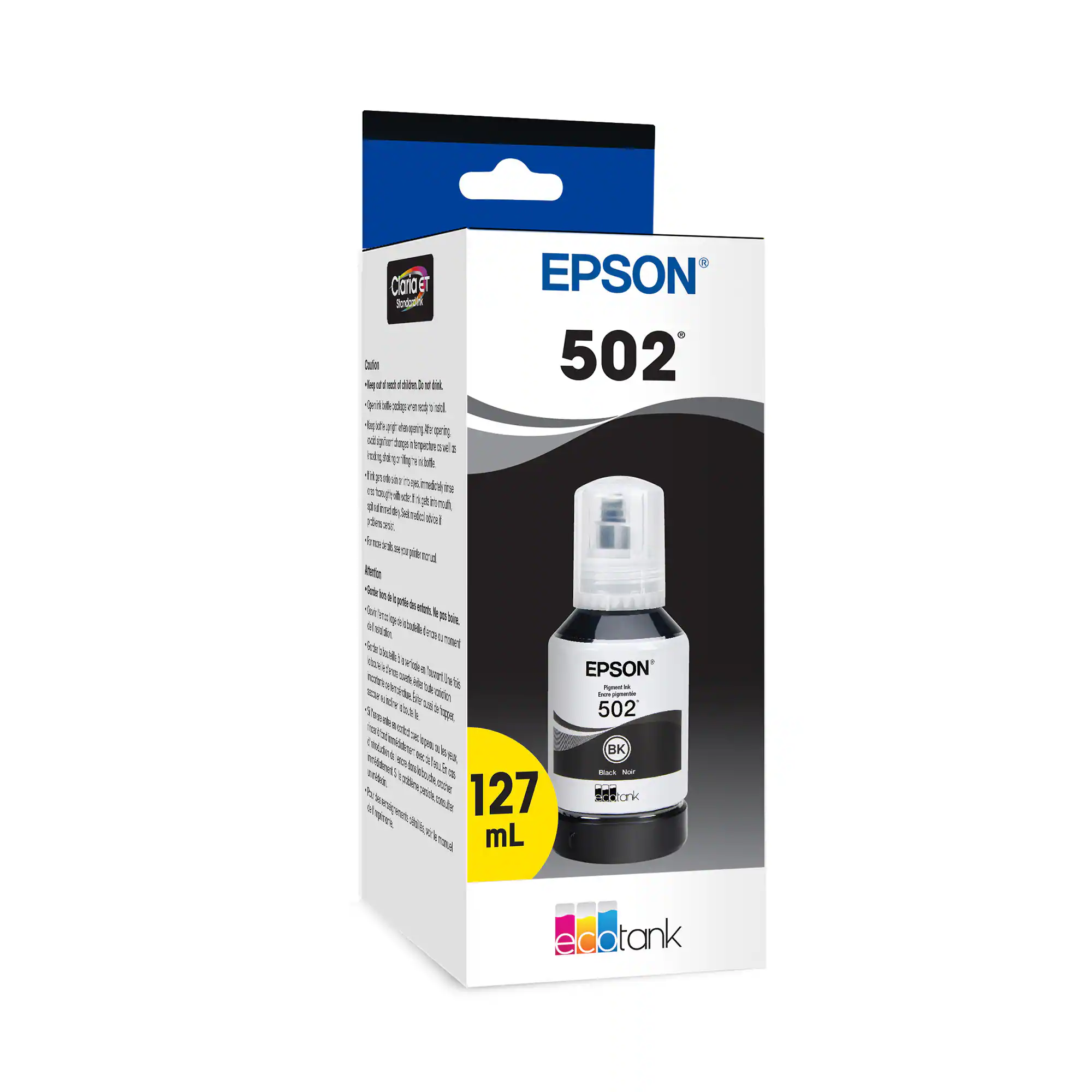 Ink Bags and Bottles
 Printer Paper
 Photo Paper
More to consider
 $599.99The price was $699.99
 $229.99The price was $379.99
 $599.99The price was $863.99



Explore tech essentials Sponsored
 $349.99The price was $479.99
 $349.99The price was $389.99

Discover related products
 $164.00The price was $193.00
 $93.00The price was $109.00
 $324.00The price was $413.27





Keep exploring
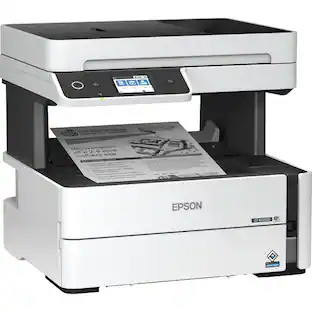
Epson - WorkForce ST-M3000 Multifunction Supertank Printer. Cartridge Free MFP with ADF & Fax Inkjet
$411.98The price was $415.46 $208.98The price was $229.98
 $265.98The price was $280.98
 $119.99The price was $139.99