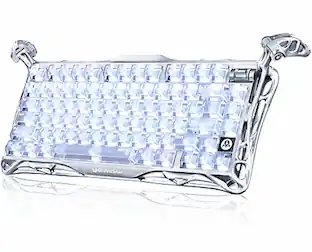
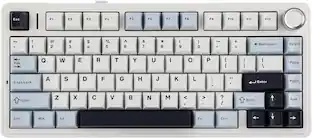
PRIMEPLUS - Wireless Keyboard & Mouse Combo, 30dB Quiet Ergonomic Keys & Palm Rest, Dual-System for Mac/Windows - White
Reviews coming soon
About this product
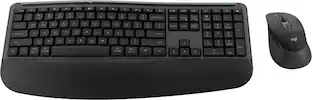
Type in complete silence with this ultra‑quiet wave keyboard. At just 30dB, it's quieter than a whisper – no more clacking keys during Zoom calls or late‑night sessions. The buttery‑soft faux lambskin leather palm rest is waterproof and stain‑resistant, while the ergonomic wave keys reduce wrist strain by 40% – type 8+ hours fatigue‑free. The raised‑left ergonomic mouse supports natural hand posture and features 3 adjustable DPI settings. Connect both keyboard and mouse via a single USB‑A/C receiver – plug and play with Windows, macOS, Chrome OS, Linux, and more. Stable 33ft wireless range. The USB receiver is stored inside the mouse. Powered by 2 AAA batteries (keyboard) and 1 AA battery (mouse) – not included. Perfect for home offices, shared workspaces, and corporate desk upgrades.
Color
WhiteFeatures
1. 30dB Ultra‑Quiet Typing – No More Clacking
Whisper‑quiet wave keyboard lets you focus without disturbing others. Ideal for open offices, late‑night work, or back‑to‑back Zoom calls. Productivity without the noise.
2. Cloud‑Like Comfort – Ergonomic Wave Keys + Soft Palm Rest
Buttery‑soft faux lambskin leather palm rest (waterproof & stain‑resistant) paired with wave keys that hug your fingertips. Reduces wrist strain by 40% – type 8+ hours comfortably.
3. Ergonomic Mouse + 7 Shortcuts – Boost Efficiency
Raised‑left design supports natural hand posture and helps prevent carpal tunnel. 3 adjustable DPI settings for any task. 7 keyboard shortcuts streamline your workflow.
4. Plug & Play – One Receiver for Both Devices
Single USB‑A/C receiver connects keyboard and mouse – no pairing hassle. Works with Windows, macOS, Chrome OS, Linux, Android, and more. 33ft wireless range. Receiver stored in mouse.
Specifications
- Lighting TypeNoneForm FactorErgonomicConnection TypeWireless
Reviews
This product doesn't have any reviews yet.


Compare similar products
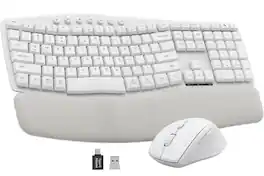
Type in complete silence with this ultra‑quiet wave keyboard. At just 30dB, it's quieter than a whisper – no more clacking keys during Zoom calls or late‑night sessions. The buttery‑soft faux lambskin leather palm rest is waterproof and stain‑resistant, while the ergonomic wave keys reduce wrist strain by 40% – type 8+ hours fatigue‑free. The raised‑left ergonomic mouse supports natural hand posture and features 3 adjustable DPI settings. Connect both keyboard and mouse via a single USB‑A/C receiver – plug and play with Windows, macOS, Chrome OS, Linux, and more. Stable 33ft wireless range. The USB receiver is stored inside the mouse. Powered by 2 AAA batteries (keyboard) and 1 AA battery (mouse) – not included. Perfect for home offices, shared workspaces, and corporate desk upgrades.
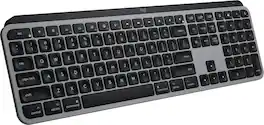
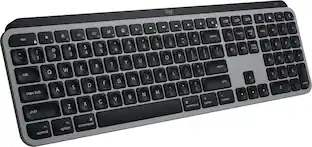
Introducing MX Keys S for Mac — a low-profile wireless keyboard with Mac-specific keys that offers a fast fluid precise typing experience, smart illumination, and customizable, time-saving Smart Actions and matching Space gray and Pale gray finishes that blend perfectly into your Apple setup.
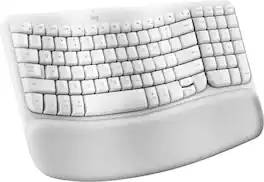
Say hello to your first ergo keyboard, designed for Mac. Wave Keys for Mac wireless ergonomic keyboard is shaped for all-day comfort, with a wavy keyframe design for easy, natural typing. The cushioned palm rest with memory foam, provides 57% more wrist support. Pair Wave Keys for Mac with Lift for Mac for the full comfy experience.

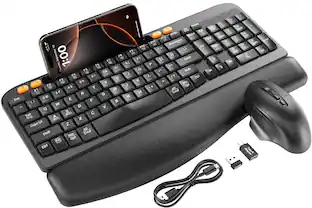
Experience lasting comfort and control with the wireless keyboard and mouse designed for effortless productivity. The ergonomic keyboard features a full-sized 104-key layout with a numpad, quiet curved keys, and a soft wrist rest that supports natural posture and reduces strain, long lasting battery with auto power saver and instant wake functions. Paired with a mouse computer wireless that connects via Bluetooth or 2.4GHz USB dongle, it offers a semi-vertical ergonomic grip for all hand shapes, a precise 3D trackball, and eight customizable buttons with five DPI levels from 800 to 4800. With smooth, fatigue-free navigation and wide compatibility across PCs, laptops, and tablets, this bundle delivers comfort and control wherever you work.
| Pros for PRIMEPLUS - Wireless Keyboard & Mouse Combo, 30dB Quiet Ergonomic Keys & Palm Rest, Dual-System for Mac/Windows - White | |||
|---|---|---|---|
| There were no pros for this product— | Battery Life, Connectivity, Keyboard Quality, Ease of use, Size | Connectivity, Battery Life, Comfort, Overall Performance, Noise Level | There were no pros for this product— |
| Cons for PRIMEPLUS - Wireless Keyboard & Mouse Combo, 30dB Quiet Ergonomic Keys & Palm Rest, Dual-System for Mac/Windows - White | |||
| There were no cons for this product— | Price, Number Pad, Compatibility, Noise Level | Key Size, Backlight | There were no cons for this product— |
Specs
Be the first to ask a question.
We’ll try to get your question answered within 24 hours by a Best Buy customer or brand representative.
Customers often buy these together
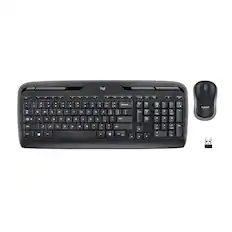
Logitech - MK270 Full-size Wireless Membrane Keyboard and Mouse Bundle for PC - Black
Holiday Deal$19.99The price was $29.99
Logitech - MK540 Full-size Advanced Wireless Membrane Keyboard and Mouse Combo for PC - Black
$49.99The price was $59.99
Razer - Huntsman Mini 60% Wired Optical Clicky Switch Gaming Keyboard with Chroma RGB Backlighting - Black
$69.00The price was $119.99




More to consider
CORSAIR VANGUARD 96 RGB Wired MLX Quantum Linear Mechanical Switch 96% Gaming Keyboard with FlashTap SOCD
Holiday Deal$139.99The price was $179.99CORSAIR GALLEON 100 SD Stream Deck-Integrated Mechanical Gaming Keyboard
$299.99The price was $349.99Logitech MK270 Full-size Wireless Membrane Keyboard and Mouse Bundle for PC
Holiday Deal$19.99The price was $29.99CORSAIR K65 PLUS RGB 75% Wireless Mechanical Pre-Lubricated MLX Red Linear Switch Gaming Keyboard with Hot-Swappable Switches
Holiday Deal$129.99The price was $159.99

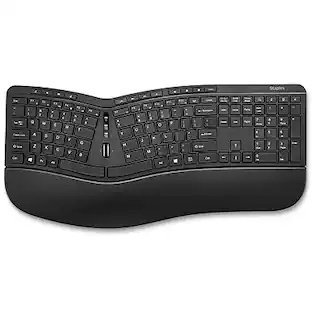

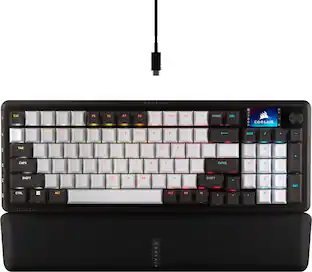
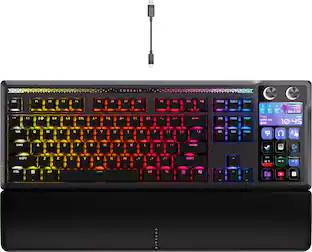
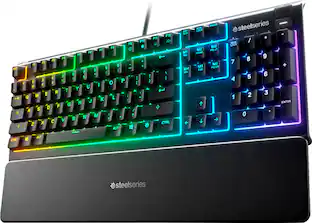
Explore tech essentials Sponsored
CORSAIR GALLEON 100 SD Stream Deck-Integrated Mechanical Gaming Keyboard
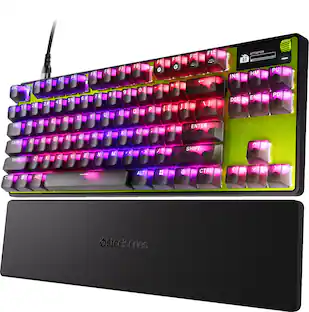
$299.99The price was $349.99SteelSeries Apex Pro TKL Gen 3 Wired Magnetic Hall-Effect OmniPoint Adjustable Gaming Keyboard with Rapid Tap - Speed Edition
DoorBOOster$164.99The price was $239.99
Keep exploring
GravaStar Mercury V60 Pro Special Edition 60% Wired Hall Effect Gaming Keyboard
$199.95The price was $299.95GravaStar Mercury K1 Pro Wireless Mechanical Gaming Keyboard, 75% Layout, RGB Backlit, Hot-Swappable
$199.95The price was $259.95