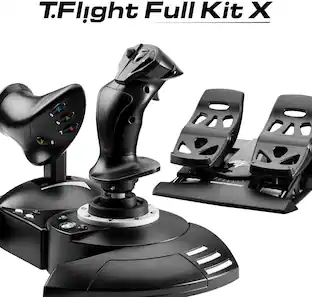
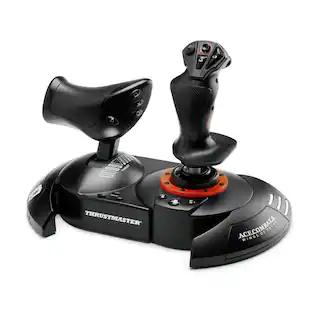
Thrustmaster - T-Flight Hotas One Joystick for Xbox Series X|S, Xbox One, Windows - Black
Customers are saying
Customers regard this product as a high-quality and user-friendly option that offers excellent value for flight simulation enthusiasts. Users frequently praise the smooth, responsive controls and the realistic experience it provides during gameplay. While the overall performance and ease of setup are highly regarded, some users noted that the throttle could benefit from more resistance and that the cable length is somewhat restrictive. Additionally, a few customers expressed a preference for wireless connectivity over the current wired configuration.
Features
The first official joystick for Xbox Series X|S, Xbox One and PC, with the official Buttons for the Xbox One Console.
Detachable, full-size throttle for Easy maneuverability, even in virtual reality.
Adjustable handle resistance with wide hand-rest.
Comprehensive flight Gear: 5 axes + 14 action Buttons + 1 rapid-fire trigger + 1 Multidirectional hat Switch (navigation/panoramic view).
Ergonomic design perfectly adapted for all types of flight simulation (space adventure, modern combat, warplanes, civil flight).
Specifications
- WirelessNoCompatible Platform(s)XBOX One, Windows, XBOX Series S, XBOX Series X
Reviews
Rating 4.5 out of 5 stars with 937 reviews
- Overall Performance (166)
- Ease of use (154)
- Price (79)
- Compatibility (75)
- Control (40)
- Throttle (43)
- Cord Length (24)
- Connectivity (4)
Customer Images
The vast majority of our reviews come from verified purchases. Reviews from customers may include My Best Buy members, employees, and Tech Insider Network members (as tagged). Select reviewers may receive discounted products, promotional considerations or entries into drawings for honest, helpful reviews.
About Open Box





Compare similar products

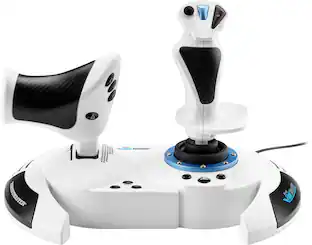
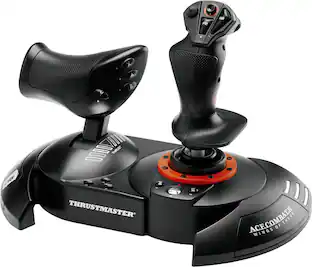
T.Flight Hotas One, a joystick for Xbox Series X|S, Xbox One, and PC, provides a high level of realism: the stick includes five axes, fourteen action buttons, a rapid-fire trigger and a multidirectional hat switch (navigation/panoramic view), all of which are easily accessible. The throttle - detachable and full-size for easy maneuverability, even in virtual reality - provides super-responsive power. The dual rudder system can be engaged by rotating the handle (with an integrated locking system) or via the progressive tilting lever. The T.Flight Hotas One includes official buttons for the Xbox One console (Guide/View/Menu): access social features, switch between the game and the console, navigate through the console's menus, etc.
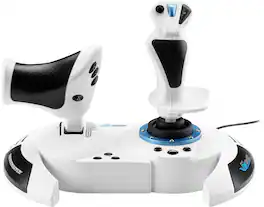
Awaken your inner pilot with T.Flight Hotas 5 Microsoft Flight Simulator Edition — specially designed to help you explore Microsoft Flight Simulator 2024. For an immersive flight experience, this full-featured, precise control system will deliver realistic sensations during your aerial escapades. You can adjust the joystick's resistance, as well as the positions of the throttle and the control lever, to fully customize the setup to your preferences and ergonomic needs. Don't wait another second to take off on your adventure: with its Plug & Play system, T.Flight Hotas 5 Microsoft Flight Simulator Edition is instantly recognized on PS5, PS4 and PC (Windows 10/11) — meaning no delays as you take to the skies in Microsoft Flight Simulator 2024!
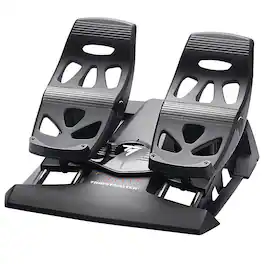
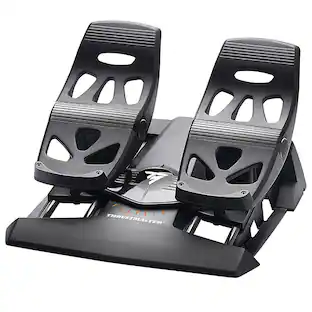
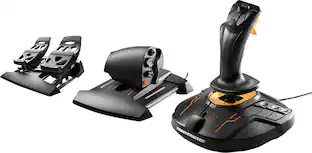
You're cleared for immediate takeoff! The TFRP Rudder from Thrustmaster is designed for all users and is compatible on PC with all joysticks on the market. This is the first rudder to feature S.M.A.R.T slide rails system, for smooth steering. Its ergonomic design allows you to put your entire foot on the pedal, thanks to the heel-rests. The USB rudder can be combined with Thrustmaster USB joysticks (HOTAS Warthog, T16000M) and the MFD Cougar control panel, so that they are recognized as a single USB device.
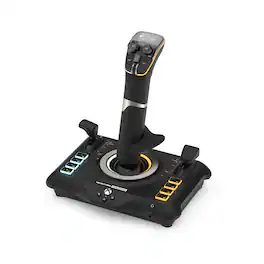
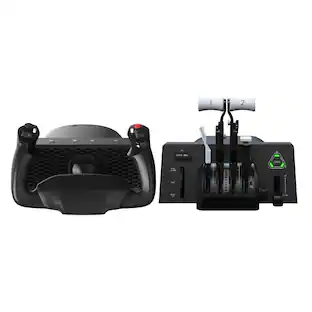
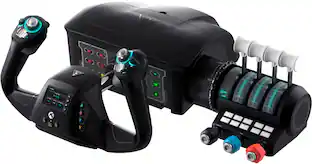
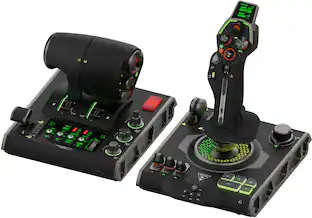
Take Flight with Turtle Beach. The Turtle Beach VelocityOne Flightstick for XBOX Series X|S, XBOX One & Windows PCs equips you with immersive, accurate controls for air and space flight simulation & combat games on XBOX and PC. Ultra-smooth main stick provides precise control, and two multi-function levers control main engine power and adjustment of control surfaces. A precise nano trim wheel allows for fine tuning of attitude and the OLED Flight Management Display makes for easy adjustments to control profiles. With 27 programmable buttons, a rapid-fire trigger and more, you’re well-armed with a multitude of controls.
| Pros for Thrustmaster - T-Flight Hotas One Joystick for Xbox Series X|S, Xbox One, Windows - Black | |||
|---|---|---|---|
| Overall Performance, Ease of use, Control, Price, Compatibility | Overall Performance | Ease of use | Overall Performance, Ease of use, Control, Button Layout, Feel |
| Cons for Thrustmaster - T-Flight Hotas One Joystick for Xbox Series X|S, Xbox One, Windows - Black | |||
| Throttle, Cord Length, Connectivity | Compatibility | There were no cons for this product— | Compatibility, Weight, Base Stability |
Specs
Customers often buy these together
Gaming Headsets

Power Adapters and Chargers



PC Gaming Headsets
Turtle Beach - Stealth 600 Wireless Over-Ear Multiplatform Gaming Headset for PC, PS5, PS4 & Mobile - Black
$94.99The price was $109.99
Customers ultimately bought
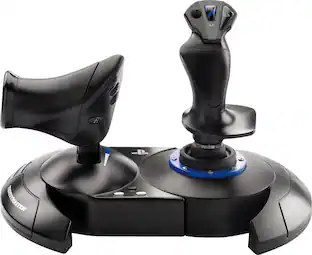
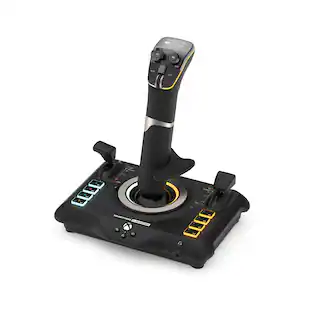
Logitech X56 HOTAS Microsoft Flight Simulator RGB Dual-Throttle and Joystick
$247.00The price was $275.00

Explore tech essentials Sponsored
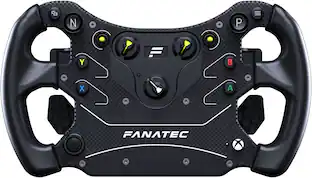
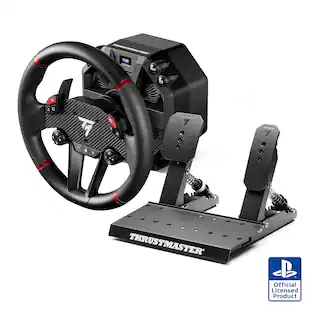
Thrustmaster T598 Racing Wheel & Pedals – 5Nm Direct Drive Force Feedback Sim Racing Wheel for PS5, PS4, Windows
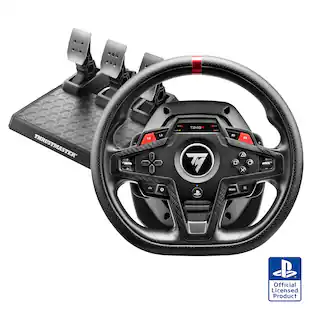
$549.99The price was $599.99Thrustmaster T248R Racing Wheel & Pedals – Hybrid Drive Force Feedback, Paddle Shifters for PS5, PS4, Windows
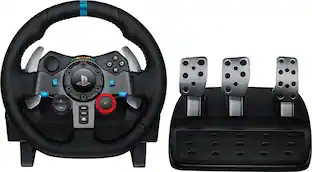
$299.99The price was $349.99Logitech G29 Driving Force Racing Wheel and Floor Pedals for PS5, PS4, PC, Mac
Top Deal$229.99The price was $299.99
Discover related products
Acer USB C Docking Station With 2 HDMI, 9-IN-1 Docking Hub with USB A&C 3.0, SD/Micro SD, 100W Charging
$40.99The price was $47.99Acer USB C to HDMI Cable for Home Office 6.6FT (4K@60Hz), High-Speed Type C to HDMI 2.0 Braided Cord
$12.99The price was $13.99Epson EcoTank ET-2988 Wireless All-in-One Color Supertank Inkjet Printer
$149.99The price was $169.99













Keep exploring
Thrustmaster Flight Stick - Thrustmaster T-Flight Full Kit: Officially Licensed by Microsoft
$249.04The price was $267.98Honeycomb Aeronautical Alpha Flight Controls LITE and Bravo Throttle Quadrant
$299.99The price was $399.98Sony Interactive Entertainment DualSense Wireless Controller for PS5, PC, Mac & Mobile
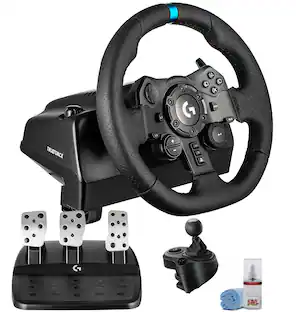
$79.99The price was $91.99Logitech G923 Racing Wheel and Pedals Trueforce Sim Driving Wheel For PC, PS4, PS5 with Logitech Shifter
$514.95The price was $529.95FLYDIGI Apex 5 PC Controller, Forceflex Joystick 2.0, ForceAdapt Triggers, 3ms Ultra-Low Latency
$135.99The price was $159.99