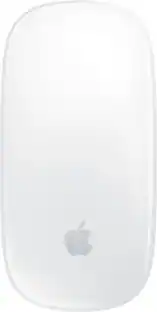
Apple - Magic Mouse - Multi-Touch Surface (USB-C) - Wireless - White Multi-Touch Surface
Customers are saying
Customers regard this product highly for its excellent overall performance, long battery life, and sleek, lightweight design. Users also frequently praise its ease of use and seamless connectivity with other devices. While the majority of feedback is positive, some users have noted concerns regarding the placement of the charging port, the physical size of the device, and the sensitivity of the scrolling feature.
Color
White Multi-Touch SurfaceFeatures
Compatible Mac Models
MacBook Air (2020 and later), MacBook Pro 14-inch (2021 and later), MacBook Pro 16-inch (2019 and later), MacBook Pro 13-inch (2020), Mac Studio (2022 and later), Mac mini (2018 and later), Mac Pro (2019 and later)
Compatible iPad Models
iPad Pro 13-inch (M4 and later), iPad Pro 11-inch (1st generation and later), iPad Pro 12.9-inch (1st generation and later), iPad Air 13-inch (M2 and later), iPad Air 11-inch (M2 and later), iPad Air (4th generation and later), iPad (8th generation and later), iPad mini (5th generation and later)
Specifications
- Connection TypeWireless
Reviews
Rating 4.6 out of 5 stars with 1469 reviews
- Overall Performance (432)
- Battery Life (195)
- Ease of Use (188)
- Design (166)
- Connectivity (115)
- Charging Port Placement (39)
- Scrolling (12)
- Size (12)
Customer Images
The vast majority of our reviews come from verified purchases. Reviews from customers may include My Best Buy members, employees, and Tech Insider Network members (as tagged). Select reviewers may receive discounted products, promotional considerations or entries into drawings for honest, helpful reviews.

- Razer - Huntsman V3 Pro 8KHz Full Size Wired Analog Optical Linear Switch Gaming Keyboard with Snap Tap - Black$219.99The price was $249.99
Compare similar products

Magic Mouse is wireless and rechargeable, with an optimized foot design that lets it glide smoothly across your desk. The Multi-Touch surface allows you to perform simple gestures such as swiping between web pages and scrolling through documents. The rechargeable battery will power your Magic Mouse for about a month or more between charges.* It’s ready to go right out of the box and pairs automatically with your Mac. It features a USB-C port and includes a woven USB-C Charge Cable that lets you pair and charge by connecting to a USB-C port on your Mac, so you can charge all of your favorite devices with just a single cable.

The Goldtouch Newtral 3 Wireless Left-Handed Ergonomic Mouse is designed to provide exceptional comfort and support for left-handed users by promoting a more natural hand position that helps reduce wrist strain, forearm tension, and repetitive stress associated with traditional mice. Featuring an innovative ergonomic shape with a detachable support flange, this wireless mouse encourages a relaxed grip while preventing finger drag during extended computer use. Adjustable DPI settings allow for precise cursor control, making it ideal for office work, creative applications, and everyday computing. With reliable 2.4 GHz wireless connectivity, plug-and-play installation, and a comfortable medium-sized design, the Newtral 3 delivers the perfect combination of ergo

Put your style on display with the M340 wireless mouse collection, offering a choice of colorful statement designs made with recycled plastic. M340’s minimalist round shape and compact mouse design make it super portable. Enjoy silent clicks with Silent Touch Technology to work, browse, and chat in peace, and experience a strong wireless connection with the included USB receiver.

Magic Trackpad is wireless and rechargeable, and it includes the full range of Multi-Touch gestures and Force Touch technology. Sensors underneath the trackpad surface detect subtle differences in the amount of pressure you apply, bringing more functionality to your fingertips and enabling a deeper connection to your content. It features a large edge-to-edge glass surface area, making scrolling and swiping through your favorite content more productive and comfortable than ever. Magic Trackpad pairs automatically with your Mac, so you can get to work right away. The rechargeable battery will power it for about a month or more between charges. It includes a woven USB‑C Charge Cable that lets you pair and charge by connecting to a USB‑C port on your Mac. Magic Trackpad works seamlessly with Apple Vision Pro for activities like arranging apps in 3D space or navigating complex spreadsheets.
| Pros for Apple - Magic Mouse - Multi-Touch Surface (USB-C) - Wireless - White Multi-Touch Surface | |||
|---|---|---|---|
| Overall Performance, Battery Life, Ease of Use, Design, Connectivity | There were no pros for this product— | Design, Overall Performance, Ease of use, Size, Noise Level | Overall Performance, Ease of Use, Battery Life, Connectivity, Ergonomics |
| Cons for Apple - Magic Mouse - Multi-Touch Surface (USB-C) - Wireless - White Multi-Touch Surface | |||
| Charging Port Placement, Scrolling, Size | There were no cons for this product— | There were no cons for this product— | There were no cons for this product— |
Specs
Customers often buy these together
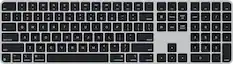
Computer Keyboards
![The text on the image reads:
888 DD DI DD 4 DSC i F2 F3 4 FS T6 ET 1. 1N IN F.. 11 1.. 114 1n F1 F12 118 in9 - a ee 1 8F 2 3 $ 4 % 5 A 6 & 7 . 8 I 9 I 0 ee I + = delete fn home page up clear - / + tab Q W E R T Y U I 0 P { [ ] ] | I delete end page down 7 8 9 ee caps lock A S D F G H J K L : I - return 4 5 6 + shift Z X C V N M < F > ? / shift a 1 2 3 control option 2 command 3 command option control Y - 0 enter
After grouping and correcting the text, it reads:
888 DD DI DD 4 DSC i F2 F3 4 FS T6 ET 1. 1N IN F.. 11 1.. 114 1n F1 F12 118 in9 - a ee 1 8F 2 3 $ 4 % 5 A 6 & 7 . 8 I 9 I 0 ee I + = delete fn home page up clear - / + tab Q W E R T Y U I 0 P { [ ] ] | I delete end page down 7 8 9 ee caps lock A S D F G H J K L : I - return 4 5 6 + shift Z X C V N M < F > ? / shift a 1 2 3 control option 2 command 3 command option control Y - 0 enter](https://pisces.bbystatic.com/image2/BestBuy_US/images/products/f4059d3a-0c2a-46ef-bcfd-4e11b9b26d5d.jpg;maxHeight=232;maxWidth=233?format=webp)



Mouse Pads



Customers ultimately bought
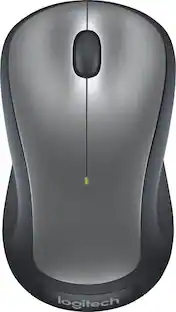
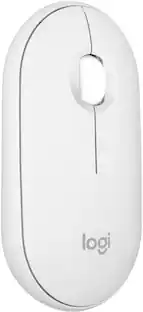
Logitech M240 Silent Bluetooth Wireless Optical Ambidextrous Mouse
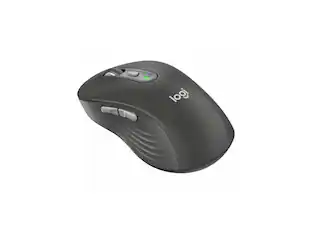
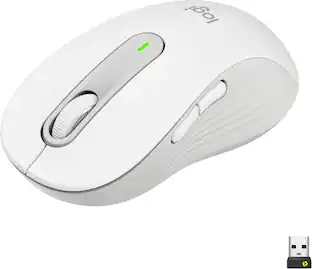
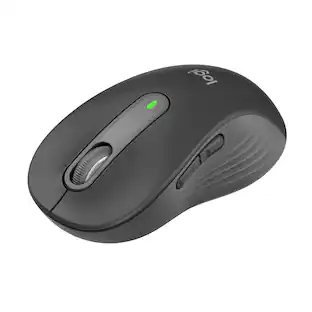
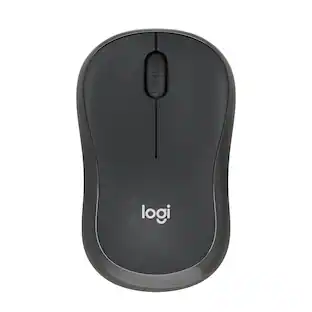
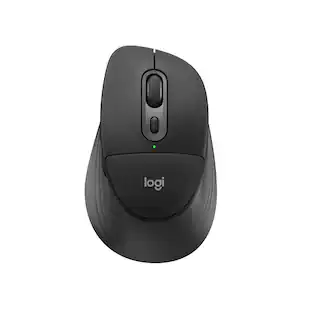
Holiday Deal$18.99The price was $22.99Logitech Signature M650 L Full-size Wireless Optical Scroll Mouse with Silent Clicks
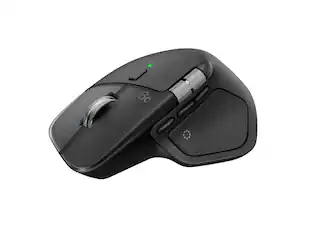
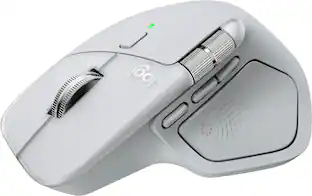
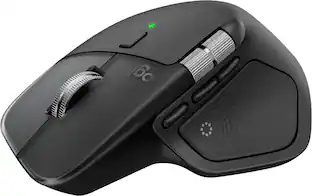
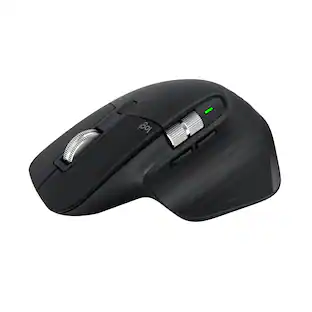
Holiday Deal$33.99The price was $39.99Logitech MX Master 3S Bluetooth Edition Performance Wireless Optical Mouse with Ultra-fast Scrolling and Quiet Clicks
Holiday Deal$79.99The price was $99.99



Explore tech essentials Sponsored
Thule Achiever 24L Backpack for 16" laptops w/10.1" Padded Tablet Sleeve, Crushproof Sunglasses SafeZone & Water Bottle Holder
Clearance$59.99The price was $84.95



Discover related products
Acer PM161Q 15.6" Portable Monitor Full HD 1920x1080 IPS USB-C HDMI Refurbished
$47.58The price was $48.99GEEKOM Air12 Lite Mini PC, Intel Processor N95 Desktop Computer, 8GB DDR4 RAM & 256GB SSD, Windows 11 Pro Pre-installed
Holiday Deal$269.00The price was $599.00Arozzi Alzare Neo Gas Spring Single Monitor Arm – Ergonomic Desk Mount for Gaming & Office –
$59.99The price was $69.99

Keep exploring
Logitech Design Mouse Limited Edition Wireless Optical 3-button Mouse with Broad Compatibility
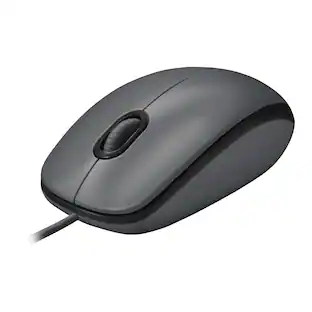
$29.46The price was $55.07Logitech B100 Corded Mouse – Wired USB Mouse for Computers and laptops, for Right or Left Hand Use
$13.29The price was $20.06Acer Wireless Mouse for Laptop, 2.4GHz Computer Mouse 3 Adjustable DPI Office Cordless USB Mice with USBA Receiver
Holiday Deal$10.99The price was $12.99