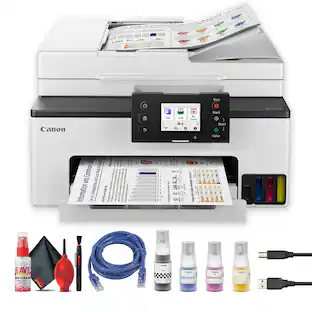
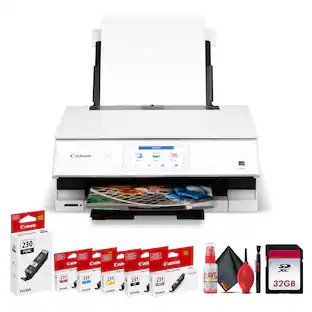
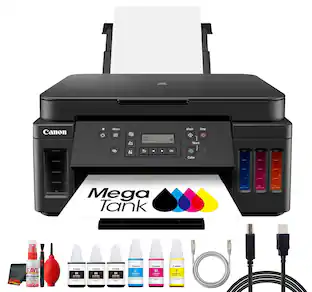
Canon - PIXMA Megatank G6020 Wireless All-In-One Supertank Inkjet Printer - Black
Customers are saying
Customers find value in the exceptional print quality, ease of use, and overall strong performance, with many appreciating its simple setup. However, some users have noted issues with the display not being backlit, frequent connectivity loss, a hard-to-read control panel, and a noisy operation during printing.
Prints up to 13 ISO ipm* in black and up to 6.8 ISO ipm* in color
Produces a 4" x 6" borderless photo-quality print in 45 seconds.*
Works with Amazon Alexa for voice control
Ask a compatible voice assistant (device required) to help you print shopping and to-do lists, various crossword puzzles and games, coloring activities, comics and more.
Compatible with Google Assistant
Use the Google Assistant (device required) to print your Google Calendar, various crossword puzzles and games, comics and more.
Ideal for home or small business use
This inkjet printer offers excellent print quality for photos and documents and accepts a variety of paper types and sizes.
Wireless and mobile printing capability
Connect this printer to your home or office network with built-in Ethernet or wireless LAN. You can also print from your mobile device with the free Canon PRINT app or Apple AirPrint.
Apple AirPrint enabled
You can use it for Apple iPad and iPhone printing.
Up to 4800 x 1200 dpi (dots per inch) color resolution
High resolution allows producing incredible quality and detail in documents and photos.
Four economical individual ink tanks
Only replace the ink tank you need when a color runs out. Three dye-based inks produce vivid color in photos, and the pigment-based black ink provides crisp text.
Large paper trays for high-volume printing
Reload less often with 250-sheet front and 100-sheet rear input trays.
Monochrome two-line full dot-matrix display
Easily input commands for printing, copying, and scanning directly from the printer.
USB port for simple connectivity
The high-speed USB 2.0 port offers a standard connection to your PC.
More print, copy, and scan solutions
Automatically print two-sided documents, scan documents to your computer or directly to e-mail.
Apple, the Apple logo, iPod, iPad, and Apple AirPrint are trademarks of Apple Computer, Inc., registered in the U.S. and other countries.
Requires high-speed Internet connection.
* Print speeds vary with use. See manufacturer for the information on print speeds.
- NetworkingWireless, WiredENERGY STAR CertifiedYesPrinter TypeAll In One, Copier, Printer, ScannerISO Color Print Speed6.8 pages per minuteISO Mono Print Speed13 pages per minuteOutput Tray CapacityNot specified
Reviews
Rating 4.2 out of 5 stars with 1590 reviews
- Print Quality (766)
- Ease of use (208)
- Overall Performance (91)
- Setup (55)
- Display (59)
- Connectivity (32)
- Control Panel (15)
- Noise Level (14)
Customer Images
The vast majority of our reviews come from verified purchases. Reviews from customers may include My Best Buy members, employees, and Tech Insider Network members (as tagged). Select reviewers may receive discounted products, promotional considerations or entries into drawings for honest, helpful reviews.
From the manufacturer



Compare similar products
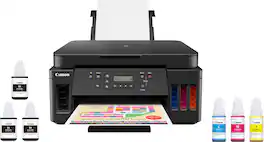
Canon PIXMA MegaTank G6020 Wireless All-In-One Printer: Save big on ink with this Canon PIXMA MegaTank inkjet printer. The MegaTank ink storage container can be easily refilled to offer over 30 times as much ink compared to standard cartridges. Tackle big print jobs with a page yield of up to 6,000 black or 7,700 color sheets from this Canon PIXMA MegaTank inkjet printer. Prints up to 13 ISO ipm* in black, up to 6.8 ISO ipm* in color
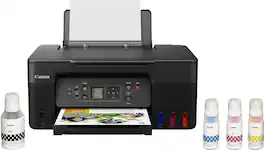
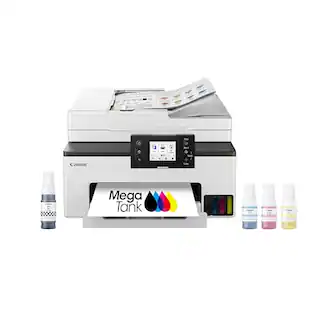
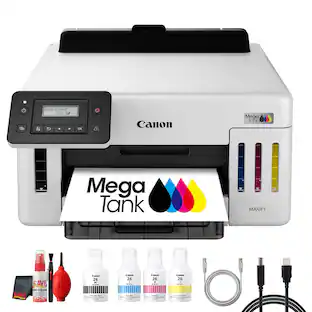
Designed for home and home offices, the Canon PIXMA G3270 MegaTank All-in-One inkjet printer delivers high-quality, low-cost printing, and outstanding wireless connectivity in a compact size. Get serious print productivity with a high page yield of up to 6,000 Black / 7,700 Color pages per full ink bottle1 set and a low cost per print - MegaTank means Mega Savings. The PIXMA G3270 comes with a full set of ink, so you can print with confidence. The PIXMA G3270 is easy to set up and maintain and offers great media versatility to print on a variety of media types and sizes, including photo paper, envelopes, banners and more. Use Poster Artist Online to create professional-posters, banners and signage. Print both documents and photos on a variety of paper types using a hybrid ink system with pigment black for sharp black text and dye-based colors for vivid borderless2 photos up to 8.5” x 11”. Produce crisp, colorful documents quickly and cost-effectively with fast print speeds and a high quality 4-color pigment-based ink system. Keep printing with a plain paper capacity of up to 100 sheets or 20 photo sheets (4”x6”). Easily connect and print through high-speed USB or wirelessly2 from computers or mobile devices. This comes with a 1-year limited warranty3 and is backed by Canon's Service and Support network.

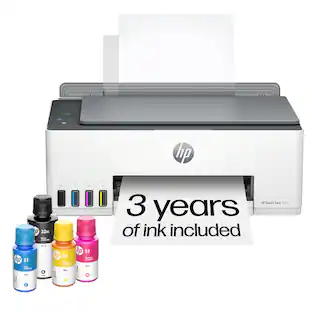
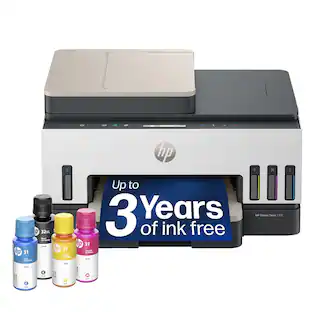
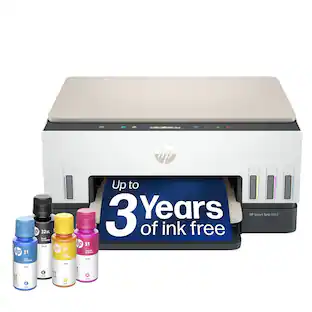
From America's most trusted printer brand², the HP Smart Tank 5101 Printer is a smart, connected and refillable tank printer that makes printing seamless for your home with its high capacity and wireless connectivity. Create everyday color documents at a low cost with 3 years of Original HP Ink included in the box¹. This Smart Tank printer is an inkjet perfect for high-volume printing. It's also AI-enabled³ to intuitively adapt to your workflow, with wireless and security features that keep your multifunction printer up to date and secure.
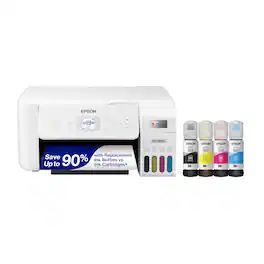
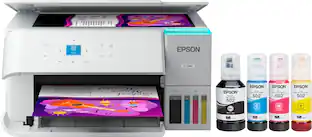
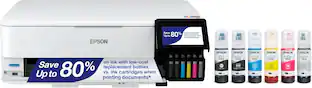
Your family needs a printer that’s fast, affordable, and easy to use. That’s why we developed the EcoTank ET-2800 – an innovative cartridge-free solution that uses high-capacity, easily refillable ink tanks. So you’ll worry less about running out of ink, and save a lot on replacement ink (1). The ET-2800 features genuine Epson print quality, a high-resolution flatbed scanner, and convenient color display – making it the ideal basic home printer.
| Pros for Canon - PIXMA Megatank G6020 Wireless All-In-One Supertank Inkjet Printer - Black | |||
|---|---|---|---|
| Print Quality, Ease of use, Overall Performance, Setup | Print Quality, Ease of use, Overall Performance, Setup, Connectivity | Print Quality, Ease of use, Overall Performance, Setup, Size | Print Quality, Ease of use, Overall Performance, Setup, Size |
| Cons for Canon - PIXMA Megatank G6020 Wireless All-In-One Supertank Inkjet Printer - Black | |||
| Connectivity, Noise Level, Display, Control Panel | Noise Level, Paper Tray | Connectivity | Paper Tray, Noise Level |
Specs
Customers often buy these together
Copy and Multipurpose Paper







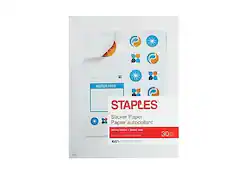

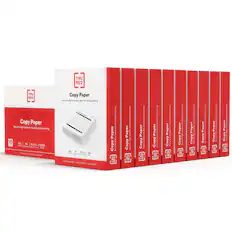
Printer Paper

Epson - Paper - Bright White
$7.14The price was $14.29
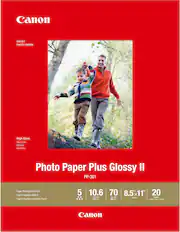

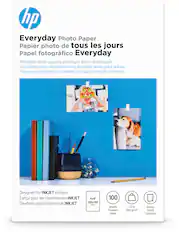
More to consider
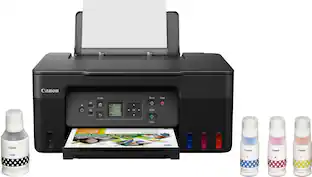 $160.70The price was $248.00
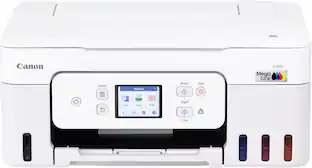 $269.99The price was $318.76



Explore tech essentials Sponsored
Discover related products
 $319.99The price was $399.99
 $13.99The price was $19.99






Keep exploring
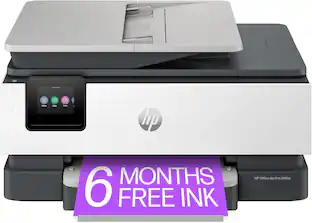 $149.00The price was $199.00
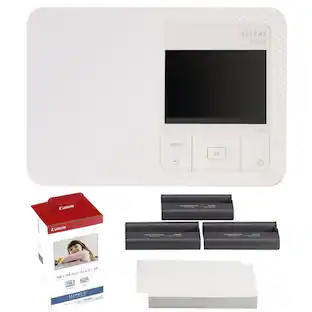 $209.98The price was $224.98
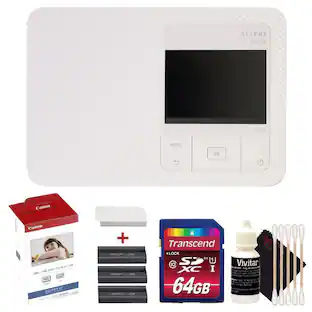 $230.98The price was $243.98