Samsung - 27" (S70H) IPS LED 4K UHD HDR10 High Resolution Monitor (HDMI, DP) - Black
Customers are saying
Customers love the display quality of this product, which is frequently praised for its excellence. Additionally, users find the setup process to be straightforward and hassle-free. Overall, the feedback highlights a positive experience with both the visual performance and the ease of getting started.
Highlights
Features
4K UHD
4K UHD (3840x2160) resolution delivers visual excellence that professionals require. Its high pixel density reveals greater levels of detail on the ViewFinity S7 S70H. With accurate color representation and more screen space, you can create intricate designs, complex diagrams and dynamic video content.¹
HDR10
HDR10 ensures true-to-life color representation of more than 1 billion colors, with darker blacks and brighter highlights. Experience a wide gamut of colors for stunning accuracy and detail on the ViewFinity S7 S70H. Your content becomes engaging, just as intended.¹
Wide Viewing Angle
The distinctive 178° wide viewing angle delivers consistent brightness across the screen, providing clear and precise visuals. This enables you to work on documents and graphics from a variety of viewing positions.
Multiple Connectivity
Featuring HDMI and DP ports, connecting your peripherals is as straightforward as it gets. This convenient interface both simplifies your setup and enhances your productivity by ensuring a seamless workflow on the ViewFinity S7 S70H.
Eye Saver Mode & Less Screen Flickering
Protect your vision with advanced eye comfort technology, certified by TÜV. Eye Saver Mode reduces eye strain by minimizing blue light, and Less Screen Flickering helps prevent irritating screen flicker, so you can stay comfortable while using your monitor — even during long sessions.¹
Samsung Display Manager
Samsung Display Manager helps you easily access features like split-screen setup, brightness adjustment, KVM, PIP/PBP and precise color calibration. Just click on the floating menu on your desktop and enjoy advanced screen controls at your fingertips.²
Specifications
- Refresh Rate60HzMaximum Resolution3840 x 2160Response Time5 millisecondsPanel TypeIPSSynchronization TechnologyNot Applicable
Reviews
Rating 4.7 out of 5 stars with 19 reviews
- Display Quality (7)
- Ease of Use (4)
The vast majority of our reviews come from verified purchases. Reviews from customers may include My Best Buy members, employees, and Tech Insider Network members (as tagged). Select reviewers may receive discounted products, promotional considerations or entries into drawings for honest, helpful reviews.

Compare similar products
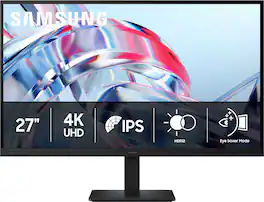
Samsung’s 27" ViewFinity S7 (S70H) High Resolution Monitor delivers visual excellence and exceptional productivity. 4K UHD (3840x2160) resolution with high pixel density reveals greater levels of detail for a more streamlined experience. HDR10 optimizes contrast, offering a gamut of more than 1 billion accurate colors with darker blacks and brighter highlights for engaging content. The distinctive 178° wide viewing angle delivers consistent brightness across the screen, providing clear and precise visuals, allowing a variety of viewing positions. Features HDMI and DP ports for multiple connectivity of peripherals for a convenient interface that ensures a seamless workflow. Eye comfort technology certified by TÜV includes Eye Saver Mode which reduces eye strain by minimizing blue light and prevents screen flickering to stay comfortable even during long sessions. Samsung Display Manager enables easy access to split screen setup, brightness adjustment, KVM, PIP/PBP and precise calibration.
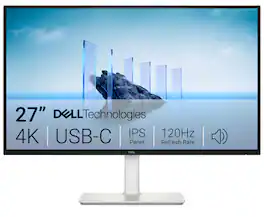
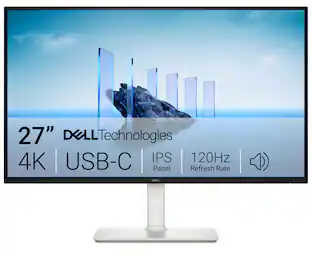
Dell 27 Plus 4K USB-C Monitor - S2725QC. Whether you're watching movies or playing games, enjoy an immersive viewing experience with improved eye comfort on a 4-star certified monitor*.

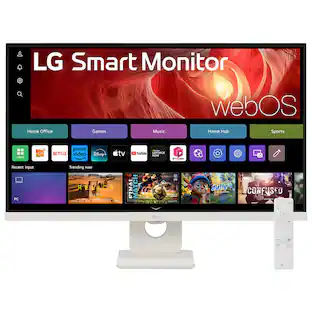
Smart Display. Serious Performance. Seamless Entertainment. Upgrade your desktop with the 27-inch LG UHD 4K Smart Monitor. The UHD (3840 x 2160) IPS display with up to 90% DCI-P3 color coverage and HDR support brings sharp detail and brilliant color to everything from spreadsheets to content streaming, video calls and cloud gaming. With built-in webOS24 and a dedicated remote, you get easy, instant access to your favorite streaming platforms like Netflix, Prime Video, Disney+, and more—plus 300+ free LG Channels. Game directly in the cloud with NVIDIA GeForce NOW, Amazon Luna, or Blacknut¹—no console or PC required. Need to get stuff done? The Switch app makes multitasking easy. Divide the screen into up to six sections, customize layouts, or launch video calls with a hotkey—all while switching effortlessly between your PC and the built-in smart features². Built-in stereo speakers deliver bold, immersive sound. The ergonomic stand tilt adjusts to your ideal viewing angle, while USB Type-C with 65W power delivery, two HDMI ports, and two USB inputs make it easy to connect everything you need. Whether you're working, creating, or kicking back—this monitor does it all.
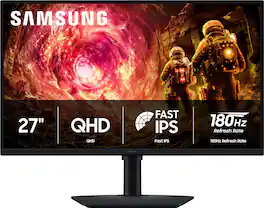
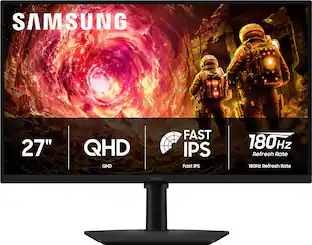
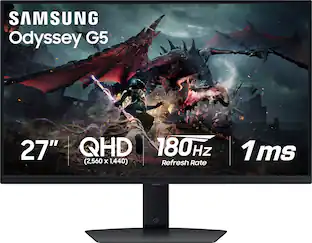
Samsung’s 27" Odyssey G5 QHD Gaming Monitor delivers brilliant visuals for exhilarating gameplay that’s more immersive than ever before. QHD resolution (2560 x 1440), with more than 1.7 times the pixel density of Full HD, boasts incredibly detailed, pin-sharp images. The fast IPS panel, with its 178º viewing angle, provides an engaging gaming experience by consistently delivering crisp, clear hues from various viewpoints. 180Hz Refresh Rate and 1ms response time (GtG) allow ultimate speed for ultra-smooth gaming precision, while G-Sync compatibility syncs the GPU and panel to reduce choppiness, screen lag, and image tearing. Scenes feel more realistic with HDR10, which provides brighter highlights and nuanced shadows for added depth. Black Equalizer improves visibility in the deepest shadows, while Virtual Aim Point increases the accuracy of the player’s aim when the action peaks. Auto Source Switch+ allows instantaneous switching between connected devices without having to flip through multiple inputs. Maintain winning streaks in total comfort with the height-adjustable Ergonomic Stand that easily pivots, tilts, and swivels for the perfect view.
| Pros for Samsung - 27" (S70H) IPS LED 4K UHD HDR10 High Resolution Monitor (HDMI, DP) - Black | |||
|---|---|---|---|
| Display Quality, Ease of Use | Refresh Rate, Image Quality, Connectivity, Port Count, Adjustability | Overall Performance, Design, Refresh Rate, Size | Overall Performance, Refresh Rate, Design, Resolution |
| Cons for Samsung - 27" (S70H) IPS LED 4K UHD HDR10 High Resolution Monitor (HDMI, DP) - Black | |||
| There were no cons for this product— | Volume Control | Connectivity | Connectivity, Audio Port, Button Placement, Color Accuracy |
Specs
Questions & Answers
Is it compatible with a MacBook
Answered by SamsungBirch87: Yes, the Samsung S70H monitor is compatible with a MacBook, however, you will need a proper cable or adapter since the monitor uses standard HDMI and DisplayPort connections. - Samsung Monitors
Does it have Bluetooth
Answered by Samsungdude: No, the Samsung S70H monitor does not have Bluetooth capability. - Samsung Monitors
Is this monitor compatible with Windows operating systems?
Yes, this monitor is compatible with Windows operating systems.
This question and answer was generated by AI based on customer and product data.Can this monitor be mounted on a wall?
Yes, this monitor is wall mountable and uses a VESA wall mount standard of 100mm x 100mm.
This question and answer was generated by AI based on customer and product data.Does this monitor have built-in speakers?
No, this monitor does not have integrated speakers.
This question and answer was generated by AI based on customer and product data.

Customers often buy these together
Computer Keyboards

Logitech - MK540 Full-size Advanced Wireless Membrane Keyboard and Mouse Combo for PC - Black
Top Deal$49.99The price was $59.99![esc ! i 1 tab caps lock shift F1 2 Q A aas E4 F3 F2 $ % # 4 5 3 E R W F S D X C Z FS A 6 T G V F6 & 7 Y H B 17 * 8 U J N logi HI FI0 P9 FB ) - ( - 9 0 o P I K L > < M I P + = { [ A : I : ? I alt cmd3 2 0 3 10% 1 F12 page home up backspace ins page I delete end down } ] / enter shift ctrl fn opt^= Q I * / clear 8 9 + 7 pg up home 5 6 4 , 4 2 3 enter 1 dn pg end = 0 del ins ctrl start opt alt cmd](https://pisces.bbystatic.com/image2/BestBuy_US/images/products/6571/6571662_sd.jpg;maxHeight=232;maxWidth=233?format=webp)
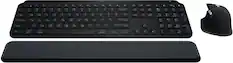
Logitech - MK955 Signature Slim Full-size Wireless Keyboard and Mouse Combo for Windows and Mac with Quiet Typing and Clicking - Graphite
Top Deal$99.99The price was $119.99


![esc 1 2 3 4 5 6 7 8 9 0 - = tab Q W E R T Y U I O P [ ] \ caps lock A S D F G H J K L ; ' shift Z X C V B N M , . / ctrl fn opt cmd start alt end home pg up pg dn del backspace 1 2 3 4 5 6 7 8 9 0 - =](https://pisces.bbystatic.com/image2/BestBuy_US/images/products/6554/6554353_sd.jpg;maxHeight=232;maxWidth=233?format=webp)

![Sure, here is the corrected and grouped text:
```
ESC F1 F2 F3 F4 F5 F6 F7 F8 F9 F10 F11 F12 1 2 3 logitech - - 1 2 # $ 4 % 5 6 & 7 8 9 0 - - back insert home page up num lock clear / . tab Q W E R T Y U I O P { [ } ] / delete end page down 7 home 8 A 9 P9 up + caps lock A S D F G H J K L : ; a enter 4 5 6 shift Z X C V B N M < > ? shift 1 end 2 3 pg dn enter ctrl fn start alt opt alt crnd x alt cmd x fn ctrl alt opt 0 ins del 1 logitech
```](https://pisces.bbystatic.com/image2/BestBuy_US/images/products/5761/5761911_sd.jpg;maxHeight=232;maxWidth=233?format=webp)
![esc ~ ! 1 tab caps lock shift ctrl F2 Fl # 2 3 Q W A S Z start opt L F3 $ 4 E D X alt cmd3 ) FS F4 A % 5 6 R T F G V C logi 44 HI & F9 FID FB F7 F6 * ) - - & 0 8 9 7 O P U I Y K L H J > < N M 1 B PM + = { [ : I ; ? I alt cmd D 2 4 300 3 1 F12 . * page I insert home up clear backspace 8 9 + 7 page A pg up end down home } I delete ] / 6 4 5 4 enter 2 3 enter 1 dn Pg end shift = 0 del ins etrl fn opt](https://pisces.bbystatic.com/image2/BestBuy_US/images/products/6539/6539505_sd.jpg;maxHeight=232;maxWidth=233?format=webp)

Monitor Stands



More recommended items
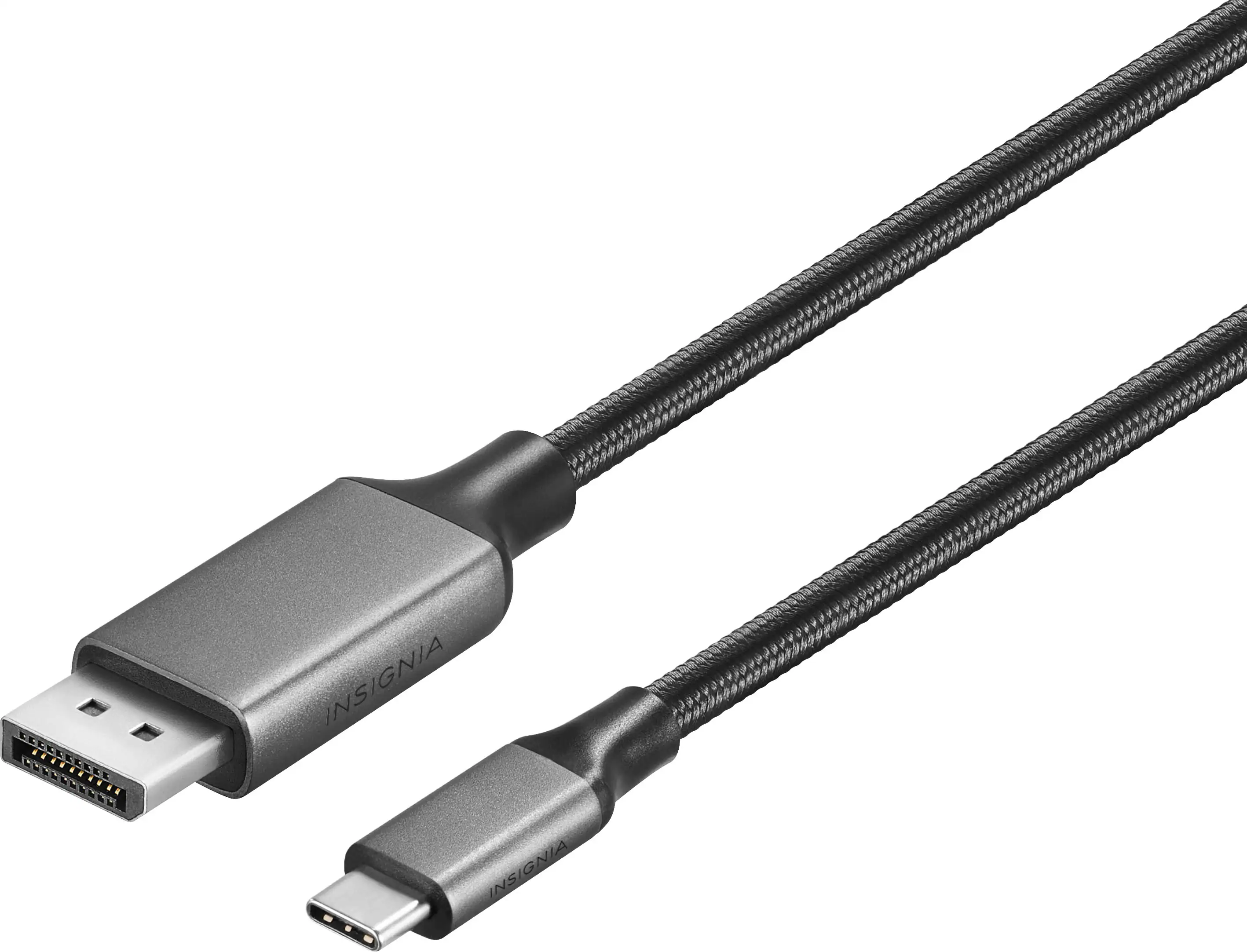 Monitor and Video Cables
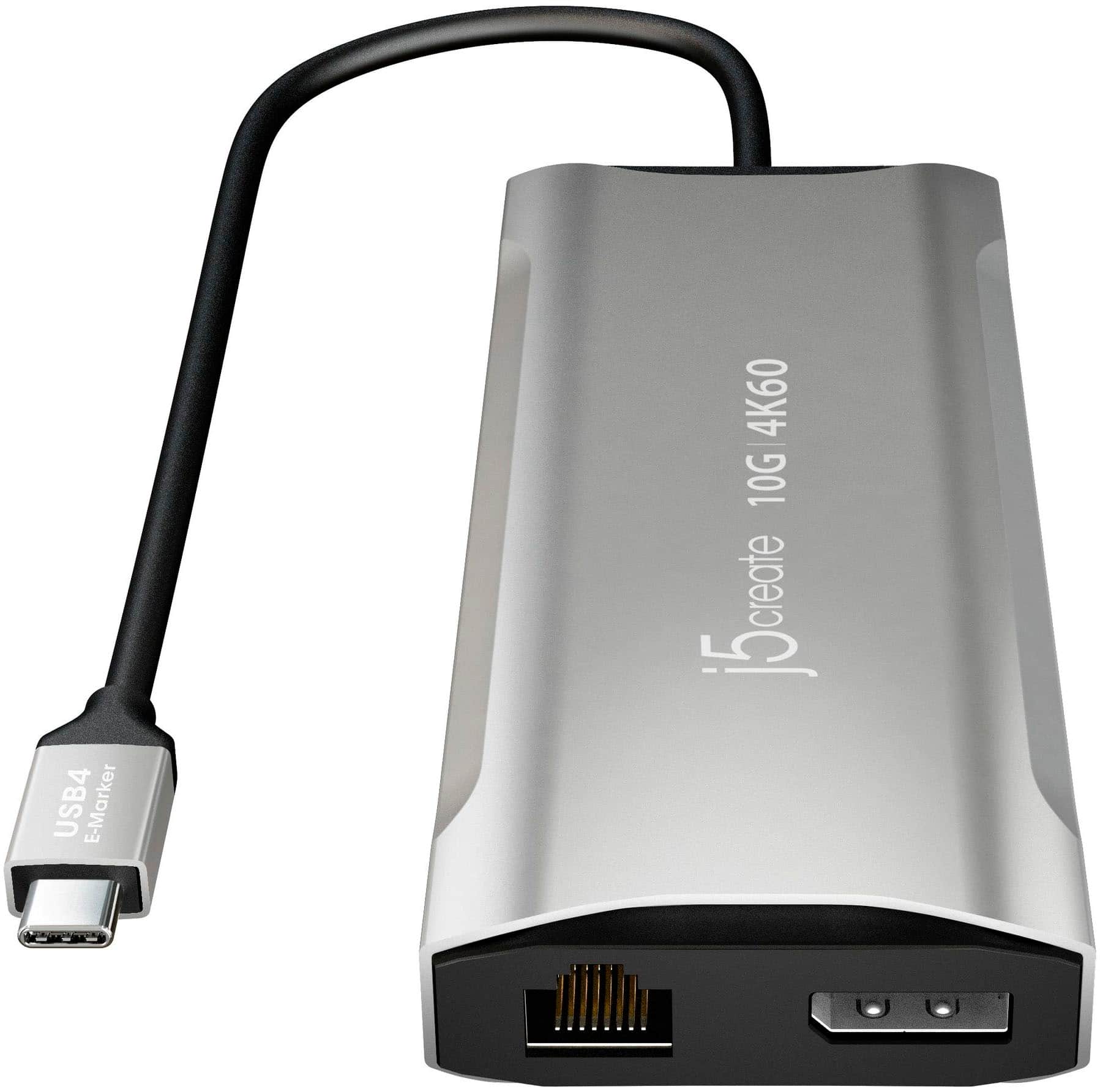 Laptop Docking Stations
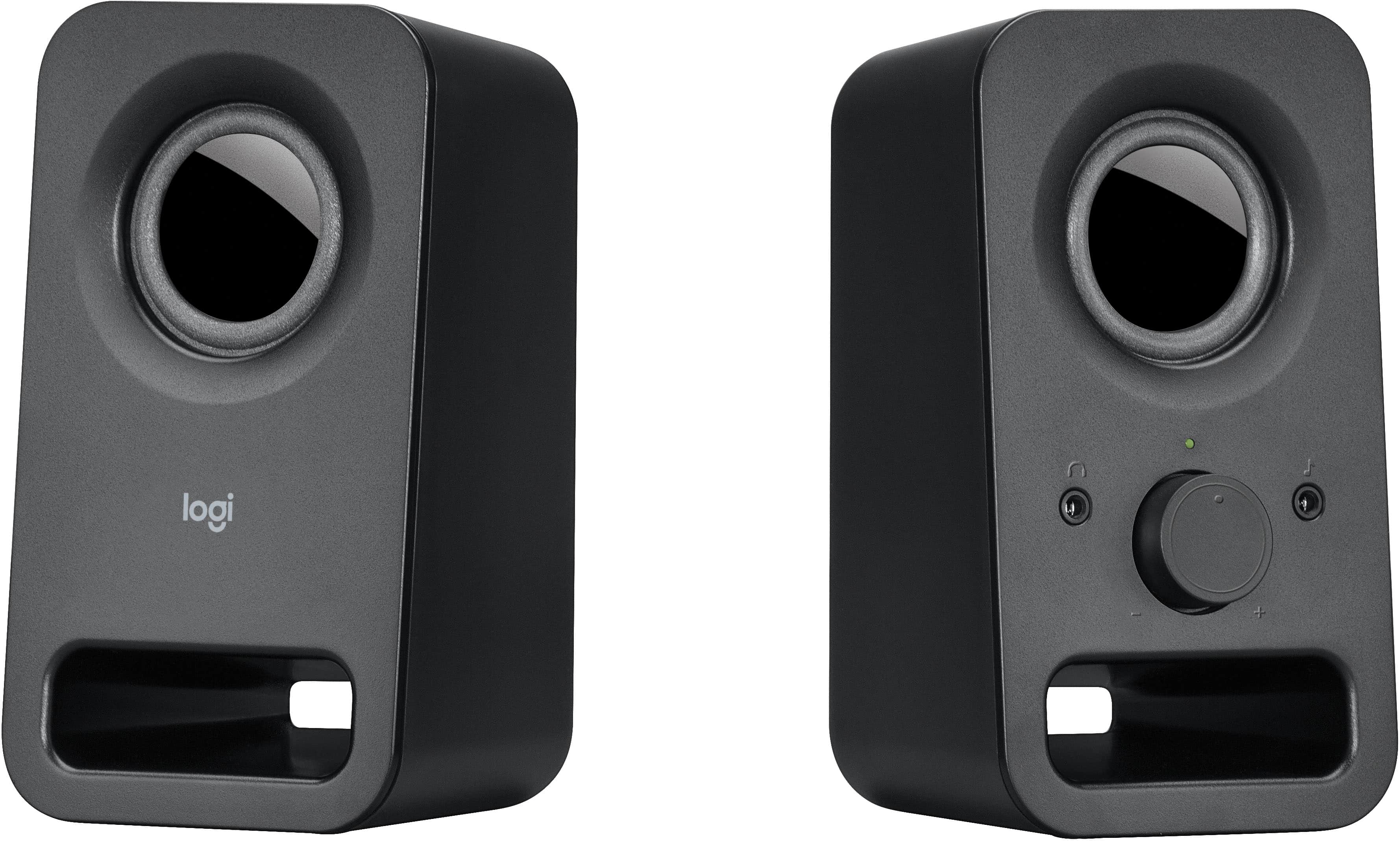 Computer Speakers
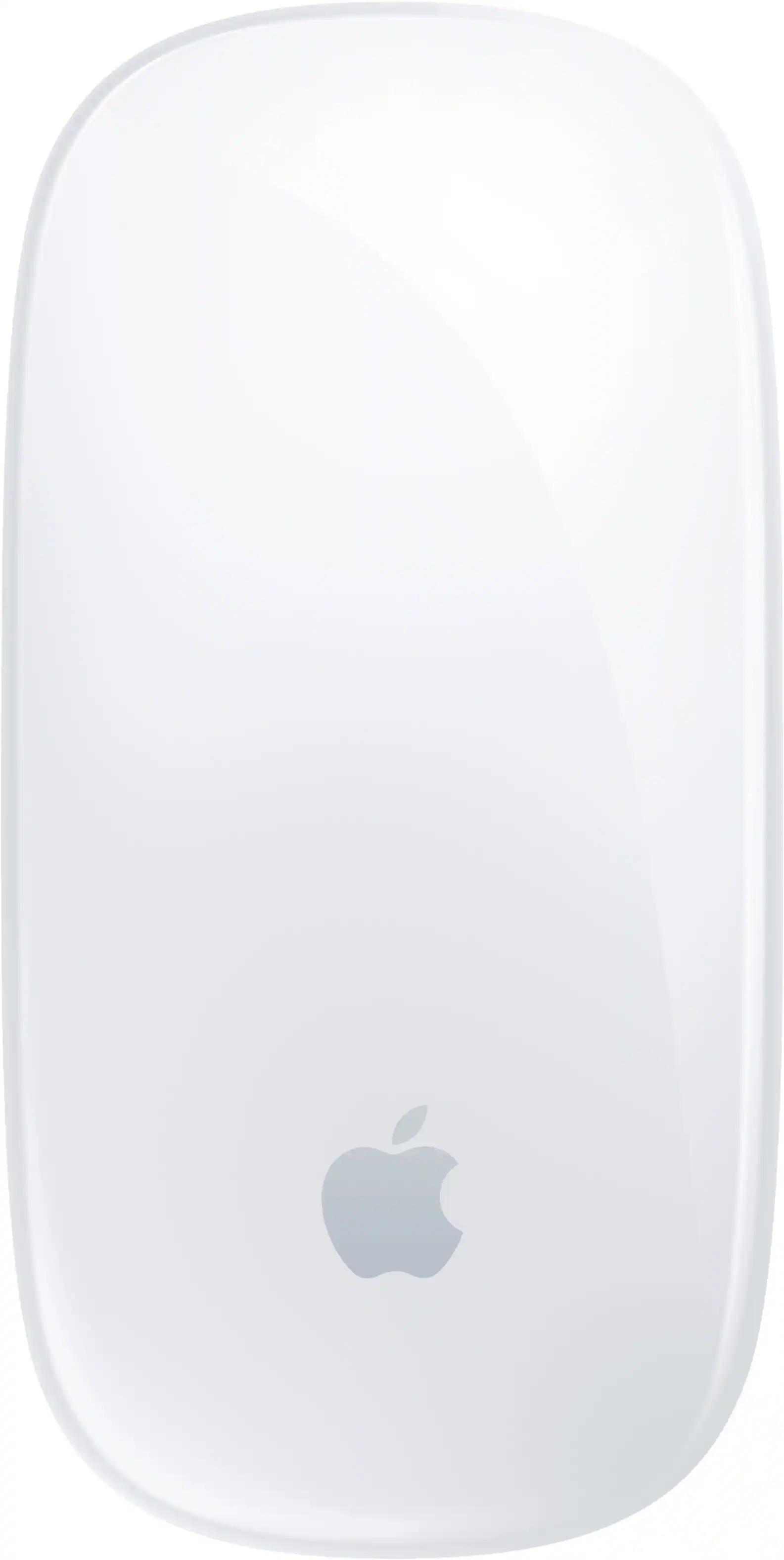 Mice
Mice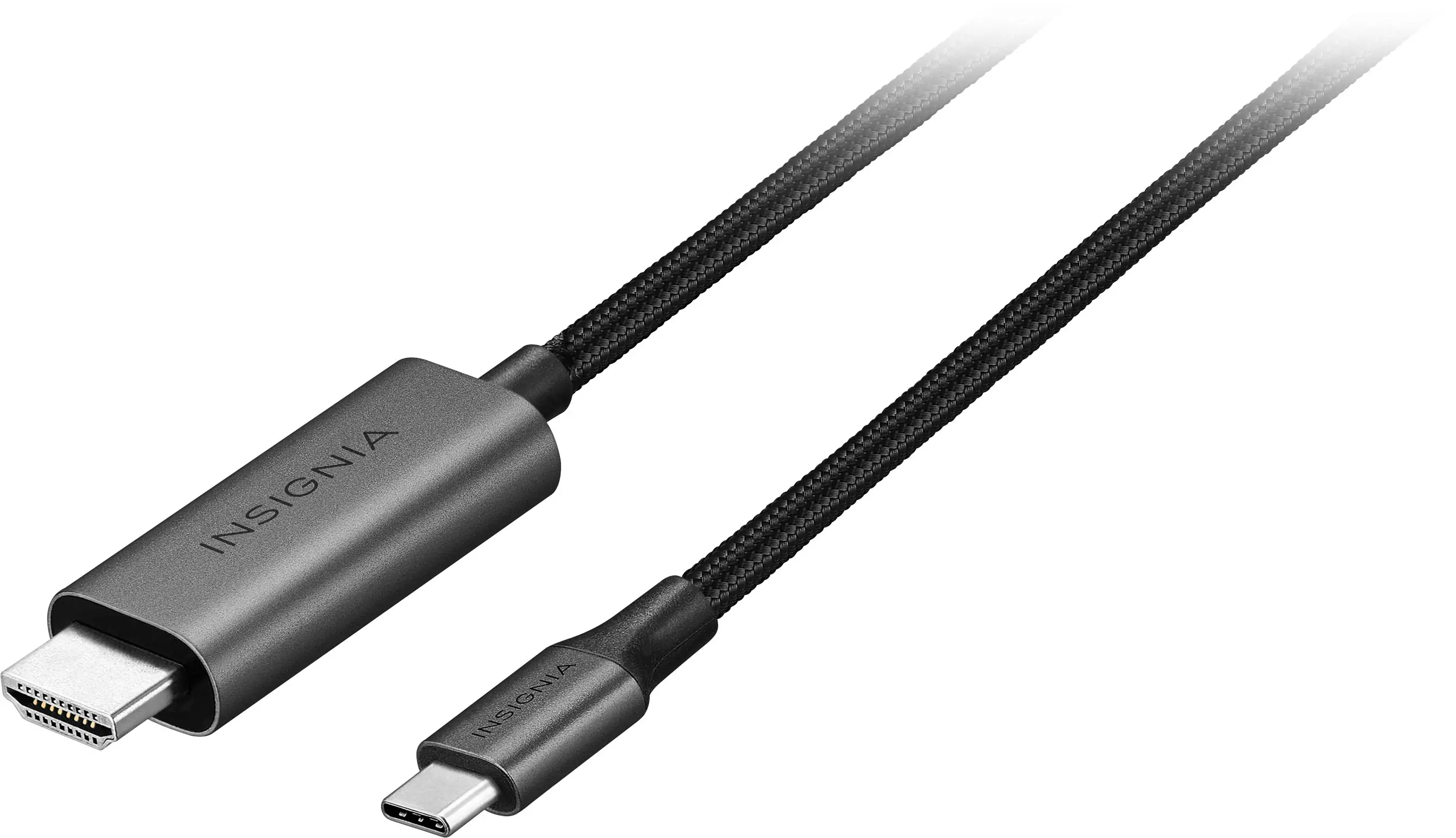 Cables and Adapters
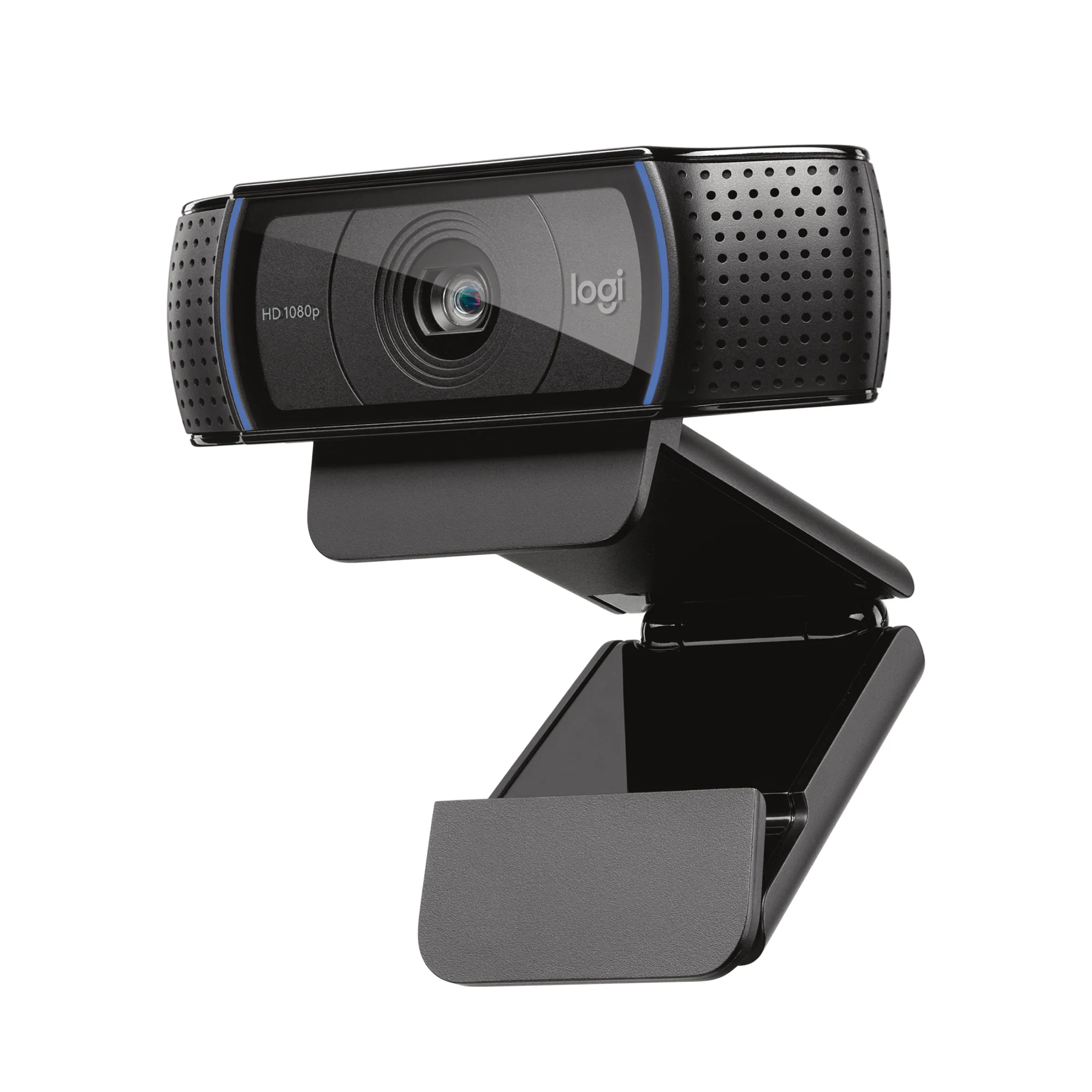 Web Cameras
 Mouse Pads
More to consider
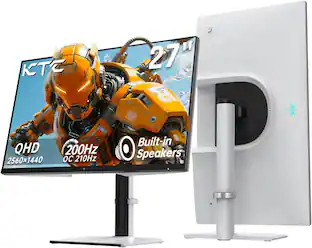
Acer Nitro KGB271U 27" WQHD IPS Up to 200Hz 0.5ms FreeSync Premium Gaming Monitor with HDR10 (DisplayPort, HDMI)
$149.99The price was $199.99MSI PRO MP273U 27" UHD 60Hz 4ms Adaptive Sync Monitor with HDR ready ,Built-in Speakers (DisplayPort, HDMI )
$162.99The price was $199.99Samsung 27" S39GD Series Curved FHD 100Hz Monitor with Built-in Speakers
Top Deal$129.99The price was $199.99Samsung 27” Odyssey G50D QHD IPS 180Hz 1ms AMD FreeSync and G-Sync Compatible Gaming Monitor with HDR 400 (DisplayPort, HDMI)
Clearance$209.99The price was $349.99Samsung 32" Odyssey G51F QHD 180Hz 1ms AMD FreeSync Gaming Monitor with HDR10 (DisplayPort, HDMI)
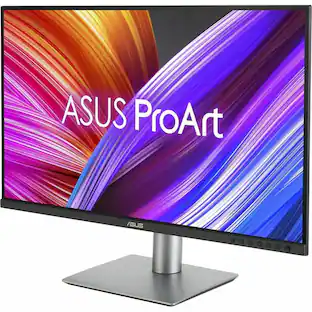
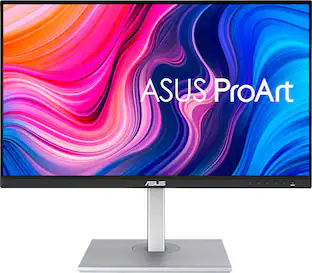
$299.00The price was $329.99ASUS ProArt 27" 4K IPS Professional Monitor with HDR (DisplayPort, HDMI, USB-C)
$375.99The price was $399.99

Explore tech essentials Sponsored
Acer Nitro KGB271U 27" WQHD IPS Up to 200Hz 0.5ms FreeSync Premium Gaming Monitor with HDR10 (DisplayPort, HDMI)
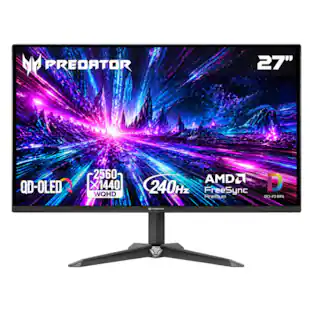
$149.99The price was $199.99Acer Predator 27" QD-OLED QHD 240Hz 0.03ms FreeSync Premium Gaming Monitor with HDR (DisplayPort, HDMI)
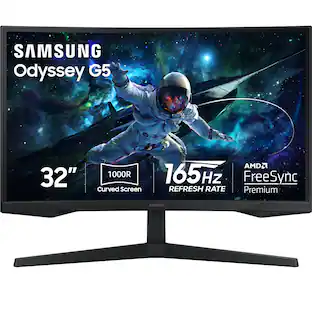
Top Deal$329.99The price was $379.99Samsung 32" Odyssey 1000R Curved QHD 165Hz 1ms AMD FreeSync Gaming Monitor (DP, HDMI)
$249.99The price was $349.99


Discover related products
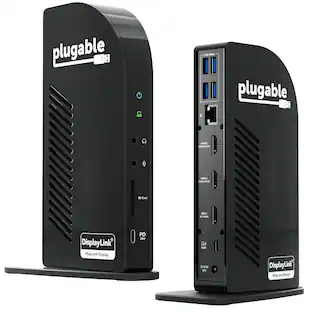
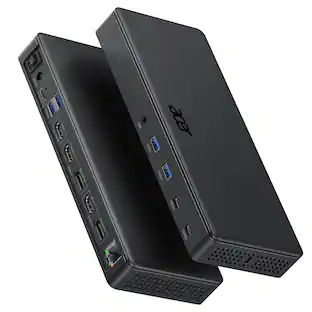
Acer USB C Docking Station With 2 HDMI, 9-IN-1 Docking Hub with USB A&C 3.0, SD/Micro SD, 100W Charging
$40.99The price was $47.99








Keep exploring
ASUS TUF Gaming 34" 1440P 1500R Curved Monitor - 180Hz, 1ms, Freesync Pro, HDR, 3 Year Warranty
$269.99The price was $323.99ASUS ROG Strix 32" 4K OLED Gaming Monitor - 4K@165Hz, 0.03ms, G-SYNC, USB-C, HDMI 2.1
$824.99The price was $979.32