LG - UltraGear 32" OLED Dual Mode (4K UHD 240Hz, FHD 480Hz) 0.03ms G-SYNC and FreeSync Premium Pro Gaming Monitor - Black
About this product
Experience elite gaming performance on a 32" 4K UHD OLED display (3840×2160) with over 8 million pixels for sharp detail, deep contrast, and vivid color. UltraGear evo’s built-in processor enhances content with AI Upscaling¹ toward 4K clarity—no GPU upgrade required. Dual Mode lets you switch between UHD 240Hz for cinematic gameplay or FHD 480Hz for ultra-fast competitive performance.² 4th Gen Primary RGB Tandem OLED delivers improved brightness, efficiency, and vivid color, validated by UL-verified Perfect Black, Perfect Color, and Perfect Reproduction.³ VESA DisplayHDR True Black 500, 1.5M:1 contrast, and up to 98.5% DCI-P3 bring games to life with rich blacks and accurate detail. With 140 PPI, text and HUD elements stay crisp for both gaming and everyday use. A near-instant 0.03ms (GtG) response time and NVIDIA G-SYNC Compatible⁴ and AMD FreeSync Premium Pro ensure smooth, tear-free gameplay. Connectivity includes DisplayPort 2.1⁵(UHBR20), HDMI 2.1, and USB Type-C with 90W power delivery. AI-powered sound and picture optimization enhance every scene.
Highlights
Features
The OLED Gamers Have Been Waiting For
Experience 4K UHD OLED clarity with deep contrast and sharp detail on a 32" screen. UltraGear's innovative AI upscaling enhances every frame, while Dual Mode lets you choose between high-resolution visuals or ultra-fast performance on demand.⁶
Refined Gaming with 4K OLED Clarity
Step into sharper gameplay on a 32-inch 4K OLED display. With 4K UHD (3840 × 2160) resolution delivering over 8 million pixels, environments feel richer and more defined—so you can see more, react quicker, and stay fully in control.
AI Upscaling to 4K—No GPU Upgrade Required
UltraGear's built-in processor powers AI Upscaling that enhances content toward 4K resolution. Without requiring a GPU upgrade, AI Upscaling analyzes the source signal to improve detail and clarity—helping games and video look sharper from virtually any connected device.
Next-Gen Brilliance with 4th Gen RGB Tandem OLED
4th Gen Primary RGB Tandem OLED delivers up to 335 nits typical brightness with improved power efficiency. Its advanced 4-stack RGB structure enhances contrast, sharpens detail, and keeps color precise across every frame.
UL-verified for a "perfect" visual gaming experience
Perfect Black: UL-verified Perfect Black delivers true black levels to enhance perceived brightness and contrast, whether it's bright or dark around you. Perfect Color and 100% Color Fidelity- UL verified to deliver accurate color expression even under varying lighting conditions, from low light to bright ambient environments.
Deeper Detail with VESA DisplayHDR True Black 500
VESA DisplayHDR True Black 500 reveals rich blacks and nuanced shadow detail—even in dark scenes. Combined with a 1.85M:1 contrast ratio, up to 99.5% (typical) DCI-P3 color, and Delta E≤2 accuracy, visuals appear vivid, precise, and true to the creator’s intent.
High 140 PPI for Sharp, Detailed Visuals
With 140 PPI, HUD elements and fine details stay sharp in-game, while added clarity makes text-heavy tasks like browsing and document work easier to read.
UL Verified Technologies for Consistent Visual Performance
Stay focused on the game with consistently clear visuals. LG UltraGear combines UL Verified5 Flicker-Free Display (OLED), UL Verified Discomfort Glare Free (UGR less than 22), UL Verified eyesafe 3.0 CPF60 (Circadian Protection Factor), and UL Verified eyesafe 3.0 RPF40 (Retinal Protection Factor). Together, these UL Verified technologies help reduce screen flicker, lower blue light, and help maintain clear screen visibility.
Dual Mode: UHD 240Hz for Detail or FHD 480Hz for Speed
Switch from UHD at 240Hz for detailed, cinematic gameplay to FHD at 480Hz⁷ for elite-speed competitive performance. VESA Certified Dual Mode makes it easy to optimize resolution and refresh rate for the experience you want most.
Near-Instant 0.03ms (GtG) Response Time
With a near-instant 0.03ms (GtG) response time, pixels transition incredibly fast—helping reduce ghosting and keep fast-moving gameplay clear and responsive.
NVIDIA G-SYNC Compatible & AMD FreeSync Premium Pro
Minimize screen tearing and stuttering with NVIDIA G-SYNC compatibility and AMD FreeSync Premium Pro. These adaptive sync technologies help keep gameplay smooth and responsive by matching the monitor’s refresh rate to your GPU—so fast action stays clear with reduced blur and ghosting.
Future-Ready Connectivity for High-Performance Gaming
DisplayPort 2.1 (UHBR20), USB Type-C with 90W power delivery, and HDMI 2.1 provide the connectivity modern gaming setups demand. DP 2.1 delivers the ultra-high bandwidth needed for high-resolution, high-refresh-rate gameplay, while USB-C supports display, data, and charging through a single cable. HDMI 2.1 ensures stable connections with consoles and other devices.
AI Sound Enhances Voices and Key Audio Cues
The AI Sound setting analyzes on-screen action and separates voices, sound effects, and background audio. AI Sound helps keep team comms clear while highlighting important gameplay cues—like approaching footsteps or nearby action—through speakers or connected headphones.
AI Scene Optimization Adapts to Your Content
The AI Scene Optimization setting detects what’s on screen and automatically adjusts picture settings like color temperature and sharpness. It helps optimize the display across preset modes such as Office, Animation, Movie, Game, and Sports.
OLED Care Helps Maintain Your Display
OLED Care helps maintain your OLED display’s long-term performance. Built-in maintenance features, including Pixel Cleaning, help keep the OLED panel operating at its best for consistent image quality over time.
OLED Protection: 2-Year Limited Warranty & Panel Care Tools
Rest easy knowing your OLED monitor is built to last. The 2-year limited warranty covers key components, including the OLED panel. And OLED Care tools such as pixel cleaning keep your display sharp, for reliable top-tier performance. Please see Warranty Information on this page for all warranty details.
Specifications
- Refresh Rate240HzMaximum Resolution3840 x 2160Response Time0.03 millisecondsSynchronization TechnologyFreeSync Premium Pro (AMD Adaptive Sync), G-SYNC Compatible (NVIDIA Adaptive Sync)Screen Size31.5 inches
Reviews
Rating 4.7 out of 5 stars with 15 reviews
Customer Images
The vast majority of our reviews come from verified purchases. Reviews from customers may include My Best Buy members, employees, and Tech Insider Network members (as tagged). Select reviewers may receive discounted products, promotional considerations or entries into drawings for honest, helpful reviews.


Compare similar products
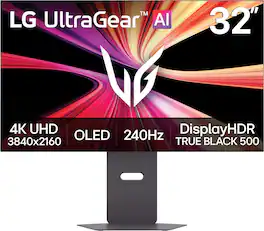
Experience elite gaming performance on a 32" 4K UHD OLED display (3840×2160) with over 8 million pixels for sharp detail, deep contrast, and vivid color. UltraGear evo’s built-in processor enhances content with AI Upscaling¹ toward 4K clarity—no GPU upgrade required. Dual Mode lets you switch between UHD 240Hz for cinematic gameplay or FHD 480Hz for ultra-fast competitive performance.² 4th Gen Primary RGB Tandem OLED delivers improved brightness, efficiency, and vivid color, validated by UL-verified Perfect Black, Perfect Color, and Perfect Reproduction.³ VESA DisplayHDR True Black 500, 1.5M:1 contrast, and up to 98.5% DCI-P3 bring games to life with rich blacks and accurate detail. With 140 PPI, text and HUD elements stay crisp for both gaming and everyday use. A near-instant 0.03ms (GtG) response time and NVIDIA G-SYNC Compatible⁴ and AMD FreeSync Premium Pro ensure smooth, tear-free gameplay. Connectivity includes DisplayPort 2.1⁵(UHBR20), HDMI 2.1, and USB Type-C with 90W power delivery. AI-powered sound and picture optimization enhance every scene.
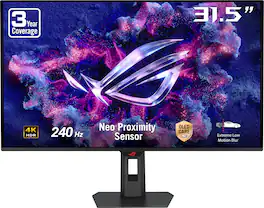
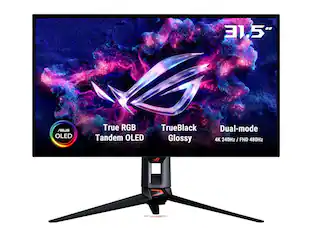
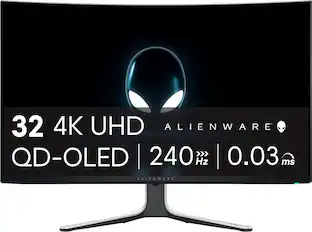
ROG Strix OLED XG32UQDMS delivers immersive 4K gaming on a 31.5‑inch QD‑OLED panel with a blazing‑fast 240Hz refresh rate and 0.03ms response time. Featuring vivid HDR, deep contrast, and pro‑grade color accuracy, it’s built for competitive performance and stunning visual realism.
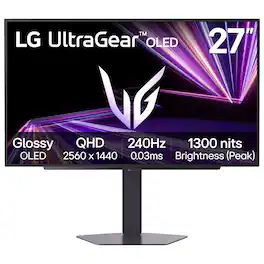
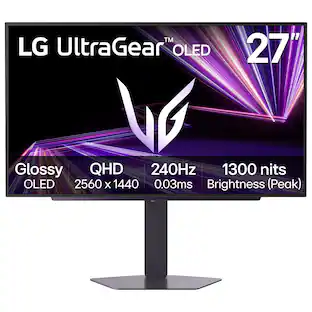
The 27" QHD UltraGear OLED gaming monitor is built for next-gen performance, whether you're on PC or console. A glossy finish OLED display, with a sharp QHD (2560 x 1440) resolution delivers razor-sharp visuals, up to 98.5% DCI-P3 color coverage, and VESA DisplayHDR True Black 400 for cinematic contrast and color depth. When every millisecond matters, dominate the action with a 240Hz refresh rate¹, ultra-fast 0.03ms response time, G-SYNC Compatibility, FreeSync Premium Pro, and VESA ClearMR 13000 certification for bright, blur-free, tear-free OLED gameplay. Connectivity is future-ready with two HDMI ports, USB (x3) and DisplayPort 1.4, keeping you locked in on the latest hardware. The fully adjustable stand—tilt, height, swivel, and pivot—lets you play your way, with comfort and control.

The ROG Swift OLED PG32UCDMR boasts a 32-inch 4K QD-OLED panel that delivers astounding visuals at a buttery-smooth 240 Hz. Powered by third-generation QD-OLED technology, the PG32UCDMR delivers vibrant colors, the deepest black hues, and the brightest highlights. Plus, the 0.03 ms response time ensures blur-free action, even in intense gameplay. Inside, an advanced custom heatsink offers exceptional cooling to reduce the likelihood of burn-in and improve performance and longevity of the OLED panel. This premium monitor is designed for gamers who demand the very best, offering an unbeatable combination of size, image quality, and refresh rate speed for exhilarating gaming experiences.
| Pros for LG - UltraGear 32" OLED Dual Mode (4K UHD 240Hz, FHD 480Hz) 0.03ms G-SYNC and FreeSync Premium Pro Gaming Monitor - Black | |||
|---|---|---|---|
| There were no pros for this product— | Color Quality, Refresh Rate, HDR Performance, Performance, Resolution | OLED Quality, Build Quality | Color Quality, Refresh Rate, HDR Performance |
| Cons for LG - UltraGear 32" OLED Dual Mode (4K UHD 240Hz, FHD 480Hz) 0.03ms G-SYNC and FreeSync Premium Pro Gaming Monitor - Black | |||
| There were no cons for this product— | Connectivity | There were no cons for this product— | There were no cons for this product— |
Specs
Questions & Answers
Does this come with a remote? Can this monitor be configured to automatically turn on once you turn on your gaming device like an Xbox? Will it shut itself off if you accidentally forget to turn off after gaming? Does monitor size affect latency?
Answered by LG Digital Customer CareA physical remote control is not included in the box with the LG UltraGear™ 32" OLED Dual Mode (4K UHD 240Hz, FHD 480Hz) 0.03ms G-SYNC and FreeSync™ Premium Pro Gaming Monitor - Black, Model # 32GX870B-B. It does not support HDMI-CEC (Consumer Electronics Control) hardware capabilities, so it cannot be configured to automatically turn on from a completely powered-off state when you turn on an Xbox. If you manually turn off your Xbox or PC, the monitor will instantly notice the loss of an active video signal. It will display a "No Signal" message for a few seconds, and then immediately enter Power Save/Sleep Mode. In this state, it draws less than 0.5 Watts of power. The screen completely goes dark, waiting to wake up the exact second it senses a new video handshake. If you leave your Xbox or PC completely turned on, but walk away from the desk leaving a static dashboard or game menu idling on the screen, the monitor's built-in safety timer will force it to shut down. This feature is called Automatic Standby. It continuously tracks screen movement; if the monitor senses zero changes or interaction for a set period, it automatically cuts power to protect the Tandem OLED panel. You can customize exactly how long the monitor waits before it shuts itself off during a period of inactivity, and you can choose to set the automatic shutdown timer to trigger after 4 Hours, 6 Hours, 8 Hours, or turn it off entirely. LG typically sets this to a default of 4 or 6 hours straight out of the box to comply with strict energy-saving regulations...^Ivan. It will automatically turn off (enter a low-power standby mode) using two different built-in triggers. As an OLED panel, these features are explicitly designed to protect the screen from burn-in and save electricity when you step away.
Can this monitor’s specs be set to display 4K UHD @ 120Hz for use with an Xbox Series X gaming console?
Answered by LG Digital Customer CareHi, Hydra76! Thank you for sharing your question with us about the LG Gaming Monitor (32GX870B-B). Yes, this monitor supports 4K UHD at 120Hz when connected to an Xbox Series X. Because it is equipped with HDMI 2.1 ports, you can easily output a full 4K resolution at 120Hz alongside features like Variable Refresh Rate (VRR) and HDR directly through your console's display settings. You can explore the full feature list and support details here: https://www.bestbuy.com/product/lg-ultragear-32-oled-dual-mode-4k-uhd-240hz-fhd-480hz-0-03ms-g-sync-and-freesync-premium-pro-gaming-monitor-black/JJ8VPZZSYQ. If you need further support, please feel free to email us at lgdigitalcare@lg.sprinklrsupport.com. — Avril
Does this monitor have a glossy or matte finish on the display?
Answered by ChargingBearMatte


Customers often buy these together
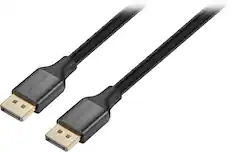
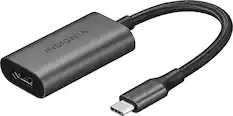
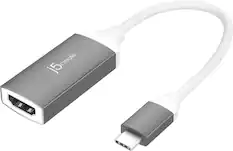
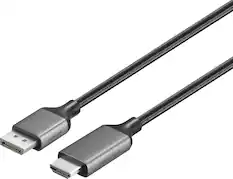
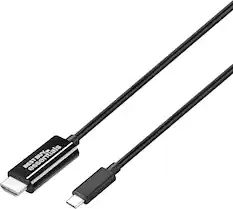
Monitor and Video Cables


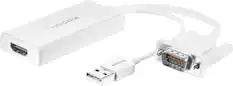


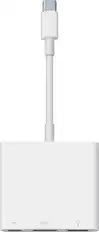
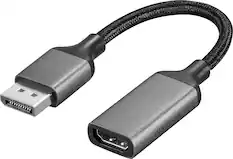
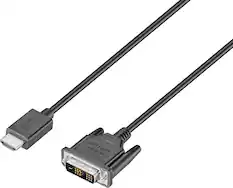
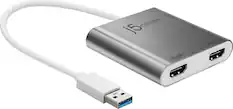
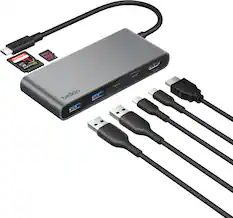
Customers ultimately bought
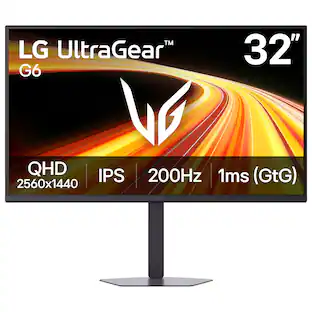
LG UltraGear 27" QHD Glossy OLED 240Hz Gaming Monitor 0.03ms NVIDIA G-SYNC AMD FreeSync Premium Pro DisplayHDR TrueBlack400
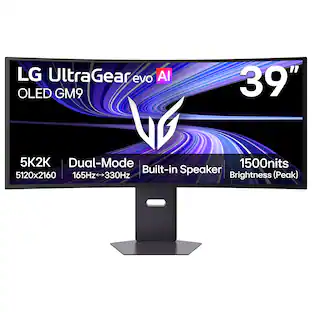
Black Friday Deal$349.99The price was $499.99LG UltraGear evo GX9 39" 5K2K OLED 165Hz 0.03ms G-SYNC FreeSync Premium Pro Gaming Monitor with DisplayHDR TRUE 500
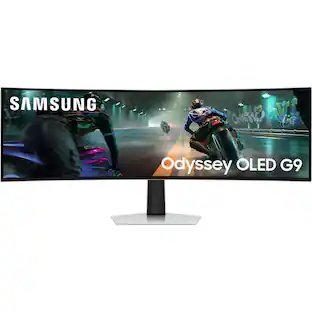
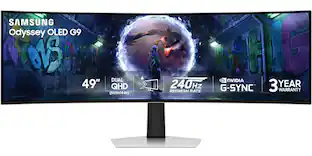
Holiday Deal$1,599.99The price was $1,799.99Samsung 49" Odyssey OLED G9 (G93SD) Dual-QHD 240Hz 0.03ms G-Sync Compatible Curved Glare Free Gaming Monitor
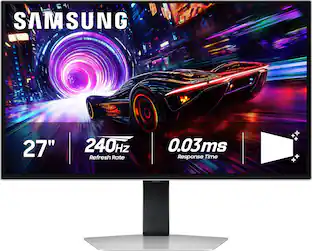
Black Friday Deal$949.99The price was $1,699.99Samsung 27" Odyssey OLED G8 (G81SF), 4K UHD, 240Hz, 0.03ms, AMD FreeSync Premium Pro, Glare Free, HDR 400 Gaming Monitor
$687.99The price was $1,299.99
Explore tech essentials Sponsored
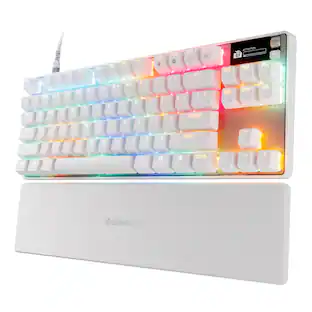
SteelSeries Apex Pro TKL Gen 3 Wired Magnetic Hall Effect OmniPoint Adjustable Gaming Keyboard with Rapid Tap
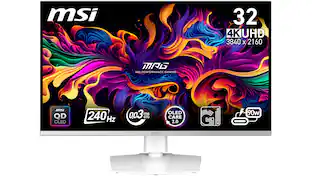
$181.99The price was $239.99MSI MPG 321URXW QD-OLED 32" UHD 240Hz 0.03ms Gaming Monitor with G-SYNC and TB 400 (HDMI, DisplayPort, USB-C)
$867.99The price was $899.99Z Z-Edge UG25I 24.5 inch 1080P FHD 240Hz 1ms Gaming Monitor, 16.7M Colors, 5000:1 Contrast, HDMI x 2, DP x 1
$109.99The price was $119.99

Discover related products
ViprTech Stryker Gaming PC - AMD Ryzen 7 (4.1GHz), AMD RX 580 8GB, 16GB DDR4, 500GB SSD, Desktop Computer
$599.99The price was $799.99Arozzi Alzare Neo Pro Gas Spring Heavy Duty Monitor Arm – Extra Strong Full Motion Desk Mount –
$74.99The price was $89.99Apple MacBook Pro 13.3" Laptop - Apple M1 chip - 8GB Memory - 256GB SSD
$789.99The price was $1,299.99Arozzi Alzare Neo Pro Gas Spring Heavy Duty Single Monitor Arm – Supports Large & Ultra-Wide Screens –
$74.99The price was $89.99


Keep exploring
KTC 27" 2K 1440P Gaming Monitor w/ Speakers, 200Hz/210Hz, Fast IPS HDR400 Adaptive Sync HDMI&DP, Tilt/Swivel/Pivot/Height
Holiday Deal$169.99The price was $199.99ASUS ROG Strix 27" QHD 180Hz IPS, AMD FreeSync & G-Sync, HDR400, 1ms, USB-C, Ai Gaming Monitor XG27ACG
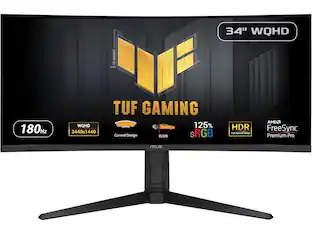
$172.99The price was $218.99ASUS TUF Gaming 34" 1440P 1500R Curved Monitor - 180Hz, 1ms, Freesync Pro, HDR, 3 Year Warranty
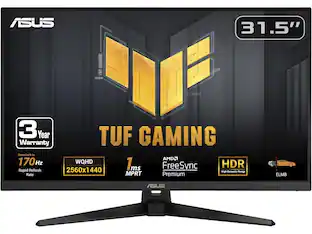
$269.99The price was $325.21ASUS TUF Gaming Monitor 31.5” 1440P HDR - 170Hz, 1ms, FreeSync, HDR-10, VESA Mount
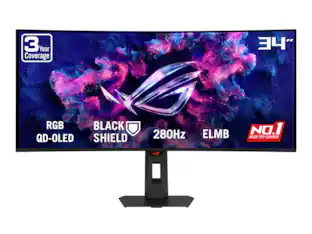
$335.16The price was $357.72ASUS ROG Strix 34" QHD 2K 1440p 280Hz G-Sync HDR500 0.03ms USB-C OLED Curved Gaming Monitor XG34WCDMS
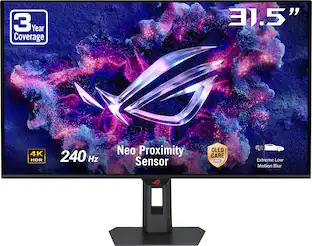
$787.49The price was $971.99ASUS ROG 32" 4K 240Hz OLED Gaming Monitor (PG32UCDM) - 480Hz Dual Mode, 0.03ms, G-SYNC, DP2.1
$1,511.99The price was $1,670.63Samsung 57-Inch Odyssey Neo G9 G95NC Dual UHD Quantum Matrix Gaming Monitor
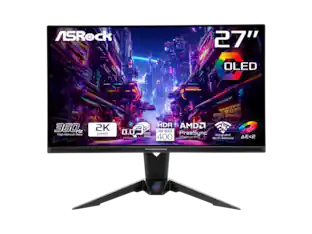
$1,599.99The price was $2,097.99ASRock Phantom Gaming 27" QHD 360Hz 0.03ms OLED Monitor, FreeSync Premium Pro, HDR400, Adjustable Stand
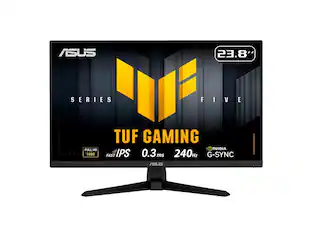
$399.00The price was $469.67ASUS TUF Gaming 24" 1080p 240Hz Fast IPS Monitor, 0.3ms, FreeSync Premium & G-Sync Compatible (VG249QM5A)
$107.99The price was $177.99