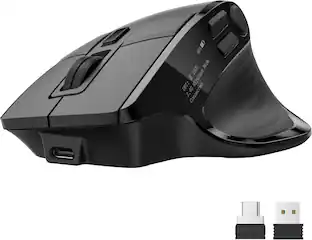
Keychron - M5 Ergonomic Wired & Wireless Laser Mouse w/ Macro Button & Fast-Scrolling Metal Wheel, For Windows PC & Mac - Wired - Black
About this product
The Keychron M5 packs all the best features in its super ergonomic vertical design. It supports both 2.4 GHz wireless and Bluetooth connection, ideal for any scenario, whether at work, gaming, or on the go, and offers ultimate performance to maximize productivity!
Features
Near-Silent Clicks
Whisper-quiet clicks from all buttons deliver undisturbed focus and razor-sharp responsiveness, ensuring peak performance precisely when silence matters most.
47-Degree Verticle Angle
The unique 47-degree vertical angle alleviates wrist strain, featuring a smooth curve throughout the body and a thumb rest on the side, which conforms more closely to the contour of your palm, ensuring a comfortable grip over extended periods. It promotes a natural handshake position for all-day comfort.
1000 Hz Polling Rate
Setting the mouse at a 1000 Hz polling rate can result in a high-speed signal transmittance between the mouse and the connected device. More responsive cursor movements captured with faster trigger response guarantee unparalleled performance, securing your triumph when it truly counts!
Dual Wired & Wireless Connectivity
Use seamlessly in wired mode via USB-C or go wireless with 2.4 GHz and Bluetooth for flexible setups and devices.
Premium Sensor & Performance
Equipped with a PixArt 3395 sensor (up to 26,000 DPI and 650 IPS) for accurate tracking whether gaming or working.
Fully Programmable Macro Button & Software Support
Customize buttons, DPI, profiles and macros with comp-pat software on both Windows and macOS.
Specifications
- Lighting TypeNoneConnection TypeWired, Wireless
Reviews
Rating 4.3 out of 5 stars with 4 reviews
Customer Images
The vast majority of our reviews come from verified purchases. Reviews from customers may include My Best Buy members, employees, and Tech Insider Network members (as tagged). Select reviewers may receive discounted products, promotional considerations or entries into drawings for honest, helpful reviews.



Compare similar products

The Keychron M5 packs all the best features in its super ergonomic vertical design. It supports both 2.4 GHz wireless and Bluetooth connection, ideal for any scenario, whether at work, gaming, or on the go, and offers ultimate performance to maximize productivity!

The Keychron M6 Ergonomic Wireless Mouse offers a high-performance, dual-mode pointing solution that blends wired precision with wireless freedom. Whether you prefer the rock-solid stability of USB-C tethering or the flexibility of 2.4 GHz or Bluetooth connection, the M6 delivers seamless switching to suit your setup. Its PixArt 3395 sensor provides exceptional tracking with high DPI and IPS values, while the ergonomic design—including a thumb-wheel and dual scroll modes—ensures comfort and productivity over long sessions. Fully programmable via companion software, you can tailor buttons, DPI settings and macros to your workflow or gameplay. Lightweight yet robust, the M6 is crafted for those who demand both performance and versatility from their mouse.
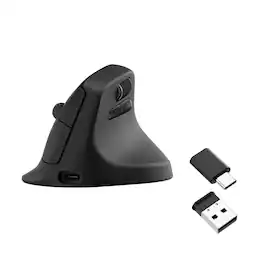
The Keychron M5 8K is a vertical ergonomic wireless mouse built for comfort, productivity, and precision. It combines a PixArt 3950 sensor, up to 30,000 DPI, 8K polling in 2.4 GHz or wired mode, Bluetooth support, a 47-degree vertical grip, thumb wheel, 600 mAh battery, and Keychron Launcher customization.
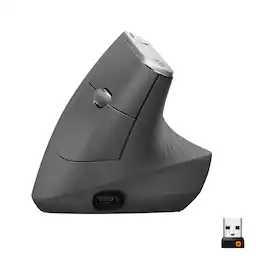
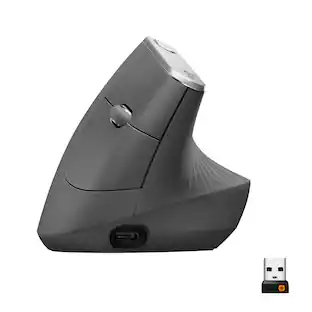
MX Vertical is an advanced ergonomic mouse that combines science-driven design with the elevated performance of Logitech’s MX series. The natural handshake position of MX Vertical reduces wrist pressure and forearm strain. The unique 57° vertical angle has been optimized for an ergonomic posture without compromising a pixel of performance. MX Vertical features a 4000 DPI high-precision sensor, resulting in 4x less hand movement and reducing fatigue. And the cursor speed switch allows you to instantly adjust DPI speed and accuracy with the touch of a button. MX Vertical stays powered for up to four months on a full charge – and gets three hours of use from a one-minute quick charge.
| Pros for Keychron - M5 Ergonomic Wired & Wireless Laser Mouse w/ Macro Button & Fast-Scrolling Metal Wheel, For Windows PC & Mac - Wired - Black | |||
|---|---|---|---|
| There were no pros for this product— | Ergonomics, Overall Performance, Battery Life, Weight, Connectivity | There were no pros for this product— | Ergonomics, Battery Life, Overall Performance, Ease of use, Bluetooth |
| Cons for Keychron - M5 Ergonomic Wired & Wireless Laser Mouse w/ Macro Button & Fast-Scrolling Metal Wheel, For Windows PC & Mac - Wired - Black | |||
| There were no cons for this product— | There were no cons for this product— | There were no cons for this product— | Wrist Pain, Size, Scroll Wheel, Price |
Specs
Be the first to ask a question.
We’ll try to get your question answered within 24 hours by a Best Buy customer or brand representative.
Customers often buy these together
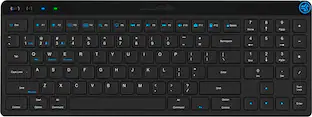
Computer Keyboards


![esc F1 F2 F3 F4 F5 F6 F7 F8 F9 F10 F11 F12 X - I 1 2 3 4 5 6 7 8 9 0 o I - + backspace ins home pgup num clear / * - tab Q W E R T Y U I O P { : } ] I I del end pgdn 7 8 9 + caps lock A S D F G H J K L : . . enter JAC 4 5 6 shift Z X C V B N M - V ? / shift 1 2 3 enter ctrl option 9 9 option fn ctrl < > 0](https://pisces.bbystatic.com/image2/BestBuy_US/images/products/6338813c-537a-4d69-93c3-0a1433ef276c.jpg;maxHeight=232;maxWidth=233?format=webp)


Mouse Pads


More to consider
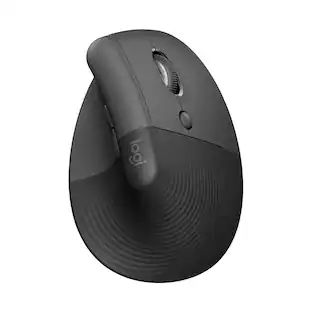
Logitech MX Vertical Advanced Wireless Optical Ergonomic Mouse with USB and Bluetooth Connection
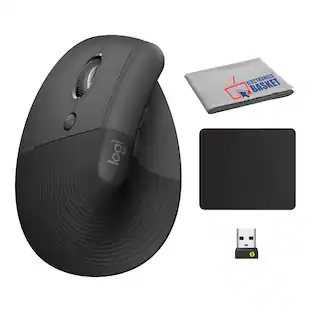
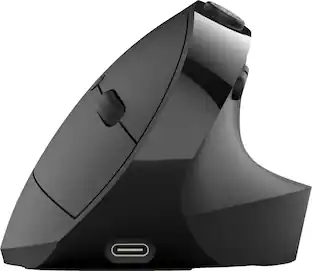
$89.99The price was $119.99Logitech Lift Vertical Wireless Optical Ergonomic Mouse with 4 Customizable Buttons
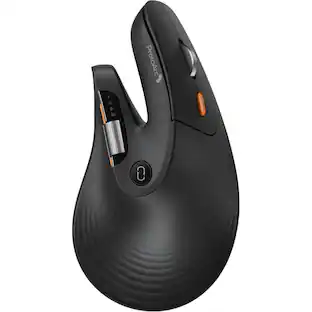
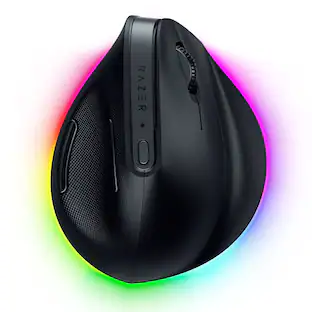
$69.99The price was $79.99Razer Pro Click V2 Optical Gaming Mouse with Vertical 6-Button Ergonomic Design
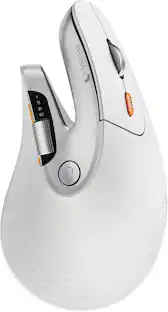
$99.99The price was $119.99LIVEY Savvi MS95X Wireless Mouse | 2.4GHz + Bluetooth | Rechargeable | Win & Mac | Ergonomic Grip
$12.00The price was $30.00

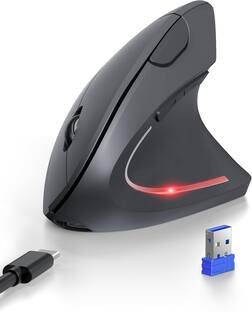
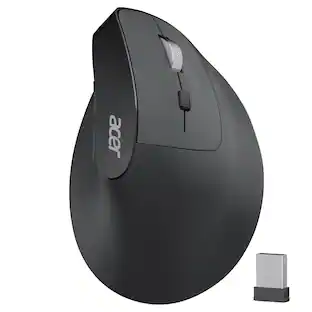

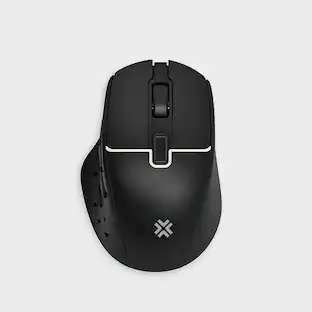
Explore tech essentials Sponsored
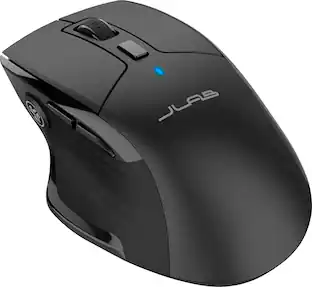
Discover related products
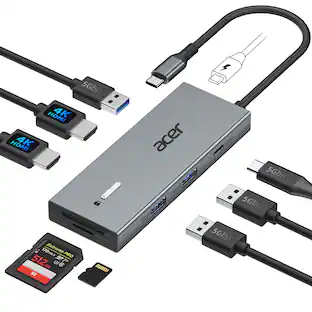
Acer USB C Docking Station With 2 HDMI, 9-IN-1 Docking Hub with USB A&C 3.0, SD/Micro SD, 100W Charging
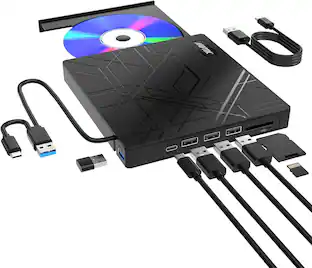
$42.99The price was $47.99AGPtek 8 in 1 External CD/DVD Drive for Laptop, USB 3.0 Ultra Slim Portable CD Burner with 4 USB Ports
$31.99The price was $32.99Arozzi Alzare Neo Gas Spring Single Monitor Arm – Ergonomic Desk Mount for Gaming & Office –
$54.99The price was $69.99Nelko PM230 Portable Bluetooth Thermal Sticker Printer with 2 Rolls 54mm x 3.5m
$26.99The price was $40.66



Keep exploring
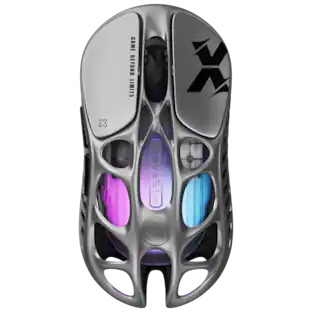
GravaStar Mercury X Wireless Optical Gaming Mouse with 32000 DPI and 49g Magnesium Alloy Frame
$75.95The price was $109.95