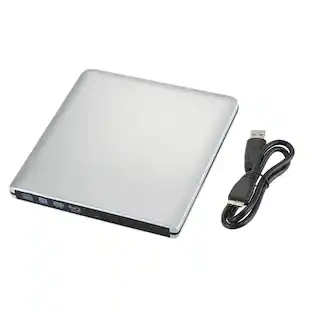
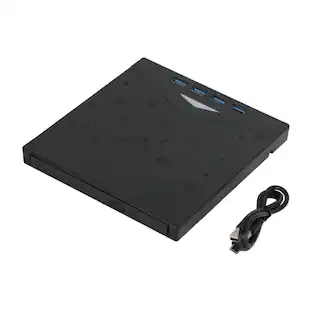
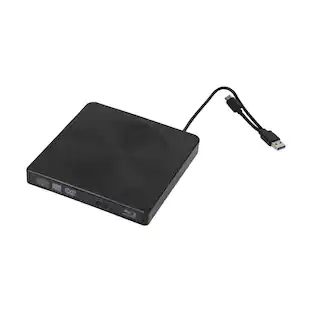
AGPtek - External CD/DVD Drive for Laptop, PC, MacBook, Windows, Linux, USB 3.0 Slim DVD Burner with Ethernet Adapter - Black
Reviews coming soon
About this product
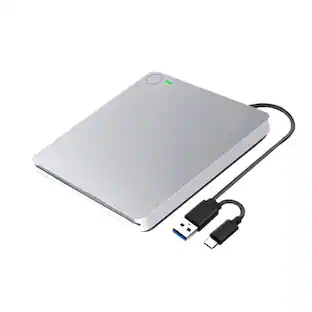
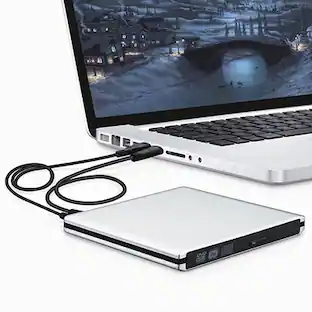
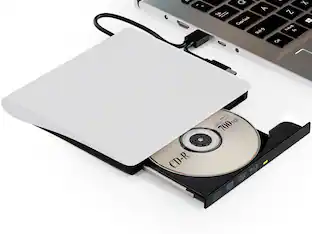
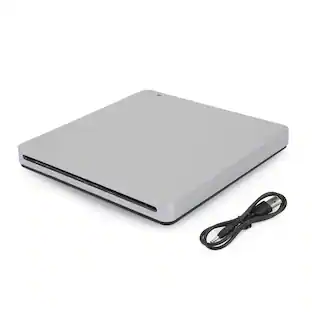
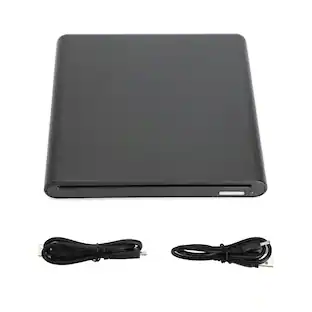
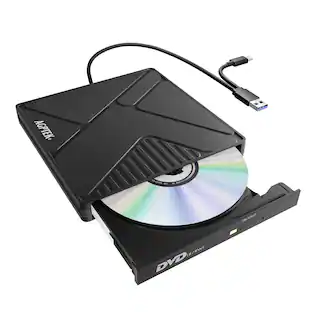
AGPTEK External CD/DVD Drive for Laptop, USB 3.0 Slim DVD Burner with Ethernet Adapter, USB Ports and TF/SD Card Slots, CD/DVD Player Reader/Writer for Laptop, PC, MacBook, Windows, Linux, Mac OS. Ensure the drive is recognized: Insert the external optical drive into the computer. After the Windows system recognizes the optical drive, the "DVD RW Drive" icon will be displayed. The Mac OS computer will not display the device icon until the disc is placed in the optical drive and the disc is read successfully. If the computer fails to recognize the optical drive, it may be that the computer's driver is missing or the output current is insufficient. About data cable & power cord: 1.The USB data cable is built into the bottom of the drive. (Note: The total length of the data cable is only about 10.24 inches / 26 cm.) 2.The charging cord is a separate USB cord that comes with the package. The charging cord cannot be used as a data cable alone, it must be used together with the USB data cable built into the back of the drive. 3.It's better to use the 5V charger/power bank to increase the power if your computer don't have enough power to support the external drive.(Note: For the Apple computers, you need to connect the external CD/DVD drive to the mac/macbook/imac through the USB A/C data cable first, and then connect the 5V charger/power bank to the external CD/DVD drive through the charging cord, otherwise the Apple computer will not recognize the external CD/DVD drive.). WINDOWS 11 Requirements: WINDOWS 11 needs a media player (such as VLC ) and a network connection. Reading and writing speed: 1.This CD/DVD drive supports USB 3.0 and can provide data transfer speeds of up to 5Gbps. Although it has up to 8x DVD read/write speed and 24x CD read/write speed, the drive reads and writes CD/DVD discs at speeds that increase from the inner circle to the outer circle, and the starting speed is usually lower, reaching the maximum speed when reaching the outermost circle. 2.Recommended speeds (CD: Reading Speed: 24x or lower/Writing Speed: 8x to 16x; DVD: Reading Speed: 8x or lower/Writing Speed: 4x to 8x). For DVDs, slower writing speeds like 4x or 8x are often ideal to ensure data integrity, particularly for high-capacity or dual-layer discs. These speeds allow for more precise data encoding, reducing the risk of read errors in the future. Important Note Before Purchase: This external dvd drive for pc only works when connected to a laptop or desktop computer. It is not compatible with cars, TVs, projectors, tablets, iPads, smartphones, PS4/PS5, Xbox, Nintendo Switch, Chromebooks, or Blu-ray players. To eject a disc on a Mac computer, you need to right-click the desktop icon and select "Eject", or select "File" > "Eject" from the menu. Because due to the limitation of mac OS, the eject button on the dvd drive will not work. If your computer does not recognize the CD/DVD drive, check the computer's drivers and provide additional power to the optical drive.
High-Speed Data Transfer
Featuring USB 3.0 technology, this external drive supports data transfer speeds of up to 5 Gigabits/S (625MB/S). It is also backward compatible with USB 2.0 and USB 1.1. The cd drive offers Max 8x DVDR Read Speed and Max 24x CD Write/Read speed.
Supports CD & DVD Burning
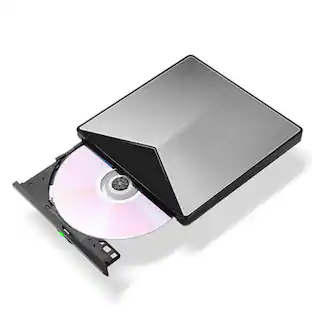
This optical drive supports reading and writing of CD±R/RW, CD-ROM, DVD±R/RW, DVD-RAM, VCD, and SVCD. Whether you're backing up data or watching videos, this drive covers all your needs.
Versatile External Drive for Laptops
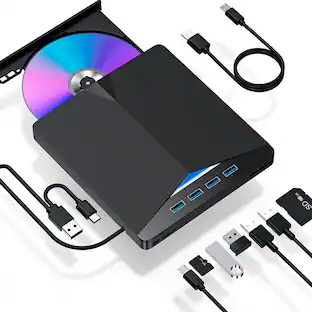
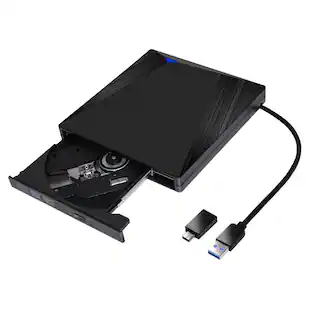
In addition to basic CD & DVD burning, this external DVD drive offers a wide range of ports, 1 USB 3.0 data port, 1 Type-C 3.0 port, 1 RJ45 network port, 1 USB 2.0 port, 1 TF card slot, 1 SD card slot, and 1 DC power port (for auxiliary power). Ideal for tasks such as data backup, software installation, or connecting external devices.
Wired Internet Connectivity
The built-in RJ45 network interface allows the laptop to connect to the internet, providing a stable wired connection with speeds up to 100 Mbps, eliminating the frustration of slow or unreliable wireless networks.
Slim and Portable Design
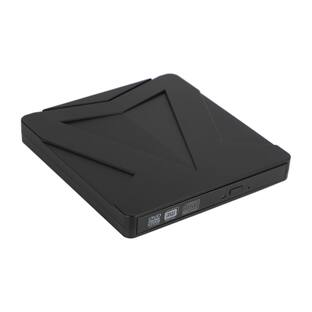
The AGPTEK external drive has a compact and lightweight design. It includes an integrated data cable for easy storage and portability, making it a suitable option for users who need a portable solution for work or travel.
- Optical Media SupportedCD, DVDSystem RequirementsWINDOWS 11 Requirements: WINDOWS 11 needs a media player (such as VLC ) and a network connection.Maximum Read Speeds24Maximum Write Speeds24
Reviews
This product doesn't have any reviews yet.
Compare similar products

AGPTEK External CD/DVD Drive for Laptop, USB 3.0 Slim DVD Burner with Ethernet Adapter, USB Ports and TF/SD Card Slots, CD/DVD Player Reader/Writer for Laptop, PC, MacBook, Windows, Linux, Mac OS. Ensure the drive is recognized: Insert the external optical drive into the computer. After the Windows system recognizes the optical drive, the "DVD RW Drive" icon will be displayed. The Mac OS computer will not display the device icon until the disc is placed in the optical drive and the disc is read successfully. If the computer fails to recognize the optical drive, it may be that the computer's driver is missing or the output current is insufficient. About data cable & power cord: 1.The USB data cable is built into the bottom of the drive. (Note: The total length of the data cable is only about 10.24 inches / 26 cm.) 2.The charging cord is a separate USB cord that comes with the package. The charging cord cannot be used as a data cable alone, it must be used together with the USB data cable built into the back of the drive. 3.It's better to use the 5V charger/power bank to increase the power if your computer don't have enough power to support the external drive.(Note: For the Apple computers, you need to connect the external CD/DVD drive to the mac/macbook/imac through the USB A/C data cable first, and then connect the 5V charger/power bank to the external CD/DVD drive through the charging cord, otherwise the Apple computer will not recognize the external CD/DVD drive.). WINDOWS 11 Requirements: WINDOWS 11 needs a media player (such as VLC ) and a network connection. Reading and writing speed: 1.This CD/DVD drive supports USB 3.0 and can provide data transfer speeds of up to 5Gbps. Although it has up to 8x DVD read/write speed and 24x CD read/write speed, the drive reads and writes CD/DVD discs at speeds that increase from the inner circle to the outer circle, and the starting speed is usually lower, reaching the maximum speed when reaching the outermost circle. 2.Recommended speeds (CD: Reading Speed: 24x or lower/Writing Speed: 8x to 16x; DVD: Reading Speed: 8x or lower/Writing Speed: 4x to 8x). For DVDs, slower writing speeds like 4x or 8x are often ideal to ensure data integrity, particularly for high-capacity or dual-layer discs. These speeds allow for more precise data encoding, reducing the risk of read errors in the future. Important Note Before Purchase: This external dvd drive for pc only works when connected to a laptop or desktop computer. It is not compatible with cars, TVs, projectors, tablets, iPads, smartphones, PS4/PS5, Xbox, Nintendo Switch, Chromebooks, or Blu-ray players. To eject a disc on a Mac computer, you need to right-click the desktop icon and select "Eject", or select "File" > "Eject" from the menu. Because due to the limitation of mac OS, the eject button on the dvd drive will not work. If your computer does not recognize the CD/DVD drive, check the computer's drivers and provide additional power to the optical drive.

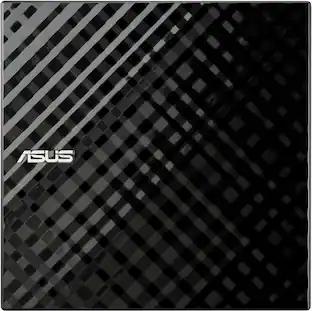
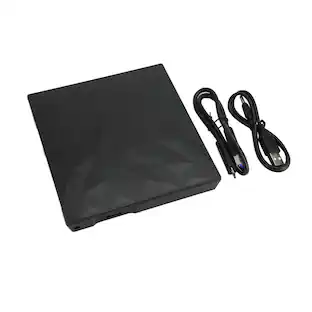
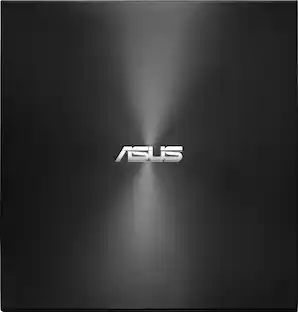
The ASUS Portable External DVD Burner (SDRW-08D2S-U/B) in sleek black offers versatile compatibility with both Mac and Windows via USB 2.0. It supports a wide range of disc formats, including DVD±R, DVD±RW, CD-R, and CD-RW, with impressive burning speeds of up to 8x for DVDs and 24x for CDs. Enhanced security features include disc encryption, password protection, and hidden-file functionality. The user-friendly Drag and Burn interface simplifies the burning process to just three easy steps. Included software features CyberLink Power2Go 7 and E-Green for added convenience.

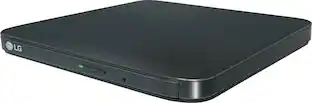
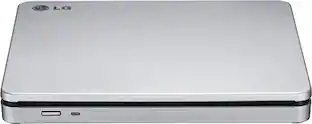
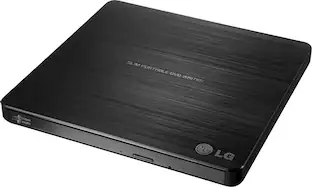
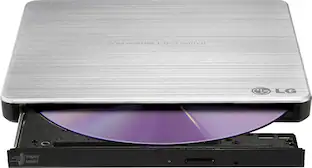
Store and play files on disk with this portable LG external DVD writer. Its 8x DVD and 24x CD write speeds let you produce optical copies efficiently, and its silent play technology optimizes read speed while reducing noise. This slim LG external DVD writer supports M-DISC formats for high-quality data storage.

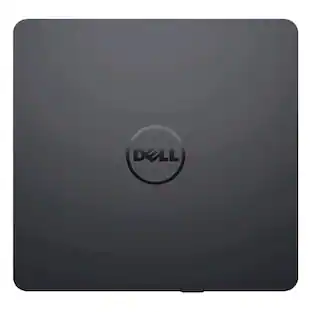
Burn DVDs and CDs with this Dell USB DVD/RW drive. Plug it into your computer's USB port to play and burn discs or to load new software onto the hard drive. This slim Dell USB DVD/RW drive fits into a tote bag, and it draws power directly from the computer's USB port for hassle-free operation.
| Pros for AGPtek - External CD/DVD Drive for Laptop, PC, MacBook, Windows, Linux, USB 3.0 Slim DVD Burner with Ethernet Adapter - Black | |||
|---|---|---|---|
| There were no pros for this product— | Ease of use, Overall Performance, Price, USB, Speed | Ease of use, Overall Performance, Price, USB, Size | Ease of use, Overall Performance, USB, Size, Price |
| Cons for AGPtek - External CD/DVD Drive for Laptop, PC, MacBook, Windows, Linux, USB 3.0 Slim DVD Burner with Ethernet Adapter - Black | |||
| There were no cons for this product— | Software, Cord Length | Software | Software, Noise Level |
Specs
Customers often buy these together

Verbatim - 700MB 52X CD-R 100 Packs Spindle Disc Model 94554 - Silver
$24.99The price was $38.05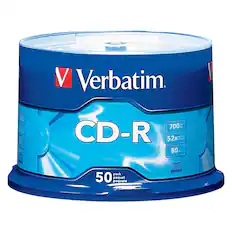
Verbatim - 52x CD-R Discs (50-Pack)
$19.99The price was $25.84


More to consider
 Black Friday in July Deal$30.99The price was $32.99
 Black Friday in July Deal$35.99The price was $45.99
 Black Friday in July Deal$61.99The price was $74.99
Explore tech essentials Sponsored
- Black Friday in July Deal$35.99The price was $45.99
- Black Friday in July Deal$61.99The price was $74.99