Mac Accessories
Mac Accessories (58)


Sort by:
- $59.99Save $20The comparable value is $79.99
Pick up today
Get it tomorrow • FREE
- $49.00
Pick up today
Get it tomorrow • FREE
- $199.99
Pick up today
Get it tomorrow • FREE
- $59.00
Pick up today
Get it tomorrow • FREE




![The text on the image reads:
888 DD DI DD 4 DSC i F2 F3 4 FS T6 ET 1. 1N IN F.. 11 1.. 114 1n F1 F12 118 in9 - a ee 1 8F 2 3 $ 4 % 5 A 6 & 7 . 8 I 9 I 0 ee I + = delete fn home page up clear - / + tab Q W E R T Y U I 0 P { [ ] ] | I delete end page down 7 8 9 ee caps lock A S D F G H J K L : I - return 4 5 6 + shift Z X C V N M < F > ? / shift a 1 2 3 control option 2 command 3 command option control Y - 0 enter
After grouping and correcting the text, it reads:
888 DD DI DD 4 DSC i F2 F3 4 FS T6 ET 1. 1N IN F.. 11 1.. 114 1n F1 F12 118 in9 - a ee 1 8F 2 3 $ 4 % 5 A 6 & 7 . 8 I 9 I 0 ee I + = delete fn home page up clear - / + tab Q W E R T Y U I 0 P { [ ] ] | I delete end page down 7 8 9 ee caps lock A S D F G H J K L : I - return 4 5 6 + shift Z X C V N M < F > ? / shift a 1 2 3 control option 2 command 3 command option control Y - 0 enter](https://pisces.bbystatic.com/image2/BestBuy_US/images/products/f4059d3a-0c2a-46ef-bcfd-4e11b9b26d5d.jpg;maxHeight=427;maxWidth=640?format=webp)


Save with refurbished options
Every item is inspected, graded and backed by a Best Buy warranty.
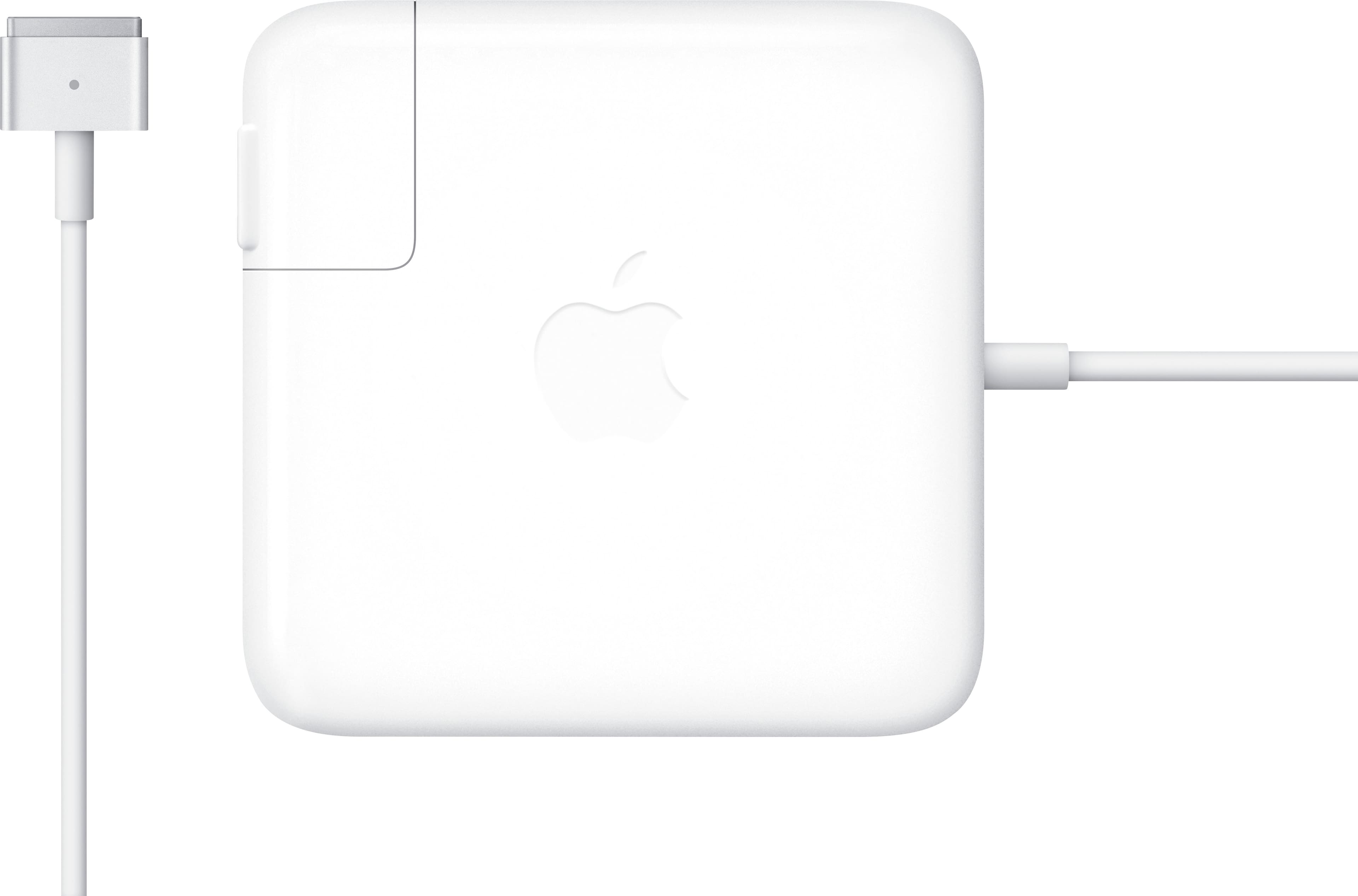
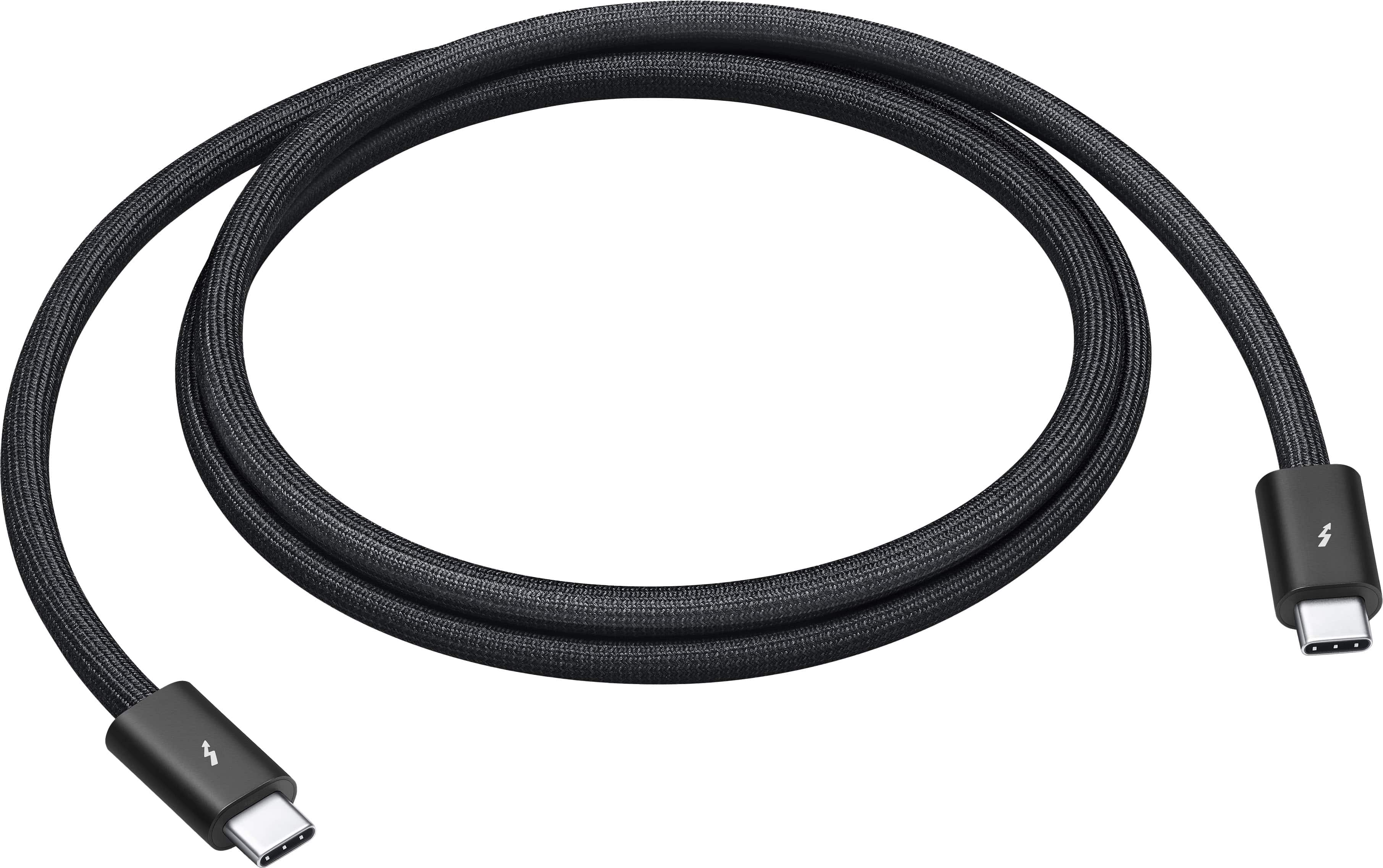
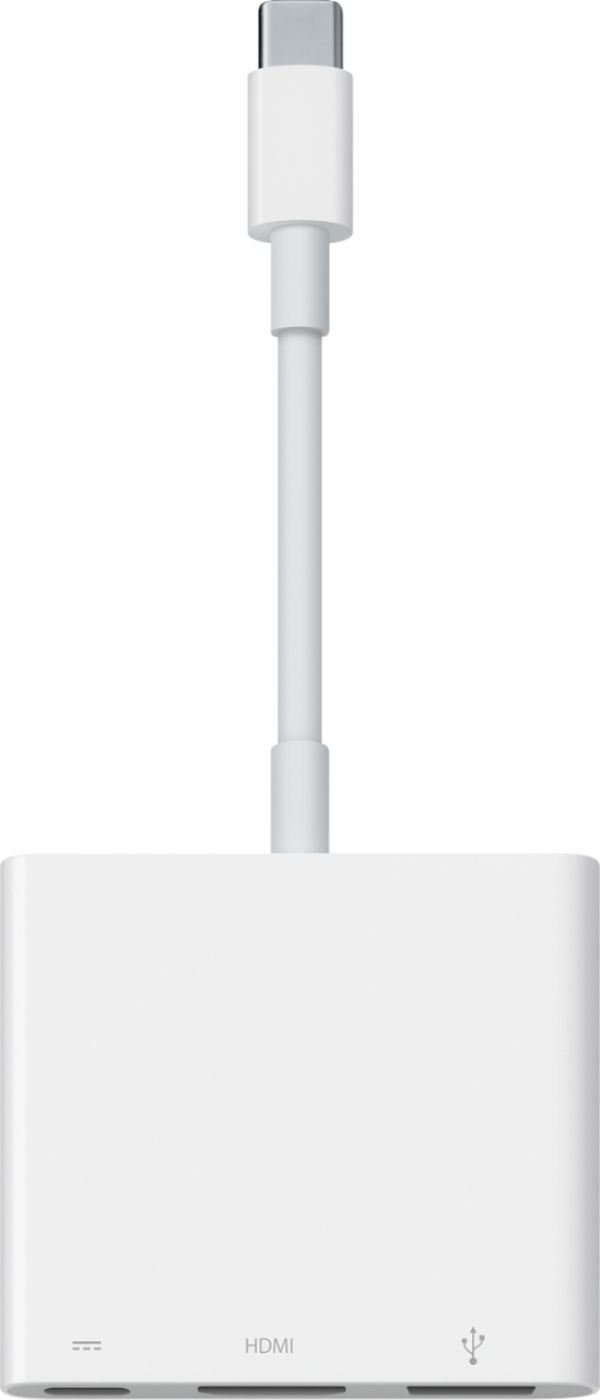
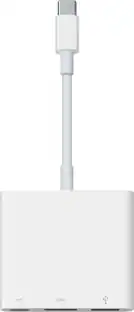
Apple - Refurbished Excellent - USB Type-C Digital AV Multiport Adapter - White
$49.99
The price was $69.99

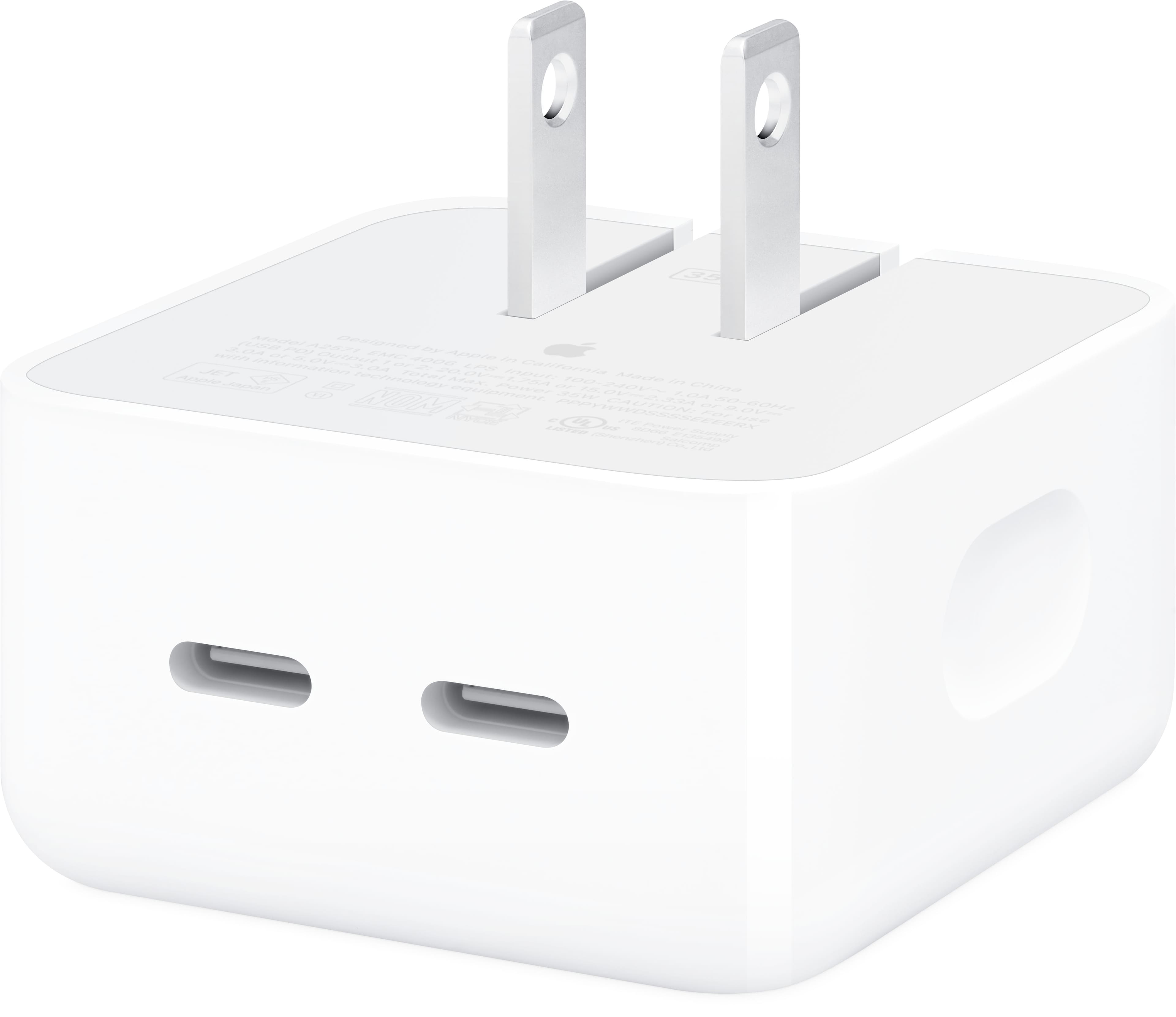
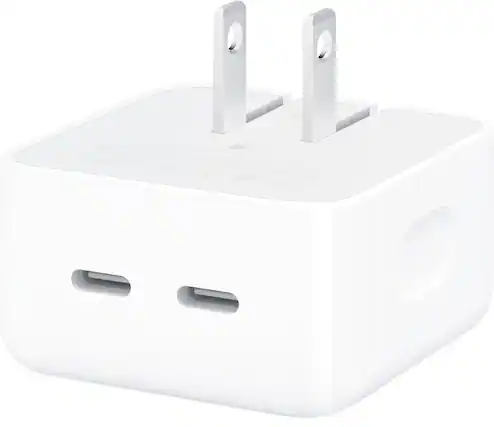
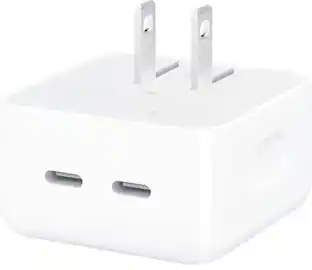
Apple - Refurbished Excellent - 35W Dual USB-C Port Compact Power Adapter - White
$39.29
The price was $49.99

- $19.00
Pick up today
Get it by Tue, Nov 24 • FREE
- $79.00
Pick up today
Get it tomorrow • FREE
- $99.99
Pick up today
Get it tomorrow • FREE
- $49.00
Pick up today
Get it tomorrow • FREE


16 of 58 products
Popular Mac accessories
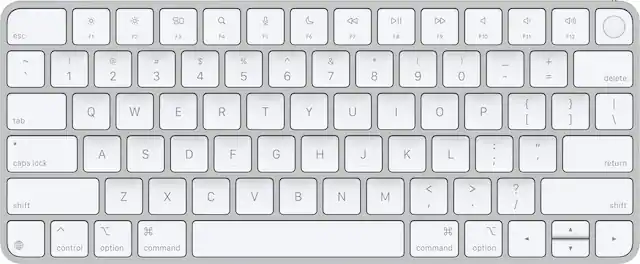
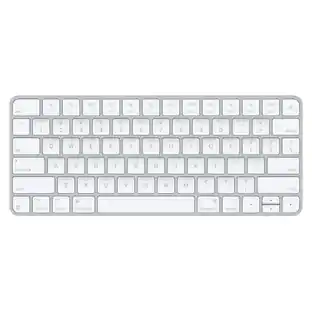
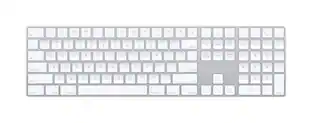
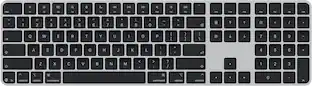
Apple Magic Keyboard (USB-C) with Touch ID for Mac models with Apple silicon
Clearance$134.99The price was $149.99







Explore related products Sponsored
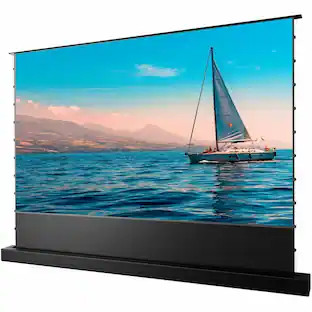
ALR-F220C 120" Motorized Floor Rising ALR Ultra Short Throw Projector Screen, 4K/8K 3D
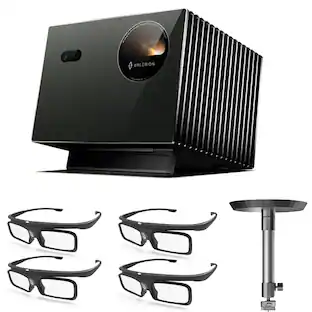
Black Friday Deal$1,614.00The price was $2,999.00Vision Master Pro2Black with Ceiling Mount and DLP Link 3D Glasses(4 Pack)
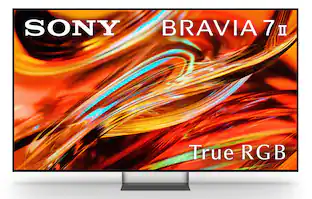
$1,899.00The price was $2,999.0065" Class BRAVIA 7 II True RGB 4K HDR Google TV with Gemini
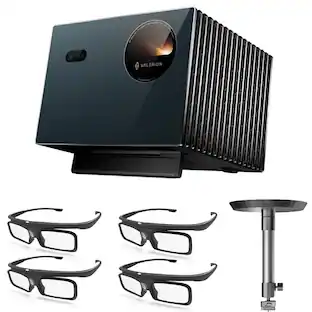
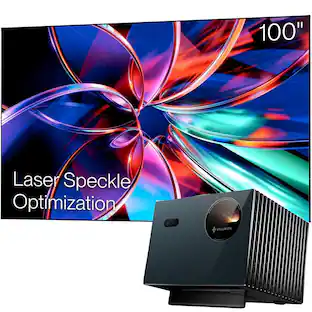
Black Friday Deal$1,499.99The price was $2,599.99VisionMaster Pro2Blue 4K Triple Laser Projector with Ceiling Mount and DLP Link 3D Glasses(4 Pack)
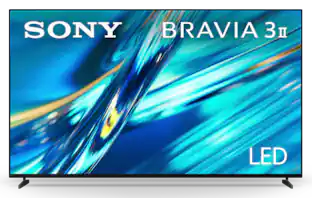
$1,899.00The price was $2,999.00100" class BRAVIA 3 II 4K HDR LED Google TV with Gemini (2026)
Black Friday Deal$1,999.99The price was $3,099.99VisionMaster Pro2NB 4K Laser Projector with 100" PureVision Fixed Frame Projector Screen and Ceiling Mount
$2,199.00The price was $2,999.0065" Class BRAVIA 8 II OLED 4K UHD Smart Google TV with Gemini (2025)
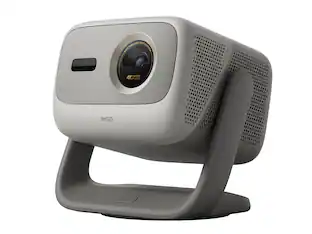
Black Friday Deal$2,199.99The price was $3,299.99N3 4K UHD Triple Laser Smart Portable Projector Google TV 1.3x Optical Zoom 300'' Display Dolby Audio Blu-ray 3D
$999.00The price was $1,399.00