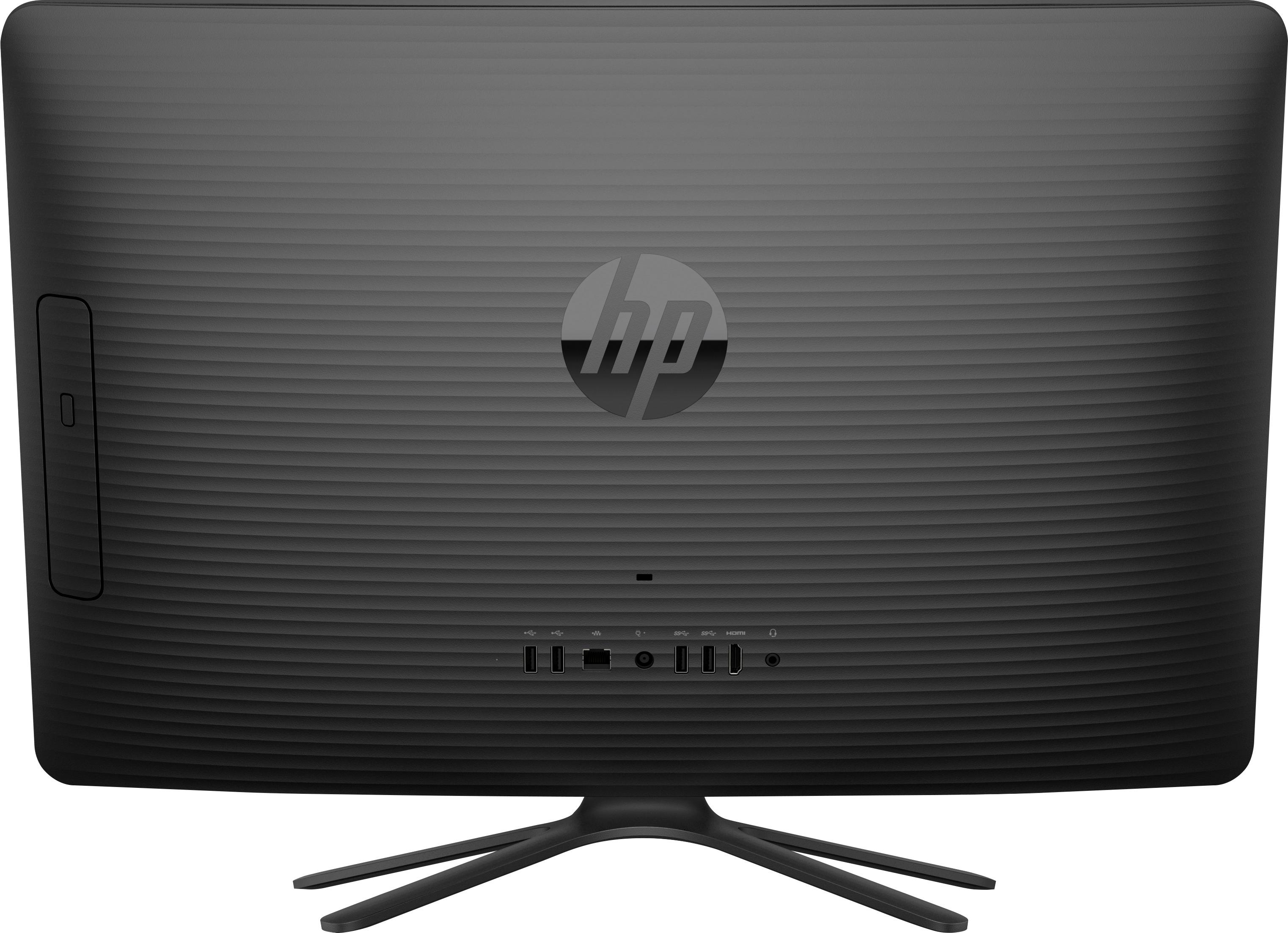
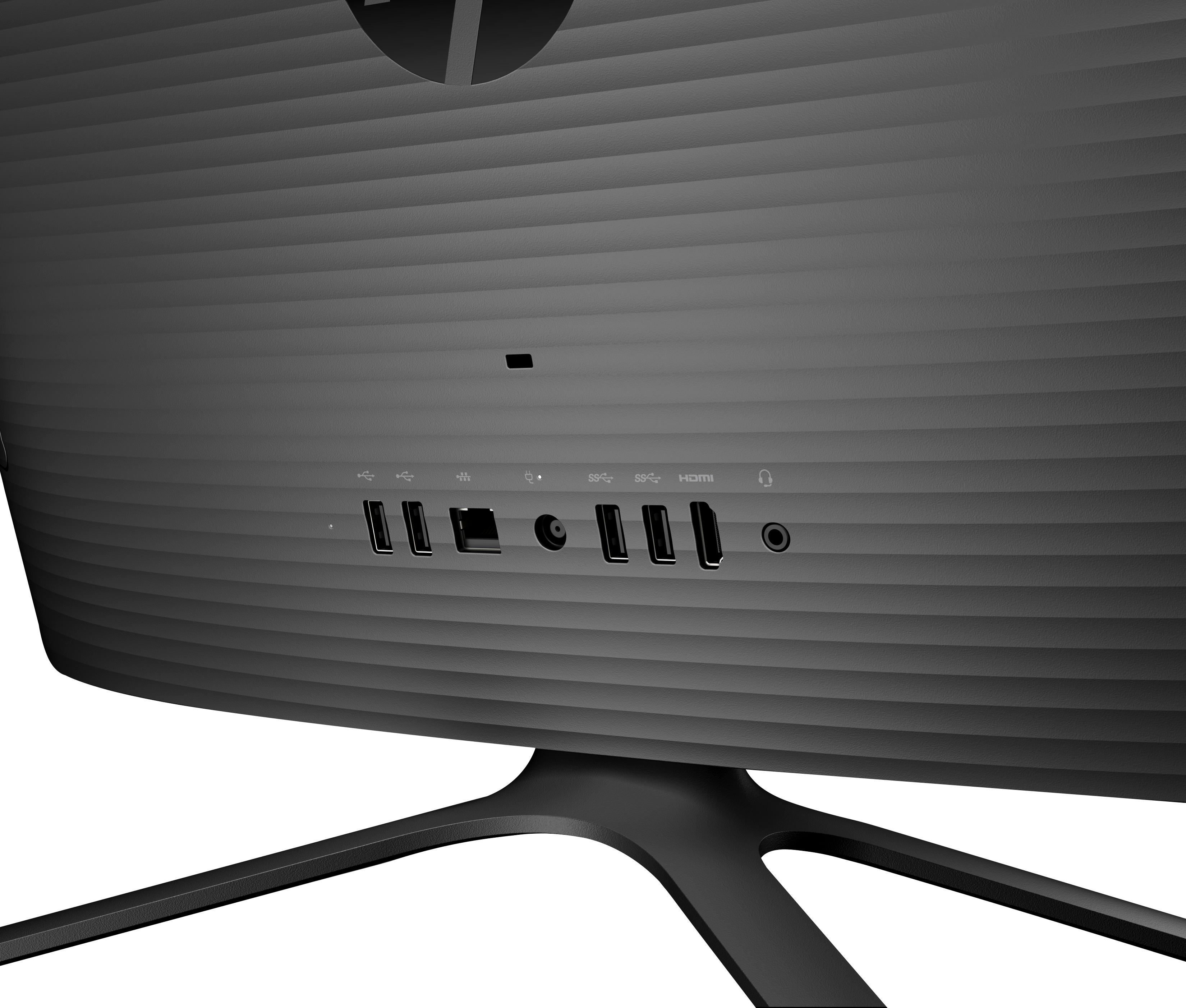
A:AnswerMine has 4 USB ports, 2 on either side of the center back of the screen where the power plug goes into the All-in-One. 1 Ethernet port and a RCA jack for speakers. Hope this helps.
A:AnswerYou will love the screen for watching Netflix etc. Downloading music won't be a problem but I suggest you plug in some real speakers. Will do well for school work. With the quality of the display it will do fine editing photos.
A:AnswerHello, I see that you are interested in knowing the max RAM memory you can put in the HP 23.8 all in one desktop. The HP 23.8 System Memory RAM is expandable to 16 GB. I hope that answered your question. Feel free to visit us again if you have any concerns. Thank you.
A:AnswerIt does have a built in mike and camera. You can test them by going to All settings/Privacy then click on the camera or microphone tabs to test. If for some reason you find the quality is not what you prefer you can use a different set up either wired to the USB port or wireless/Bluetooth. I have found that my microphone picks up very well (in some cases too well lol) and it can be adjusted as can the camera. I have had very good luck with mine and it has not had any issues on Skype that I have been told of or noticed. Hope this helped.
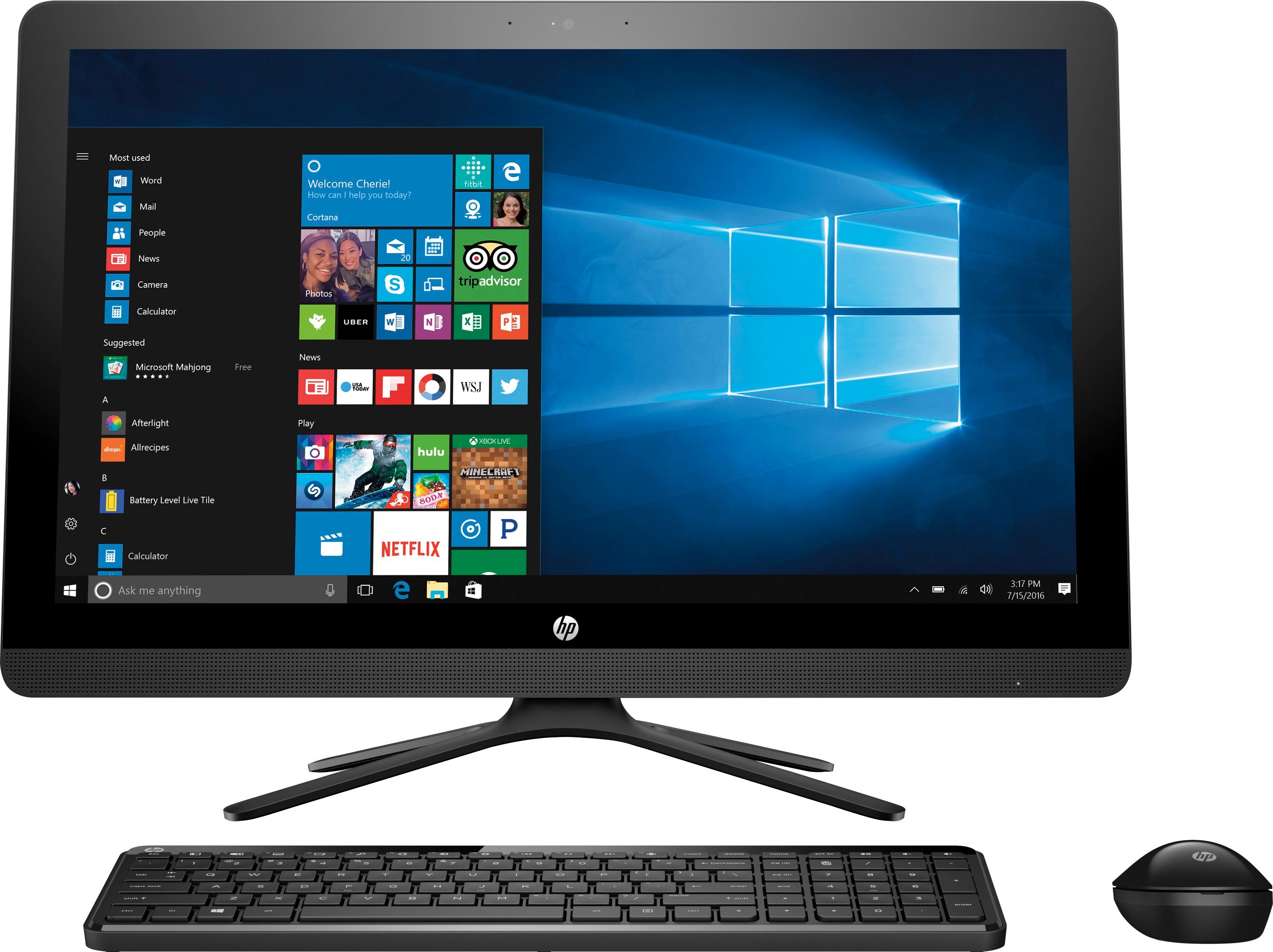
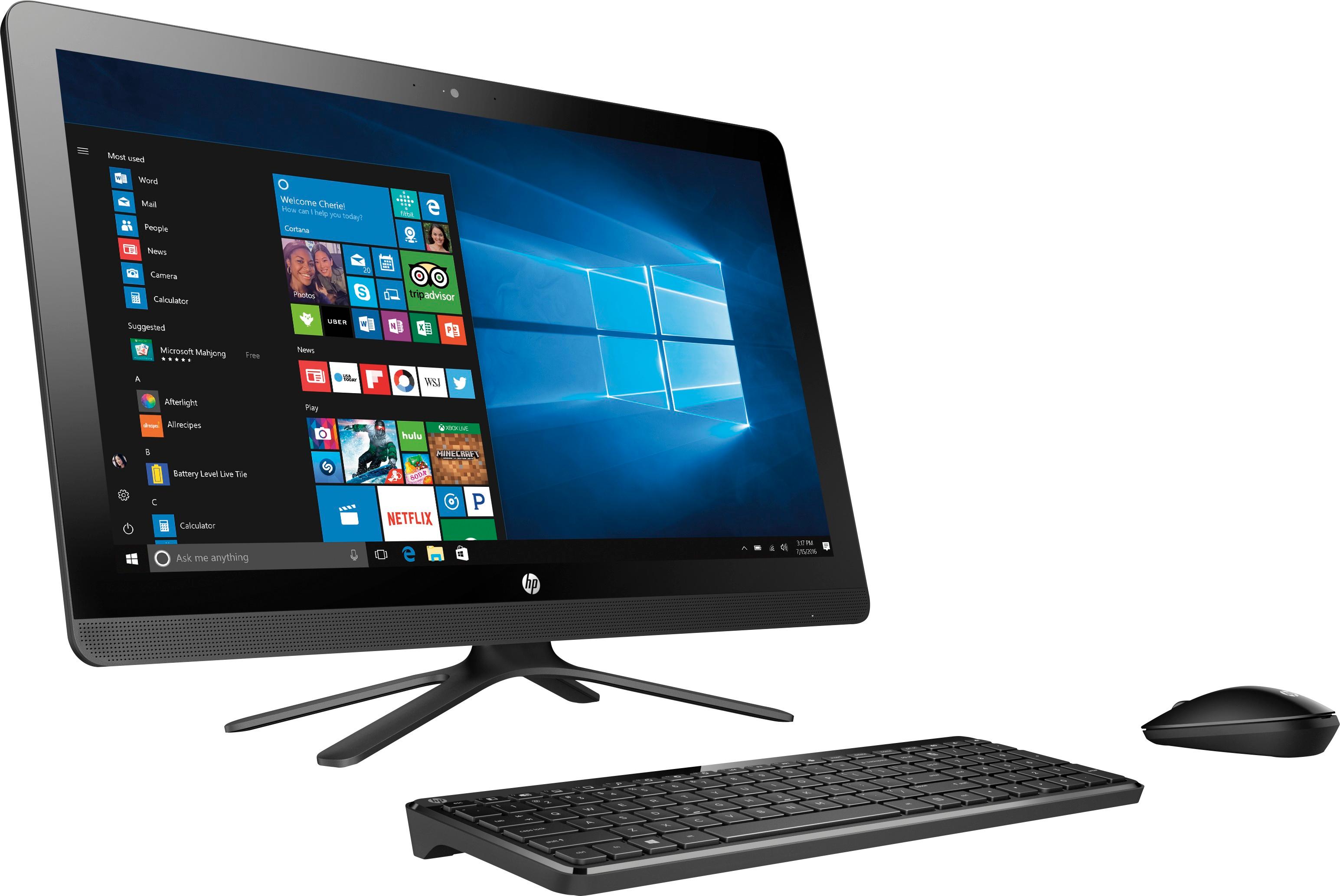
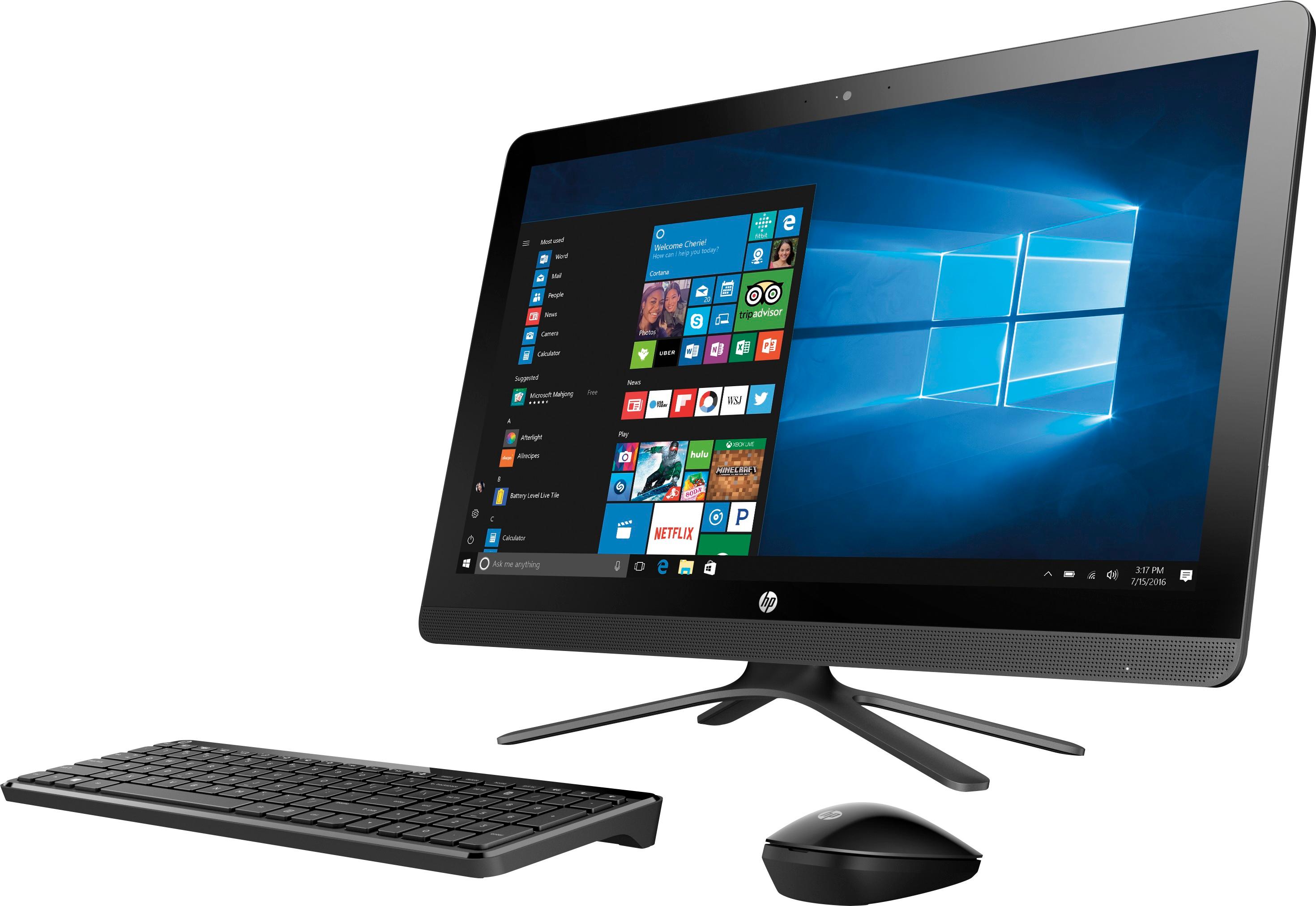
A:AnswerIt comes with keyboard, mouse, power cord. Yes the operating system is insatalled. It should be compatible with the Hp printer. You may need to get updated drivers from HP website to get the latest drivers but shouldn't be a problem with it.
A:AnswerI bought this primarily for office work and web browsing. I'm not a gamer but the B.B. sales rep told me it is not meant for gaming, which would require a faster processor.