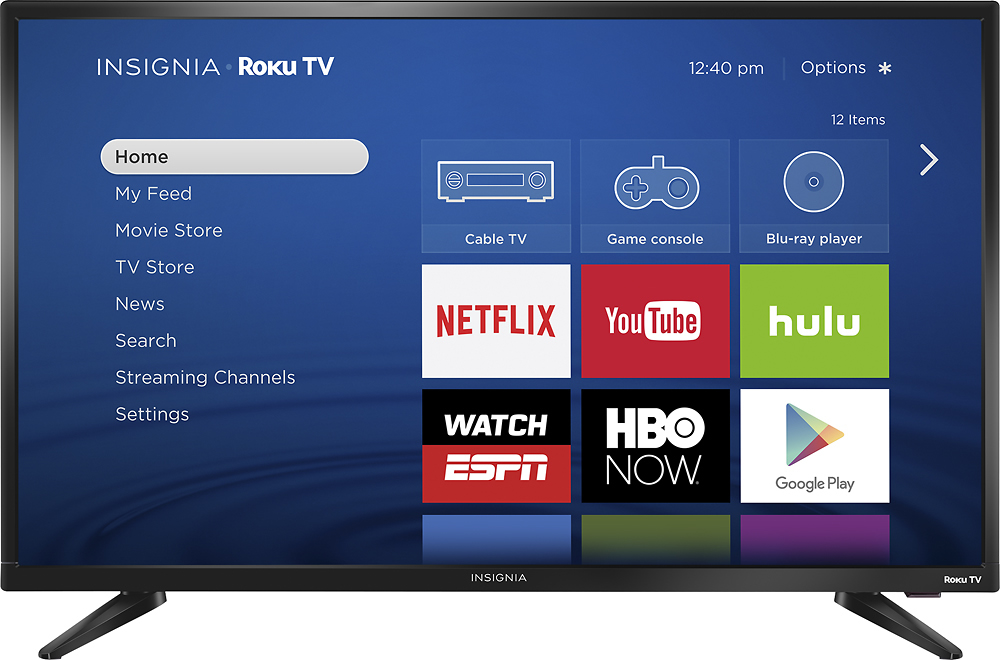
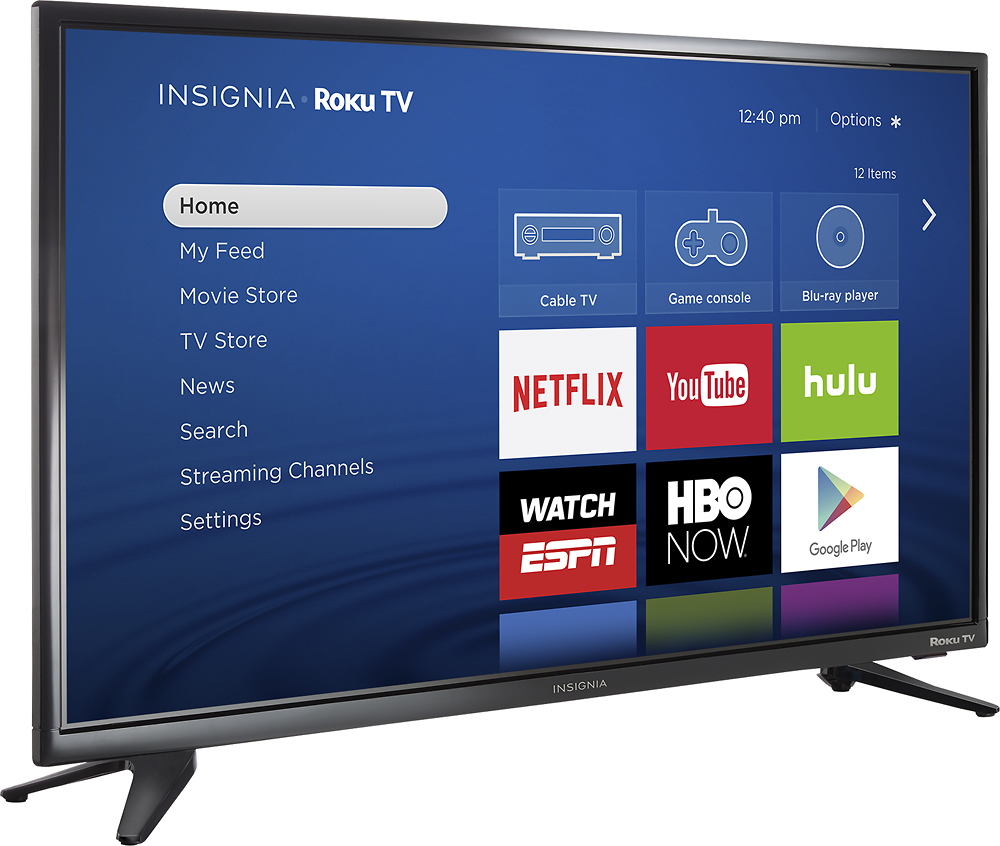
A:AnswerWhen setting up this TV, the system will direct you to sign up with a ROKU membership, but it's absolutely free and you can choose not to add any payment methods. Easy to use, easy to learn, and great tv overall...
A:AnswerFor most Models you have to going to Settings>About>Software Update and if available for your Model & version you can upgrade to 7.2
... there not much of a difference between the 2 versions that you will be able to notice.
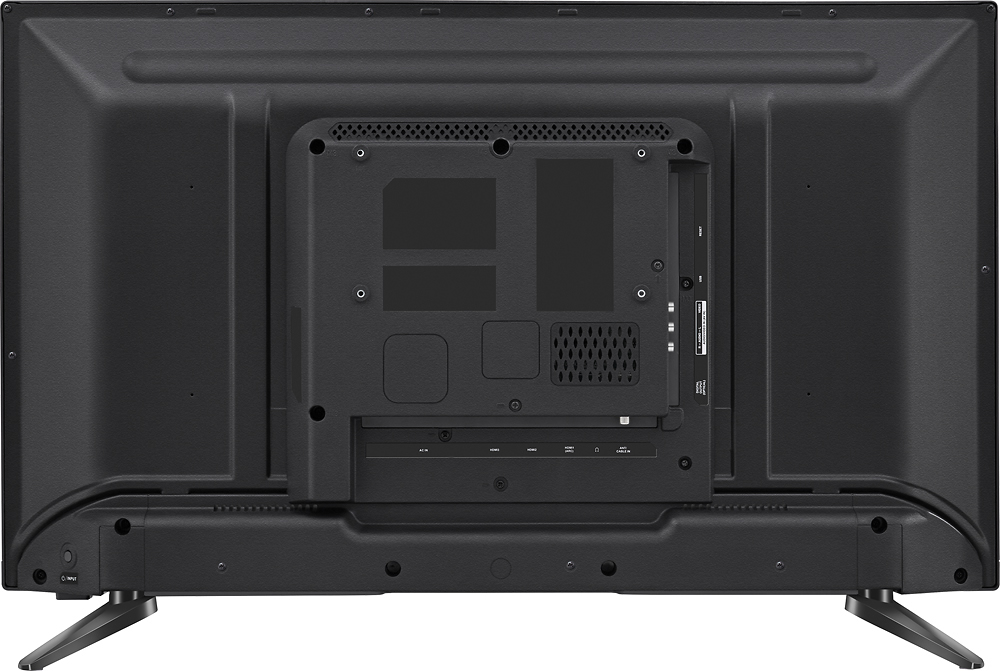
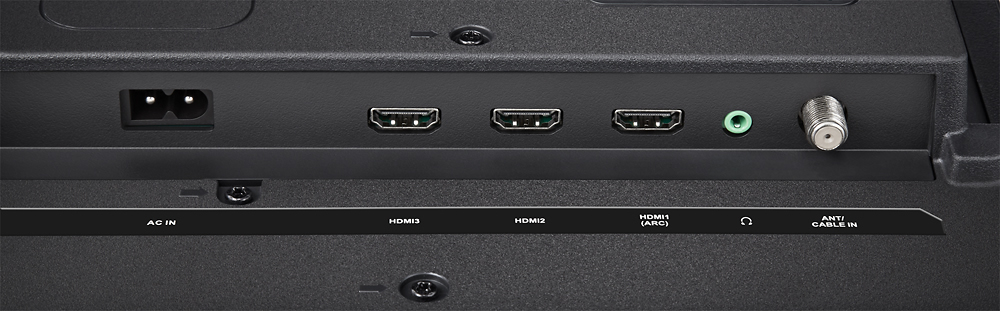
A:AnswerYes, you should be able to connect this TV directly into your Brighthouse cable box via HDMI, just as you did with your old TV. There is no difference on how it connects. You connect your cable box to this TV just the same as you would any other TV. That is how I have mine setup and it works perfect.
On the Roku main menu that comes up when you turn on the TV, simply select "Cable Box" from the initial main menu and you will be instantly connected to your cable box.