A:AnswerI had a similar problem with the same switch. I got video but no audio. Rep from Amazon says that the device is designed to plug directly into the tv. Once I did that I have no problem.
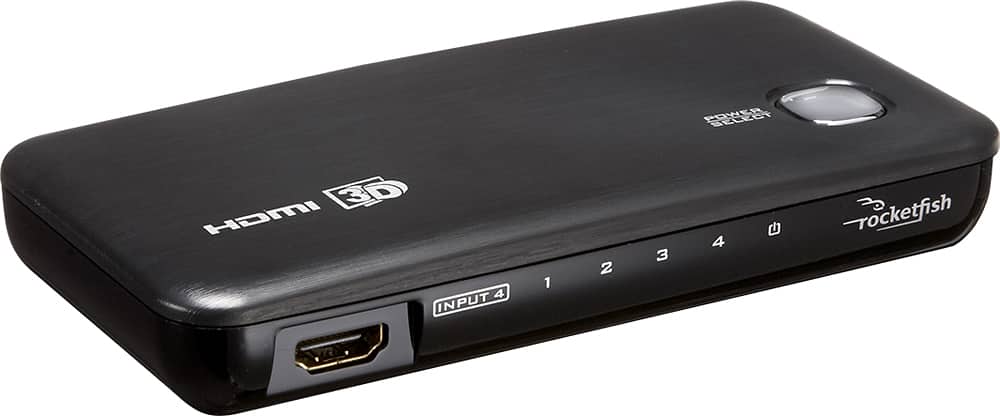
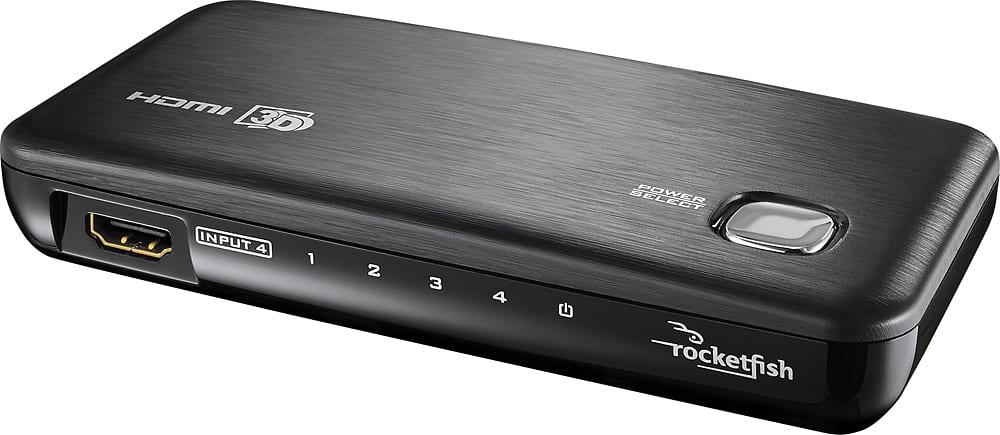
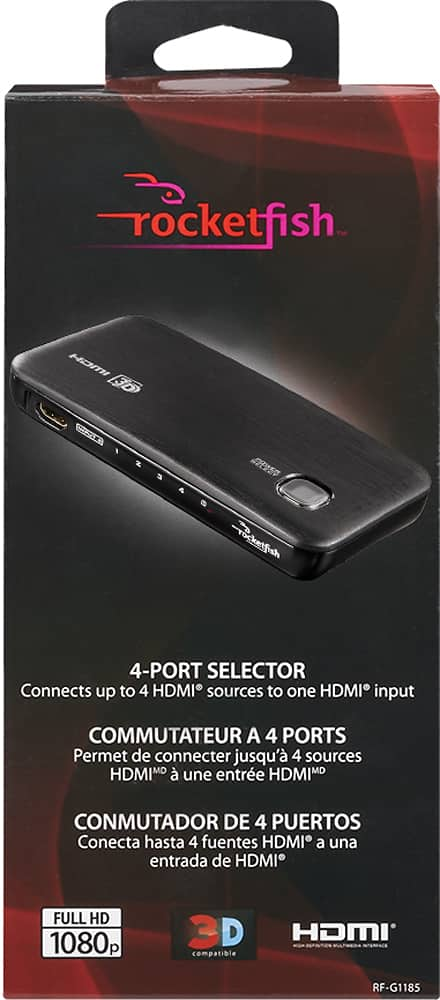
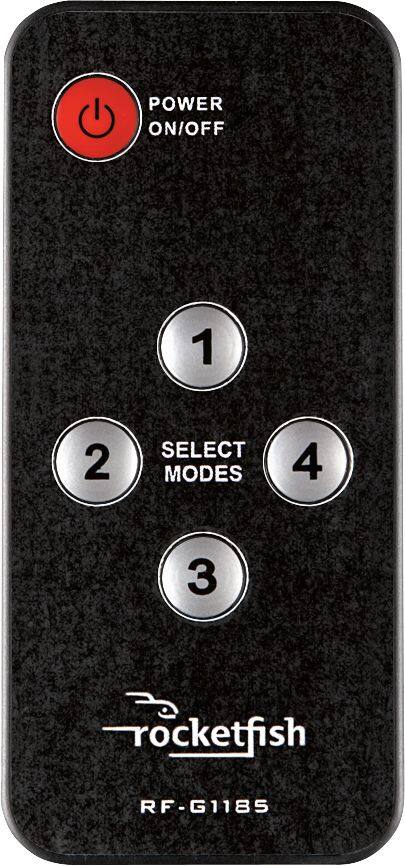
A:AnswerYou should be able to use an HDMI Switcher (RocketFish makes a 4 port switcher) to accomplish this. Simply plug an HDMI cable into the INPUT on the switcher and to your HDMI port on your tv. Then, hook up all your other devices to the switch. It comes with a remote control so you can easily switch between devices. I have my x-box one, x-box 360, WiiU, and DVD player hooked up and it works great.
Hope this helps!
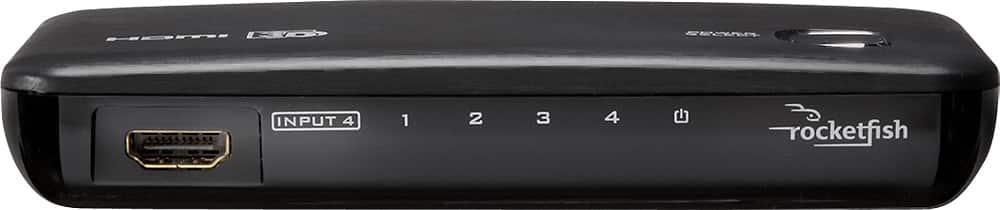
A:AnswerOn the Rocketfish 4-port switch you have 3 input's and only 1 output, make sure it is connected correctly. You would connect the U-verse HDMI cable to one of the three inputs then connect the cable to the TV from the output of the Rocketfish 4-port switch. If your using input 1 make sure your switch is on 1.
A:AnswerYou do have to use the remote or just hit the button on the device itself. Mine works automatically, but if you have two devices on, there is no way fort the switch to know which one you want.
A:AnswerYou're using it the wrong way. If you want to "split" your HDMI output onto 2 monitors you would need a HDMI splitter. This is a switch box. Think of it as a way to select which of your four HDMI devices gets to talk to your TV. It takes the place of plugging in your DVD player, cable box, Game console each time you want to use them. If you have more devices than HDMI ports it allows these items to share a single HDMI port.
A:AnswerIt only has one output but 4 inputs. I have 3 devices connected to mine. You might be better off plugging your surround sound into your television and use this device for the other devices you plan on using.