A:AnswerYes you can. Here is a link that has information on this you might find helpful: https://platypusplatypus.com/news/chromebook-voice-dictation-ok-google/
A:AnswerIf these are available as an app from Google Play store or Chrome web store, yes. Chromebooks are different from standard laptop products in that they are designed to be used primarily while connected to the Internet, with most applications and documents living in the cloud. Because of this they don’t have much for on board storage but they also are not expensive either. Chromebooks run off apps like an Android phone or tablet so you cannot download and install applications or .exe files. If you need to use third party software applications that must be installed on the computer, a Chromebook is likely not for you, where a Windows laptop would suit you better.
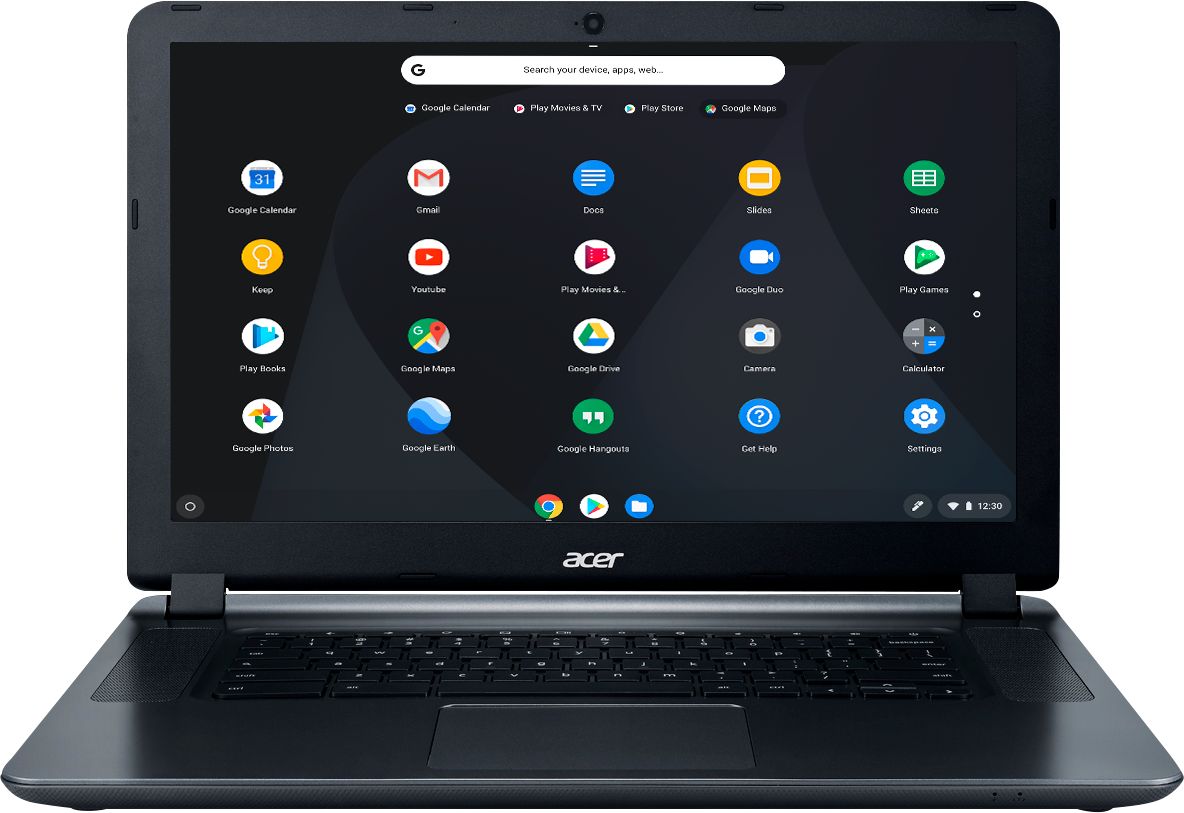
A:AnswerOk thanks for clearing it up. I know it wasn't the TeamAcer member who replied here, but I noticed several older questions on this 15.6's model Q and A where the TeamAcer rep replies with this-"Google stops support for Chromebooks after 5 years. Here is a link that has information on this you might find helpful: https://www.pcworld.com/article/3109868/laptop-computers/why-google-plans-to-stop-supporting-your-chromebook-after-five-years.html" and that is completely wrong. Hope all those wrong answers are removed here as 2.5 years versus 5 years support is a huge differene. I called Acer this morning and they verified Google Support stops on August 2021. Thanks again for clarifying.
A:AnswerIt should have resolved it self by now. However, if not , unplugged device let it sit for a few hours and try again. I usually have never waited longer than 10 minutes and that's with the 2013 model. Good luck
A:AnswerIt allows you to use Google Play so you can download Android apps. Just know that not all Android apps will work ok on a chromebook, compared to your phone.