A:Answernot physically on the motherboard of the chromebook; but one can expand the memory on the chromebook by expanding the memory via upgrading the size of the SSD drive up to at least 128Gb for about $50; one can then enable a swap file that will allow one to custom set ones memory to 2Gb, 4Gb, 8Gb memory expansion equivalent for a Chromebook; this would also be a good investment in light of the fact that the CB5 series Chromebook will soon be able to run Android software applications; by upgrading ones memory to 128Gb one would be able to run any likely software programs without running into memory issues!
A:AnswerI don't think mine has a fan. But I use it 2 - 4 hours straight with no heating problems. It is extremely fast! The touch pad is very sensitive. And I love the "two finger" tap to get where I need to be without having to click on the pad.
A:AnswerIt works for my Cannon all in one, so my guess is there are drivers and/or an app you can install to get this to work. Take a look in the GooglePlay app store to see what HP has to offer. I'd frankly be shocked if you couldn't get it to work unless it is an old printer.
A:Answeryes, you can just get a usb 3.0 or usb 2.0 to ethernet converter adapter they will allow one to have high speed hardwire ethernet access to the internet!
A:AnswerIt is not on Google's list of compatible devices, so it may not work at this time. You can find a complete list of supported files and devices at https://support.google.com/chromebook/answer/183093
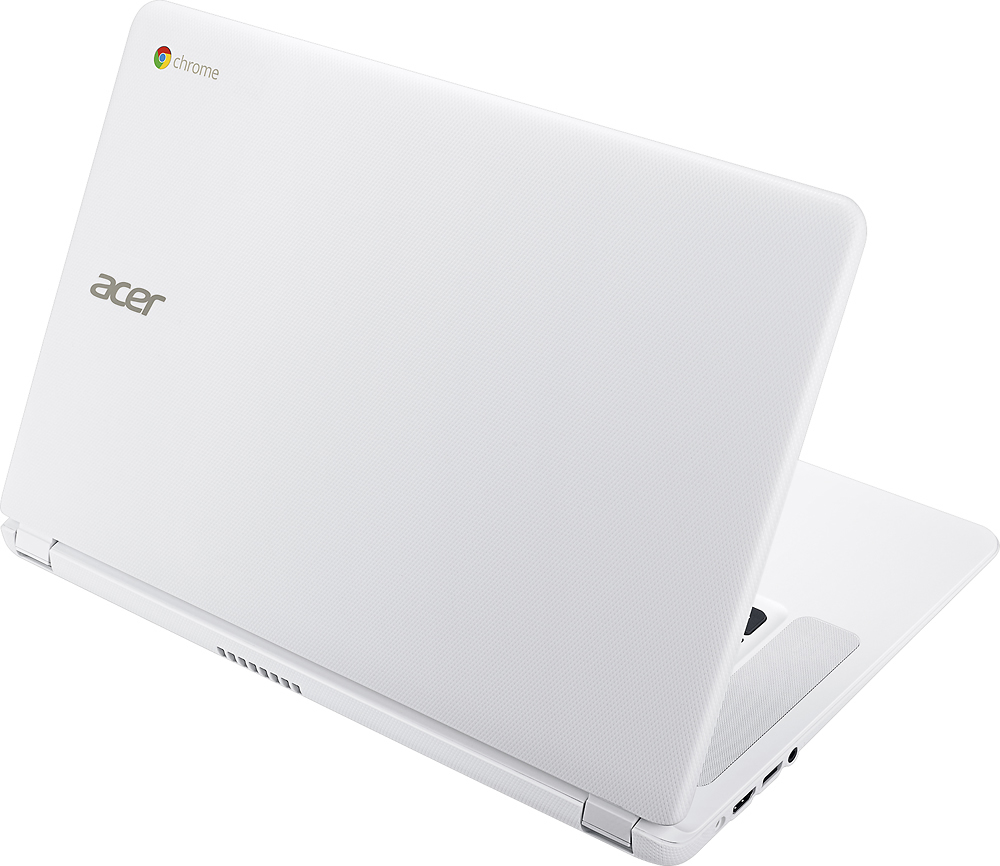
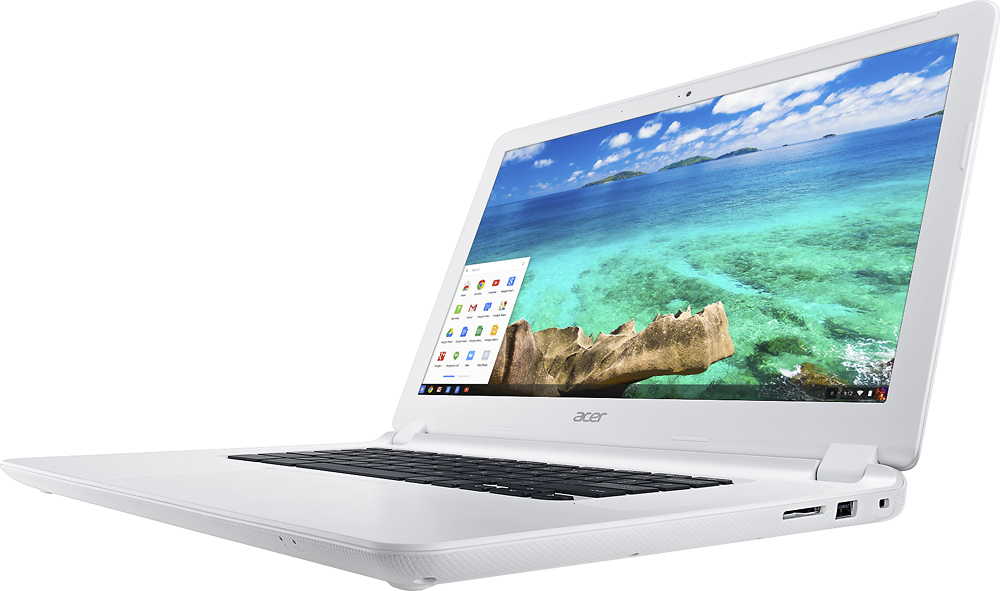
A:AnswerYes, one 3.0 port and one 2.0 port,, I wish it had a third one,, it has a full HDMI port so you don't need any adapters, also has an SD card slot,, you get 100GB free from google