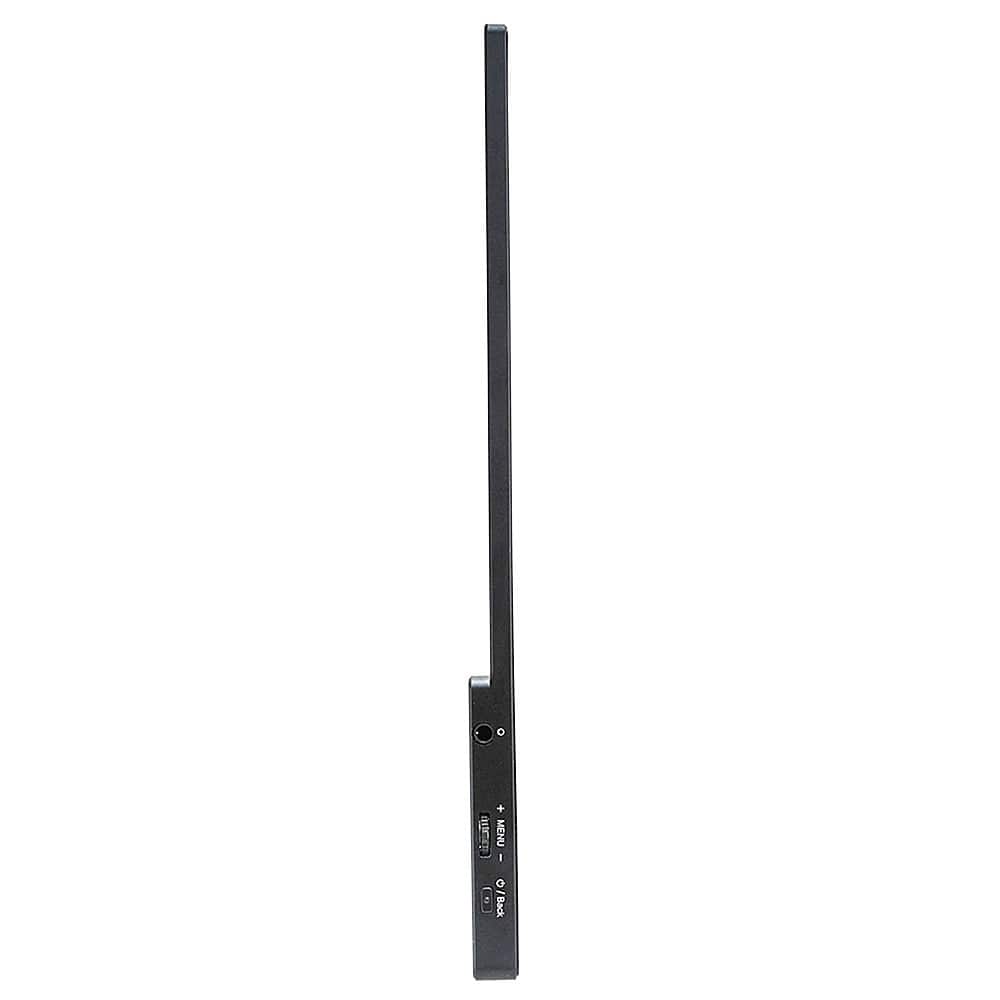
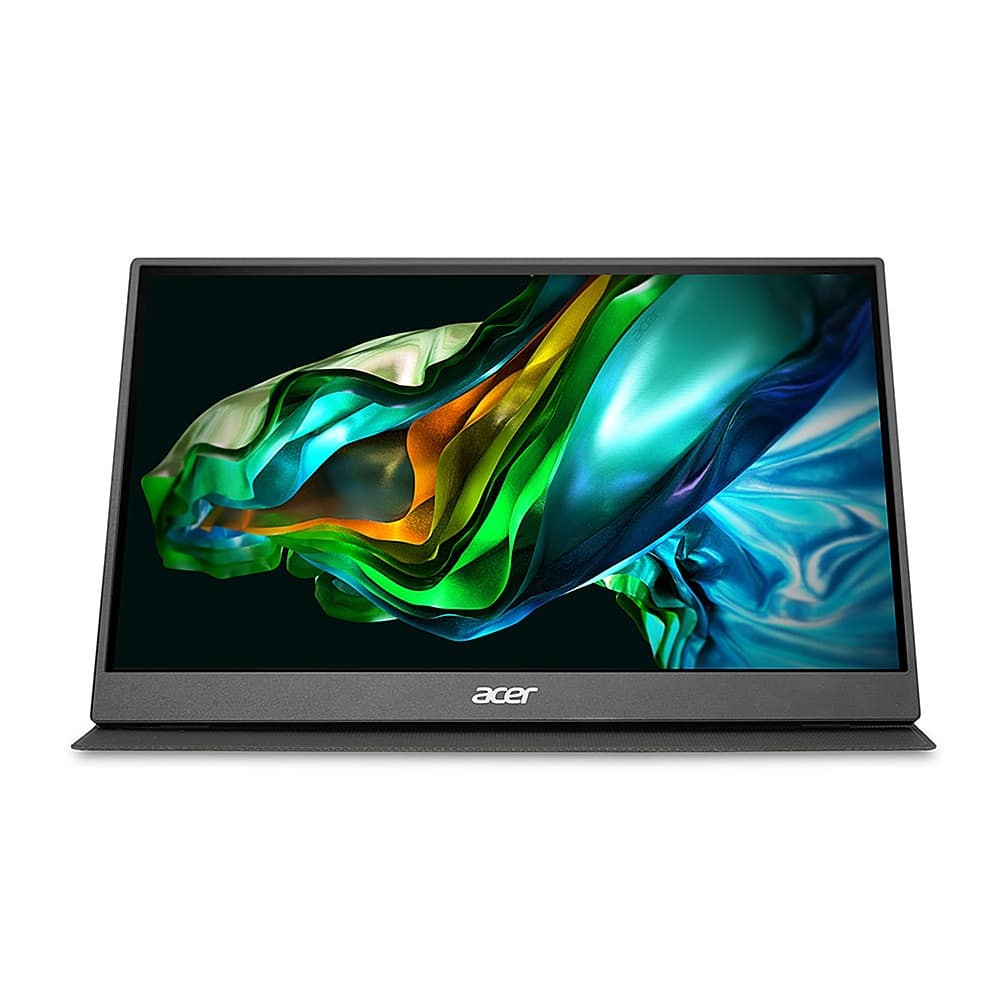
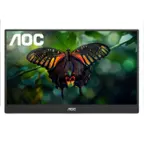
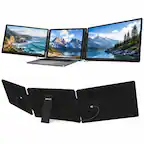
A:AnswerAcer has not tested this monitor with a switch but you will need the included AC adapter to power the monitor, if not connected to a source laptop/PC.
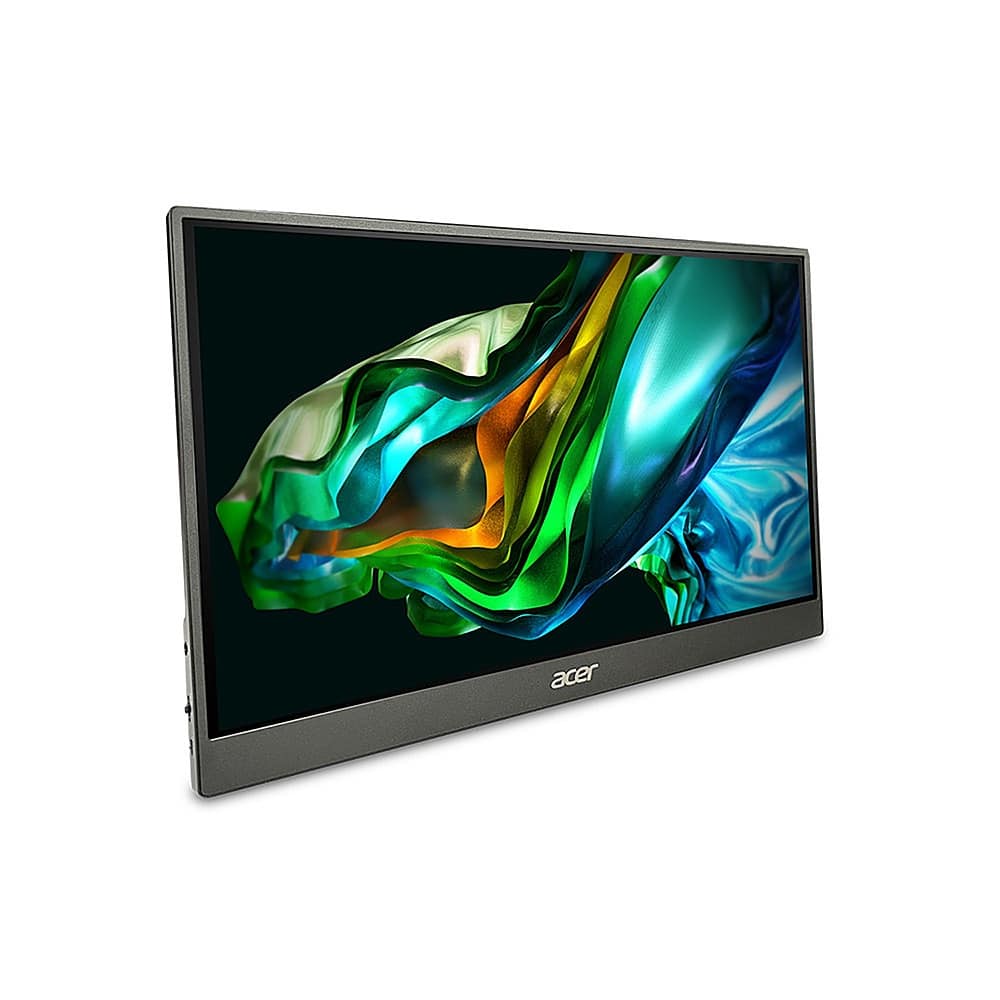
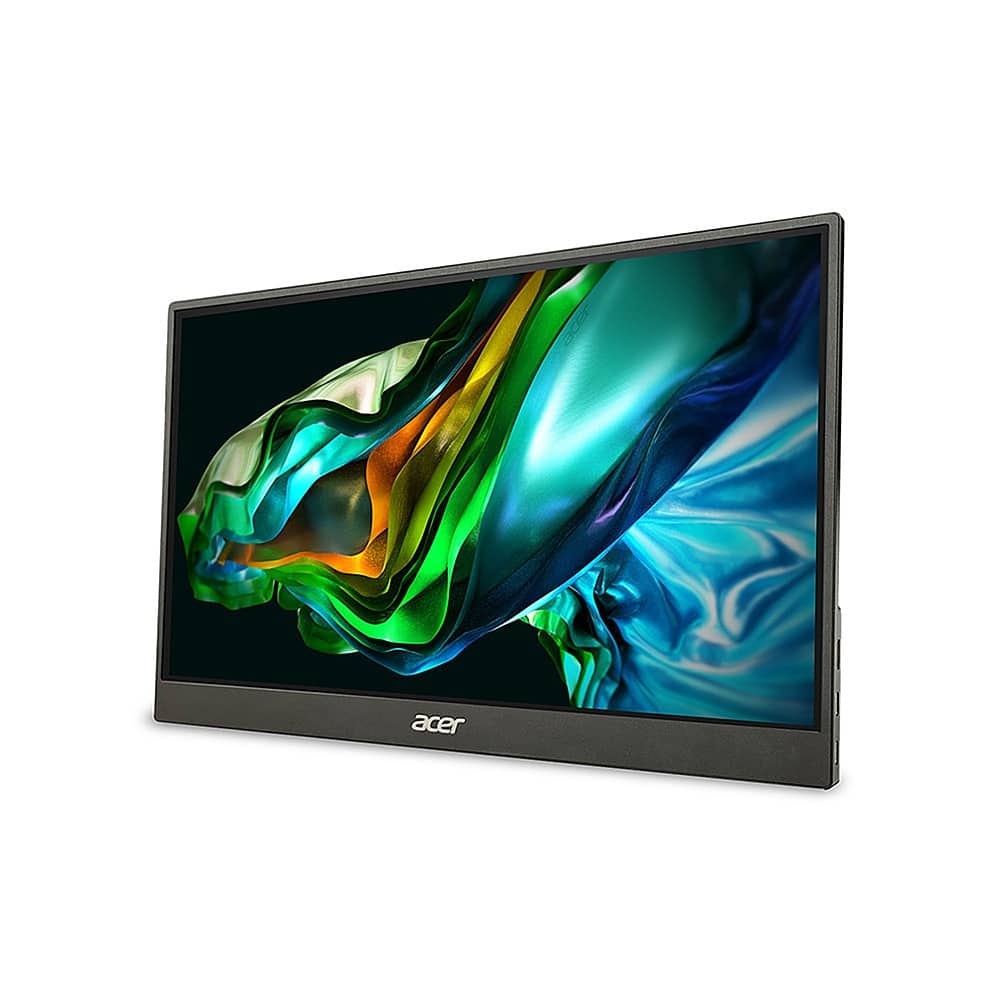
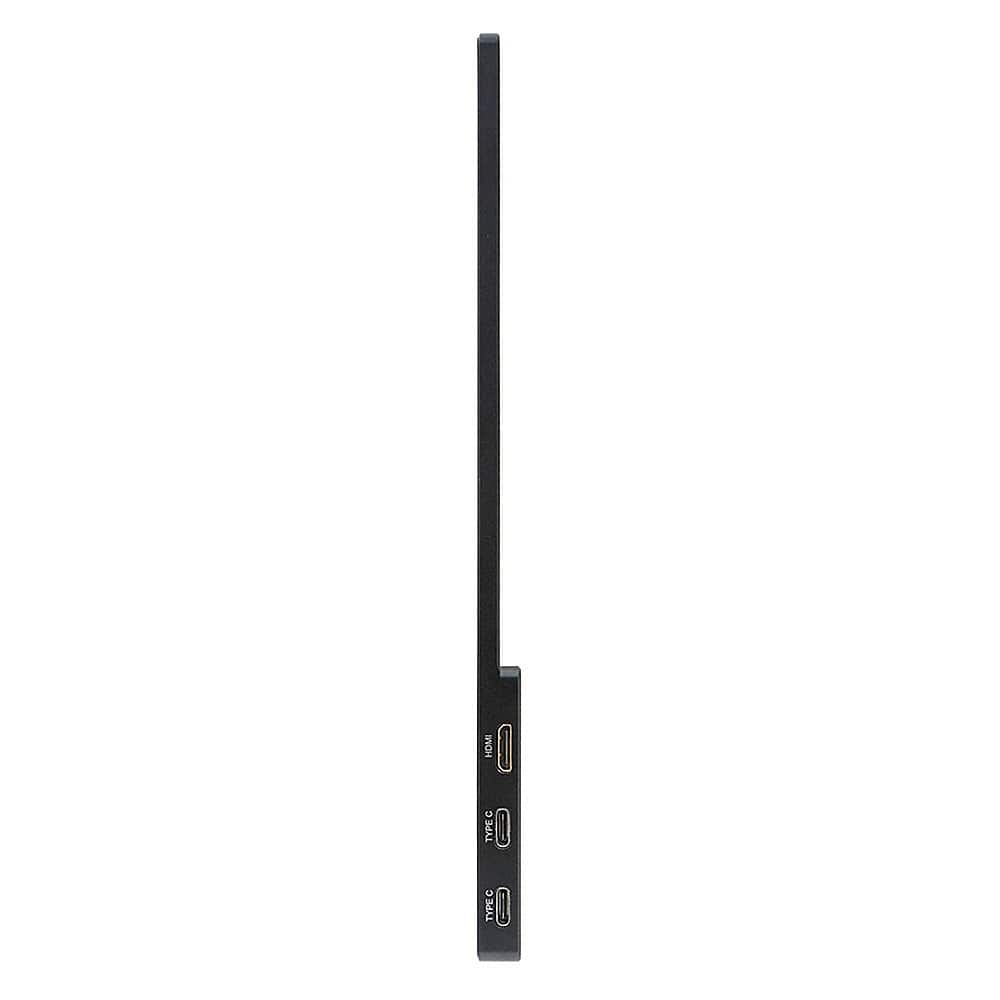
A:AnswerThe monitor has a kick-stand on the back so you can prop it up for use as a monitor. Acer has not tested this with an Apple/Mac product but if your Mac has USB-C for power and mini-HDMI for video, it should work fine. You may need an adapter cable to connect to a Mac.
A:AnswerAcer has not tested this device with a gaming console. Theoretically it should work but you will need to use an adapter for the mini HDMI port. You might visit the Acer Community forum where there are many posters that offer gaming advice on Acer products as well. That link is https://community.acer.com/en.
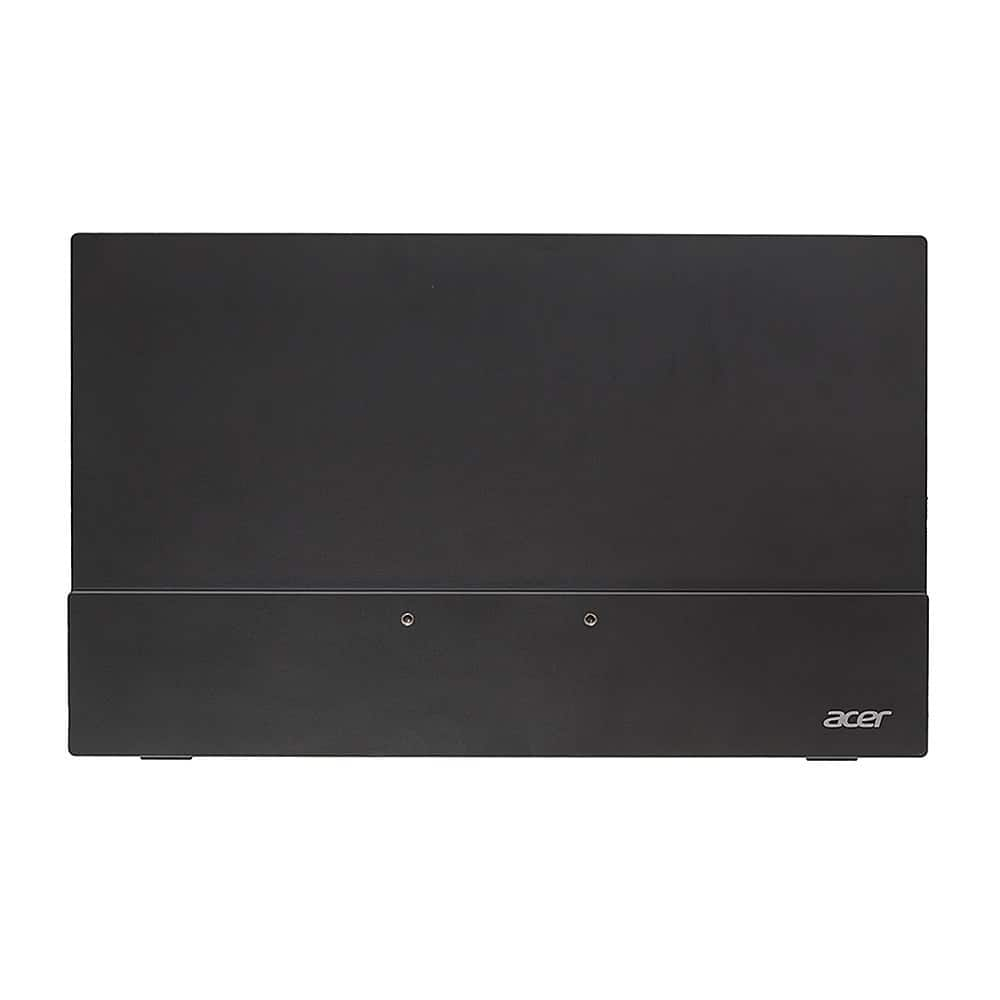
A:AnswerNot sure why Acer is telling you that this isn't wall mountable. I bought this monitor today at Walmart and the PM161Q Cbmiuux, absolutely DOES have mounting holes in it, and the box says that it's wall-mount capable. That said, I've been searching for over an hour on how to get the foldable screen cover off of it so I can mount it to a wall mount, but all of the instructions online refer to an older, non-wall-mountable version. My serial number also doesn't show up on Acer's website, so I can't even get proper support, so take that for what it's worth.