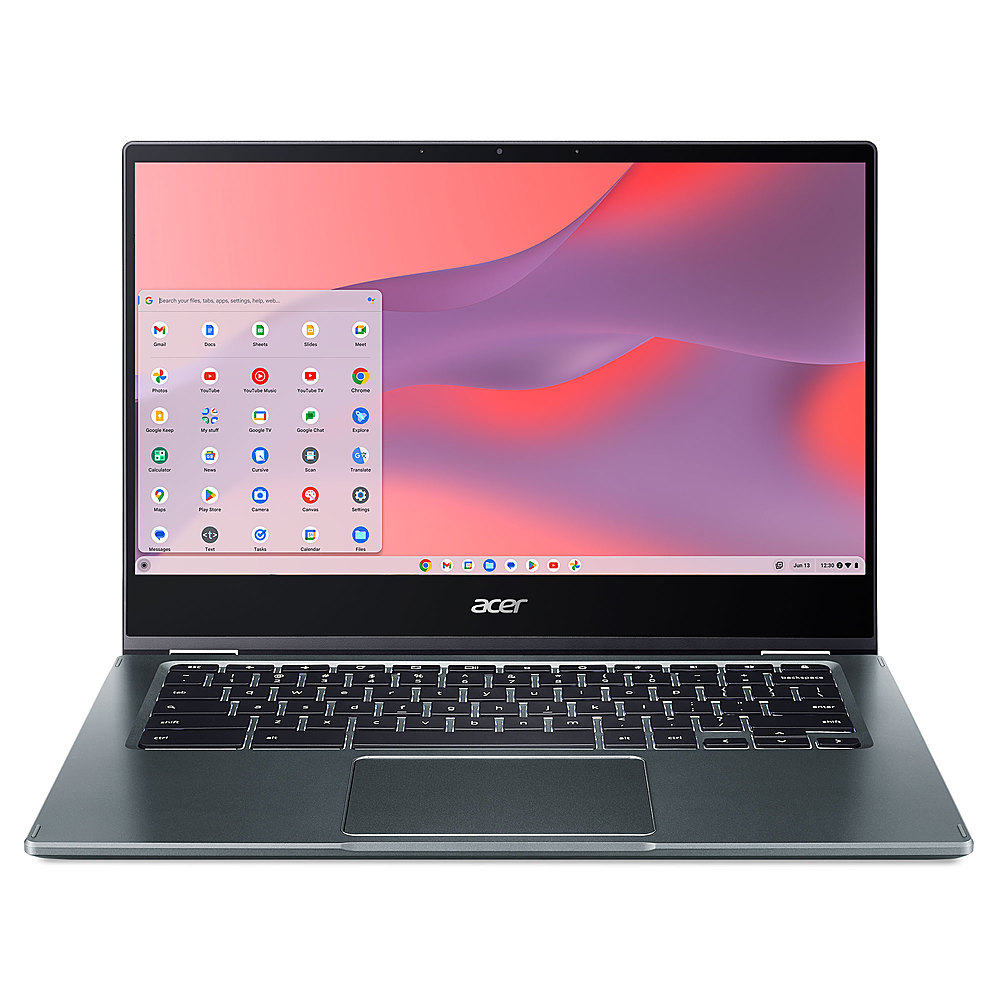
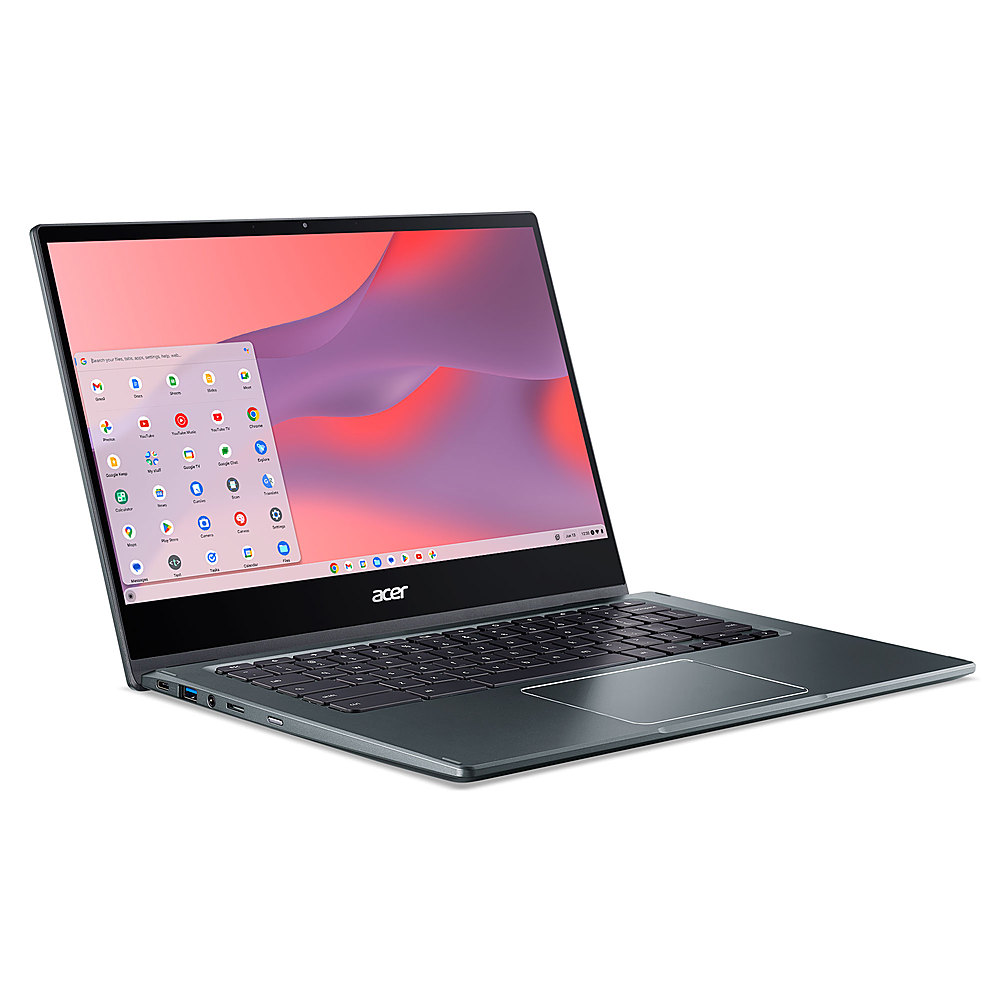
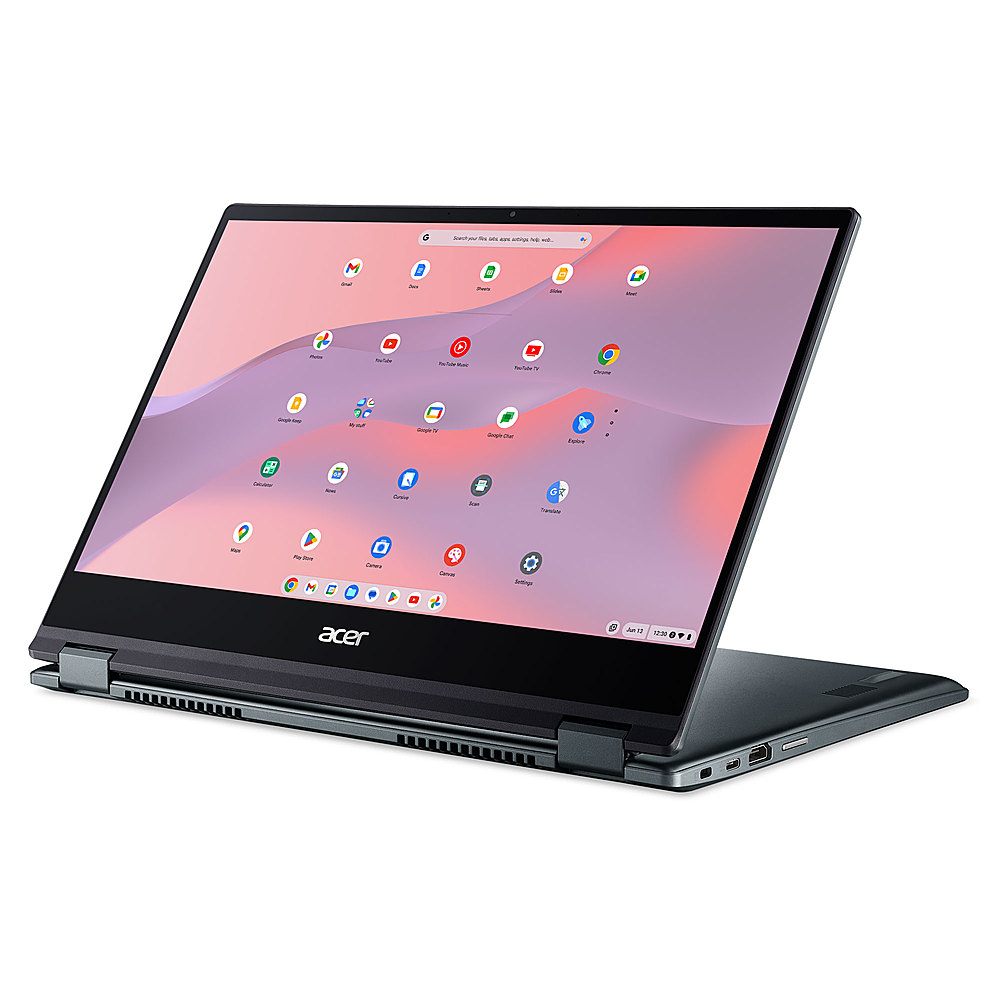
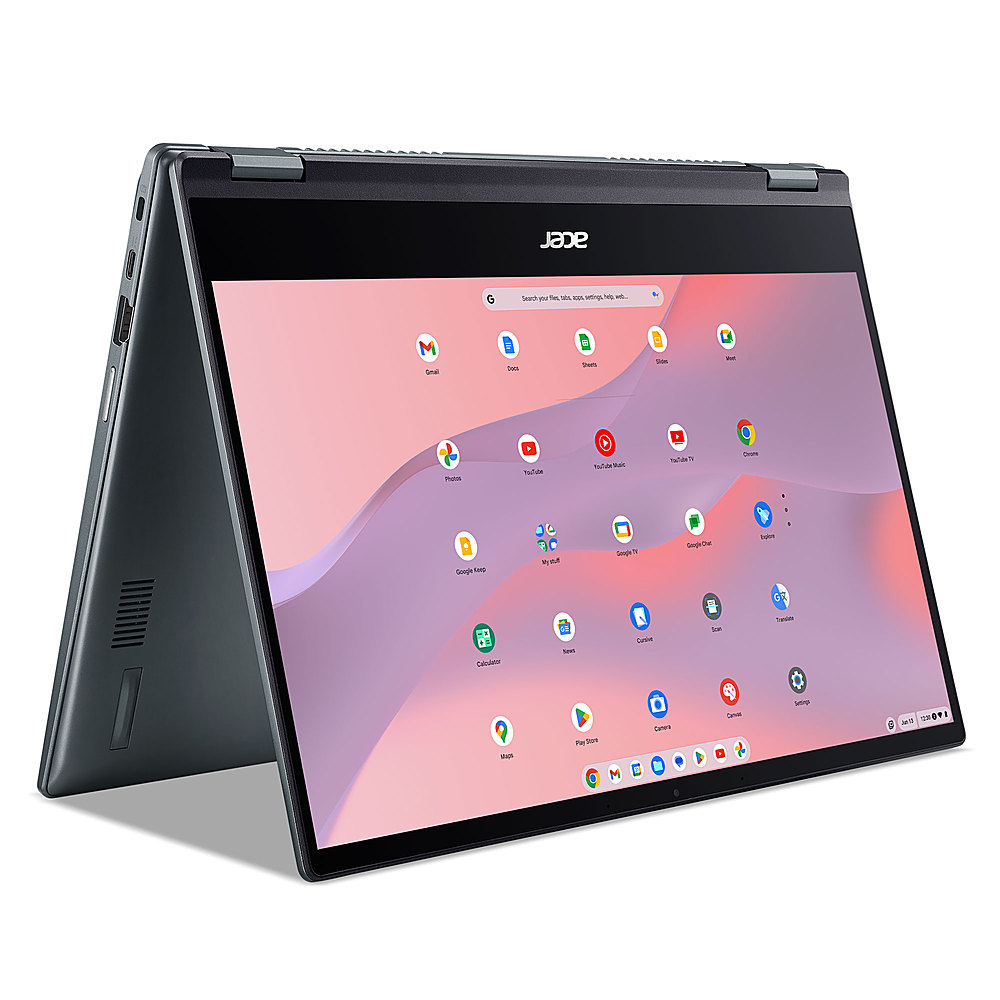
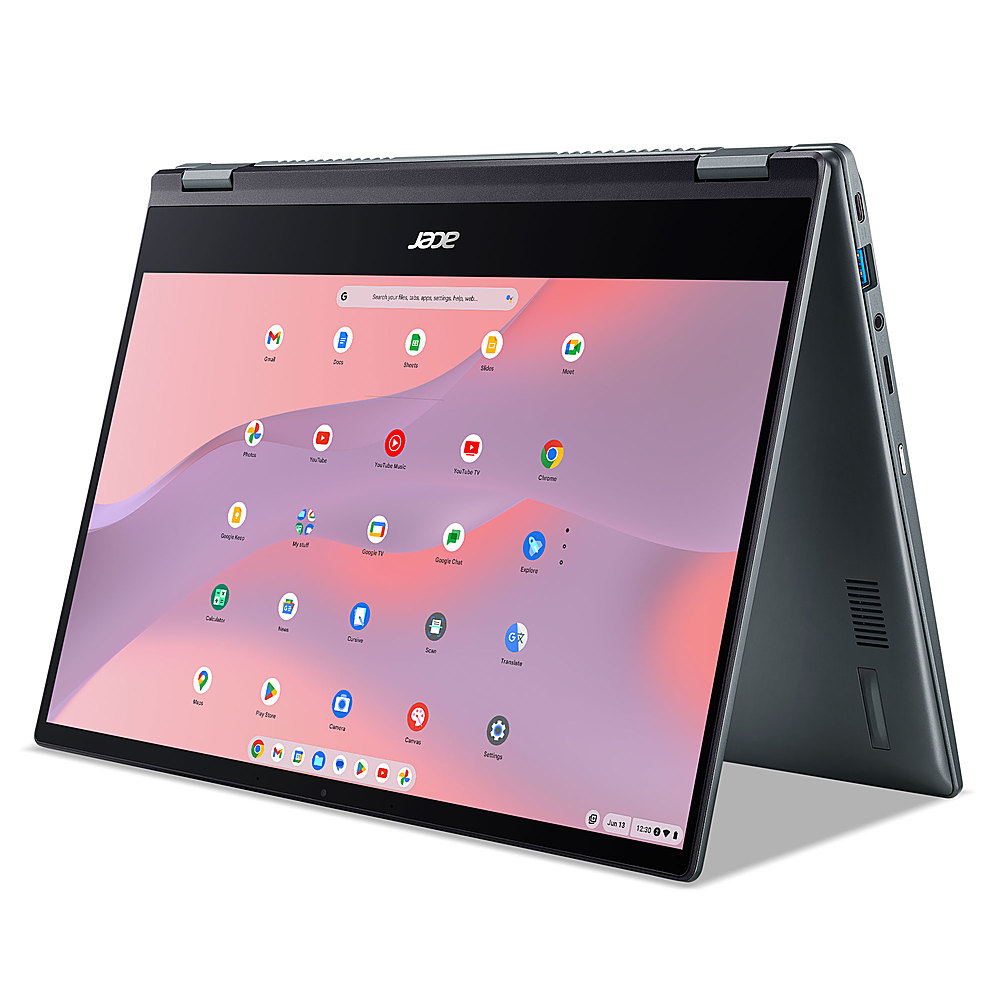
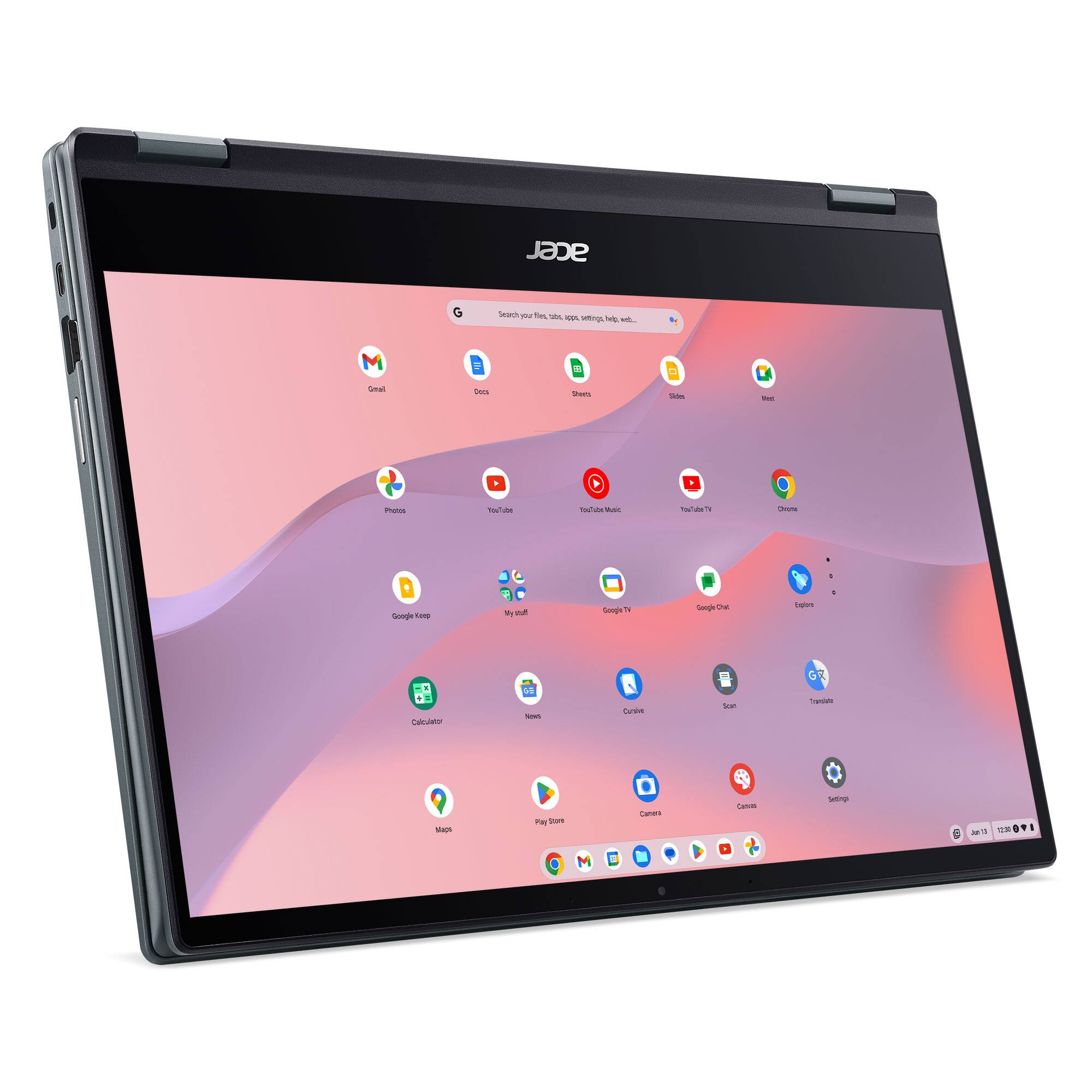
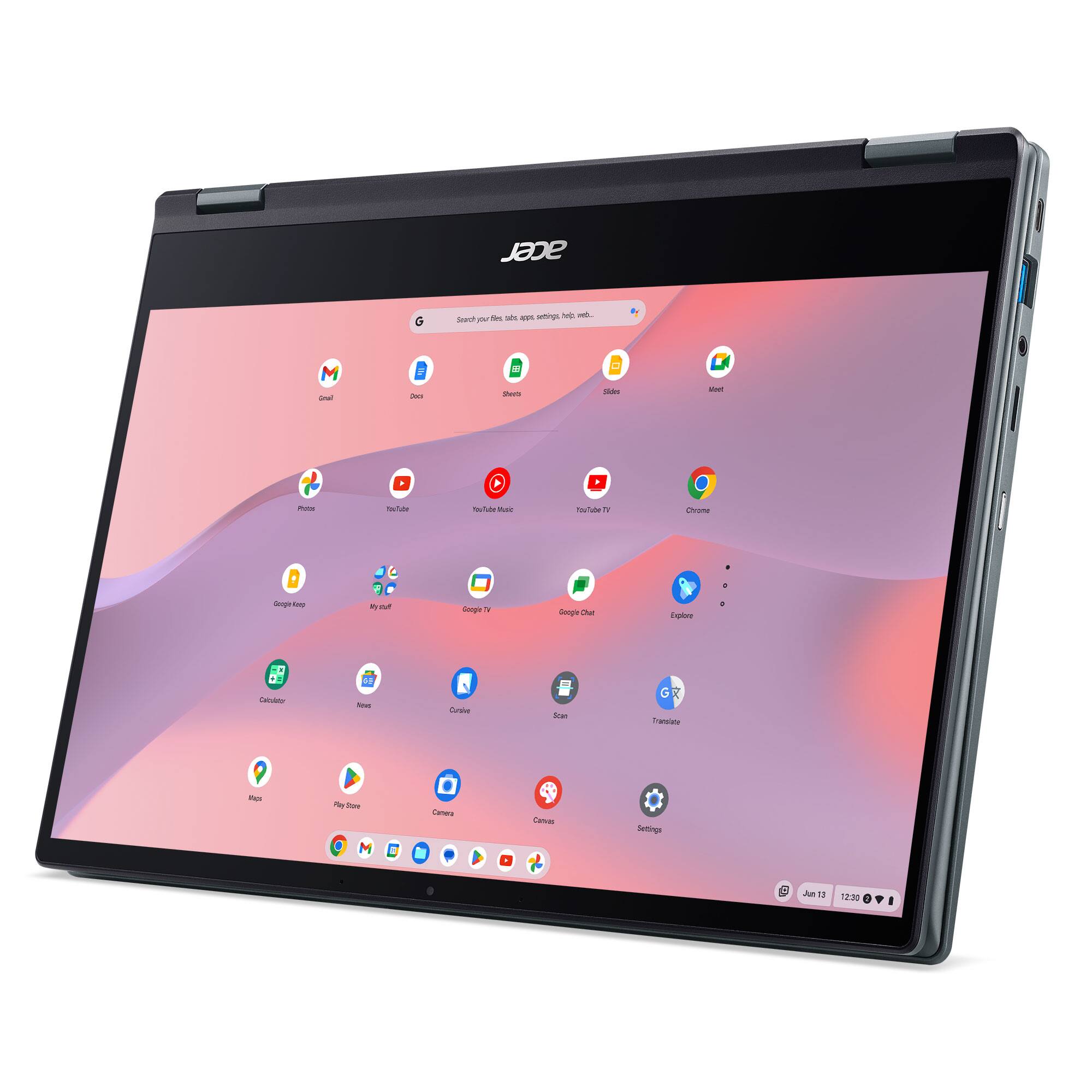
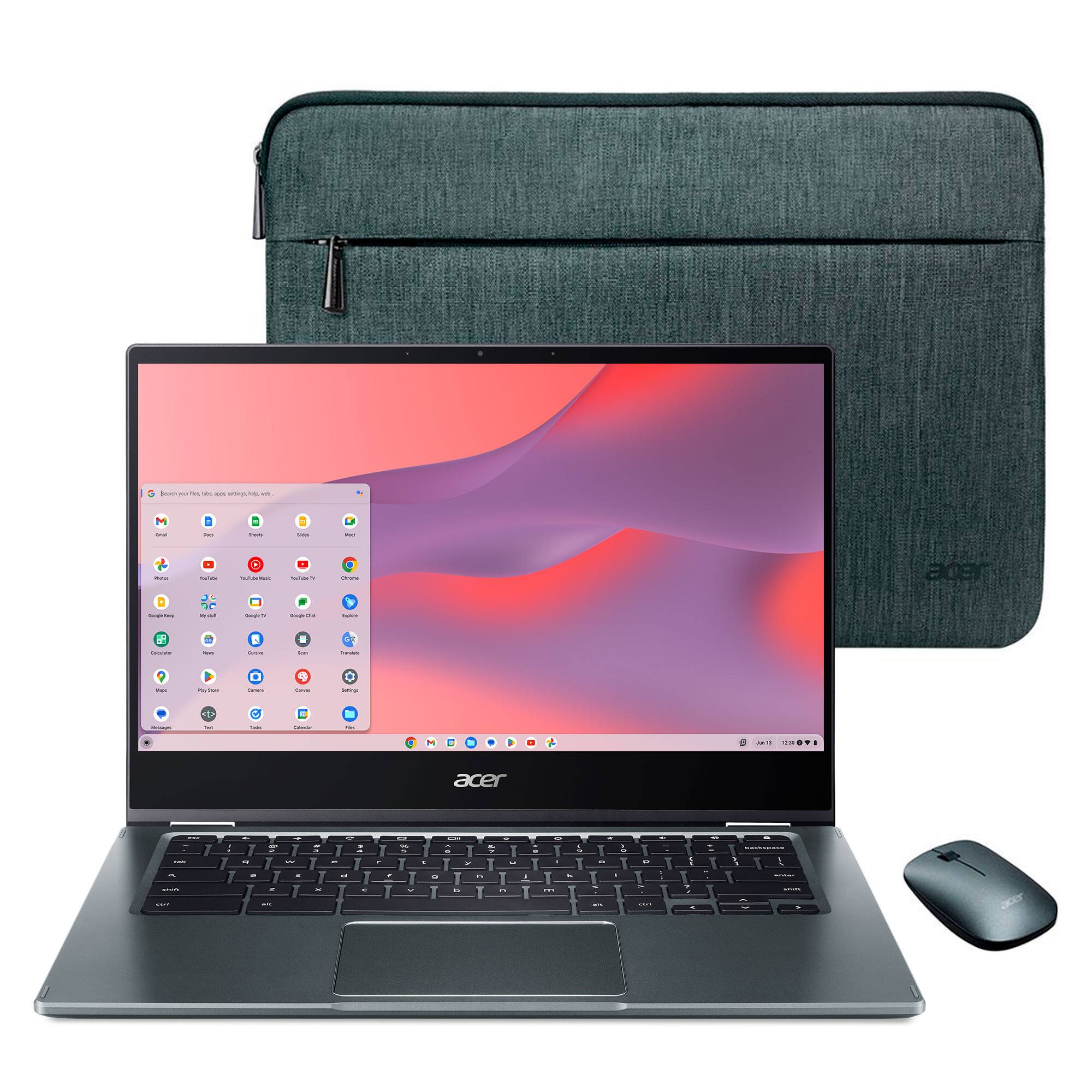
A:AnswerThe right side has one HDMI and one USB-C that supports displayport over USB-C. The left side has another USB-C supporting displayport and one USB 3.2 Gen 1 port.
A:AnswerIf these are available as apps from Google Play or Chrome Web Store, then yes. If the software must be installed by .exe, you won't be able to use it on a Chromebook, as these devices run off apps like an Android phone or tablet.
A:AnswerThere could be numerous reasons for this but if this is a new purchase we suggest you powerwash the Chromebook to reset it back to factory settings. Before installing any apps or extensions check the storage amount. If it is a lower amount then something installed may have been taking up that much space. If you need further help please feel free to contact support at 866-695-2237. Support is available 24/7 for in-warranty products.