Black Friday is hereShop new DoorbustersShop now

Main Content

Questions & Answers

Your price for this item is $349.99
Page Showing 1-19 of 19 questions
  • QuestionWhat technology does this monitor use for smooth gameplay?

    • Answer It uses AMD FreeSync Premium Technology.
    This question and answer was generated by AI based on customer and product data.

  • QuestionDoes this monitor have a curved screen?

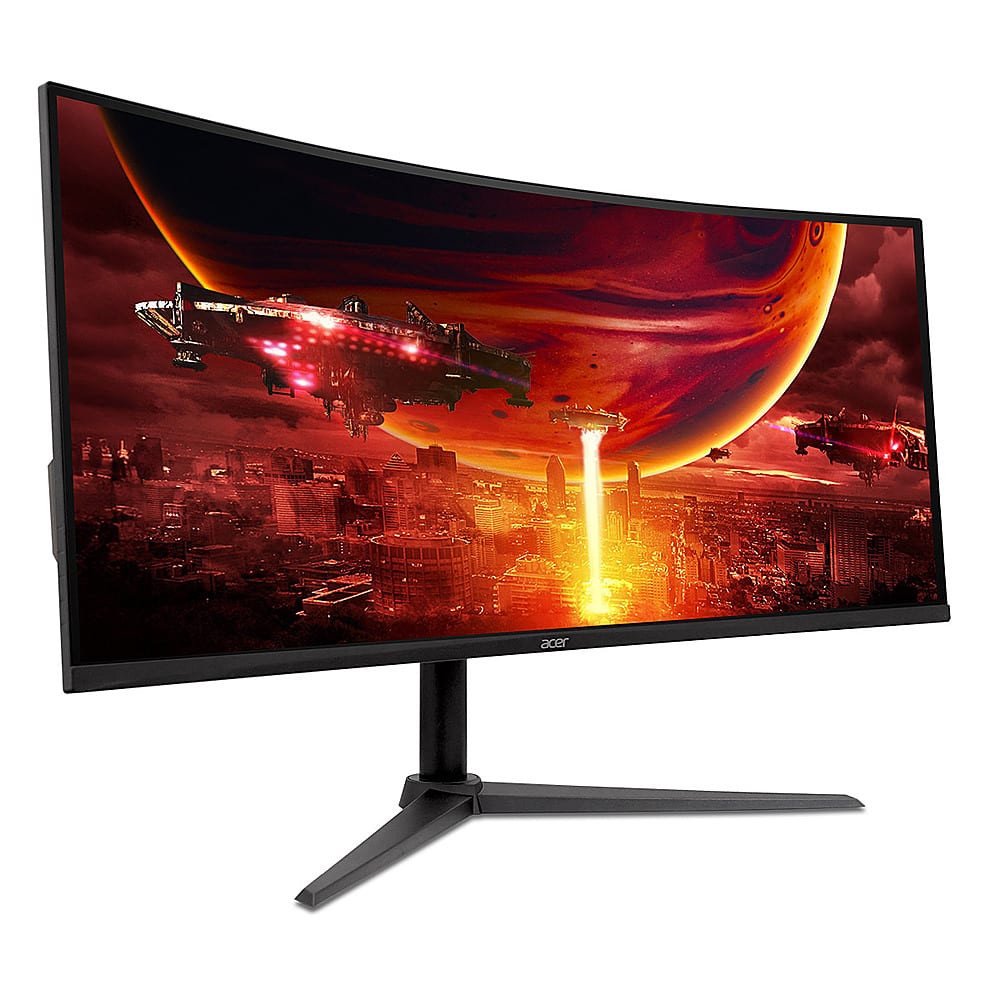
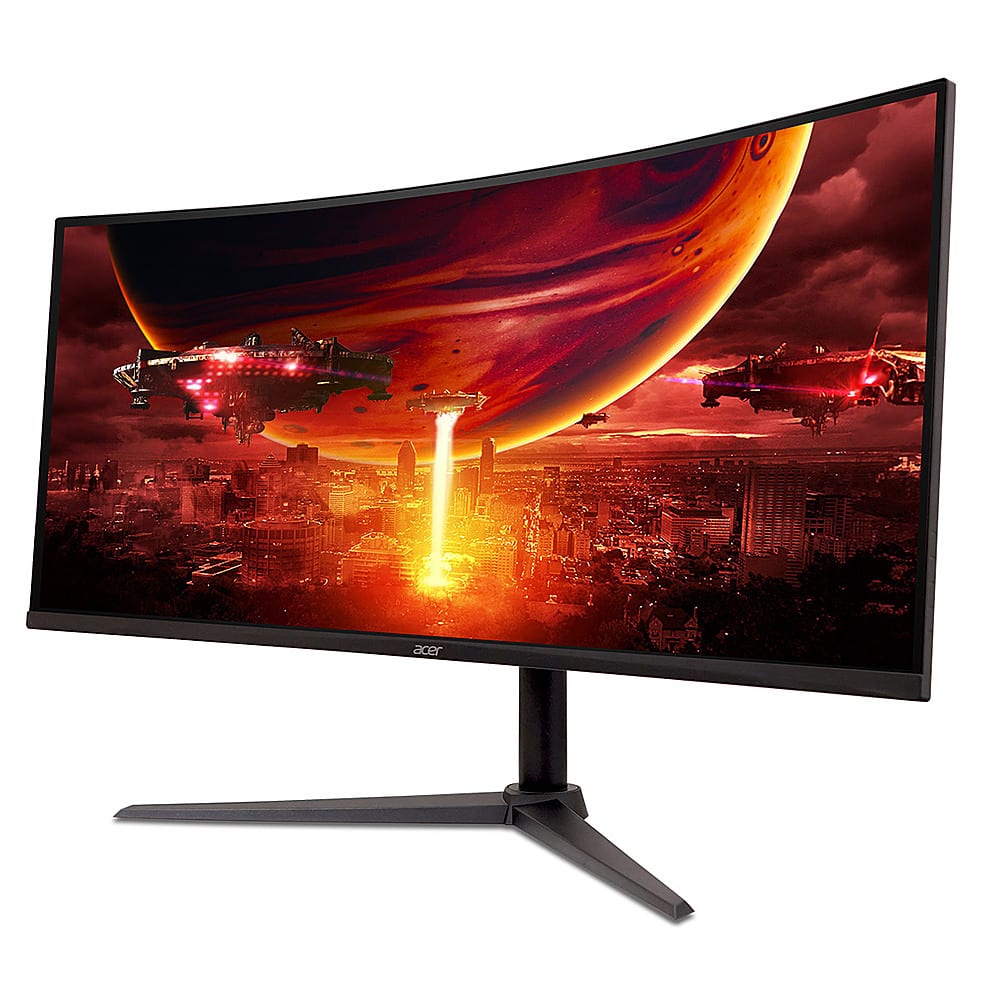
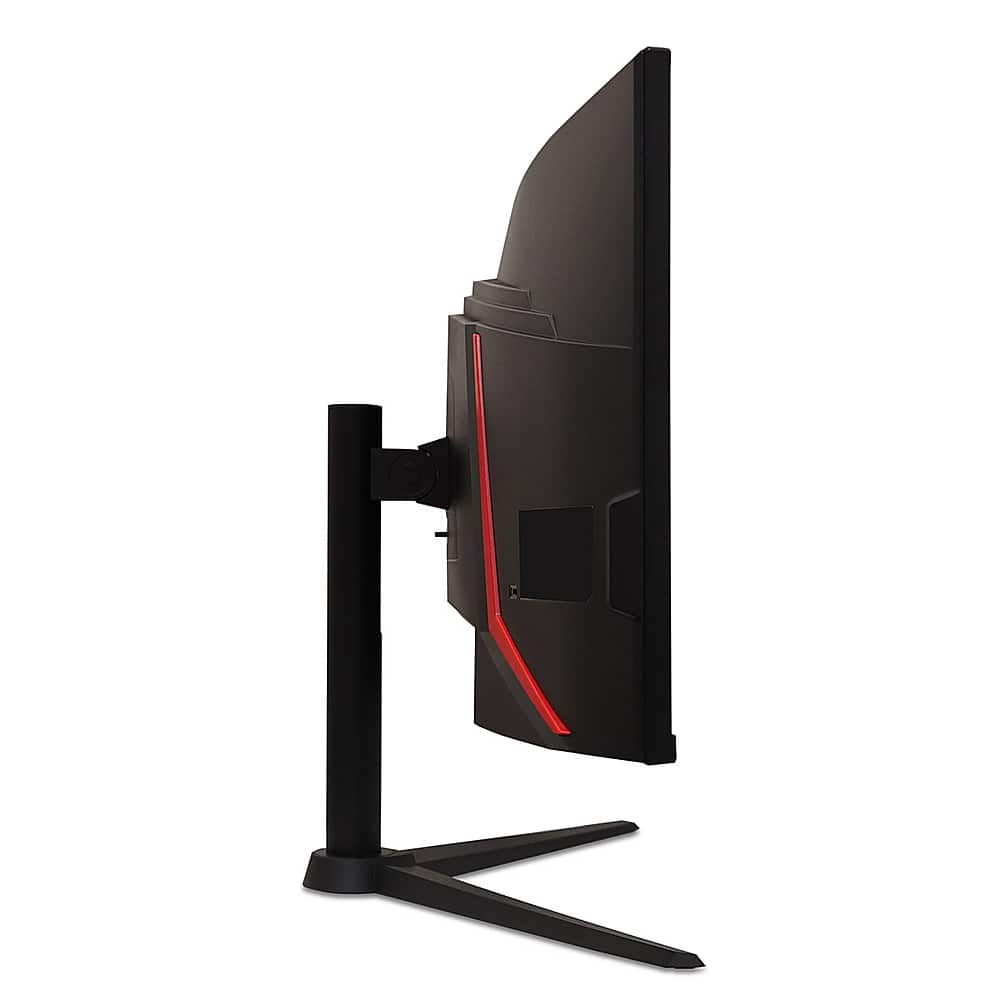
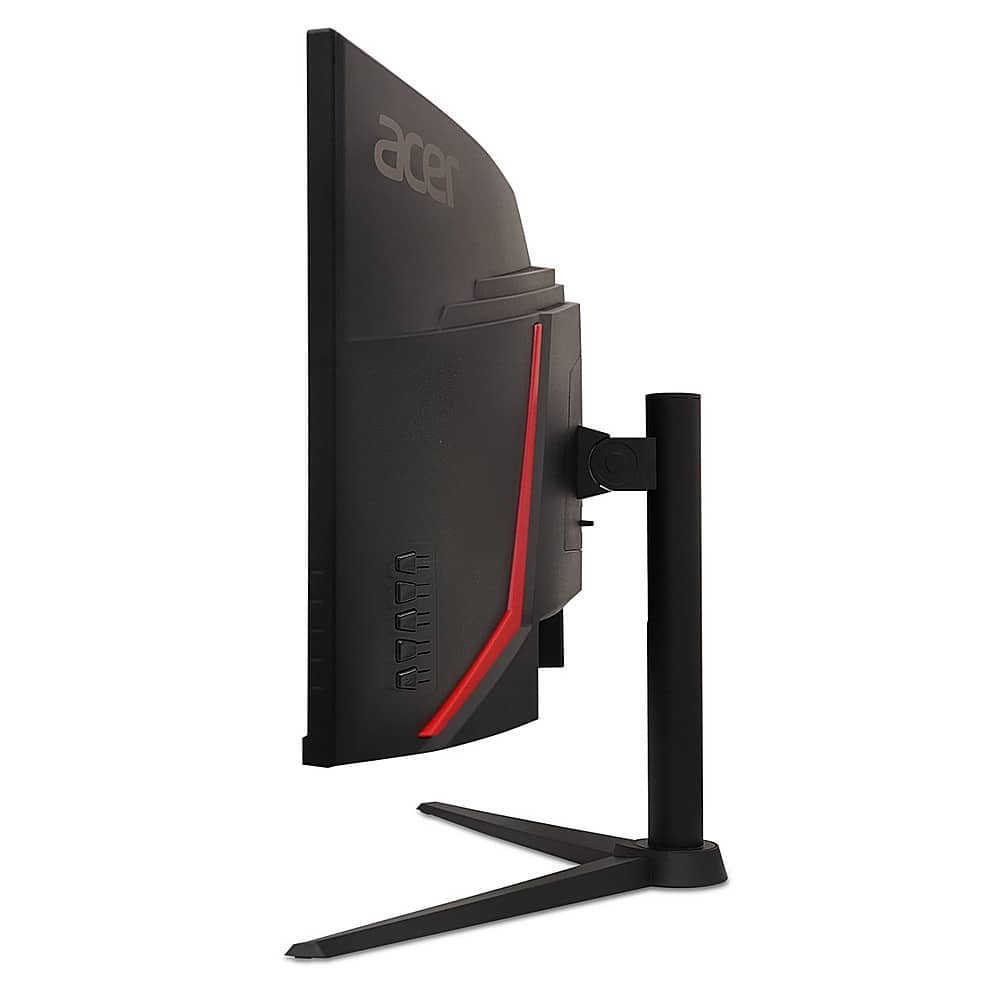
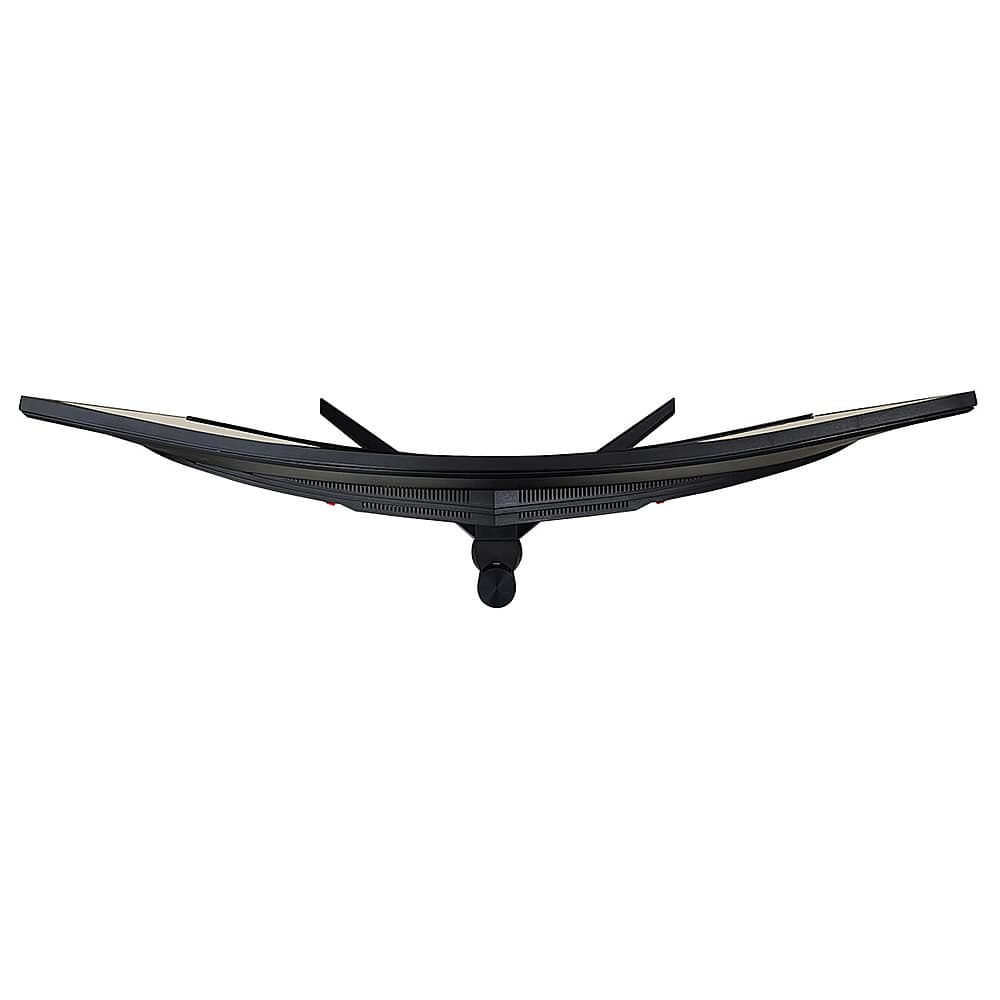
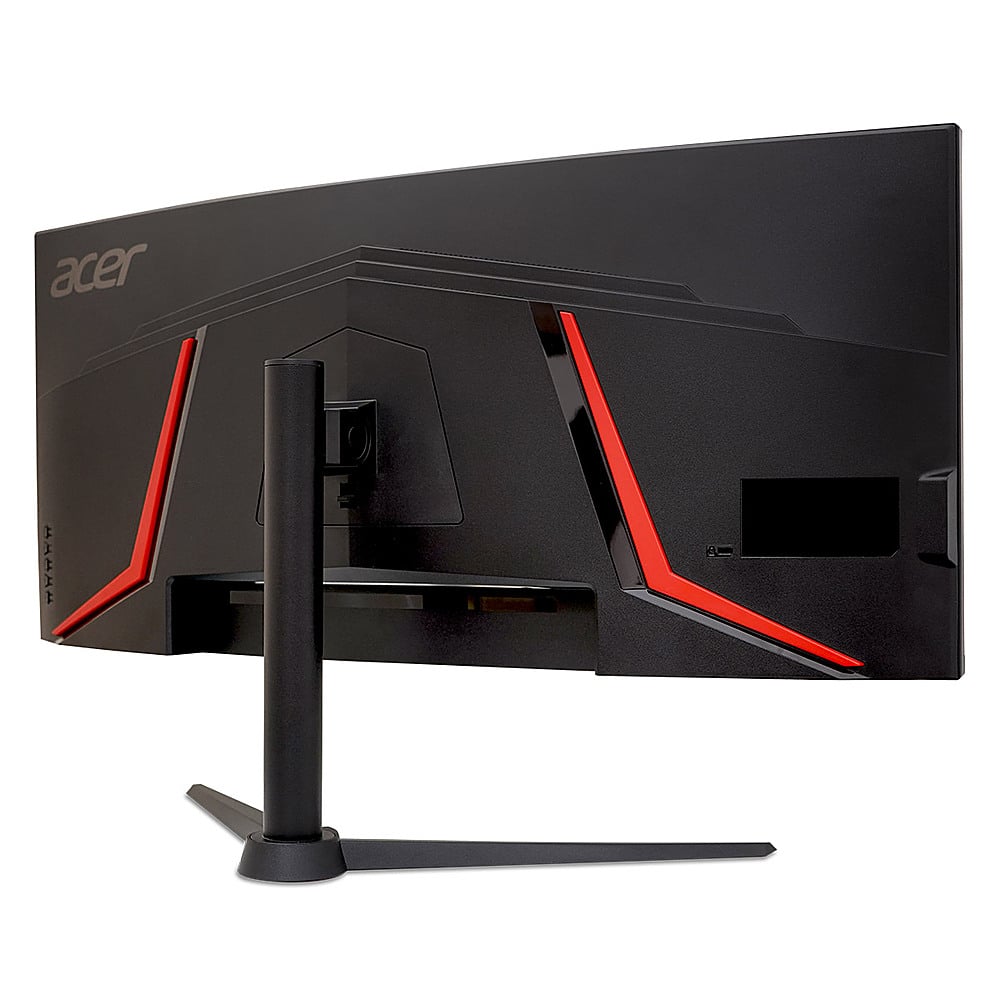
    • Answer Yes, it has a curved 21:9 display.
    This question and answer was generated by AI based on customer and product data.

  • QuestionWhat is the resolution of this monitor?

    • Answer The monitor has QHD (3440 x 1440) resolution.
    This question and answer was generated by AI based on customer and product data.

  • QuestionWhat is the refresh rate of this monitor?

    • Answer The refresh rate is 180Hz.
    This question and answer was generated by AI based on customer and product data.

  • QuestionIs this monitor wall-mountable?

    • Answer Yes, it is VESA mounting compliant (100 x 100mm).
    This question and answer was generated by AI based on customer and product data.
  • QuestionDoes this monitor support HDR?

    • Answer Yes, it is VESA DisplayHDR 400 certified.
    This question and answer was generated by AI based on customer and product data.

  • QuestionWhat is the response time of this monitor?

    • Answer This monitor has a fast response time of 1ms.
    This question and answer was generated by AI based on customer and product data.
  • QuestionHow is the HDR for gaming? Is it very bright?

    Asked by Matt.

    • Answer This is an edge illuminated monitor, thus it only possesses a low "HDR400" rating. The monitor is not capable of bright HDR effects. Only more expensive monitors using either OLED panels or Full Array Local Dimming (Mini LED) illumination, offer bright HDR effects.

      Answered by wjkgreen

  • QuestionHow many Hertz with HDMI and Display port? Acer states this is a 144hz monitor

    Asked by Aiden.

    • Answer With HDMI it does 100 Hz, with display port it is 180 Hz. You're going to find with most monitors that it's the same with all of them until you get up to the really expensive ones because HDMI 2.1 which allows you to go above 100 Hertz it's only allowed on certain monitors and it's usually the expensive ones because HDMI is basically a private company and will only sell HDMI 2.1 to whoever pays for it and they charge a lot for HDMI 2.1. So unless you spend a lot of money on the monitor you're most likely going to always have HDMI 2.0 which only goes up to 100 HZ. if you want high hz you're always going to be using display port. Otherwise if they only have with an HDMI port you're stuck at 100 Hertz. Yeah it kind of sucks but HDMI basically has a monopoly on who gets HDMI 2.1 and who doesn't. And they do that by charging a lot for 2.1. So for budget monitors they're not going to put HDMI 2.1 on them because they wouldn't be budget anymore. Just some knowledge that most people don't know that I thought I'd let you know

      Answered by Cheef

  • QuestionWhat are the ACTUAL Dimensions of the Physical SCREEN (Height & Width) in Inches?. And I'm NOT talking about the diagonal length (which makes it a 34" screen).

    Asked by Layla.

    • Answer Monitor measurements are like televisions in that they measure diagonally. The closest we have to actual width and height of the screen is 31.75" wide by 14.25" high. This will include the plastic bezel around the screen.

      Answered by TeamAcer

  • QuestionCan this operate split screen to have multiple windows open?

    Asked by Computer.

    • Answer No, this monitor does not support this feature.

      Answered by TeamAcer

  • Question1000R curve???

    Asked by Ethan.

    • Answer The curvature is 1500R.

      Answered by TeamAcer

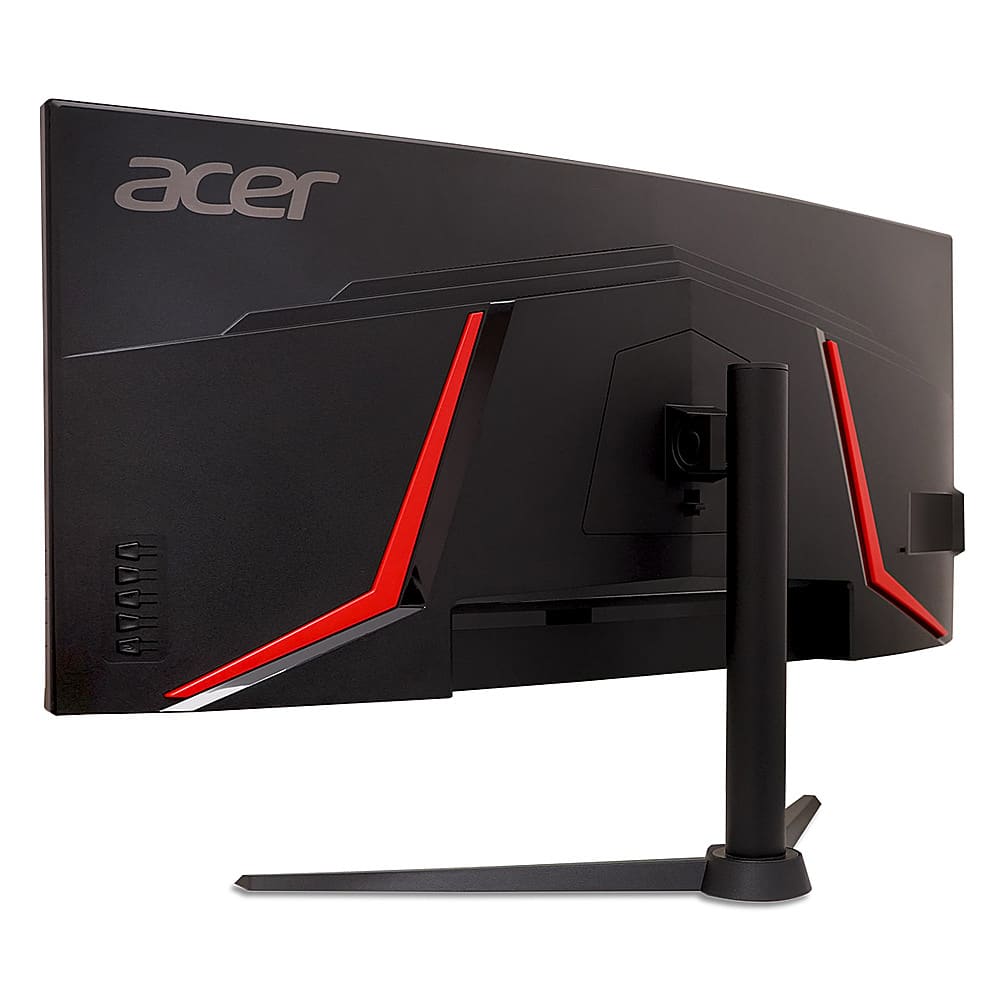
  • QuestionIs this monitor height adjustable?

    Asked by Anonymous.

    • Answer The screen tilts up and down but the actual monitor does not move vertically.

      Answered by Adam

  • QuestionCan this monitor support my Nvidia GeForce RTX 5090 G-Sync technology?

    Asked by JohnDC.

    • Answer The Acer Nitro XZ342CU V3 monitor does not support G-Sync directly, but it does support AMD FreeSync, which is NVIDIA G-Sync Compatible. This means that while it's not a dedicated G-Sync monitor, you can still use it with NVIDIA GPUs for smooth, tear-free gaming experiences.

      Answered by TeamAcer

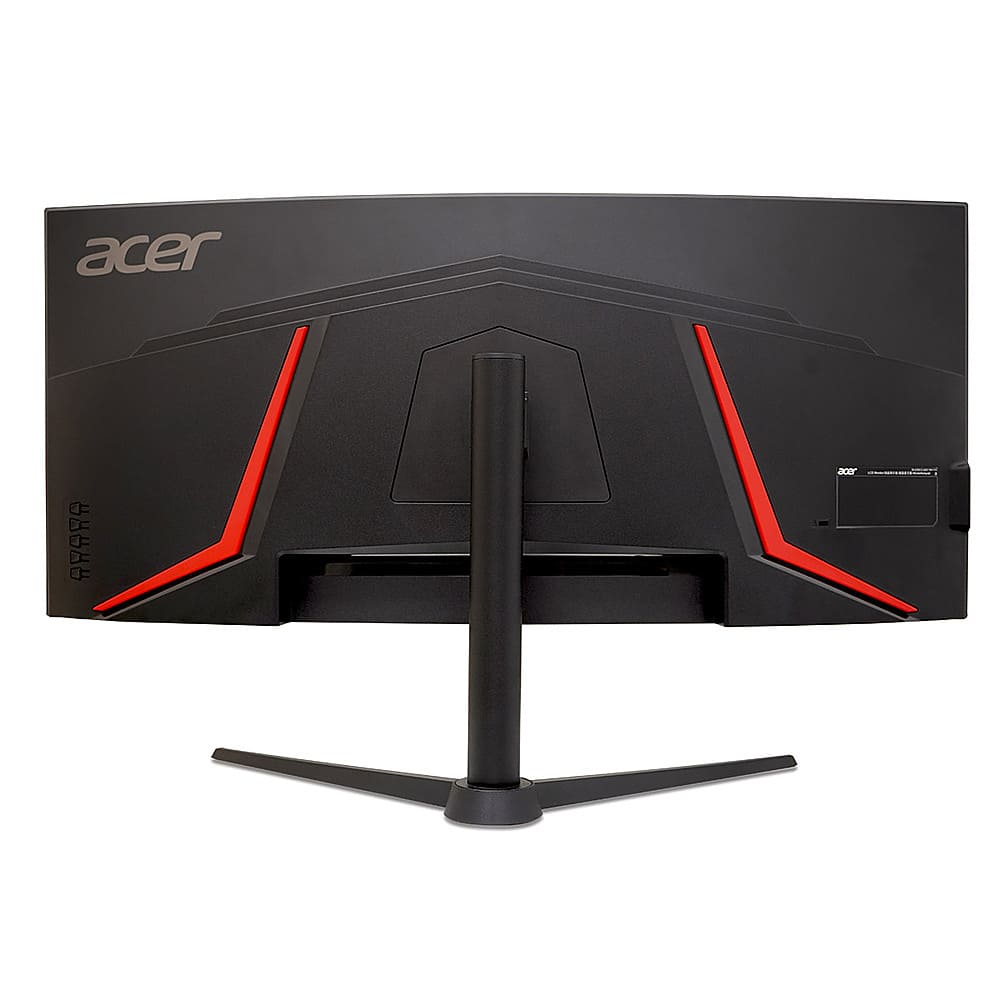
  • QuestionWhat are the dimensions of the stand?

    Asked by JohnnyLingo.

    • Answer The dimensions of the stand are: 20.73" wide x 10.3" deep.

      Answered by TeamAcer

  • QuestionDo I have a damaged monitor? It’s not running 1440x100hz (HDMI) on ps5 nor Xbox series s how do I do this?

    Asked by Anonymous.

    • Answer There could be a few reasons for this, but it would be best to contact Acer support for assistance with this issue. They can be reached at 866-695-2237 and are available 24/7 for in-warranty products. You might also post your question on the Acer community forum at community.acer.com. This is a very good peer-to-peer forum for questions and answers on Acer products.

      Answered by TeamAcer

  • QuestionIs it possible to remove the stand? If so is it an easy removal?

    Asked by Anonymous.

    • Answer Yes use visa 100x100.. The monitor comes already not connected to the stand. I simply took the monitor arm attachment off my old monitor and put it on my new monitor and it fit perfect. I then slid my new monitor right onto the monitor arm on my desk. The size monitor army want for this monitor you're buying is Vesa 100x100. Some monitor arm support both 100 x100 and 75 x75 . Those are the two most common sizes for monitor arms so usually a lot of mono arms support both sizes. I tried to upload a photo to show you but I don't know if it work anyways I'm sending you another answer just in case. But yes monitor arms do work on this monitor and you don't have to use the stand look for a monitor arm that supports Vesa 100x100 there are a lot that are around 20 to $30 range. And the monitor's not very heavy at all. I would say maybe 10 15 lb at the most. So you don't really need to buy an expensive one that can hold a lot of weight because the monitor is very light

      Answered by Cheef

  • QuestionCan this monitor be tilted?

    Asked by Anonymous.

    • Answer Yes.

      Answered by wjkgreen