A:AnswerWhile gaming on it, it works pretty smoothly. But it does heat up from just games pretty hot, and the battery life is very subpar so you’d have to keep it plugged in 24/7
A:AnswerIt has an NVME M.2 512GB drive, an empty NVME M.2 slot for expansion. Does not have a hard disk drive, which is older technology that operates at much slower speeds. You can buy a 1TB NVME these days for as low as $60 if you shop around.
A:AnswerYou don't have to ask the store, but if you pay for insurance, the warranty would only be here and in the BESTBUY store, I don't know about the factory warranty.
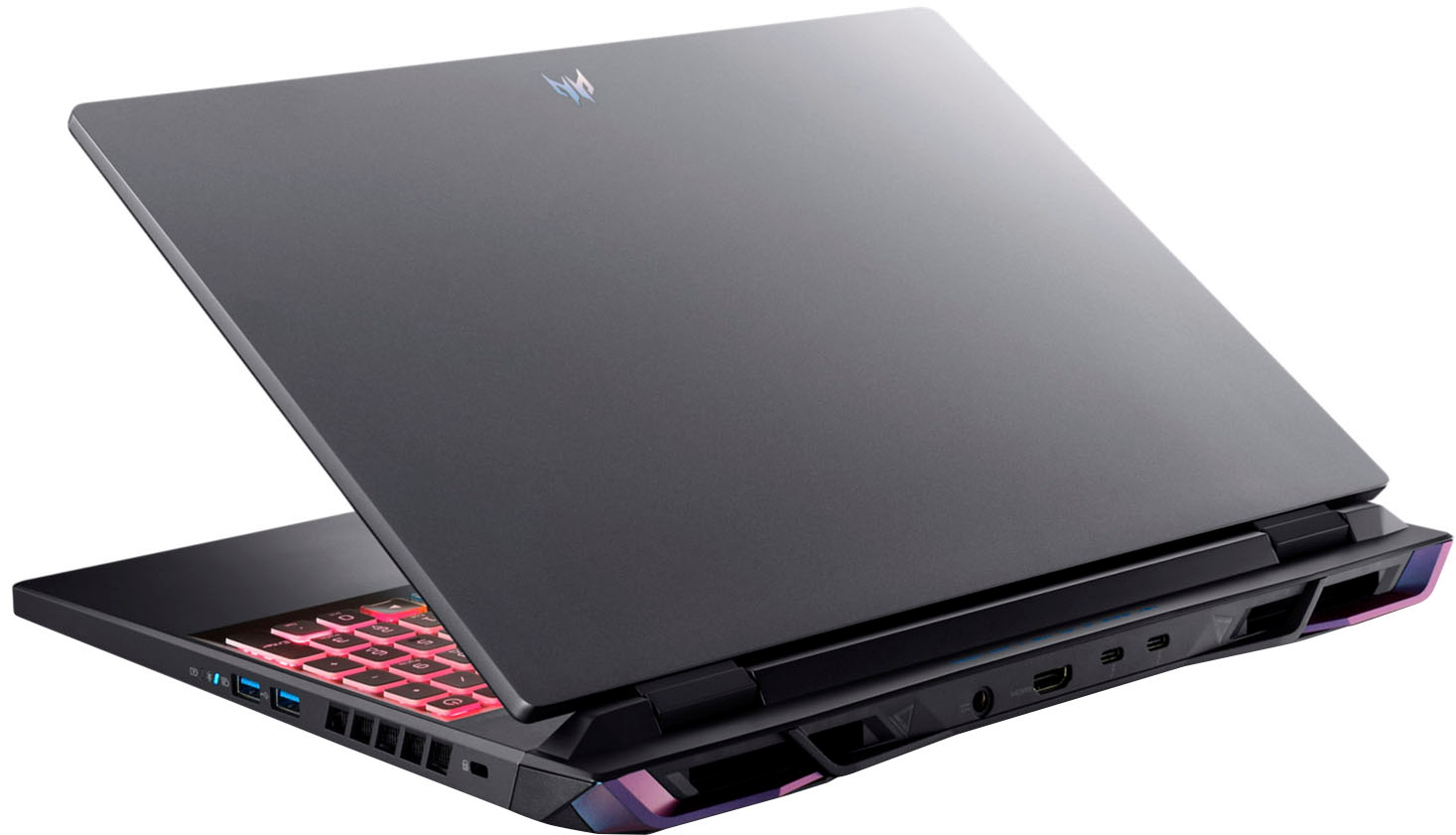
A:AnswerWhen plugging a microphone or combined headset into the audio combo jack, make sure the required connector type is correct or the microphone will not work. The correct type to use is standard TRRS type. If you still need help with this please contact Acer support at 866-695-2237. They are available 24/7 for in-warranty products.
A:AnswerIf you purchased this recently please contact Acer support at 866-695-2237. They are available 24/7 for in-warranty products and they will be able to assist with your SSD drive.
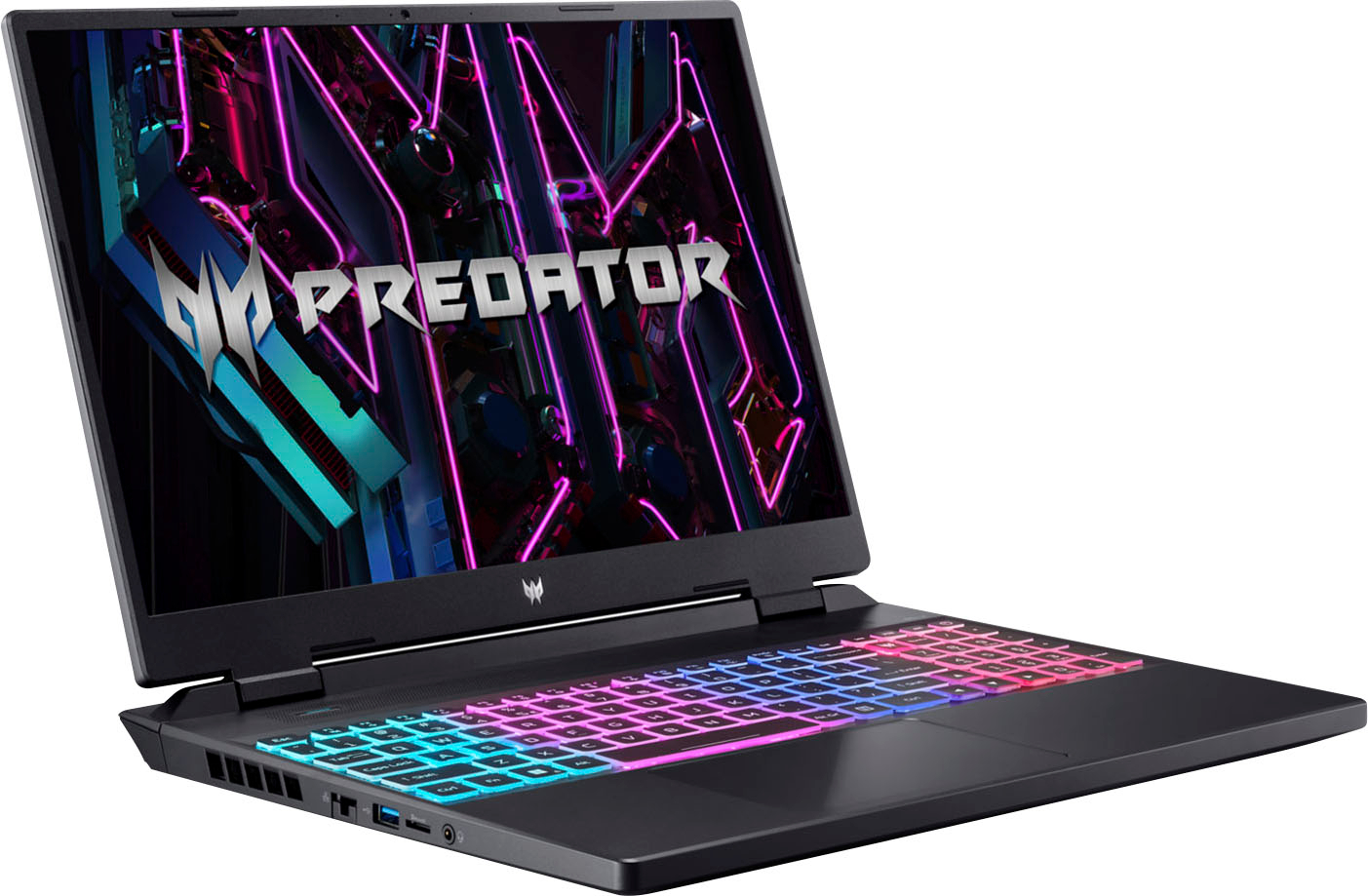
A:AnswerThis laptop has one HDMI 2.1 port that you just need an HDMI cable to connect to the console. If you need further help with this please contact Acer support at 866-695-2237.
A:AnswerI Am Not A Gamer, But I Do Alot Of Heavy Video Edits - I purchased both models - Predator Helios Neo 16" WUXGA and the Predator Helios Neo 16" WQXGA - I upgraded memory on BOTH to 64 GB Corsair Vengeance DDR5 4800 MHz (2x 32) - I Also Added SAMSUNG 980 PRO SSD 2TB To Both - I Have No Issues
A:AnswerAcer laptop warranties are domestic warranties good in the country of purchase. These laptops do have an International Travelers Warranty that applies to genuine travelers only. If you purchased your laptop in Brazil but are traveling to the US soon, you can contact our support center at 866-695-2237 for assistance. Please note that if it needs repair we can only ship the unit from our US repair location to a US address. Details for International Travelers Warranty are posted on our support site here: https://community.acer.com/en/kb/articles/15377-acer-international-travelers-warranty
A:AnswerWhile Acer does not test third party software or gaming apps, we would recommend you check that the computer meets the system requirements of the application/game to determine if it will work. You could also post your question on the Acer Community where there are many users that offer advice and suggestions on Acer products.