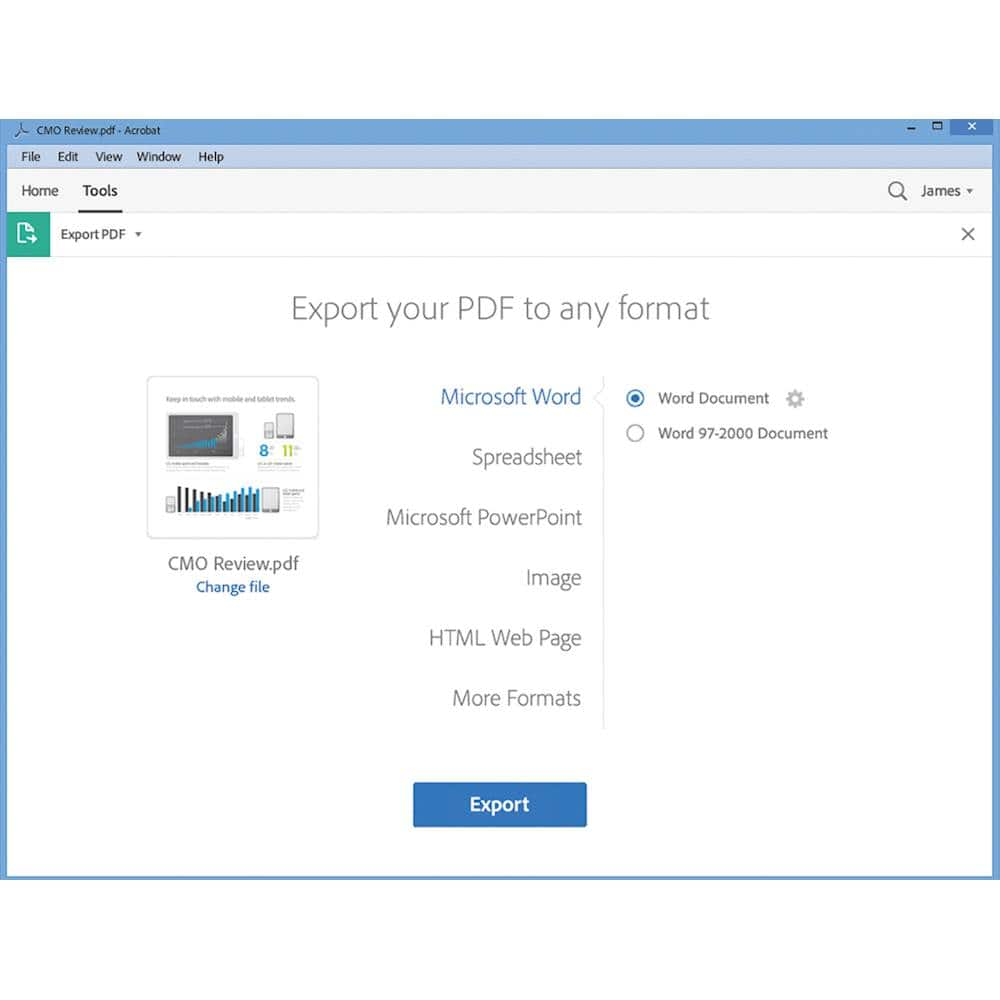
A:AnswerYou can Save as to PDF. I know Microsoft Office apps can create .pdf files. If your CAD software does not offer a Save as PDF option, you can try using Acrobat Distiller. Yes, Acrobat 2017 can then format the resulting PDF file to the desired page size. I do not know if Acrobat 2017 will run on Microsoft Vista. Please go to Adobe.com then check the supported OS.
A:AnswerThis is a disc.
I was kind of surprised. Luckily I bought an external drive when I bought my computer which doesn't have a drive.
It also has a scratch off verification code you'll need when verifying that you're a student, or teacher. You'll also need to use your student email when installing.
A:AnswerAcrobat 2017 is activated using the license and serial number info attached to or included with the packaging. MUST create an Adobe.com account online. Acrobat 2017 can be installed on up to two devices at a time.