A:AnswerI've done it, so I guess the answer would be yes. Note: Just make sure you delete the software from the old laptop (especially if you plan on passing the old laptop onto somebody else), as the license is only good for one installation (you cannot use it on more than one computer simultaneously). When installing, you'll need to enter the license key (that comes with the software), so don't lose it. Also, before deleting it from the old laptop, confirm it works on the new laptop (just as a precaution). Sorry if I'm giving you more info than you need. I come from a tech support background and want to make sure I cover everything.
A:AnswerBased on the reviews, this software is not from a disc, there’s a website you go to initiate downloading of the software. After opening the program that you download, it’s a guided process. Enter the provided serial numbers (your key as proof that you own the product) to unlock the full features.
A:AnswerDepends.
Bought through Adobe as a charity/not for profit, there is an actual expiration date in the e-mail with the license key.
Bought retail, there doesn't appear to be anything on the physical license card/sticker.
A:AnswerYes. I use the Healing Brush for cleaning up smaller spots and the Clone Tool for larger areas. The healing brush makes for quick work when cleaning up smaller areas as it samples the surrounding colors and covers the spot you click on. With the clone tool you can adjust the size, hardness and opacity of the brush.
A:AnswerIm assuming you're not familiar with Adobe Premier? Before coming to BestBuy to post that question I would have gone to the Adobe Premier page so you can learn what Adobe Premier is all about:) Its one of the best!!!
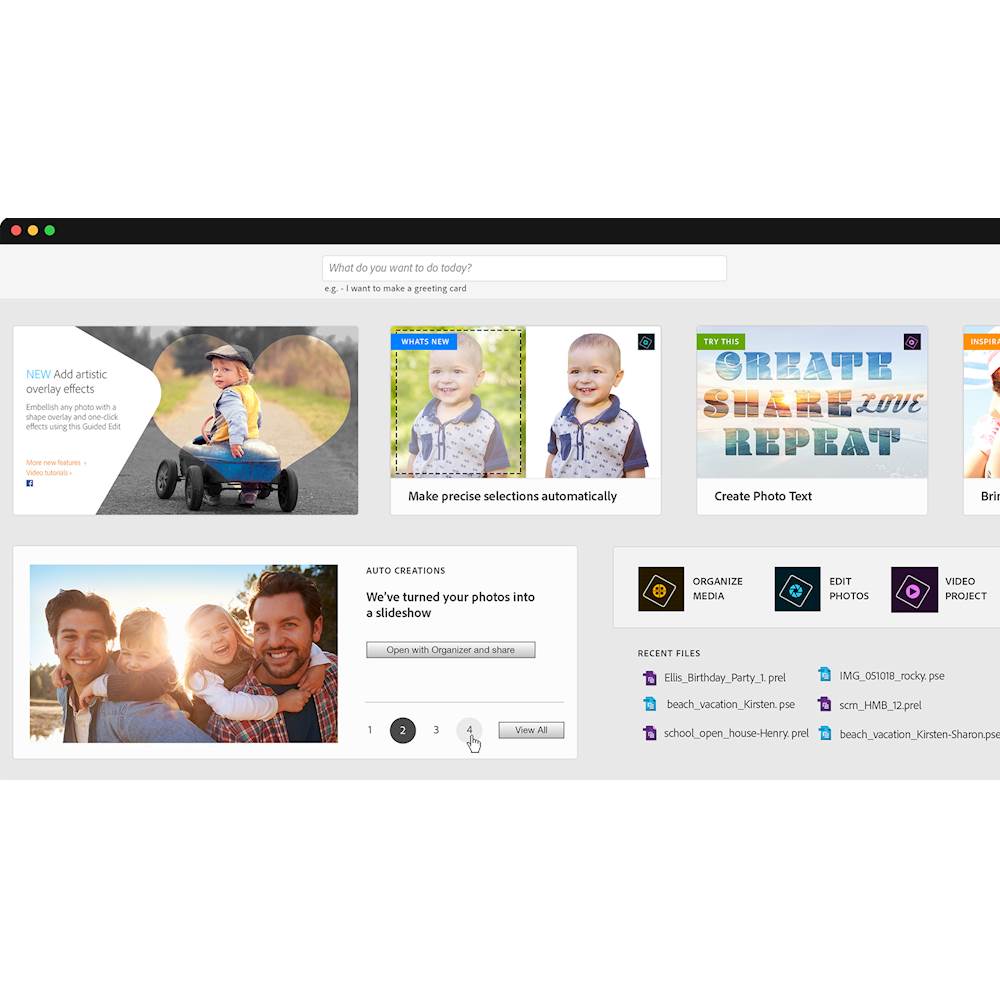
A:AnswerYes, but let me qualify. This is a software "package" of two products: Photoshop Elements and Premiere Elements. Elements is for photographs and Premiere would be used for videos.
A:AnswerYou need a separate photo/video storage for that. Such as iCloud, google storage, or other storage service of your choice. This app's purpose is not for storage, you use it to edit photos that you are storing on your device or some app in the cloud.
A:AnswerAdobe Photoshop Elements does have drop shadow and emboss. Located under Styles. Located at the bottom. 4th icon to the right. Then you will see the Drop Shadow and Emboss
A:AnswerCan be converted to AAC AIFF, GIF, AVCHD, JPEG, MP3, MPEG2, MPEG4, Quick Time, Waveform, Windows Media. Resolution will depend on the number of pixel in the pictures.
A:AnswerAdobe Photoshop Elements does not have built in DVD burner software. You will need third party software to burn your videos or pictures to DVD.
A:AnswerYo tuve el mismo problema. Saqué una foto del mensaje que aparece, regresé a la tienda con el recibo y en servicio al cliente resolvieron mi situación. Me encanta el producto muy fácil de utilizar.