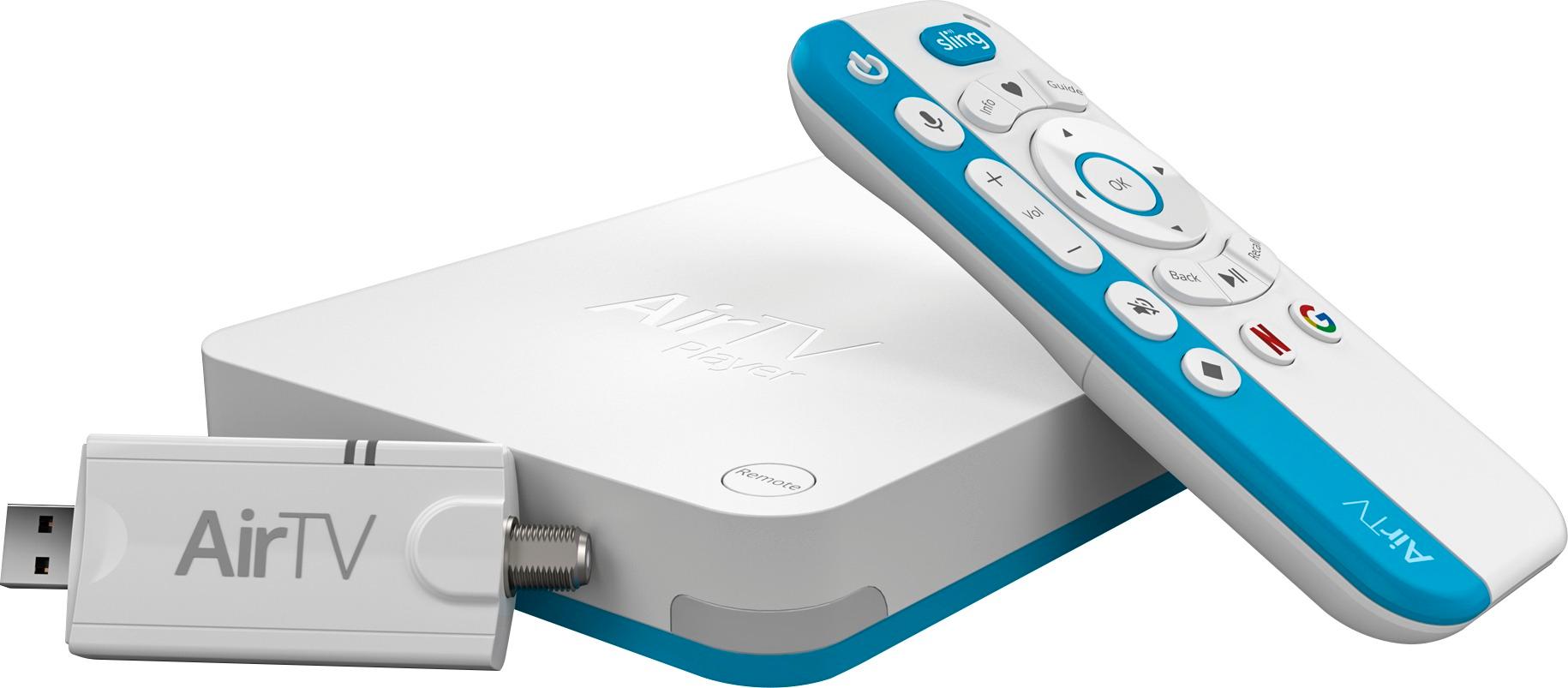
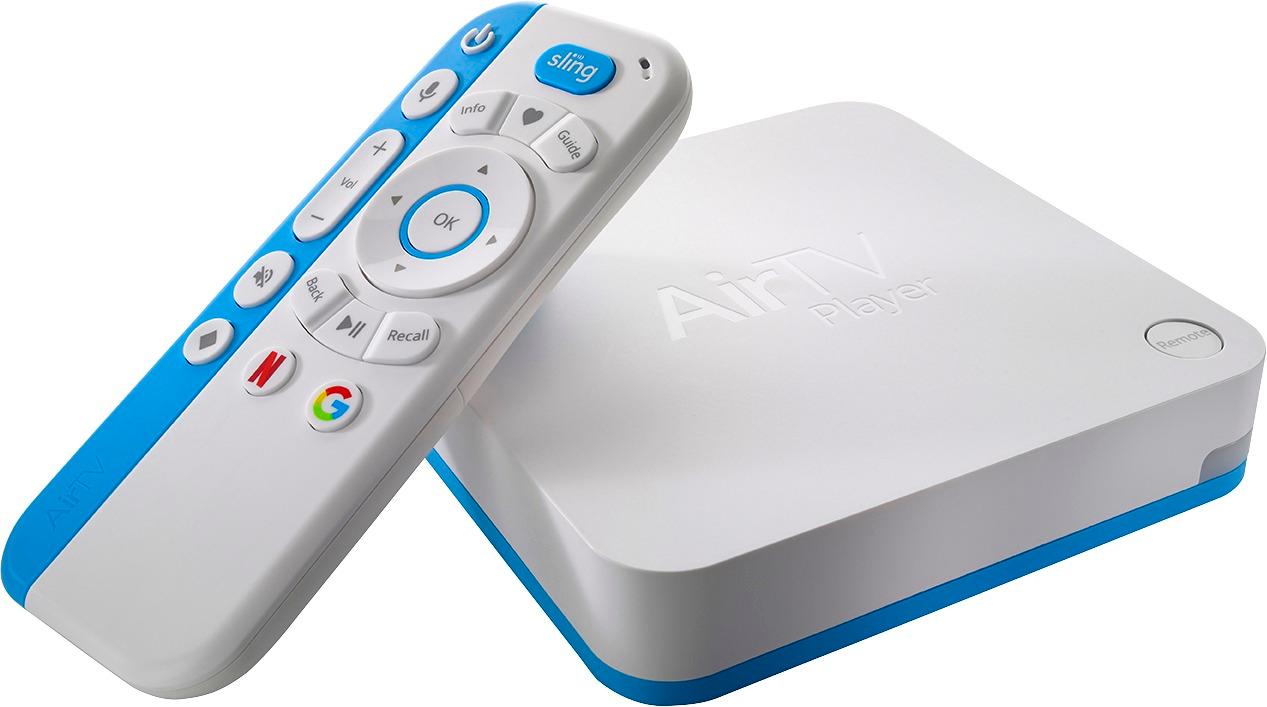
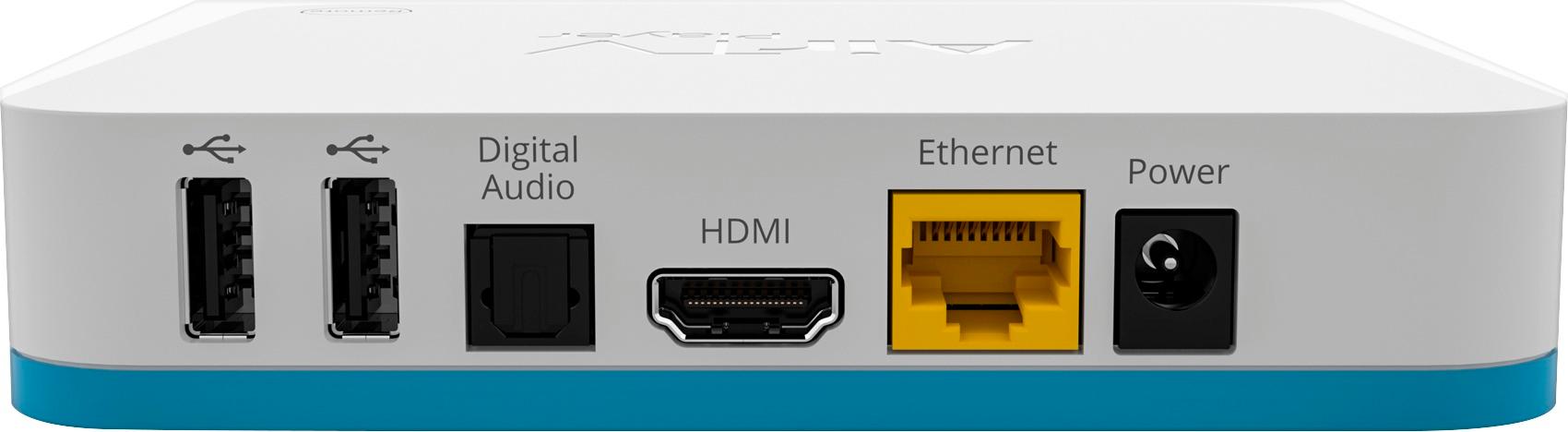
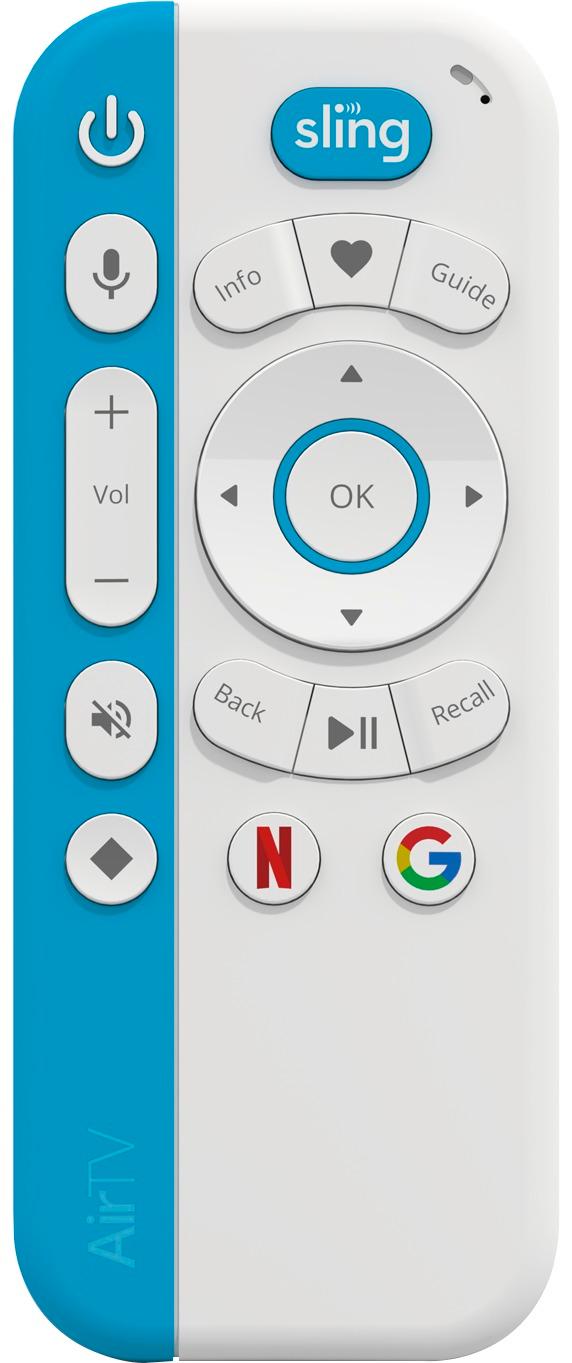
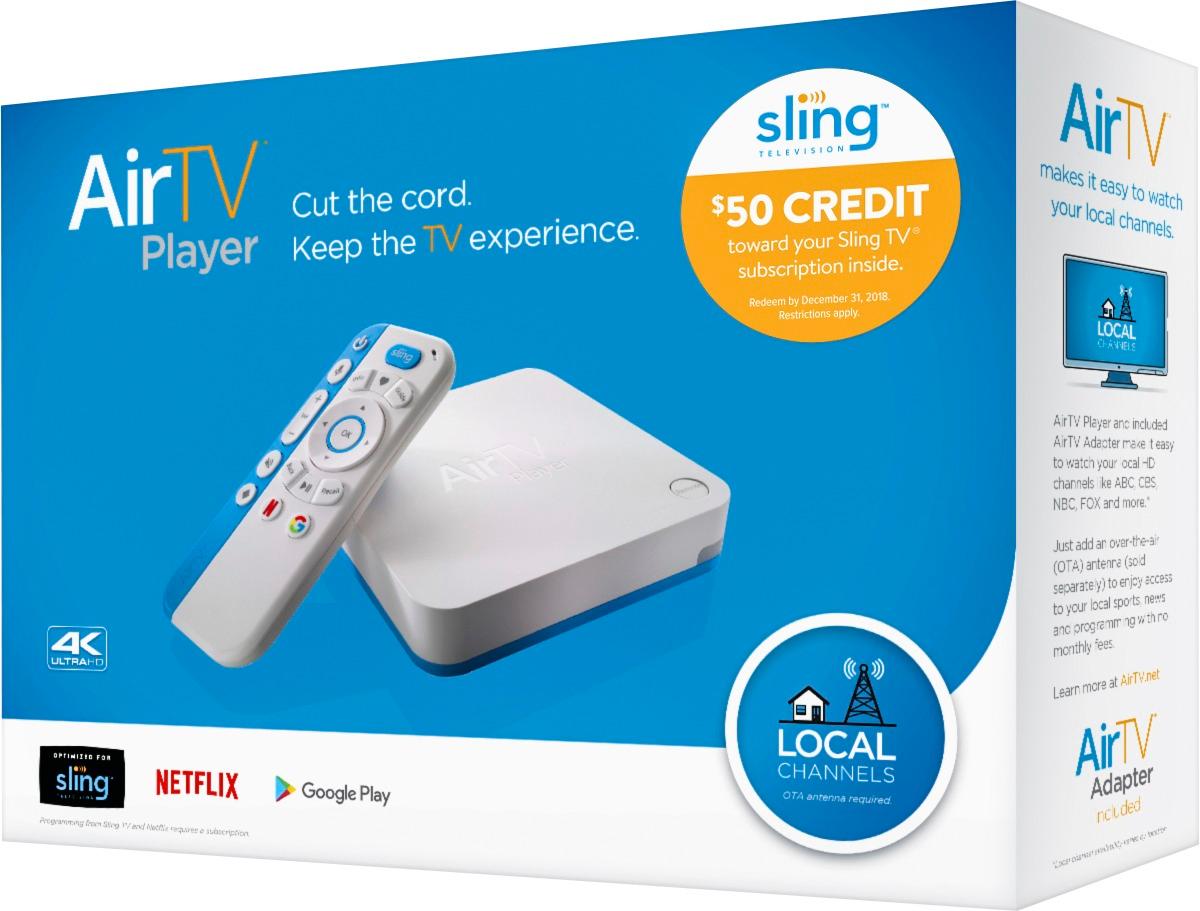
A:AnswerAir TV and Sling TV combine with over-the-air HD Antenna for a seamless operation. The websites discuss how it works. AirTV player has an antenna to usb adapter that you see in the picture for the AirTV player. Sling TV integrates all AirTV resources into it's displays. I think it really is done well. You are only limited by how much your HD antenna (which you have to supply) can get a good signal on. Just google on AirTV and SlingTV for more information. You can have your cake and eat it too. AirTV is purchase. SlingTV is subscription, but much, much less than cable and satellite. Hope this helps.
A:AnswerIt does not get the OTA channels over the internet. You would use the same OTA antenna you may be using with a 'converter' box. There is a 75 ohm cable connector on the SlingTV box and that is where you connect the OTA antenna. This replaces the converter box you may know but has the ability to also get streaming content for channels you subscribe to via the SlingTV account and also Netflix etc. The beauty is you can integrate all these sources of content into one 'MyTV' listing if you like, and be able to see a guide to what's on on the subset of channels you like (or all the channels from all sources if you like). Pretty neat.
A:AnswerIn order to log into Sling, you will require internet access. Even though you can have a free Sling account, you still need to log in for any functions to work.
A:AnswerThe AirTV Player is a single TV device that shows (and records) local channels on only TV it is connected to. AirTV is currently beta testing a new device (simply called AirTV) that lets you watch locals on all of your favorite devices both in and out of home.
A:AnswerYou can stream live TV programs using the built in Sling TV app or OTA channels from your antenna. OTA channel quality will be compressed in my experience and will occasionally buffer, which doesn't happen when you connect the antenna directly to your TV or through a receiver.
A:Answerthanks for reaching out. That definitely doesn’t sound like the experience we want you to have, and I understand how frustrating it must be. There are a couple of known reasons this might be happening, and we’d be happy to walk you through a likely solution. Please give our support team a call at 808-386-1790.
A:AnswerThis an Android box...specifically for SLING TV. It allows for local TV channels to appear in the SLING TV guide(with the usb adapter). It allows for other .apk apps but, I have not got one to successfully install. Items from the play store install but not direct install. Hope this helps
A:AnswerIt is designed to work with over the air channels using a digital antenna. It won't work with you scrambled cable box. It is best to use with a Sling TV subscription assuming you have high speed Internet. It allows you to access and DVR both your local over the air channels as well as those provided through Sling TV.