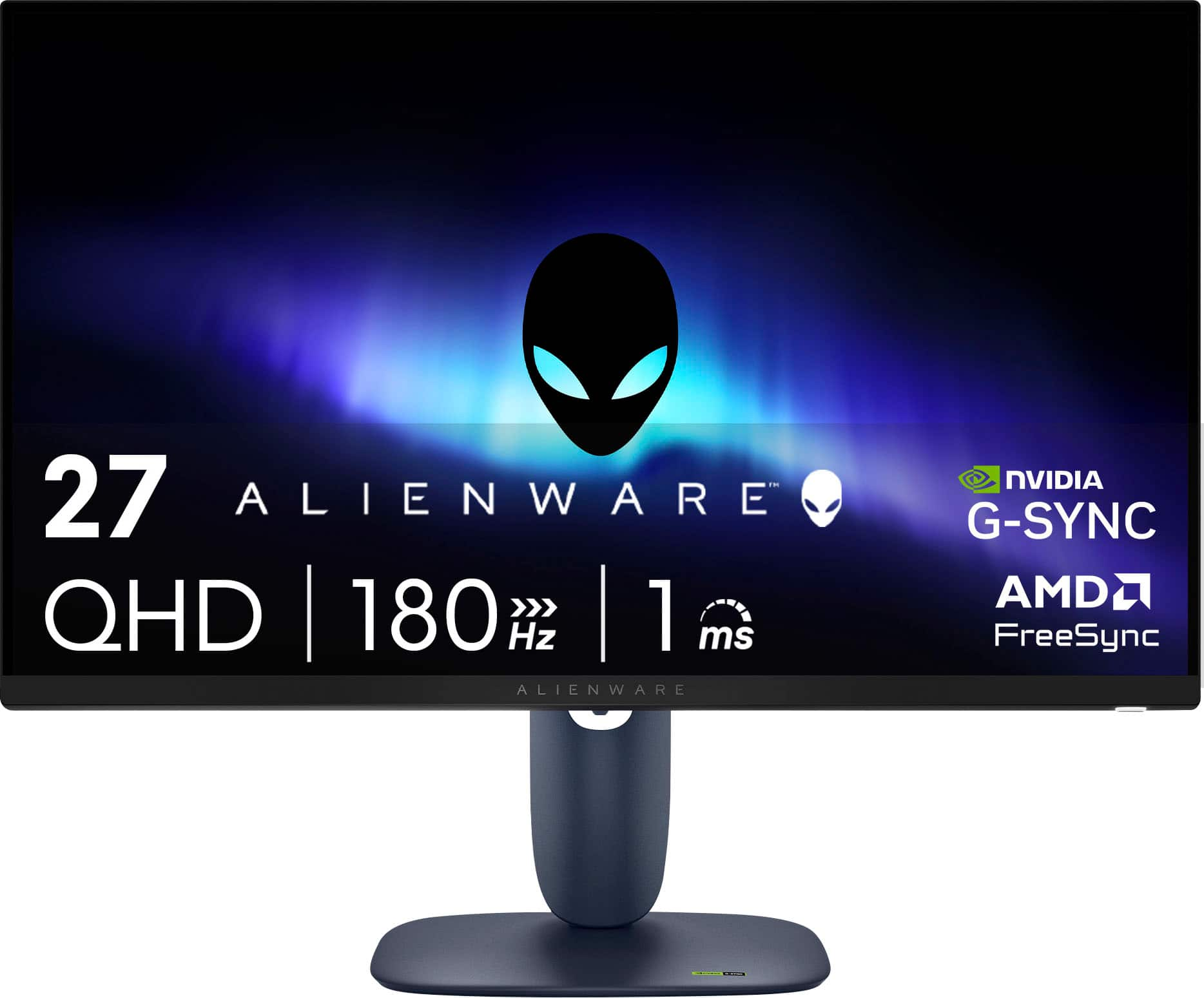
Questions & Answers
- Model:
- AW2725DM
- |
- SKU:
- 6620191
Highly rated by customers for: Overall Performance, Refresh Rate, Resolution
Page Showing 41-46 of 46 questions
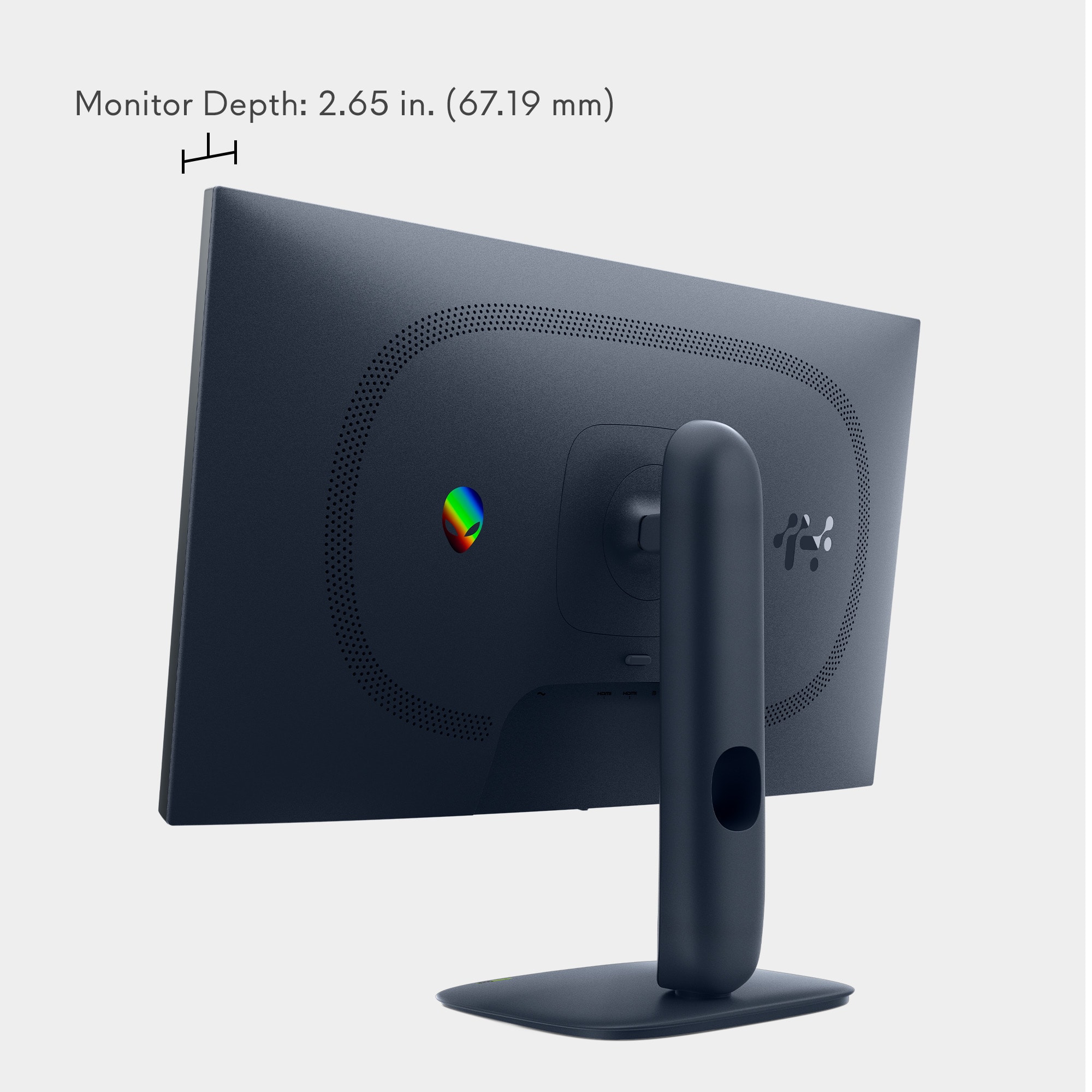
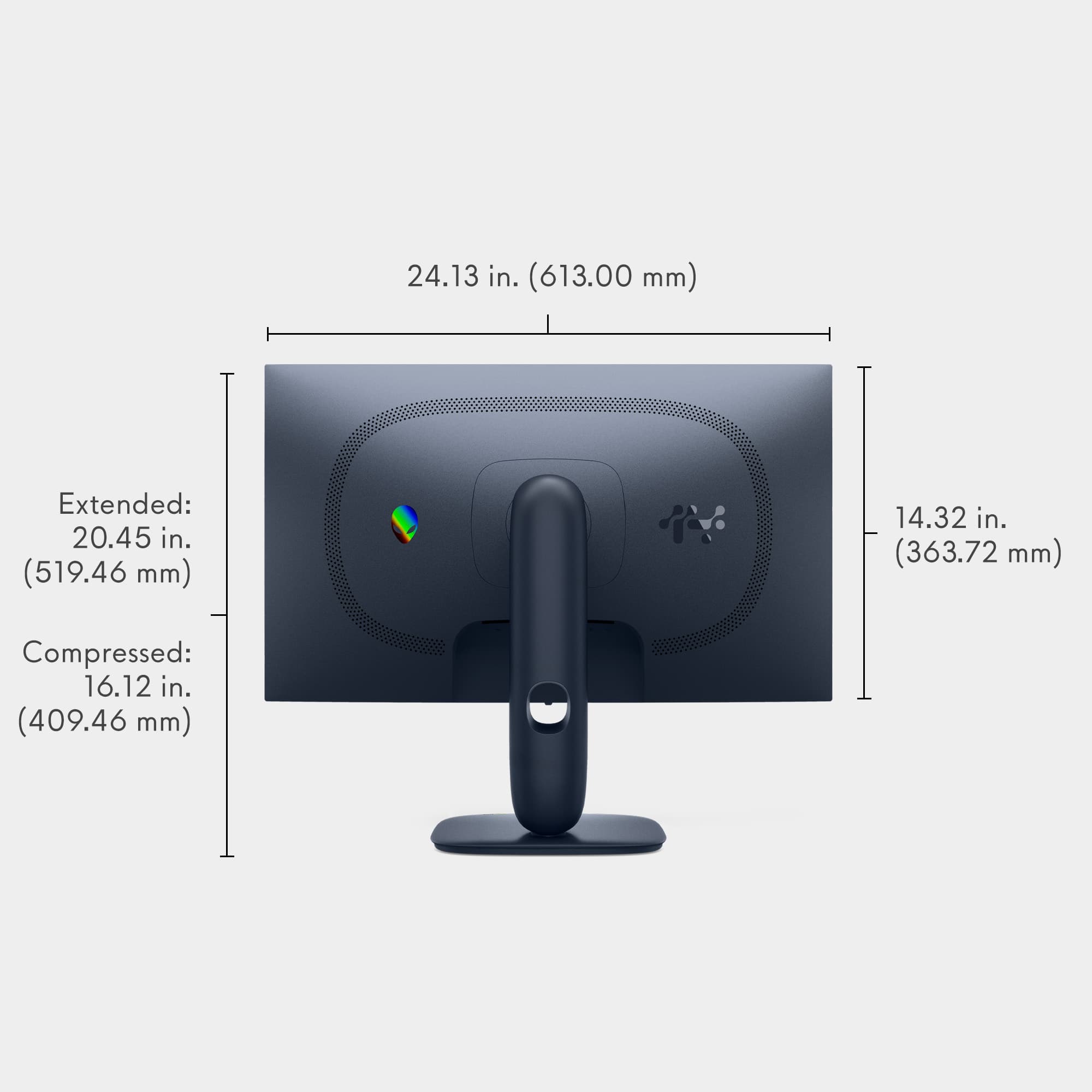
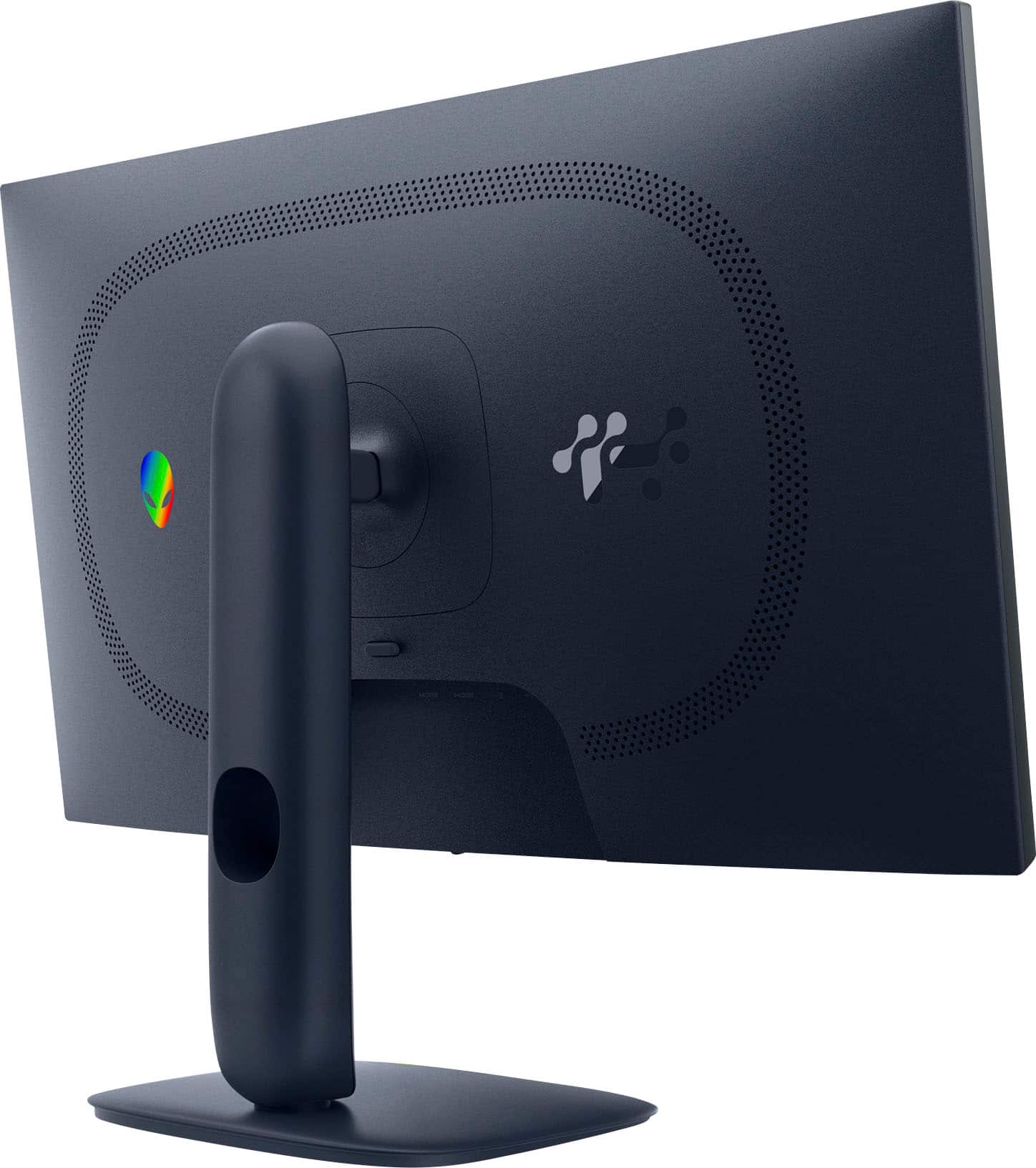
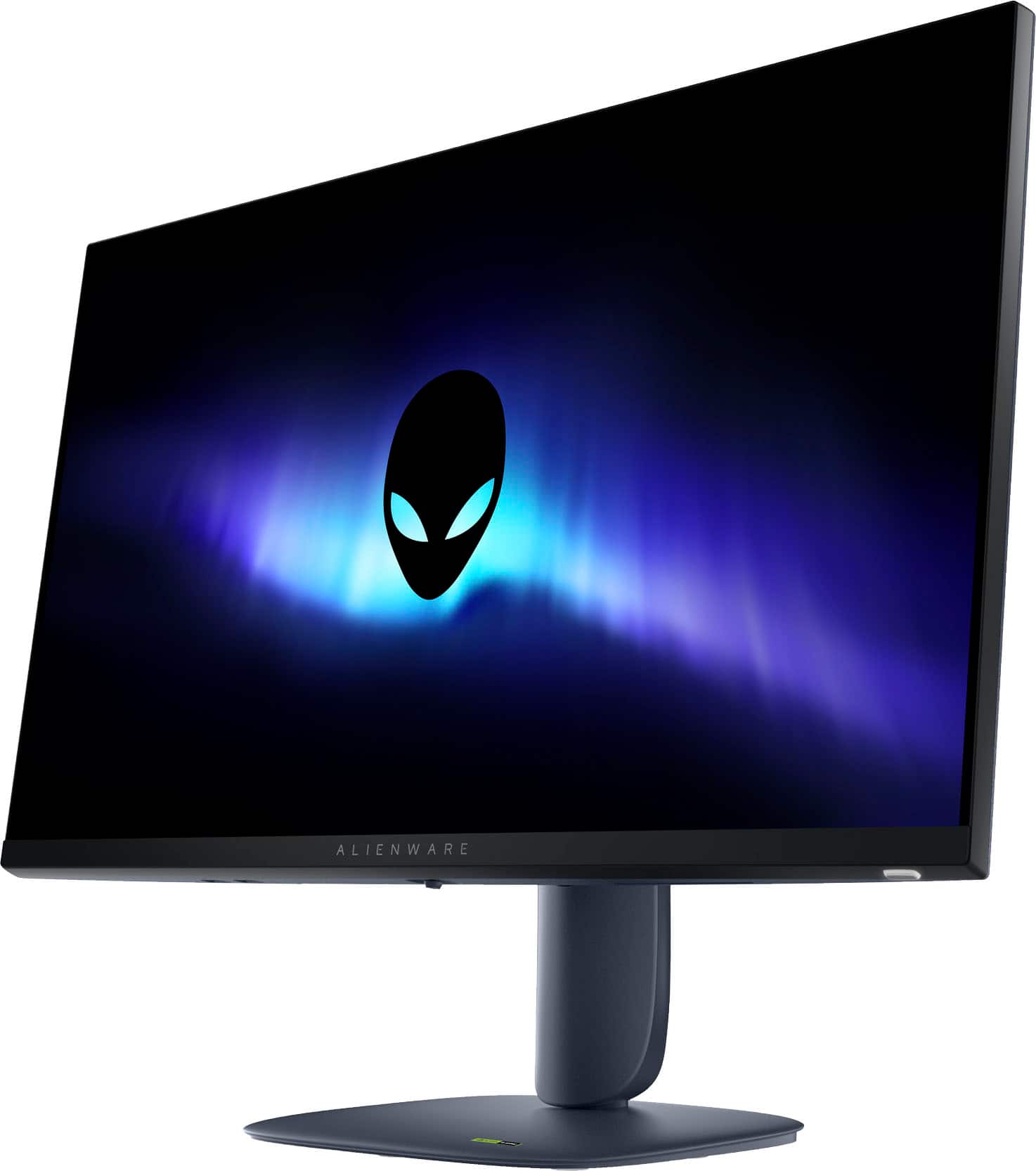
Q: QuestionCan you raise and lower the height? It says 'Adjustable Height' but doesn't quite look like it is.
Asked by Mary.
- A:Answer Yes you can
Answered by Ruth3rford
Q: QuestionDoes this monitor have speakers built in
Asked by 123bigz.
- A:Answer No, the monitor does not include built-in speakers.
Answered by YourDellTeam
Q: QuestionIm going to purchase this monitor in a few days. Will I be able to plug my headsets into my ps5 directly for sound? I dont have headsets that can be plugged into my controller. I game on a tv so this is how i’ve been playing for the longest time.
Asked by missps5consoleplayer123456789.
- A:Answer Yes, the headset comes with built in Bluetooth for phones and other accessories but also comes with a USB dongle, I’d recommend just use the dongle for immediate usage but it is a usb 2.0 and ps5 using the usb c you’ll need an adapter, but try it with just the Bluetooth feature first I use it to talk on my iPhone as well and have no issues
Answered by Omenater
Q: QuestionHow to connect this specific monitor to an external speaker?
Asked by Gogogaga.
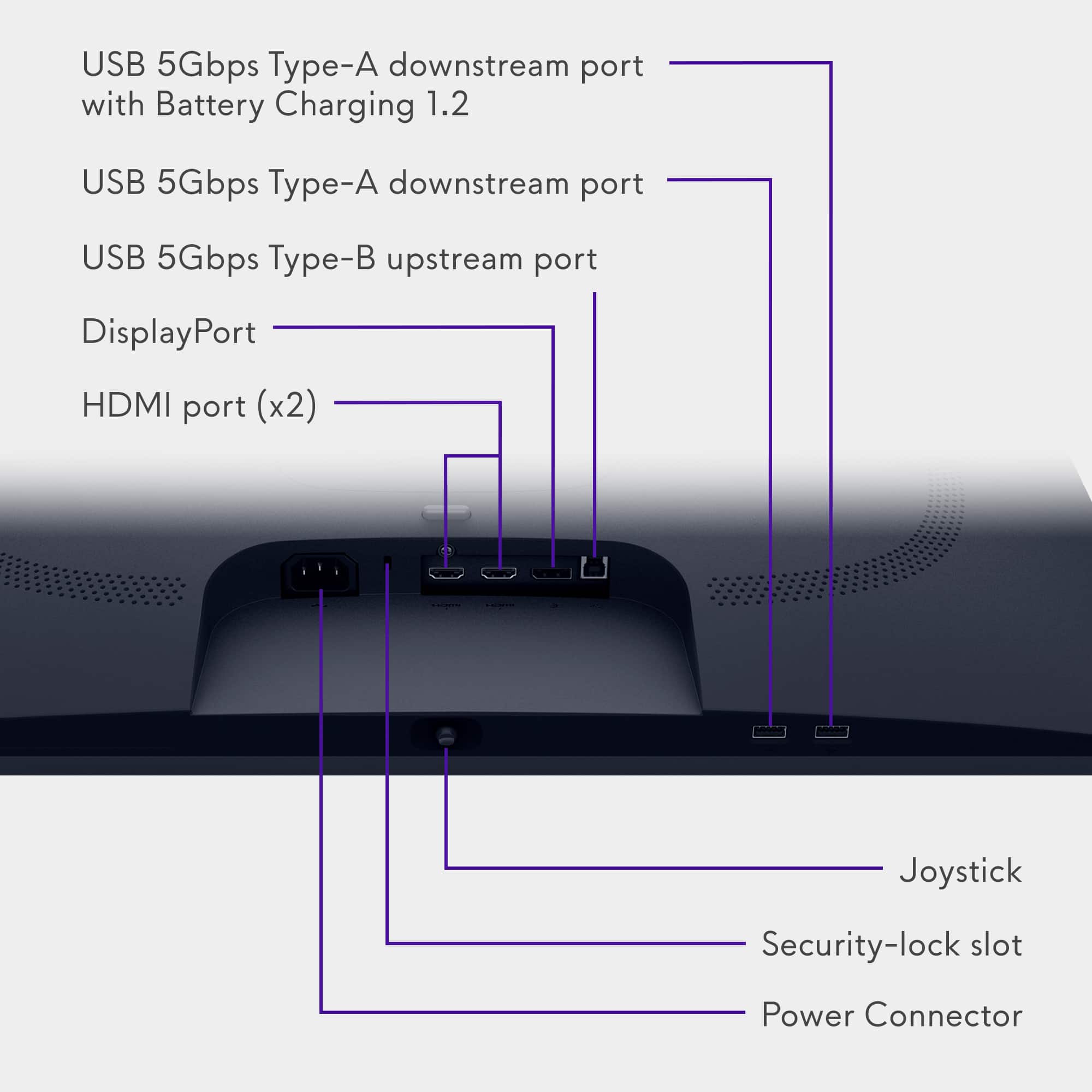
- A:Answer The monitor does not have built-in speakers, but it does include an audio out (headphone) jack.
Answered by YourDellTeam
Q: QuestionWhat are the dimensions and weight of the package? I'm planning to use a third party to ship it to Mexico
Asked by Manuel.
- A:Answer Like at least 10-15lbs
Answered by SeanC
Q: QuestionHow does one get sound if there are no built-in speakers or an audio jack?
Asked by B101.
- A:Answer Great question! the gaming monitor does not have built-in speakers or a headphone jack, so you’ll need an alternative audio solution. Here are your options: Use Your PC or Laptop’s Audio Output: Connect external speakers or headphones directly to your computer’s 3.5mm audio jack or USB port. Use HDMI Audio: If your monitor is connected via HDMI, the audio signal goes to the monitor—but since it has no speakers, you’ll need to route sound back to your PC or use an HDMI audio extractor (splits audio to a 3.5mm or optical output). USB or Bluetooth Speakers: Connect Bluetooth speakers or a soundbar to your PC. Or use USB-powered speakers for a simple wired setup. Gaming Headset: Plug a headset into your PC or controller (if gaming on console).
Answered by YourDellTeam
Page 3, Showing 41-46 of 46 questions