
Skip to contentGo to Product Search
Main Content

Questions & Answers

$799.99
Page Showing 1-20 of 25 questions
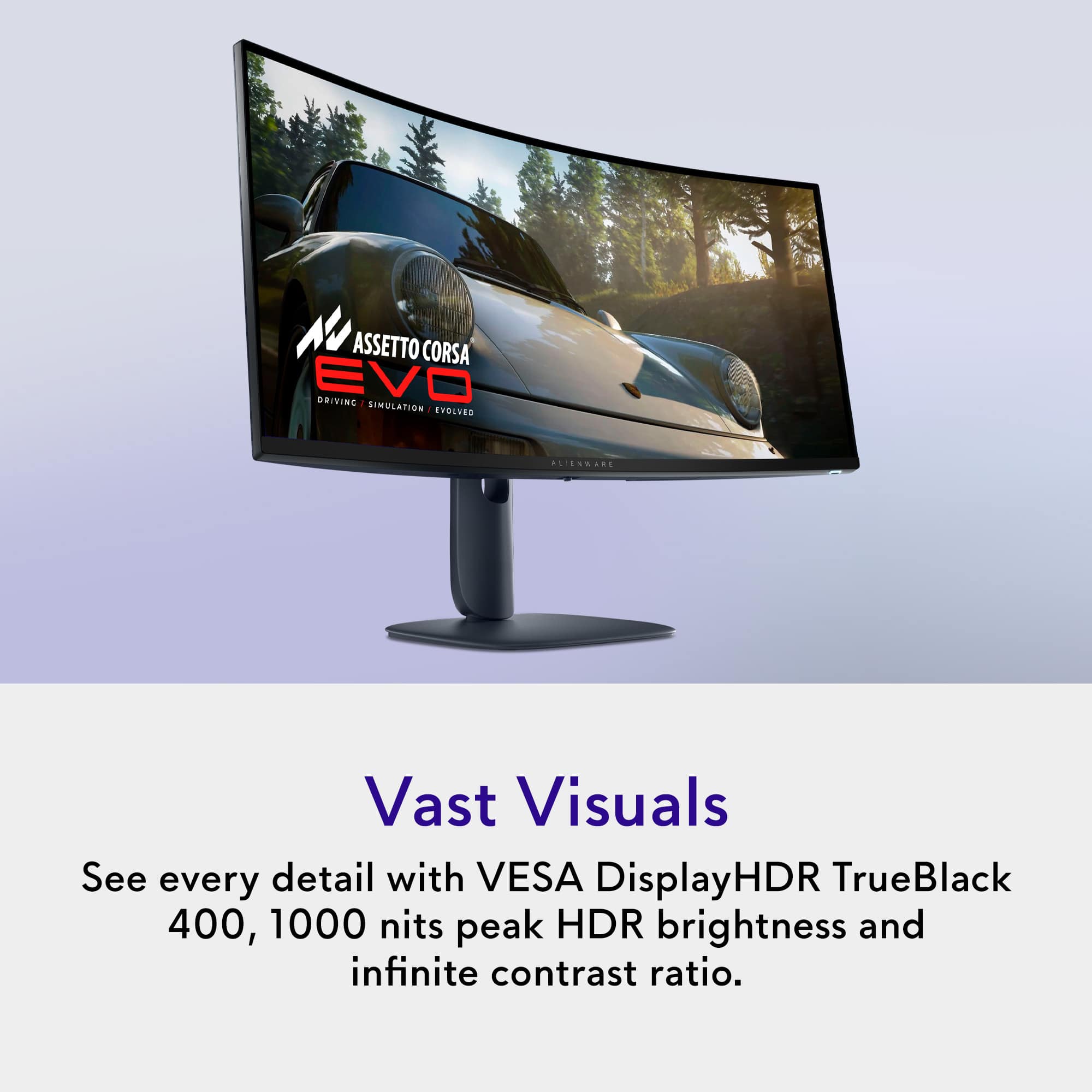
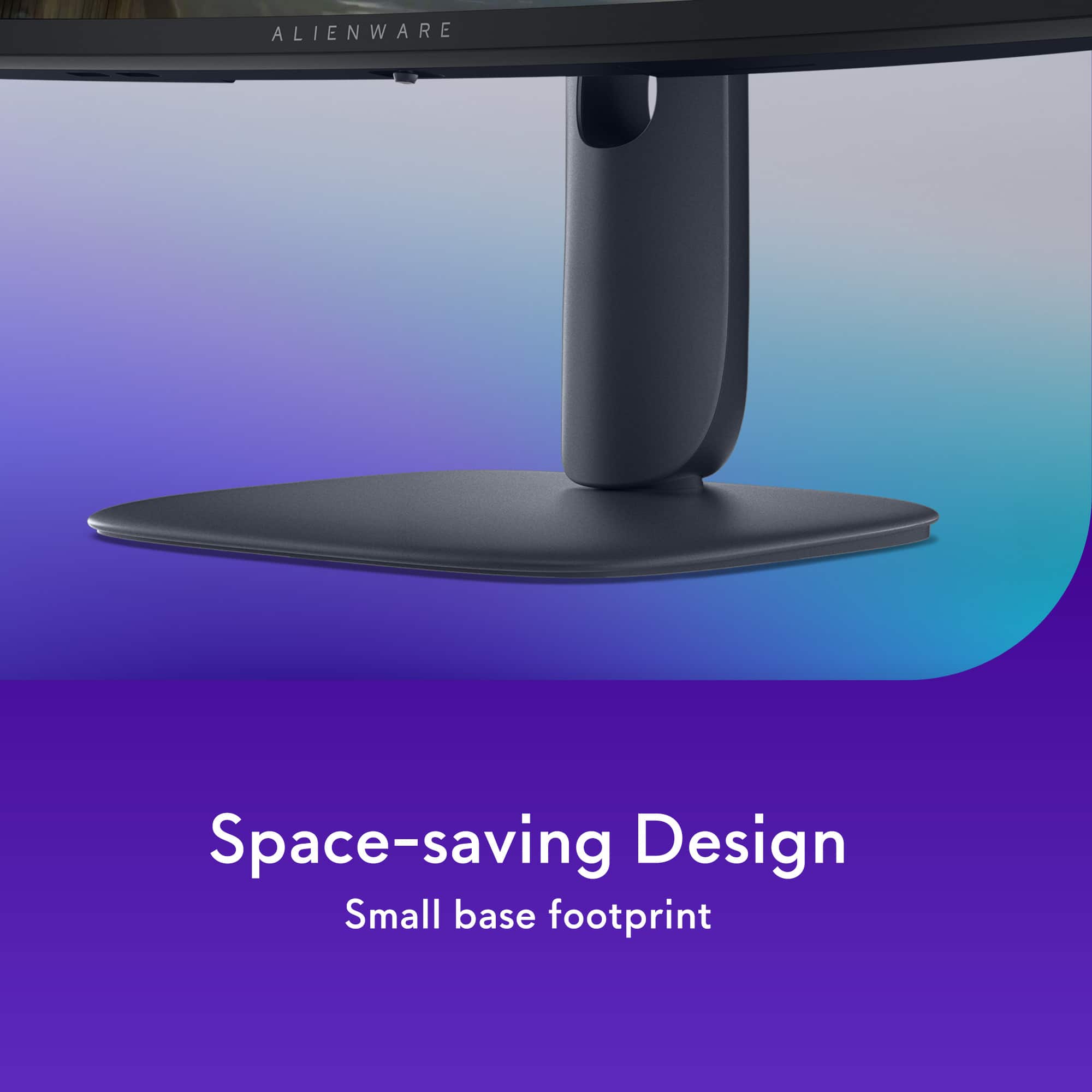
  • QuestionIs the stand height of this monitor adjustable?

    • Answer Yes, the stand height of this monitor is adjustable.
    This question and answer was generated by AI based on customer and product data.
  • QuestionWhat is the response time of this monitor?

    • Answer The response time of this monitor is 0.03 milliseconds.
    This question and answer was generated by AI based on customer and product data.

  • QuestionIs the screen on this monitor curved?

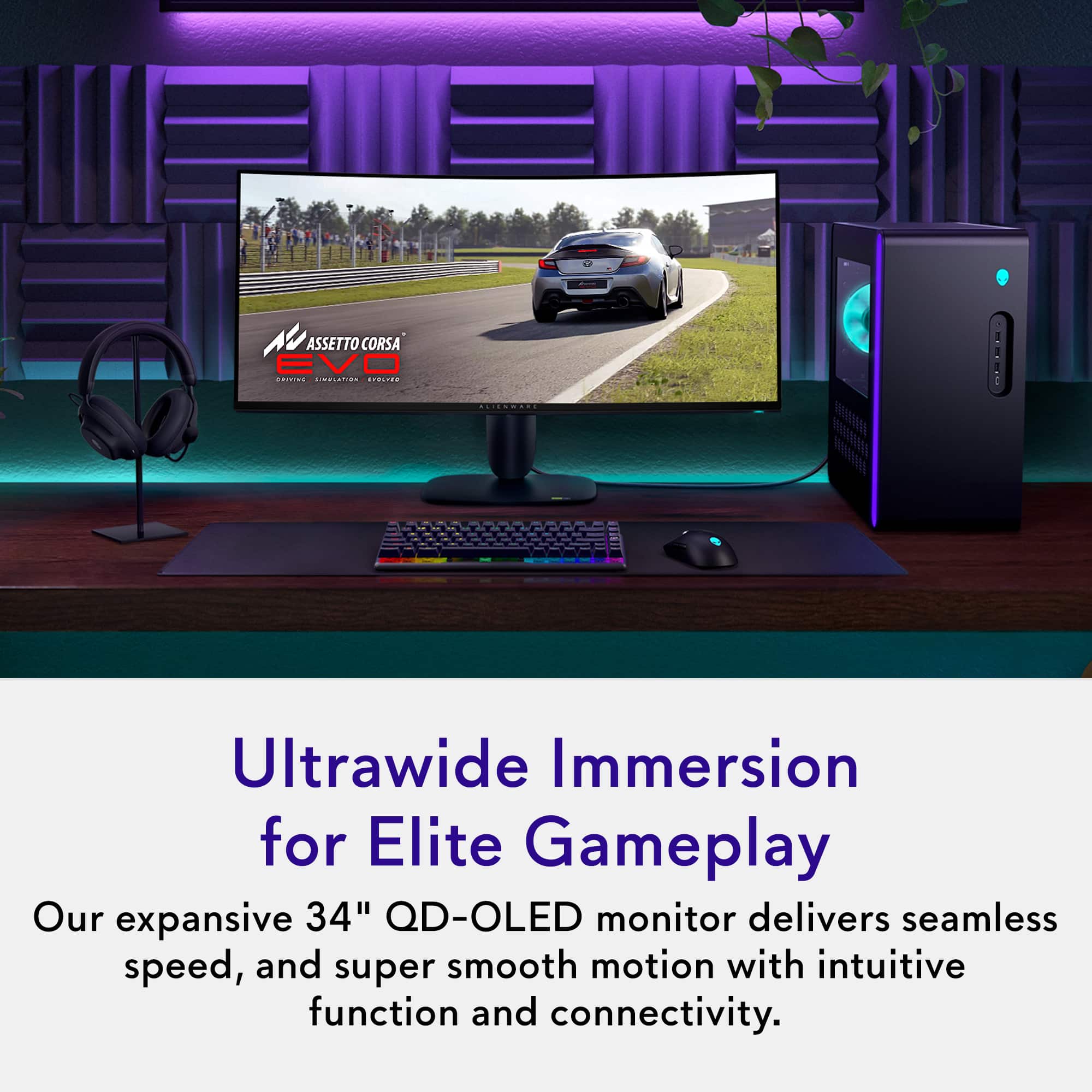
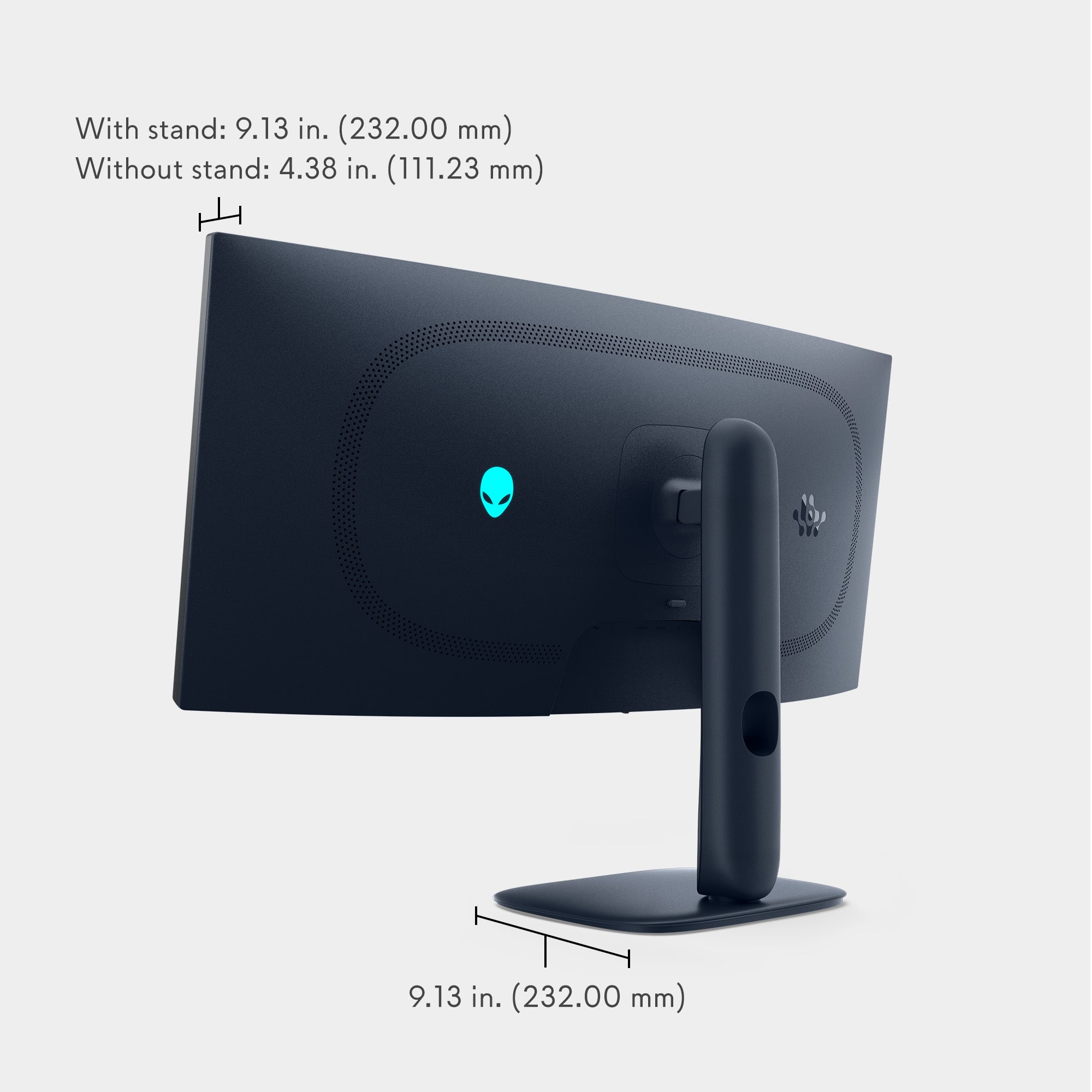
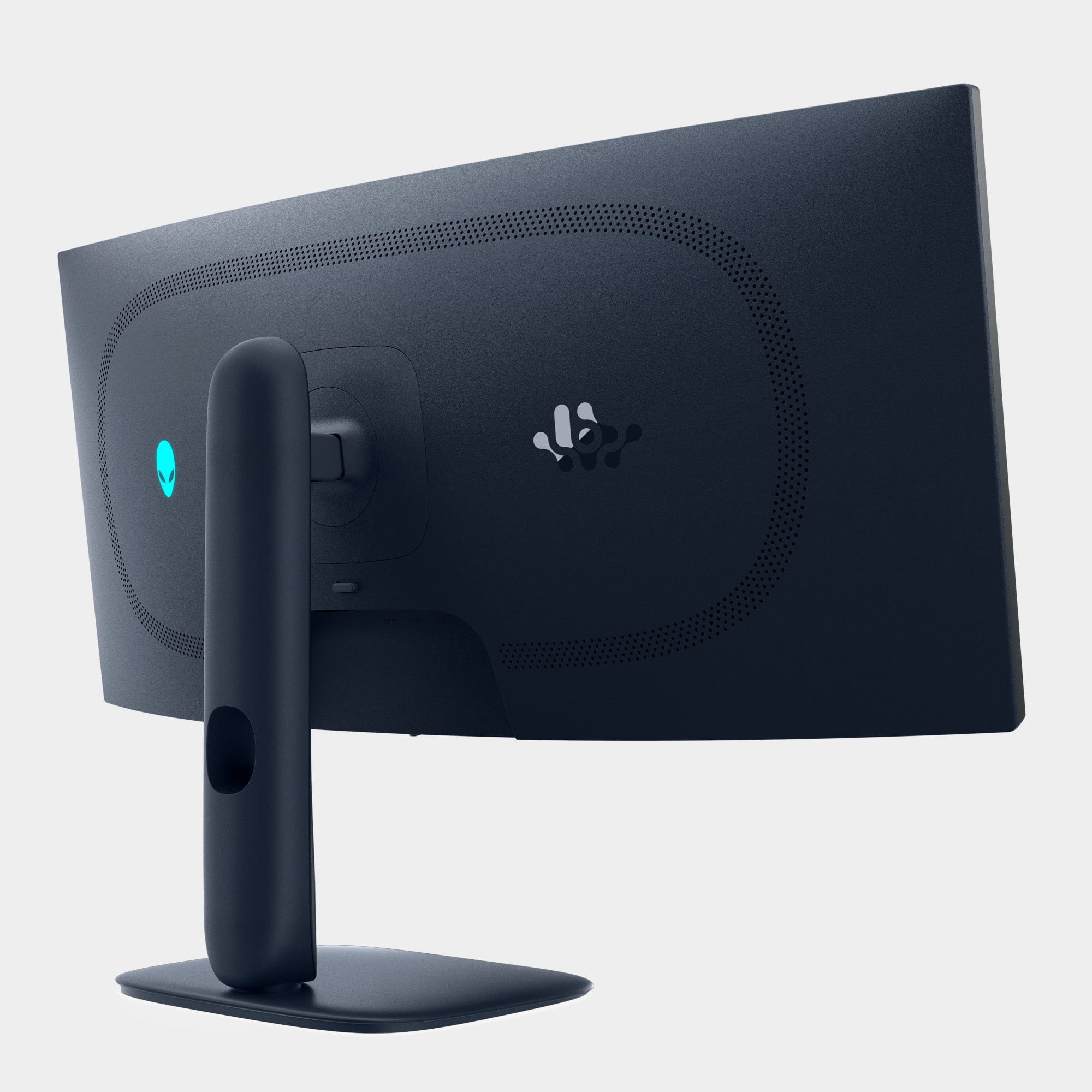
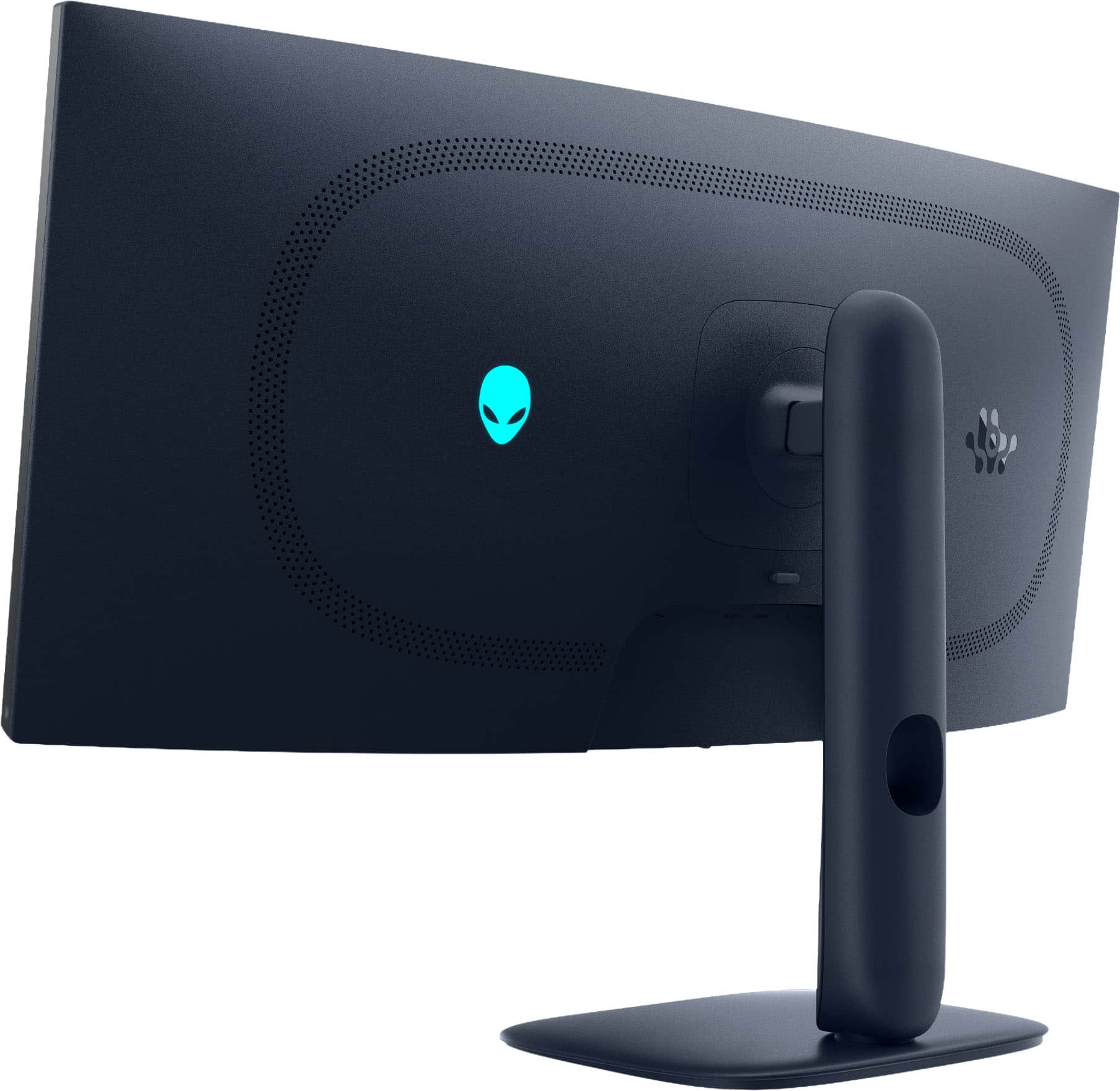
    • Answer Yes, the screen is curved with 1800R curve.
    This question and answer was generated by AI based on customer and product data.

  • QuestionWhat is the refresh rate for this gaming monitor?

    • Answer The refresh rate for this gaming monitor is 240Hz.
    This question and answer was generated by AI based on customer and product data.
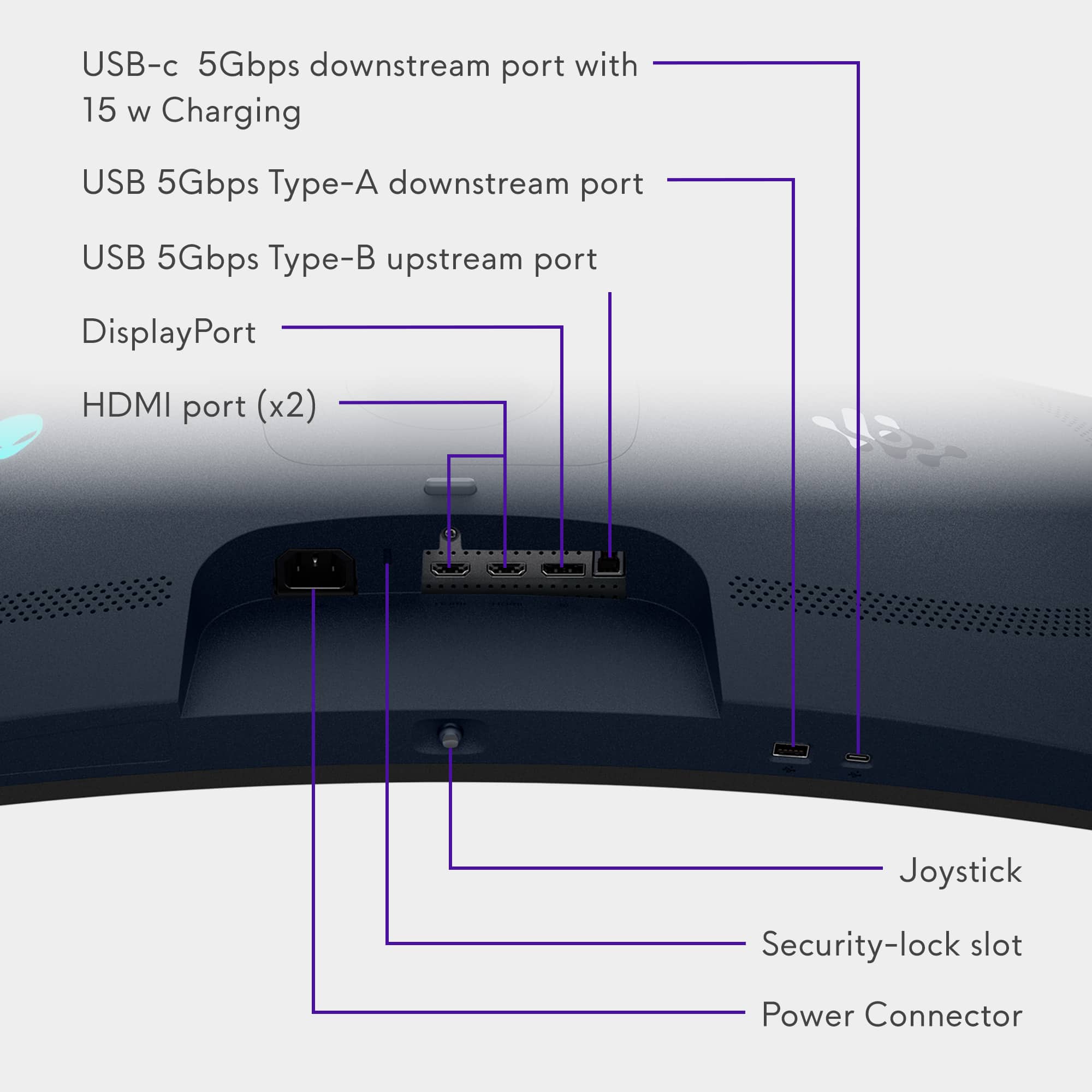
  • QuestionDoes this gaming monitor have display port inputs?

    • Answer Yes, this gaming monitor has one display port input.
    This question and answer was generated by AI based on customer and product data.

  • QuestionDoes this monitor have built in speakers?

    • Answer No, this monitor does not have integrated speakers.
    This question and answer was generated by AI based on customer and product data.
  • QuestionCan this monitor be mounted to a wall?

    • Answer Yes, this monitor is wall mountable using VESA Wall Mount Standard 100mm x 100mm.
    This question and answer was generated by AI based on customer and product data.

  • QuestionThis is a tft panel, like lcd?

    Asked by Dswag.

    • Answer No, It is a QD‑OLED display, which is vastly superior to LCD/TFT in brightness, contrast, response time, and color performance. All modern displays technically use TFT as the transistor layer (including OLED panels). The “TFT” label does not mean it is an LCD panel. It's merely that it uses thin‑film transistors for pixel control.

      Answered by YourDellTeam

  • QuestionWith DP 1.4 not having enough native bandwidth to support the monitor's full potential, has anyone had any issues? I'm not particularly fond of artificial upscaling techniques, but HDMI 2.1 does have the required bandwidth.

    Asked by CodyD.

    • Answer I have not had any issues myself I’m using the DP1.4 and picture in person looks amazing this is my main gaming monitor and iv been very happy with this monitor so far this is my 3rd Alienware monitor I’m running nvidia 5080 gpu and my main games I play is a wide variety and theirs only 1 that I don’t run at maxed graphics and I stay consistent with around 230fps with bright vivid colors and clear clean picture

      Answered by CamedonJ

  • QuestionHey does this have a stretch mode or zoom to fill screen if wanted to

    Asked by Snake.

    • Answer Yes, The monitor supports aspect ratio control through its on-screen display (OSD) settings. This typically includes options like Full, Aspect, and 1:1, which can affect how content is scaled on the screen. If you're using a source with a different aspect ratio (e.g., 16:9 content on a 21:9 screen), selecting the "Full" mode in the OSD will stretch the image to fill the entire screen, which is similar to a zoom/stretch effect. The actual behavior can also depend on your graphics card settings. NVIDIA and AMD drivers often allow you to control scaling behavior, including stretching or maintaining aspect ratio.

      Answered by YourDellTeam

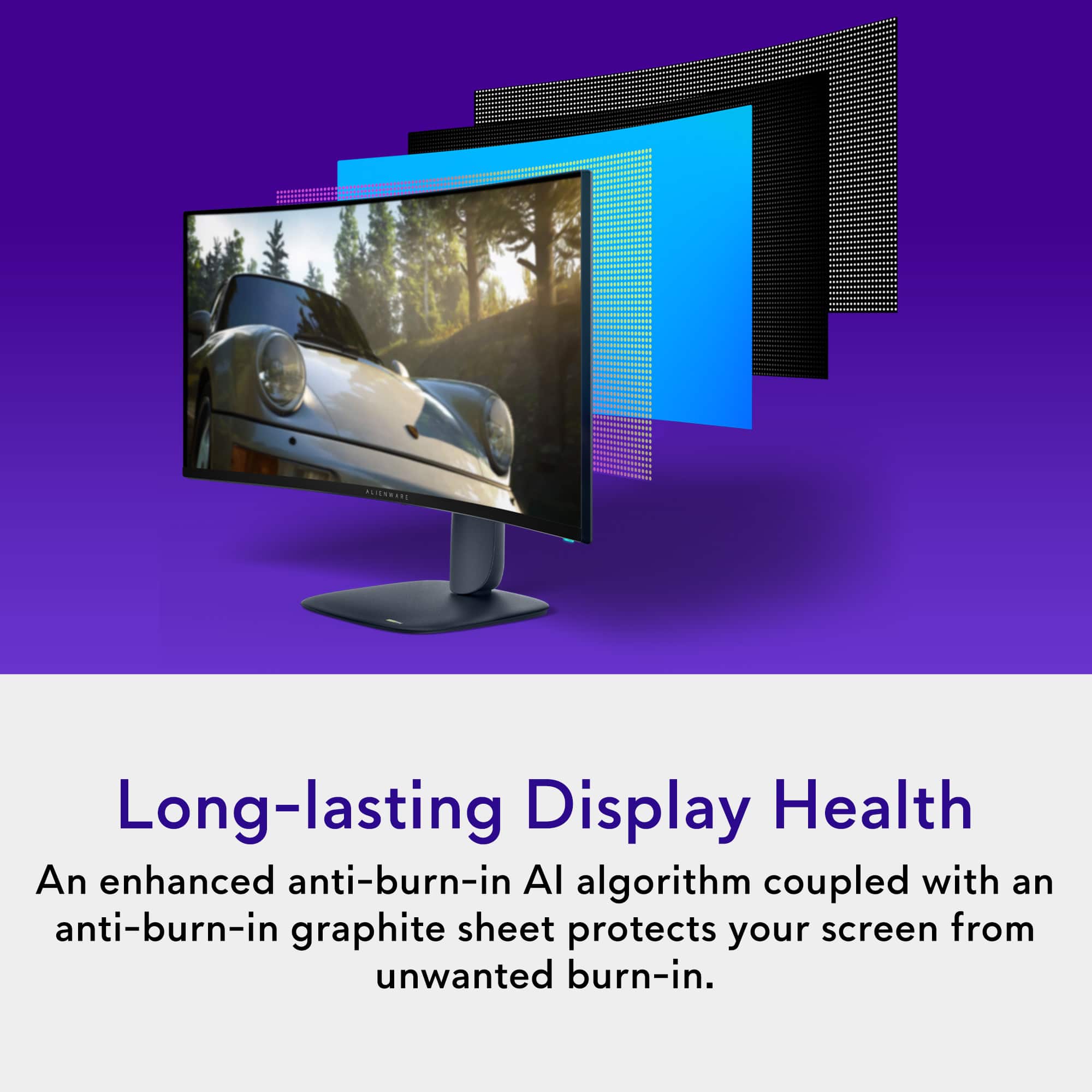
  • QuestionIs burn-in a problem with the OLED monitor?

    Asked by Jime.

    • Answer It has its own OLED application on the monitor. Also if you have your monitor for more than 4 hours it will run the OLED care app then shut itself down

      Answered by FernandoS

  • QuestionWhere I turn on this tv ?

    Asked by Anonymous.

    • Answer The power button is on the right bottom corner (below the bezel).

      Answered by YourDellTeam

  • QuestionDoes this support G-sync

    Asked by goblue734.

    • Answer Yes, and freesync

      Answered by JoeS

  • Questiondoes this monitor have a Aux port for speakers?

    Asked by SAMM.

    • Answer The monitor does not include a headphone or AUX-out port. If you need audio output, you’ll need to use: Your PC’s sound card, HDMI/DP audio extraction, USB DAC/headset, Speakers connected directly to the PC/ console.

      Answered by YourDellTeam

  • QuestionDoes it have hdmi 2.1

    Asked by JoeS.

    • Answer Yes it does.

      Answered by 12Valve

  • QuestionAre there speakers compatible with this specific monitor?

    Asked by Manny.

    • Answer 3.5 mm headphone jack on the back of the monitor – perfect for connecting stereo speakers or a wired headset. You can also use USB speakers or a headset connected directly to your PC, bypassing the monitor.

      Answered by YourDellTeam

  • QuestionDoes it have built-in speakers?

    Asked by Drew.

    • Answer No it does not.

      Answered by 12Valve

  • QuestionWill this monitor split screen word and excel files?

    Asked by Dave.

    • Answer Yes it should have used split screen for Twitch live and YouTube live a couple of times but can’t say for 100% sure cause those 2 specific files is something I don’t use

      Answered by CamedonJ

  • QuestionDoes it have Dolby vision.

    Asked by Jks.

    • Answer The Monitor does not support Dolby Vision.

      Answered by YourDellTeam

  • QuestionCan it work on my ps5??

    Asked by Renrun.

    • Answer Yes, the monitor can work with your PS5 via HDMI 2.1 port and cable.

      Answered by YourDellTeam