A:AnswerThe box does not control the range your antenna does that do the research on them some antenna say 40 miles but placement of antenna is the key the box works well with my old tv my antenna is a a 40 mile type and use it for three TVs I am 20 miles from most stations but am considering installing a out door one
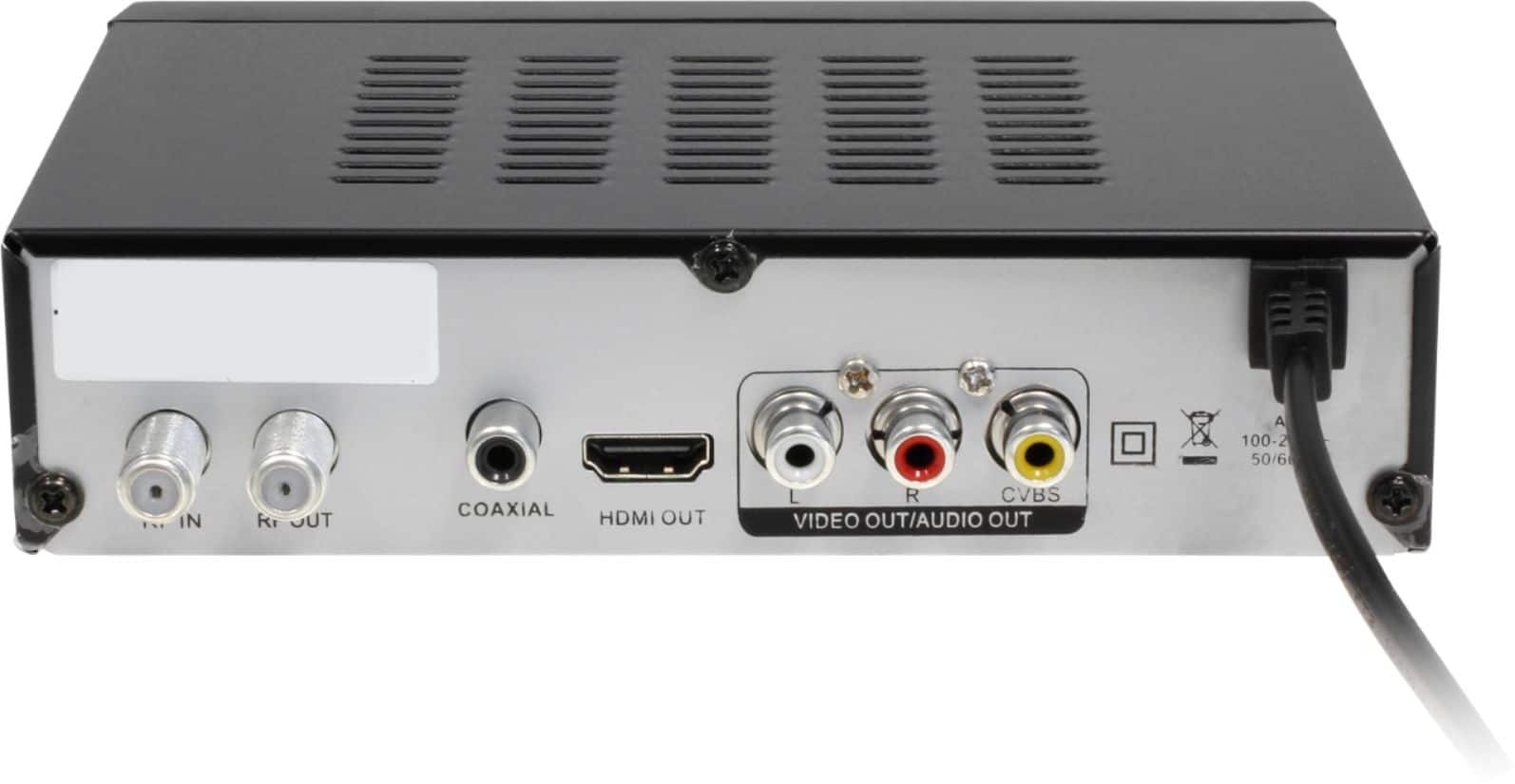
A:Answerwith the alura tv box I had to buy a HDMI cable I bought a 4k HDMI cable for $15 any place to get it will do. with an antenna I got all hardware to install it but it don't come with a cable. I hope this helped.
A:AnswerSet your old tv to channels to 3 or 4 then connect your recorder, scan your available channels on the box menu and your good to set up and record.
A:AnswerIt depends on the source of your coaxial cable and how you want to use this box. If the coaxial is for a HDTV antenna, then you can use this box to receive OTA signals. But if the coaxial connector is from your cable TV provider, then you can't.
A:AnswerI am sorry to hear about the issue that you are having with the product. We have not heard of this issue from other customers. Please contact our support at 866-580-1978 and we will help to resolve the issue for you.
A:AnswerOnce you connect a HDTV antenna to this box, you can scan for available OTV (over the air) channels available in your area. You might need to adjust the position of the antenna to optimize reception.
A:AnswerThere is no update for this product at this time. When there is an update, you will need to download it from our website and upgrade thru a USB drive.