A:AnswerHi goldenmom! The 4-Series can download the Paramount+ app via the Amazon Appstore, but does not come with it installed. The Paramount+ app may require a subscription to view certain content as well. There are a variety of free channels and apps available via the Appstore such as FreeVee. Hope that helps!
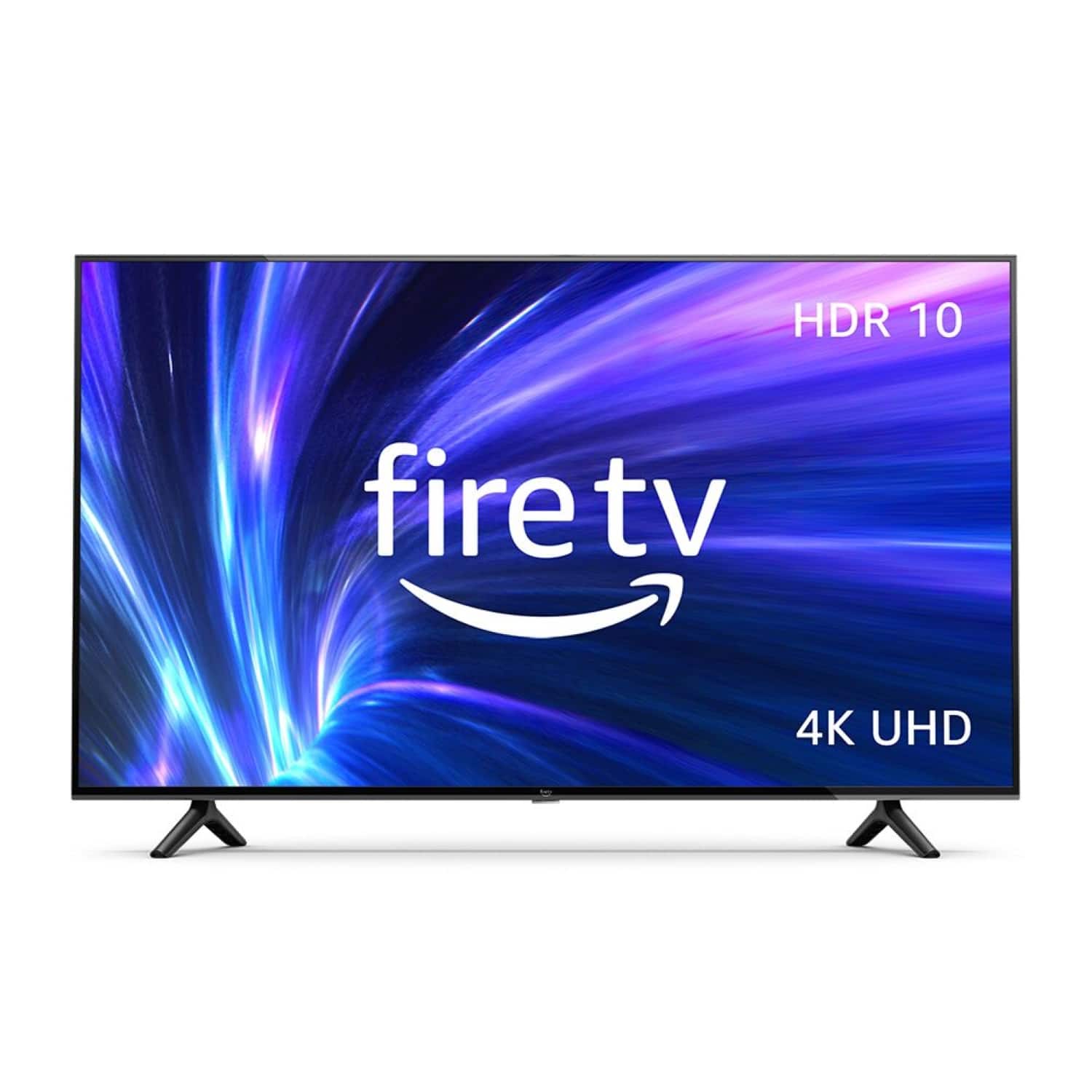
A:AnswerHello Kathy, you want to know how the Amazon 55” Class 4-Series 4K UHD Smart Fire TV is measures. The Amazon 55” Class 4-Series 4K UHD Smart Fire TV is measure diagonally, the total measurement across is 48.7x3.5x28.3 inches. Hope this has answered your question. Have an amazing day!
A:AnswerHi Bill! To change the picture settings on your Fire TV Smart TV: Press and hold the Home button on the Fire TV remote for 5 seconds. If your Fire TV remote has a Settings button use that instead.
Select Picture. Change the sliders and options to your preferred viewing settings. To change the picture settings for other HDMI Inputs on your Fire TV Smart TV, switch to the input you'd like to change the settings for and follow the same steps. Have a great day!
A:AnswerHello Andy,
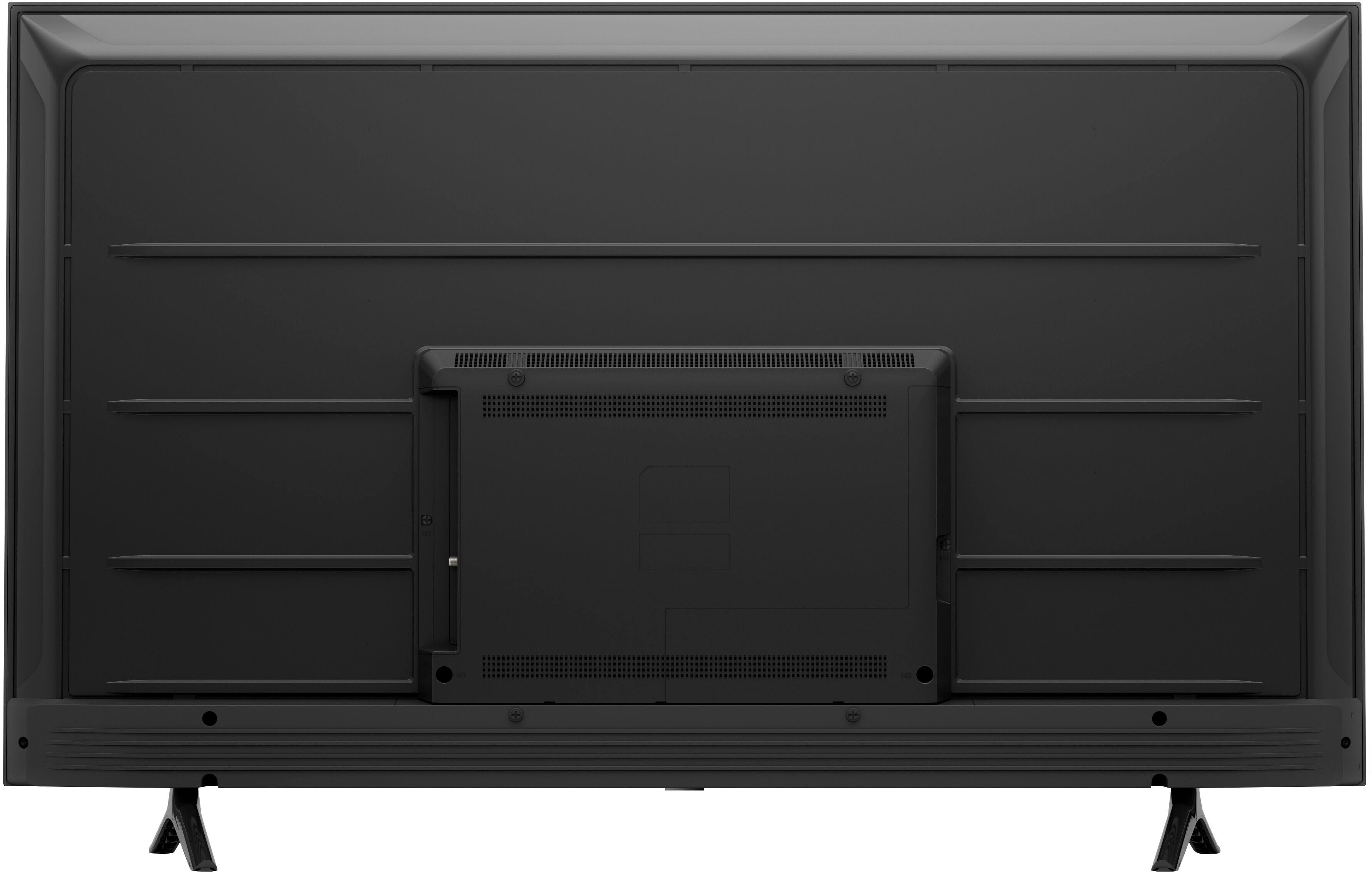
Thank you for your question about the Omni/4-Series TV. The distance between the legs on this TV is about 33 inches. I hope this information helps. Have a great day!
A:AnswerHello Gaffney! Yes there are screen mirroring options available for certain tablets such as Apple's iPad for example. Not every tablet is compatible officially but there are also a number of 3rd party apps that allow you to screen mirror your tablet as well. You would find the options and settings under the Settings icon to the far right of the home screen dashboard. I hope this helps answer your question and that you have a terrific day!