Appliances Presidents’ Day SaleEnds 2/25. Limited quantities. No rainchecks.Shop now

Main Content

Questions & Answers

Your price for this item is $34.99
Page Showing 1-20 of 73 questions
  • QuestionDoes this remote work with all Fire TV devices?

    • Answer It is compatible with most Fire TV streaming media players and Amazon Fire TV smart TVs, but not all. Refer to the compatibility guide for a full list of compatible devices.
    This question and answer was generated by AI based on customer and product data.

  • QuestionDoes this remote have voice control?

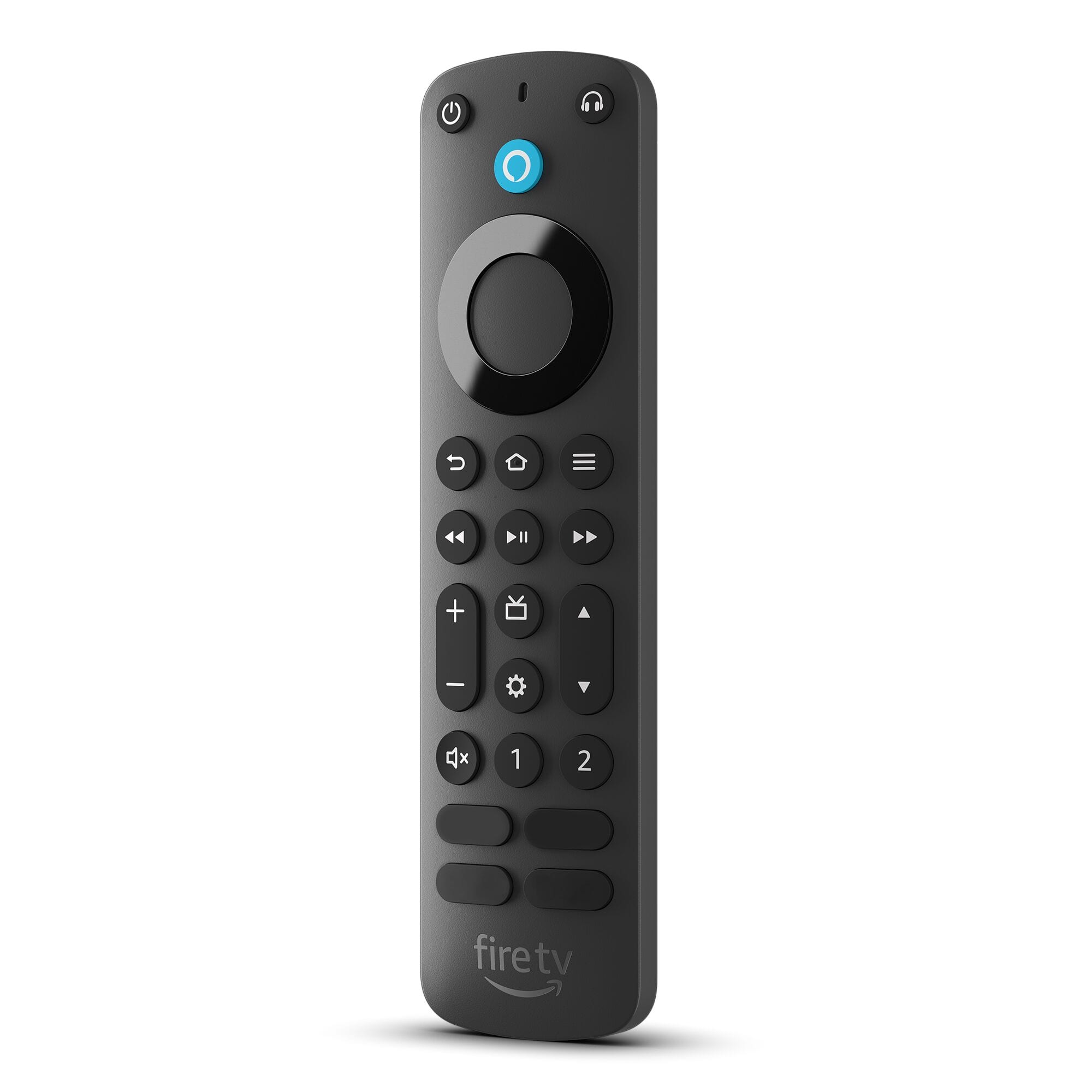
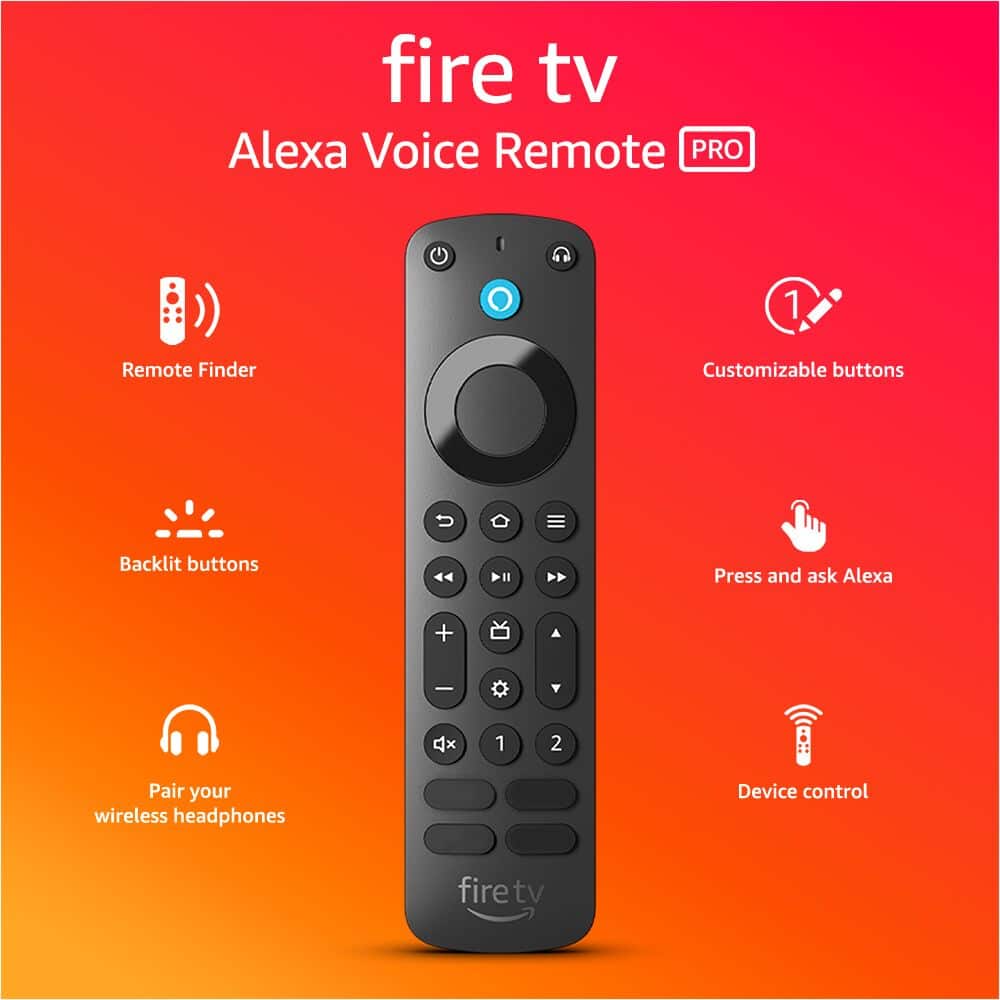
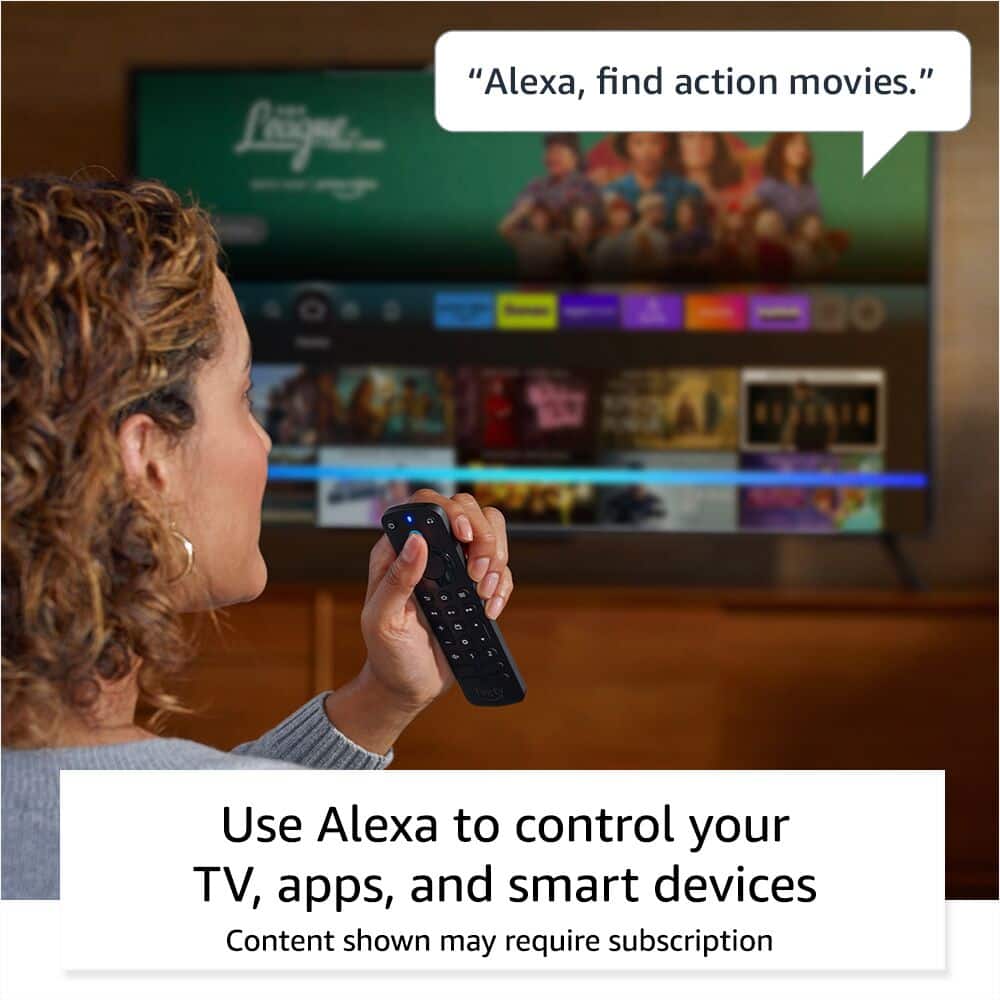
    • Answer Yes, the remote features voice control for your Fire TV device.
    This question and answer was generated by AI based on customer and product data.
  • QuestionWhat type of batteries does this remote use?

    • Answer The remote uses two AAA alkaline batteries.
    This question and answer was generated by AI based on customer and product data.

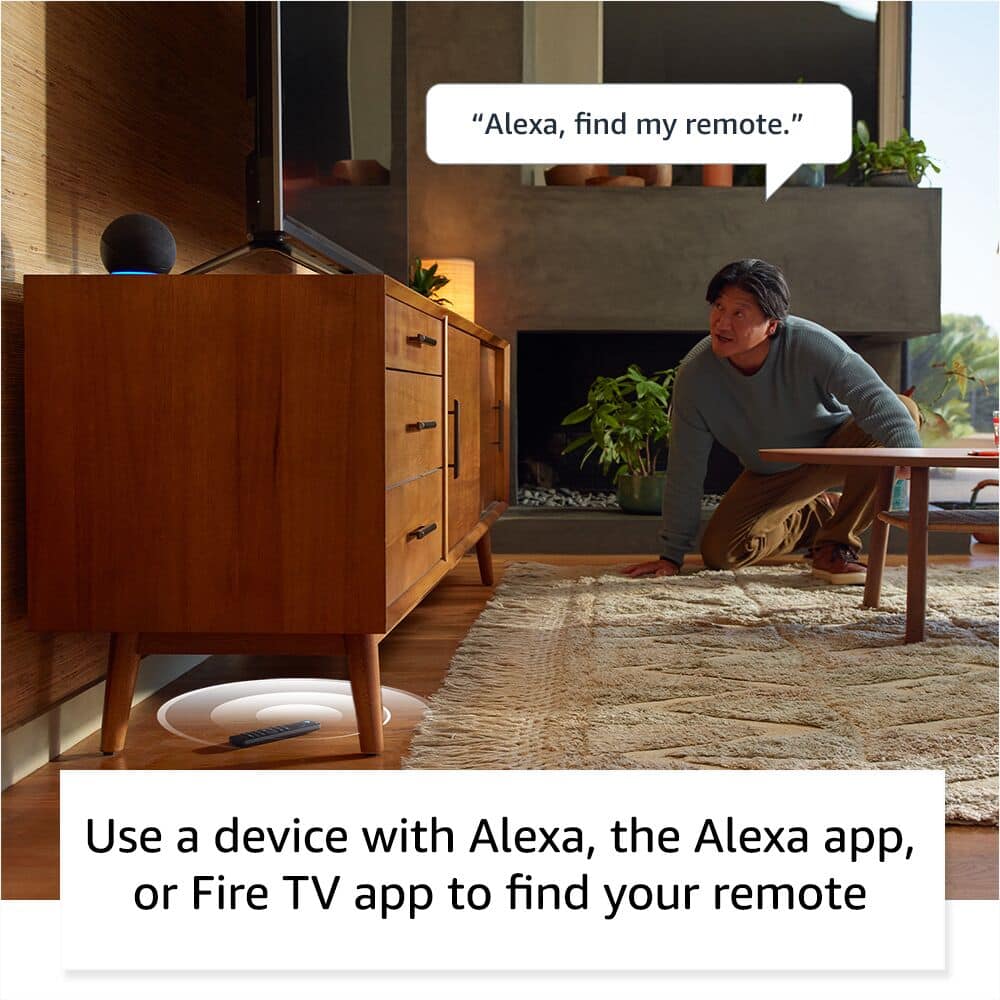
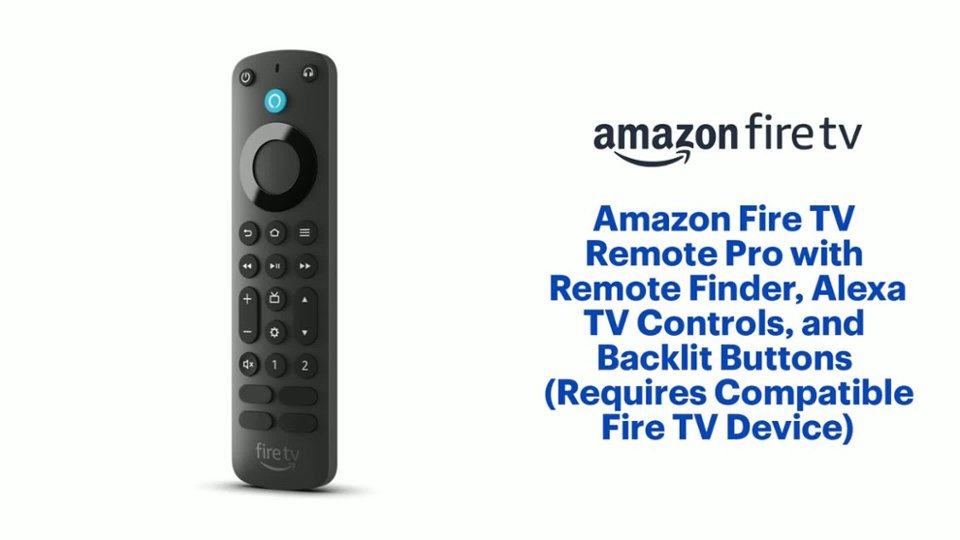
  • QuestionWhat is the 'find my remote' feature?

    • Answer If you lose your remote, you can use an Alexa-enabled device, the Alexa app, or the Fire TV app to make the remote emit a ringing sound.
    This question and answer was generated by AI based on customer and product data.
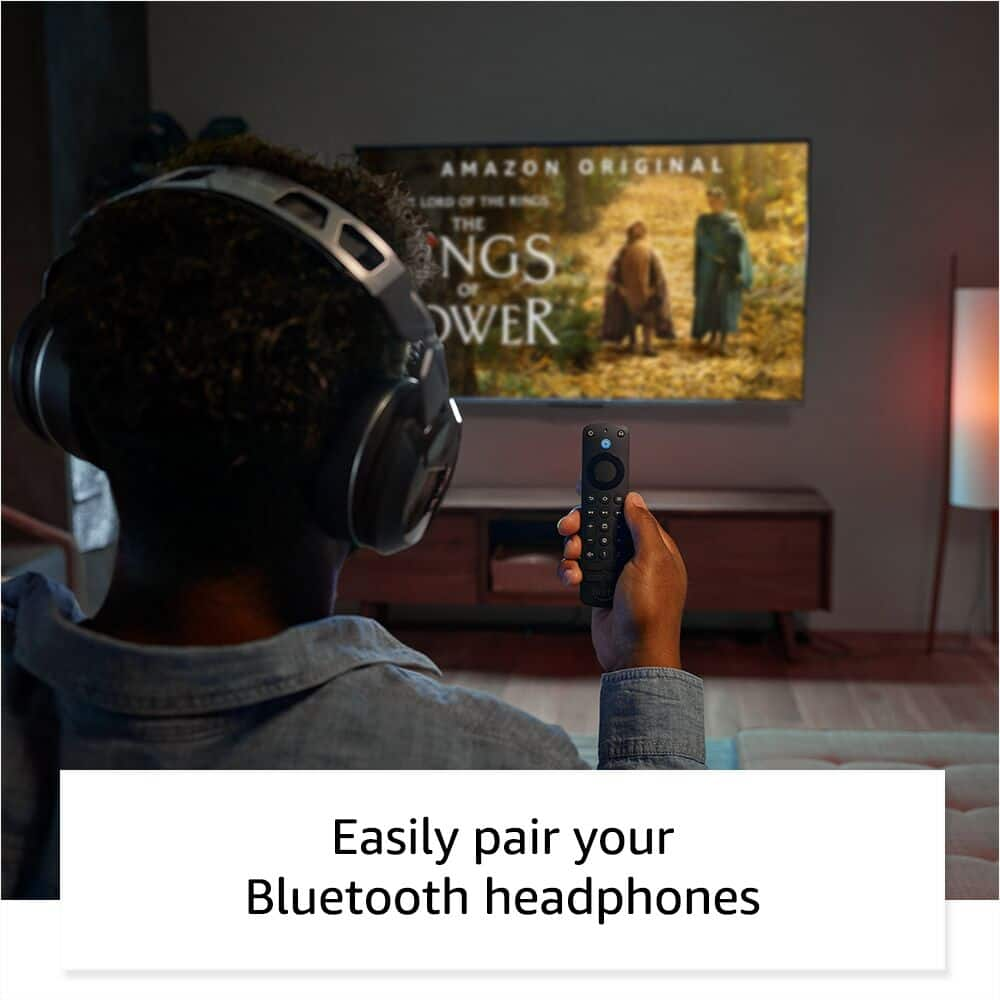
  • QuestionHow do I pair my headphones with this remote?

    • Answer The remote has a dedicated headphone button that takes you directly to the on-screen Bluetooth pairing menu.
    This question and answer was generated by AI based on customer and product data.
  • QuestionCan I use this remote to control the volume on my TV?

    • Answer Yes, the remote includes integrated TV controls for power, volume, and channel surfing.
    This question and answer was generated by AI based on customer and product data.

  • QuestionDoes the remote have buttons for Netflix, Hulu, prime Video?

    Asked by NBA2k19.

    • Answer On may 2023, i got one with Prime, Netflix, DirecTV, and Peacock. Horrible combination, returned it immediately.

      Answered by Anonymous

  • QuestionWill this remote work with the 2nd gen fire stick. Looking to pick one up instore and not many are already in the store without ordering it for pick up.

    Asked by Seth.

    • Answer Hi Seth! The Alexa Voice Remote Pro IS compatible with the 2nd Generation Fire Stick! Amazon has a list of all compatible Fire Stick players on the website: Fire TV Cube (3rd Generation) Fire TV Cube (2nd Generation), Fire TV Cube (1st Generation), Fire TV Stick 4K Max, Fire TV Stick 4K, Fire TV Stick (3rd Generation), Fire TV Stick (2nd Generation), Fire TV Stick Lite, Fire TV (3rd Generation, Pendant Design). Once you get your new remote, follow these steps to pair it: Go to Settings on your Fire TV. Select Controllers & Bluetooth Devices. Select Amazon Fire TV Remotes. Press and hold the Home button for 10 seconds to pair your remote. And you'll be good to go! I'm a big fan of the Remote Pro myself, so I hope that helps and have a great day!

      Answered by Amazon Devices Customer Support

  • QuestionCan I turn off/on the backligh on this remote control?

    Asked by Mario.

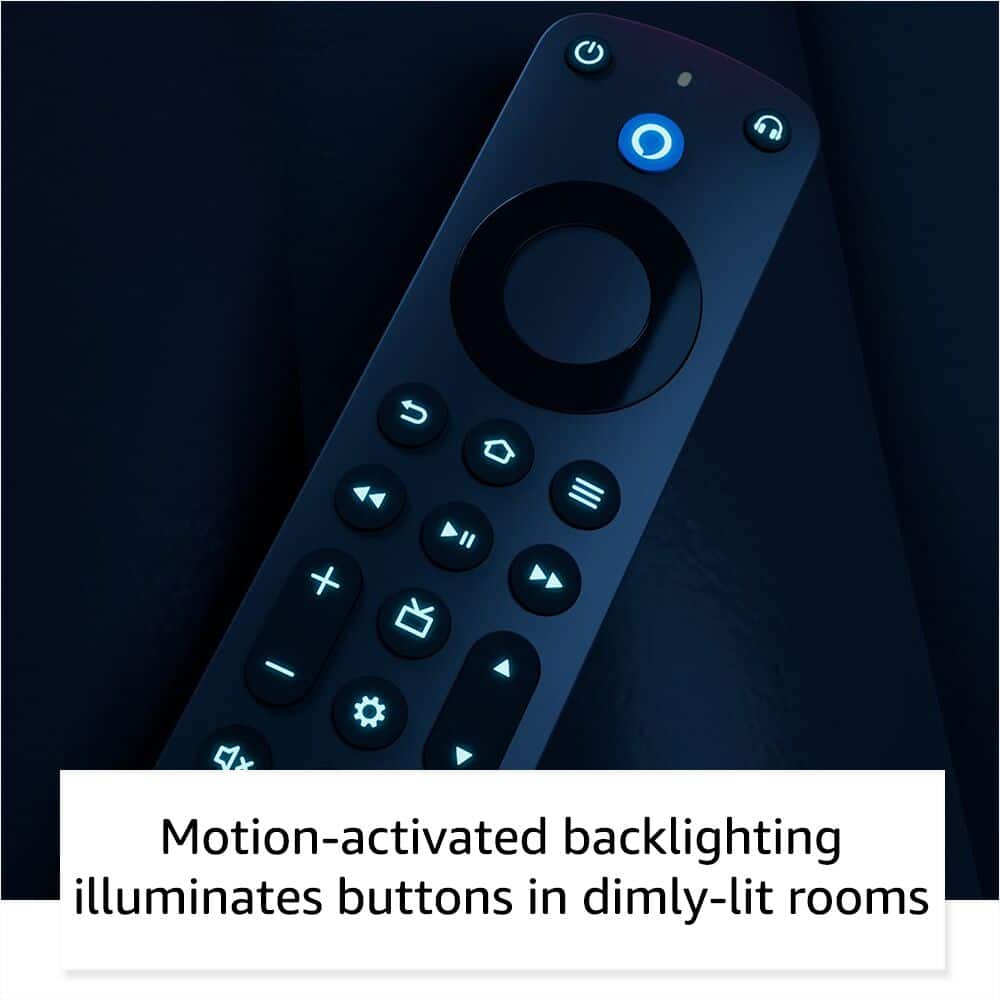
    • Answer Hello Mario, you want to know if you are able to turn off/on the backlight on the Amazon Alexa Voice Remote Pro 2022 with Remote Finder TV Controls Backlit Buttons. The backlight the Amazon Alexa Voice Remote Pro 2022 with Remote Finder TV Controls Backlit Buttons will automatically turn on when the remote is moved in a dark room before you press a button, the light turns off after seven seconds of no use. The remote also has a light sensor to prevent the backlight to turn in bright rooms. At this moment the remote does not have an option to turn the light on off. Hope this has answered your question. Have an amazing day!

      Answered by Amazon Devices Customer Support

  • QuestionIs this remote comparable to a element fire tv? I can't not find a replacement remote anywhere!

    Asked by Anonymous.

    • Answer No, per Amazon website the Alexa Voice Remote Pro 2022 is "Not compatible with Fire TV (1st and 2nd Gen), Fire TV Stick (1st Gen), Element Fire TV Edition, Insignia HD/Insignia FHD, Hisense U6HF 4K ULED Fire TV Series, or Echo show 15."

      Answered by Customer

  • QuestionWill this remote work with a Toshiba Fire TV that has had a full factory reset? I purchased a universal but can't get the remote to pair with the TV. Thanks.

    Asked by aligaterr.

    • Answer Hello aligaterr and thank you for your question! Yes, the Amazon Fire TV Remote Pro can pair with a Toshiba Fire TV. Hope this helps! Have a great day!

      Answered by Amazon Devices Customer Support

  • QuestionWill this remote work on my Hisense 58 inch U6HF fire tv

    Asked by Greg.

    • Answer Hello Greg, It looks like the Voice Remote Pro works with Insignia and Toshiba Fire TV's. The Remote Pro may work with some functions such as Power, and Volume but it will not be able to control settings or inputs on that model of Hisense. I hope this helps

      Answered by Amazon Devices Customer Support

  • QuestionWill this remote work with fire tv soundbar?

    Asked by Soundbar.

    • Answer Yes

      Answered by SeanC

  • Questionwill this remote work on 2nd generation fire stick

    Asked by jack.

    • Answer Hi Jack! Yes, the Alexa Voice Remote Pro IS compatible with the 2nd Generation Fire Stick! Amazon has a list of all compatible Fire Stick players on the website. Once you get your new remote, follow these steps to pair it: Go to Settings on your Fire TV. Select Controllers & Bluetooth Devices. Select Amazon Fire TV Remotes. Press and hold the Home button for 10 seconds to pair your remote. And you'll be good to go. I hope this answers your question!

      Answered by Amazon Devices Customer Support

  • Questionis it RF or IR

    Asked by Duff.

    • Answer Hello Duff, the Amazon Fire TV remotes connect to Fire TV device via Bluetooth. They do support IR for controlling other devices such as TVs and Audio Sources. Have a great day!

      Answered by Amazon Devices Customer Support

  • QuestionWILL THIS REMOTE WORK WITH A 50 INCH TOSHIBA TV FIRE TV C350 SERIES THAT I BOUGHT 2 YEARS AGO FROM YOU GUYS

    Asked by TheresaH.

    • Answer "Hello MYSTERY! If you are having issues connecting or re-connecting your Fire TV remote, you can try these troubleshooting tips: -Replace the batteries in your remote. -Move your remote closer to your Fire TV device, within 10 feet (3 m). -Unplug your Fire TV device from the power cord or adapter then plug it back in. -Use the Fire TV app to pair your remote. -If you have seven controllers paired, remove one of them before attempting to pair another. I hope that helps get your device working. Have a great day! "

      Answered by Amazon Devices Customer Support

  • Questionwill it work with toshiba fire

    Asked by me.

    • Answer Hi there! Currently the Alexa Voice Remote Pro is compatible with all Fire TV models, other than Westinghouse and Element brand TVs. One thing to keep in mind is that the 'Find My Remote' feature requires some way to talk to Alexa, which most Toshiba Fire TVs use the remote for. I hope that helps, have a great rest of your day!

      Answered by Amazon Devices Customer Support

  • QuestionWill this pair to my element amazon fire tv when it's in factory reset mode???

    Asked by Dawn.

    • Answer Hello Dawn, unfortunately the Alexa Voice Remote Pro is not compatible with Element or Westinghouse TVs. Have a great day!

      Answered by Amazon Devices Customer Support

  • QuestionHow do I pair this with my echo show 8?

    Asked by McKenna.

    • Answer Hello and thank you for asking this question. Fire Stick remotes are not able to be paired with the Echo show 8. At the moment only the Echo show 15 and 21 have that functionality. I hope this answers your question and that you have a great day.

      Answered by Amazon Devices Customer Support

  • QuestionWill this device allow me to control volume on Amazon Echo devices with a button.

    Asked by Echovolume.

    • Answer Hello Echovolume and thank you for your question! The Amazon Alexa Voice Remote Pro will only control the volume for the FireTV function on the Amazon Echo Show 15 or Amazon Echo Show 21. Hope this helps! Have a great day!

      Answered by Amazon Devices Customer Support