Questions & Answers
- Model:
- B09RX4HKTD
- |
- SKU:
- 6522378
Highly rated by customers for: Remote Finder, Backlit Buttons, Ease of use
$34.99Your price for this item is $34.99
Page Showing 61-73 of 73 questions
Q: QuestionWill this remote work for a Toshiba Fire TV?
Asked by Erik.
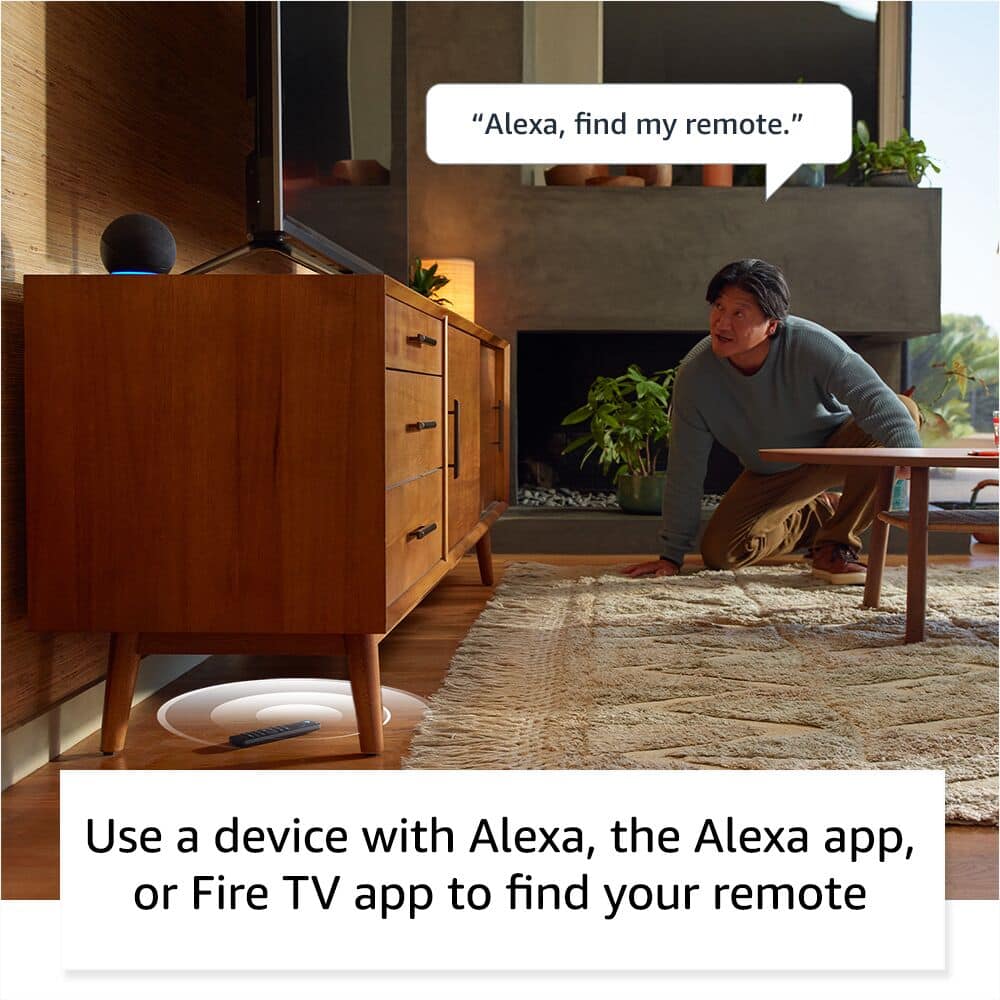
- A:Answer Works with my M550 but get this...if the TV is off, the remote finder doesn't work...Incredibly idiotic I agree, but yet it is true.
Answered by Squirrel
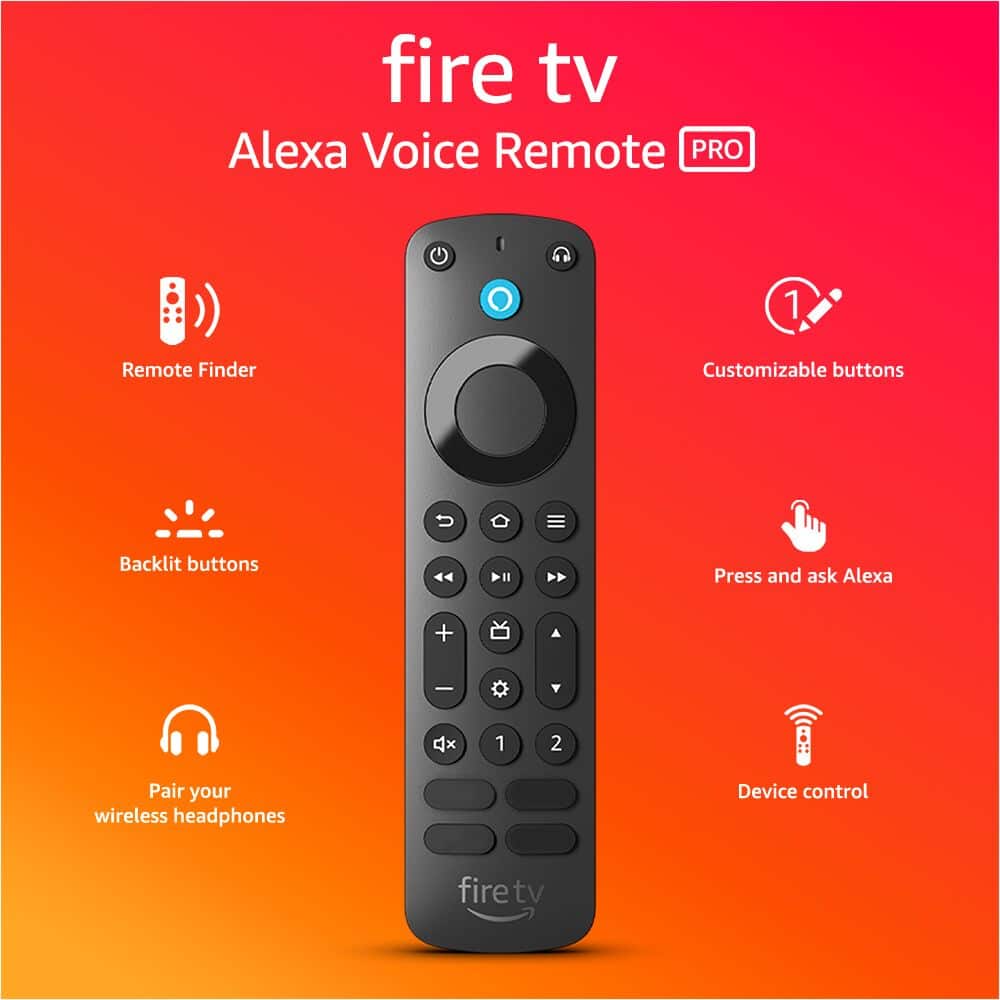
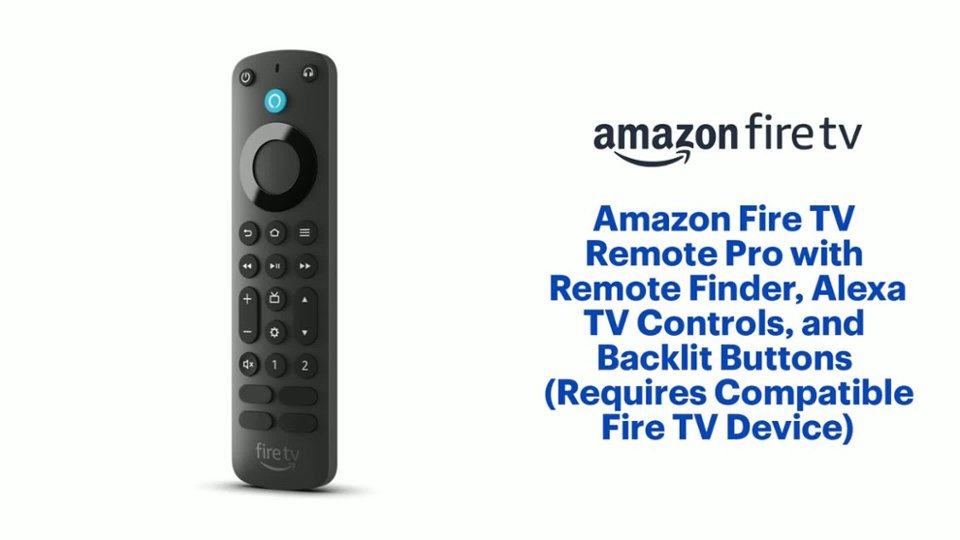
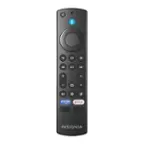
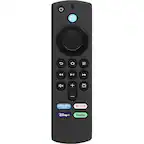
Q: QuestionIs Disney + and Hulu printed on the #3&4 TV buttons ?
Asked by RedTom.
- A:Answer I picked mine up at BB. The bottom 2 buttons are Disney+ and Hulu. Seems the Amazon-purchased remotes are the questionable ones.
Answered by Squirrel
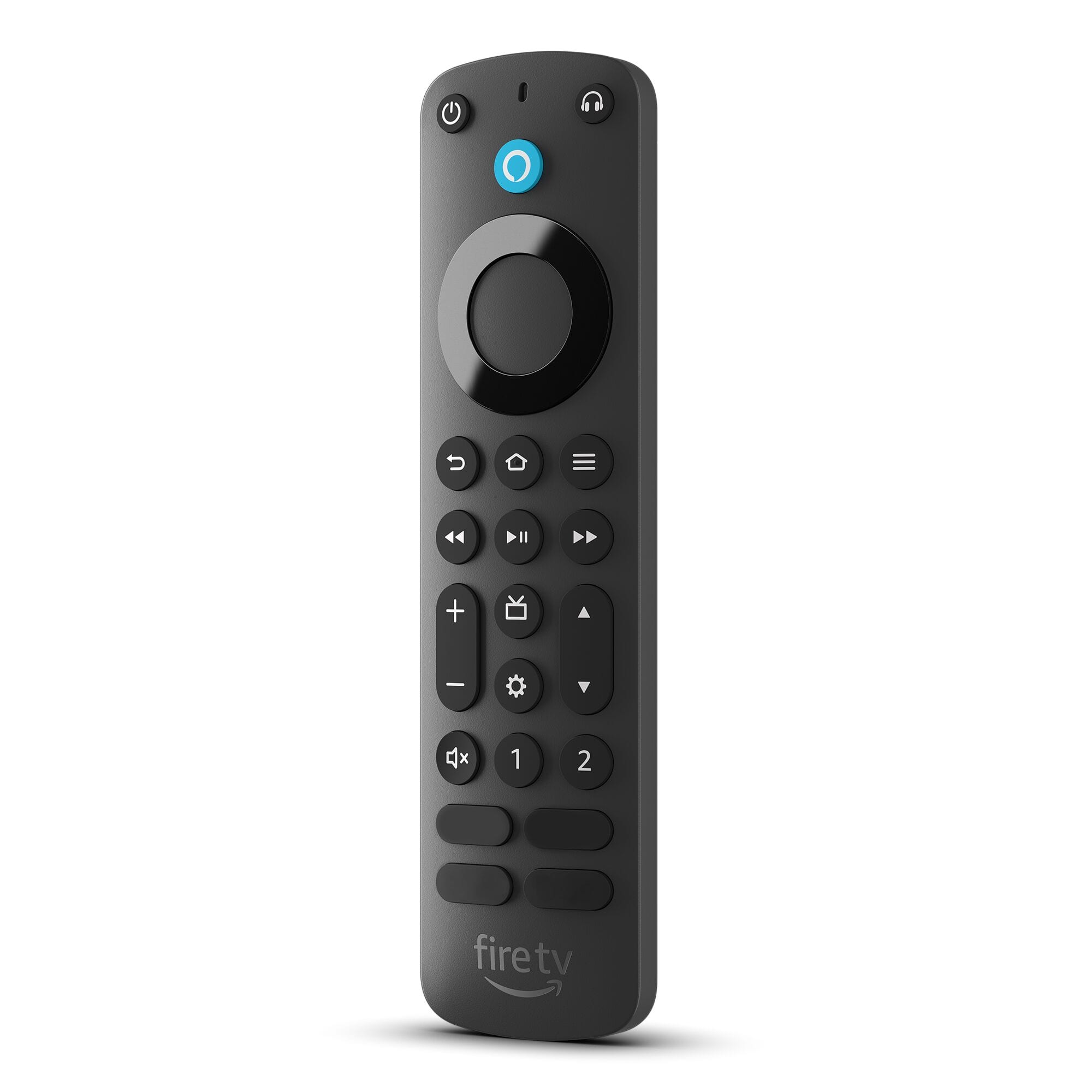
Q: QuestionCan I use this remote to switch inputs on the TV?
Asked by Omari.
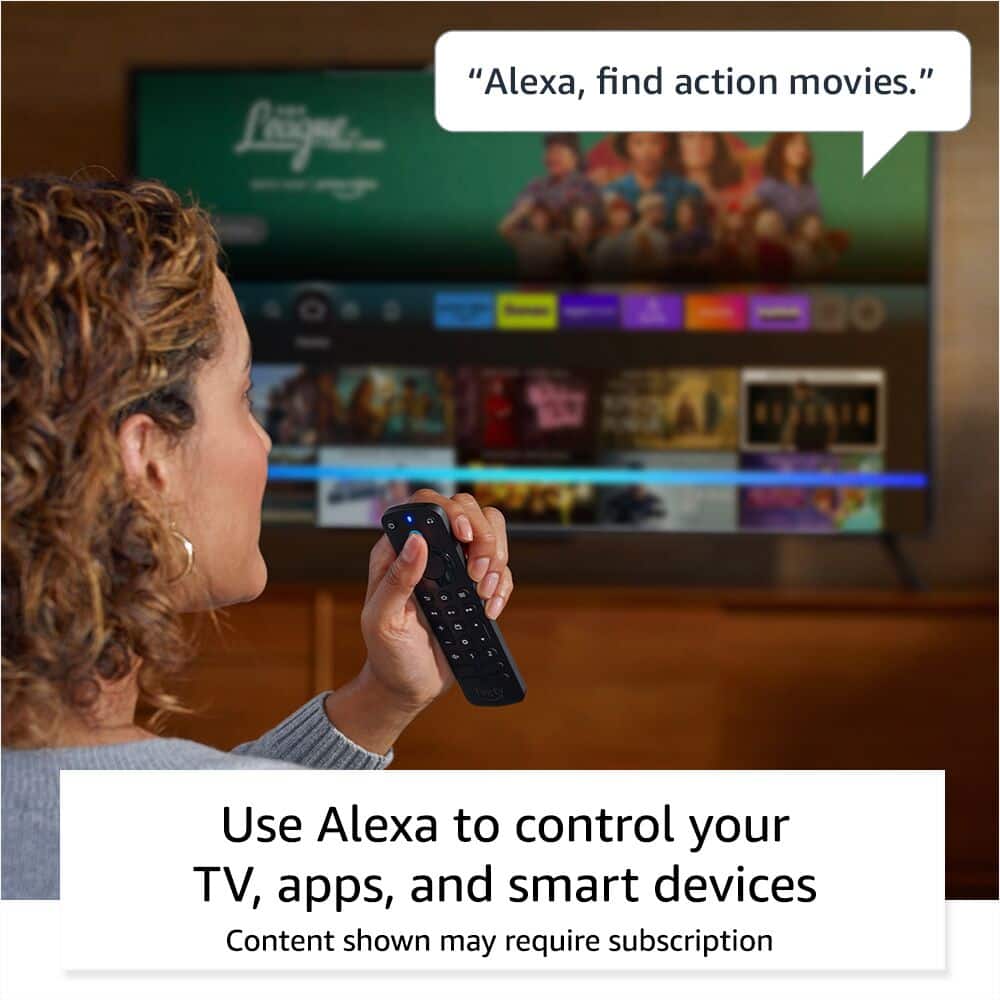
- A:Answer Hello Omari! Amazon Alexa Voice Remote Pro 2022 can be used to switch TV inputs via the Alexa voice button. Hold down the blue Alexa button, and state the desired HDMI input. Hope this helps!
Answered by Amazon Devices Customer Support
Q: QuestionIs this compatible with fire stick 4k max ??
Asked by Dan.
- A:Answer Yes. I have one.
Answered by Remo
Q: QuestionWill this remote work with Echo show 15?
Asked by Becky.
- A:Answer I DO NOT THINK SO
Answered by Erniemingo
Q: QuestionI have a question about the channel up and down button -- When you are in a guide such as a Youtube channel guide, does the Firestick channel button allow you to jump down 4 - 5 channels at a time, like many other remotes?
Asked by MikeM.
- A:Answer Hello MikeM! The channel up and down button would typically be used for your live tuner in whatever device you set it for while in-app/Fire Home Screen selections (such as selecting different shows/channels/etc) would be done using the directional buttons. Some functionality may be different in certain apps such as channel up and down being used as a page down or page up button in the guide but that functionality would be dependent on the app developer themselves. At this time, I don't believe that is in the YouTube app as an option for this remote. I hope that helps answer your question and that you have a tremendous day!
Answered by Amazon Devices Customer Support
Q: QuestionWill this remote work with a 4k Insigna fire tv
Asked by buster.
- A:Answer I DON,T THINK SO
Answered by Erniemingo
Q: QuestionHi, Will it work with a Firestick or just the Fire TV? Thanks.
Asked by Dave69.
- A:Answer Yes, that is what I use it for.
Answered by Ghost11
Q: QuestionIs this remote infrared or rf?
Asked by Larry.
- A:Answer Very good question... If it is IR, it wouldnt work with a firestick behind the tv. It must be a combination of IR and RF, or maybe RF only that is able to control the tv through the HDMI port. Iasked the guy at Best Buy, but he had no clue what I was talking about.
Answered by BobW
Q: QuestionIs it compatible with K24NE5 fire tv series 4
Asked by Anonymous.
- A:Answer No tengo información adecuada
Answered by EstelaP
Q: QuestionWill it work with the chrystler pacificas fire tv rear entertainment system?
Asked by Chris.
- A:Answer Hello Chris, this is just the remote for a Fire TV device. This remote will work with most Fire TV devices. Have a great day!
Answered by Amazon Devices Customer Support
Q: QuestionI have an LG C2 tv, Fire Cube 3, and Pro Remote. The remote recognizes the tv, & can control tv power and volume, but channel up/down are not recognized. I can tell Alexa to "Change to Antenna" and the Cube changes the TV input to OTA. Need new IR code?
Asked by Confused.
- A:Answer No this remote has no input function it only works with HDMI-CEC to change inputs which unfortunately means you can change it to the FireTV cube but not back, if you set it up correctly it asked you what input your TV was in relation to the FireTV cube this is again for HDMI-CEC if your tv has HDMI-CEC disabled or doesn't support it at all (must be old) it wont change inputs at all
Answered by BrianC
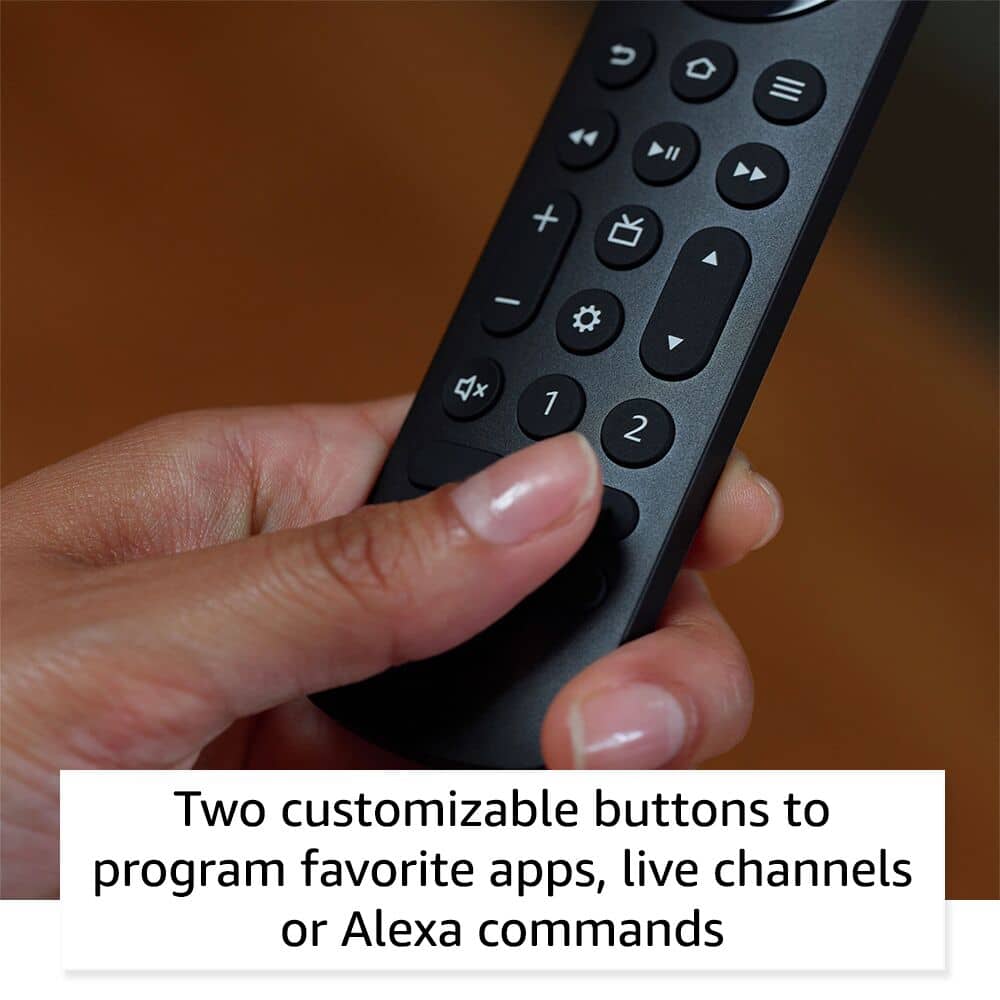
Q: QuestionAre the four buttons at the bottom of remote labeled as Prime Video , Netflix , Disney+ and hulu ?
Asked by RedTom.
- A:Answer On mine, yes, but the buttons don't currently open the same apps when pressed. I haven't learned how to assign them yet.
Answered by JohnR
Most-viewed items
- $129.99Your price for this item is $129.99
- $149.99Your price for this item is $149.99
- $19.99Your price for this item is $19.99$34.99The comparable value for this item is $34.99
- $39.99Your price for this item is $39.99$59.99The comparable value for this item is $59.99
- $199.99Your price for this item is $199.99
- $29.99Your price for this item is $29.99
- $29.99Your price for this item is $29.99$49.99The comparable value for this item is $49.99
- $39.99Your price for this item is $39.99
- $21.99Your price for this item is $21.99$39.99The comparable value for this item is $39.99
- $39.95Your price for this item is $39.95$49.99The comparable value for this item is $49.99
- Clearance$825.99Your price for this item is $825.99
- $109.99Your price for this item is $109.99$139.99The comparable value for this item is $139.99
- $99.99Your price for this item is $99.99
- $139.99Your price for this item is $139.99
- $14.99Your price for this item is $14.99
- $99.99Your price for this item is $99.99
- $79.99Your price for this item is $79.99