A:AnswerIt’s possible, but you would need a wi-fi signal for operation. Either by integrated wi-if or tethering on your phone (not as easy to deal with)
A:AnswerOnce you connect your echo to internet and it is linked with prime. Then simple commands like play music should pick a song and play for you. You can also ask for specific song if needed.
https://www.amazon.com/gp/help/customer/display.html?nodeId=201549700
The above link might help you.
A:AnswerThe features/benefits you speak of have nothing to do with who bought the Echo. It has to do with what Amazon account your Alexa app is logged into when you perform the setup steps to connect the Echo to your WiFi. If the person that gives you the Echo is willing to let you have their Amazon login info, then YUP you'd be all set ;-)
If the person gives you a USED Echo without wiping the settings, then what I stated above STILL matters to a degree. B/c the Echo won't have your WiFi info when you plug it in, so it'll be offline. The only way for you to get it online would be to add your WiFi connection to the Echo - which requires you to log into the Alexa app and perform the add. If the gifter gives you their password: all good. If you have to use your own Amazon login: you have to wipe/reset the Echo - and, of course, it'll be reinitialized with your non-Prime settings.
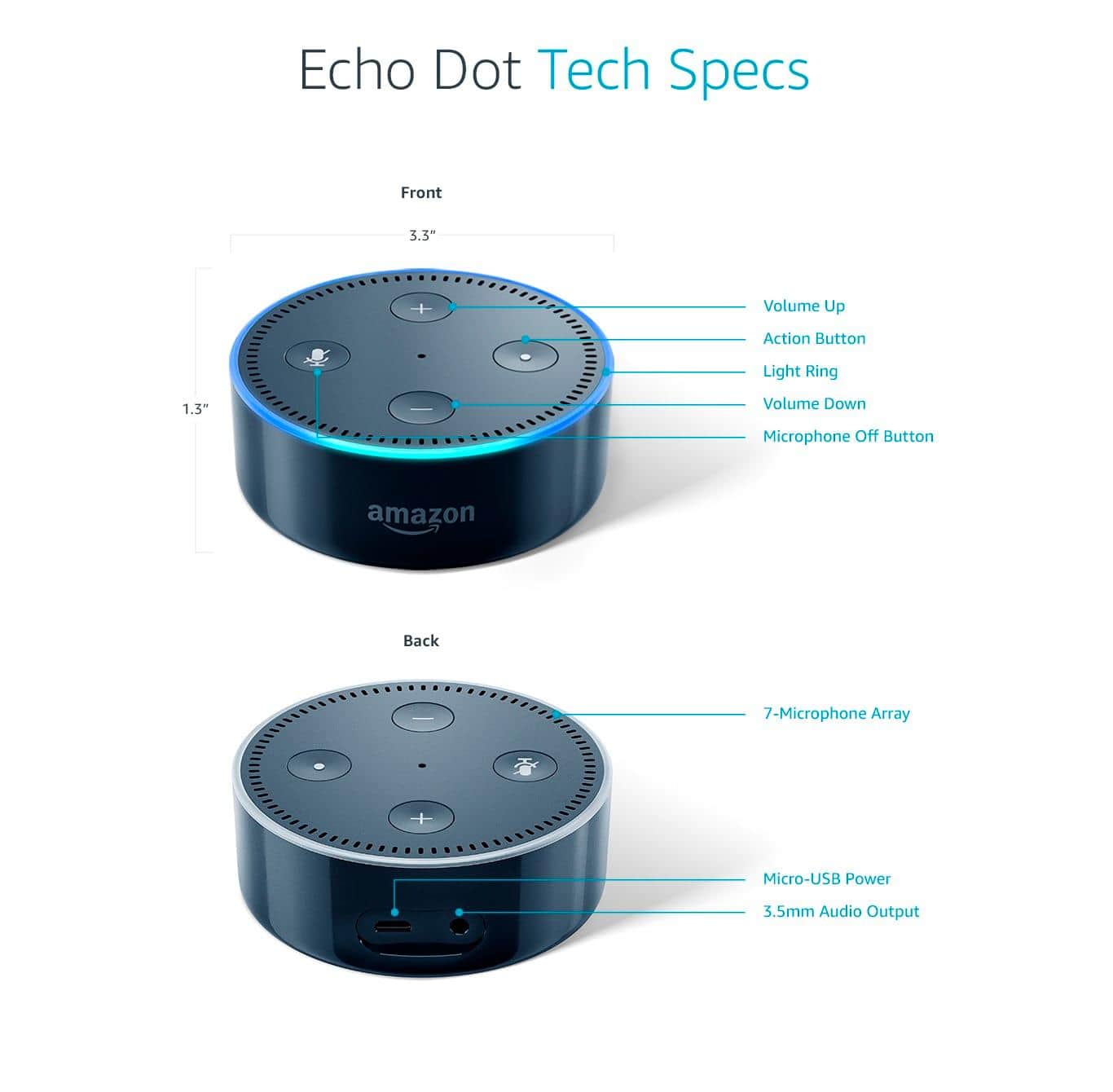
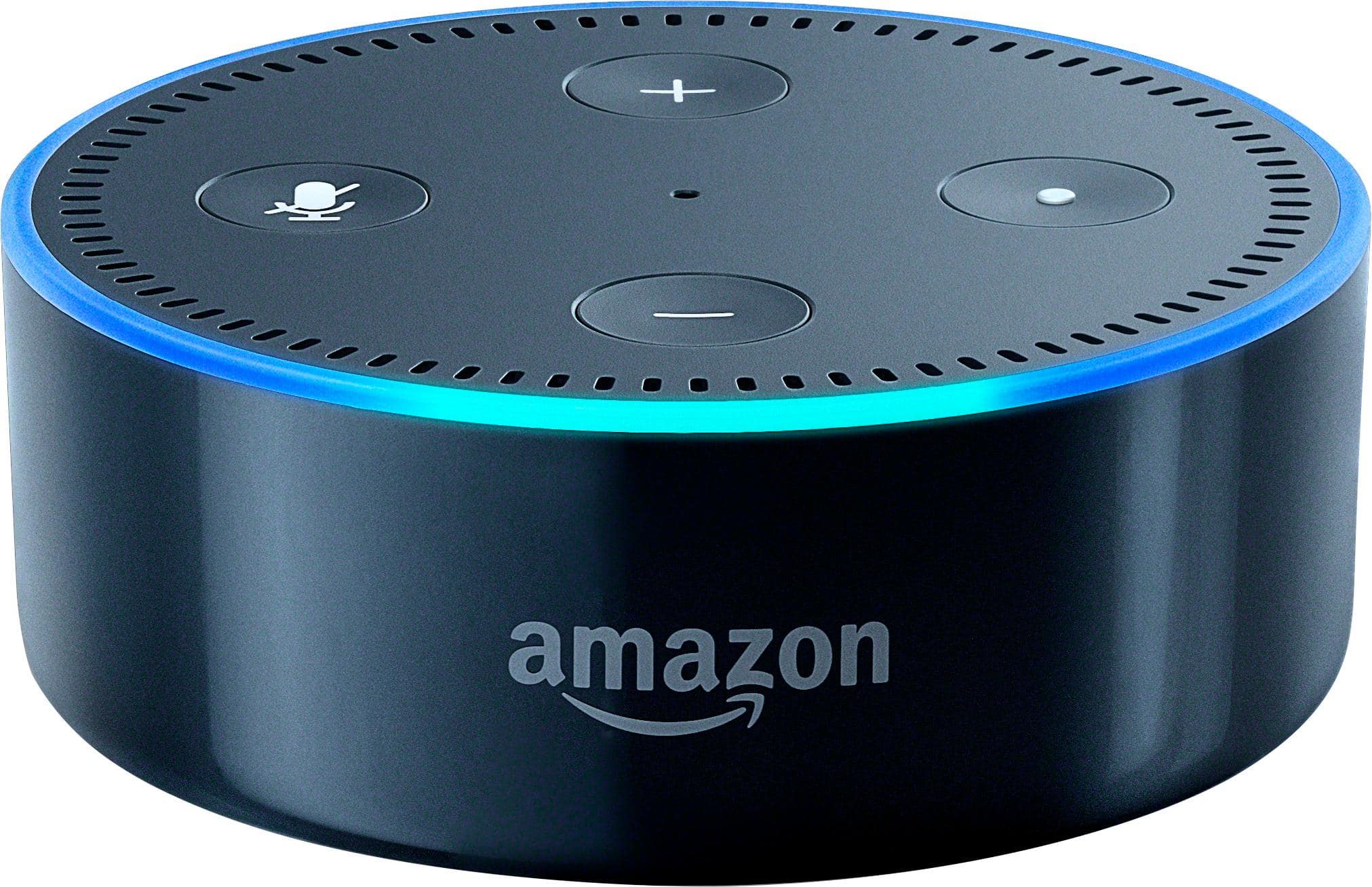
A:AnswerThe Amazon Echo Dot (2nd Gen) does not require a remote, but it does require you to plug it into an electrical outlet.
Everything that you need for "set up" is provided in the box, with the exception of the app. You will need to download the Alexa app using your smartphone, or your home computer. Set up is extremely easy, and shouldn't take you more than just a few minutes!
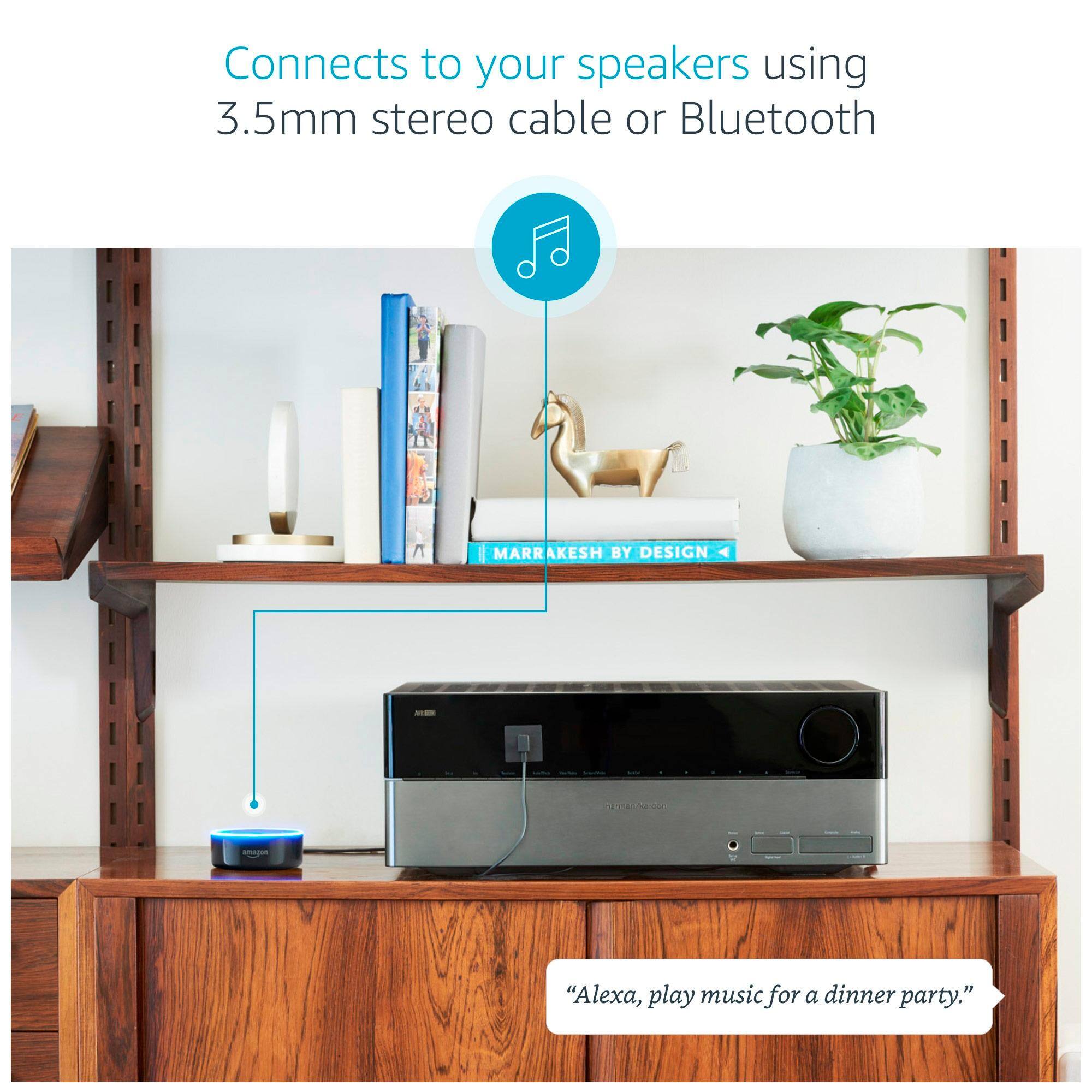
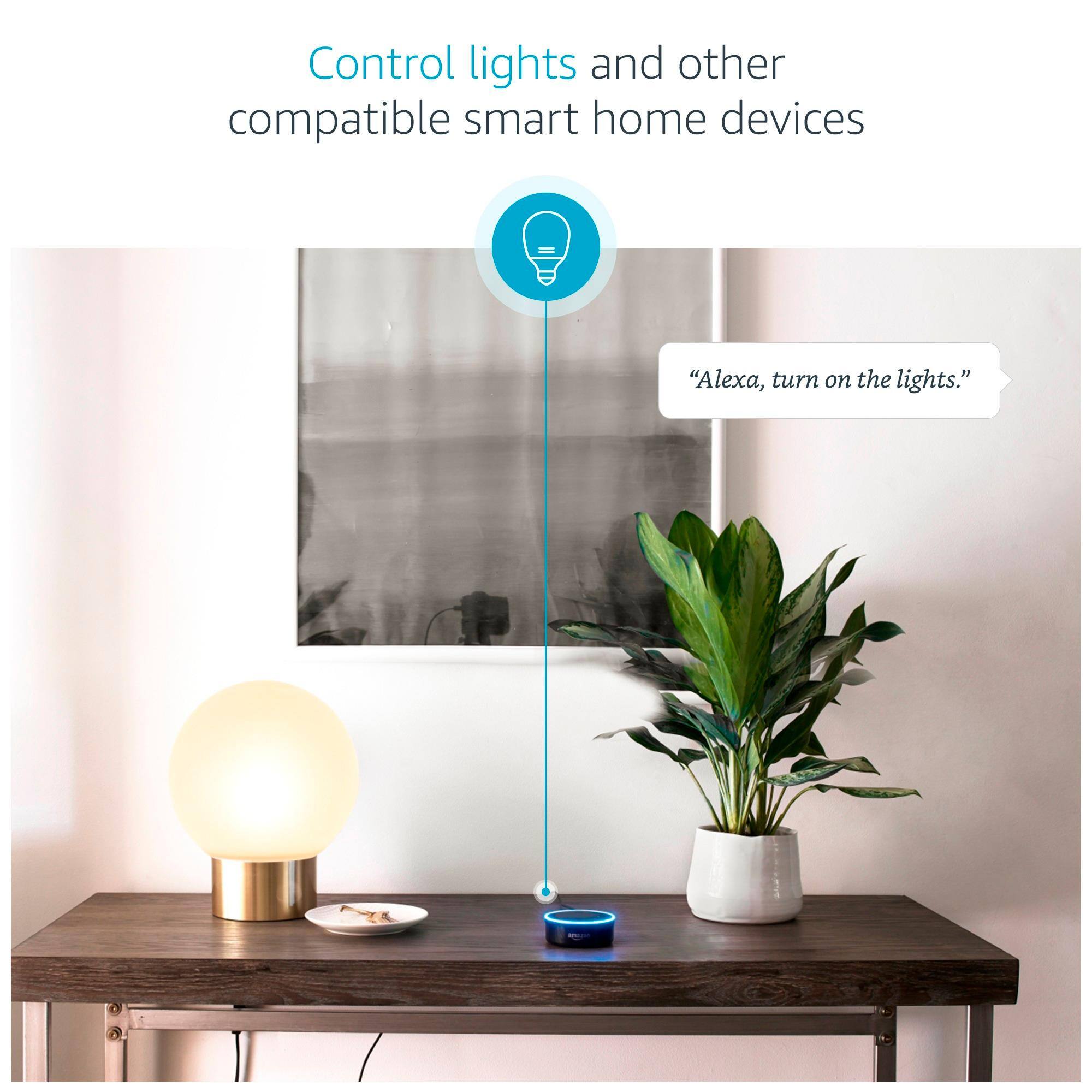
A:AnswerWhat does the echo dot do? The echo dot is a convenient device for connecting a variety of home systems together, as well as apps on your android or IOS device. It can connect to bluetooth enabled music systems and play pandora or its own radio system, it can connect home lighting and heating systems, it can connect to your calendar and tell you what your appointments are if you ask it, it can create shopping lists, to do lists, and let you listen to the news. There are quite a few apps in her system (and you can change her name too, but i don't think you can change her voice. You can get recipes, but she can't give you ideas for what to cook :) it's fun.
A:AnswerI have an I phone 6S plus and to my knowledge there's no way for it to work with echo in anyway. Other than the app which can go on any device.
A:AnswerYou have to set up the Echo Dot through an app on your phone. The app may be available for access through a computer or tablet but not sure. However, once you have it set up, you don't need the phone on, the Dot just needs to be able to access the internet through a wireless network and it can access your music stations, browsers, etc.