
Black Friday is hereShop new DoorbustersShop now

Skip to content
Gift Ideas
26 Cypress St
Williston, VT 05495
Open until 10 pm
Find Another Store
Main Content

Questions & Answers

Your price for this item is $119.99
The comparable value price is $179.99
Page Showing 1-20 of 20 questions
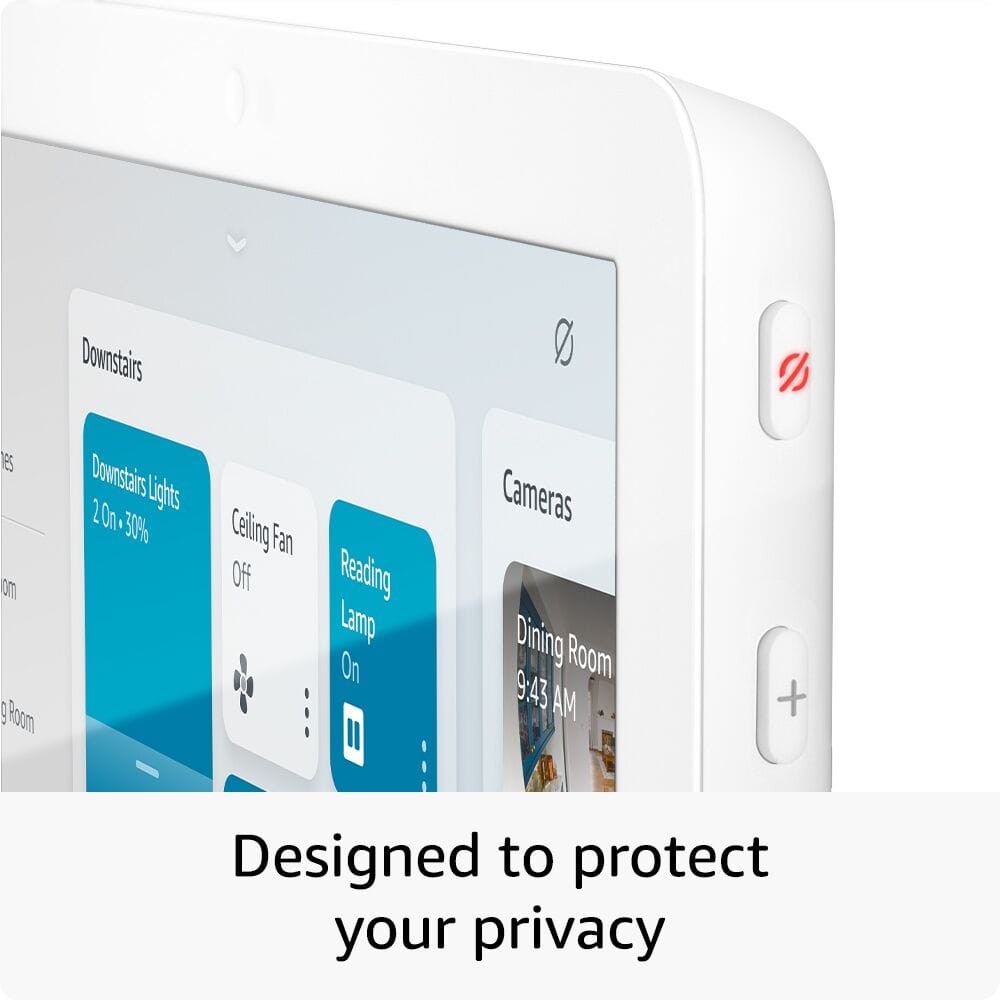
  • QuestionHow is the Echo Hub designed for privacy?

    • Answer The Echo Hub is designed with privacy in mind, including a mic off button and support for viewing end-to-end encrypted Ring video.
    This question and answer was generated by AI based on customer and product data.

  • QuestionHow many speakers does the Echo Hub have?

    • Answer The Echo Hub has two built-in speakers.
    This question and answer was generated by AI based on customer and product data.

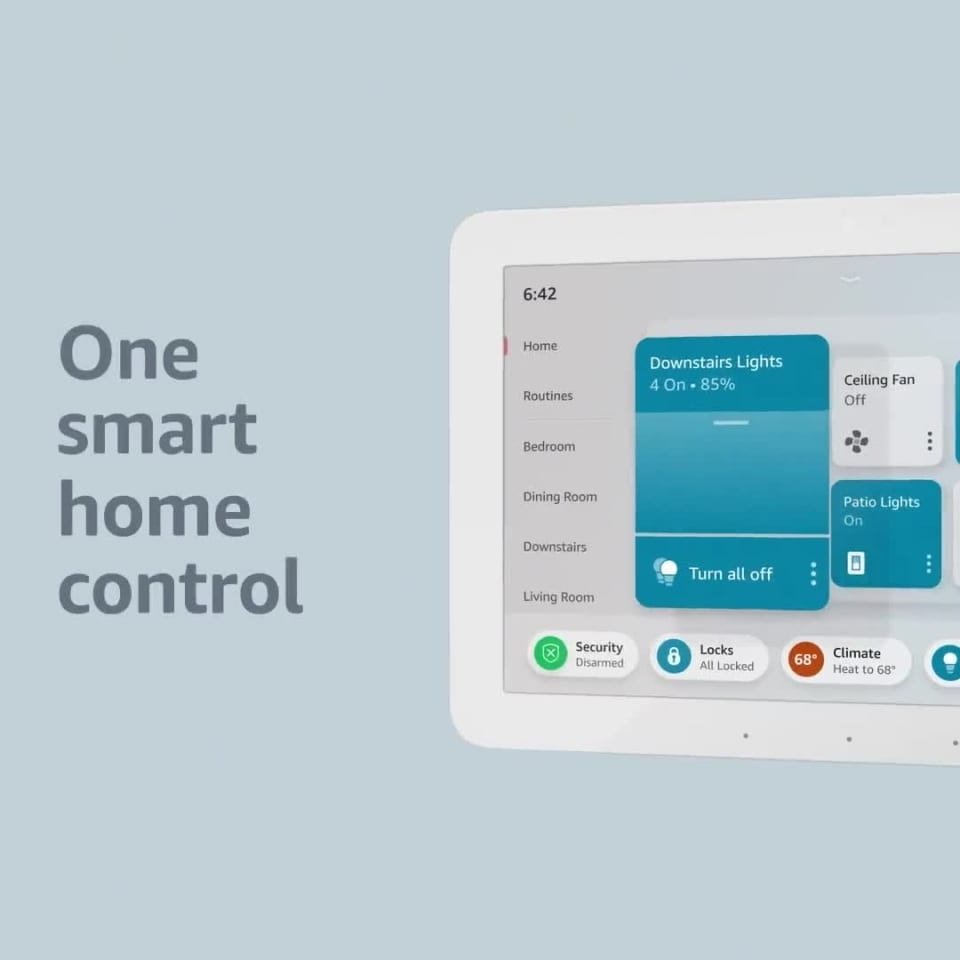
  • QuestionWhat is the primary function of the Echo Hub?

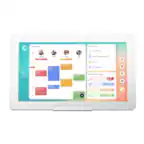
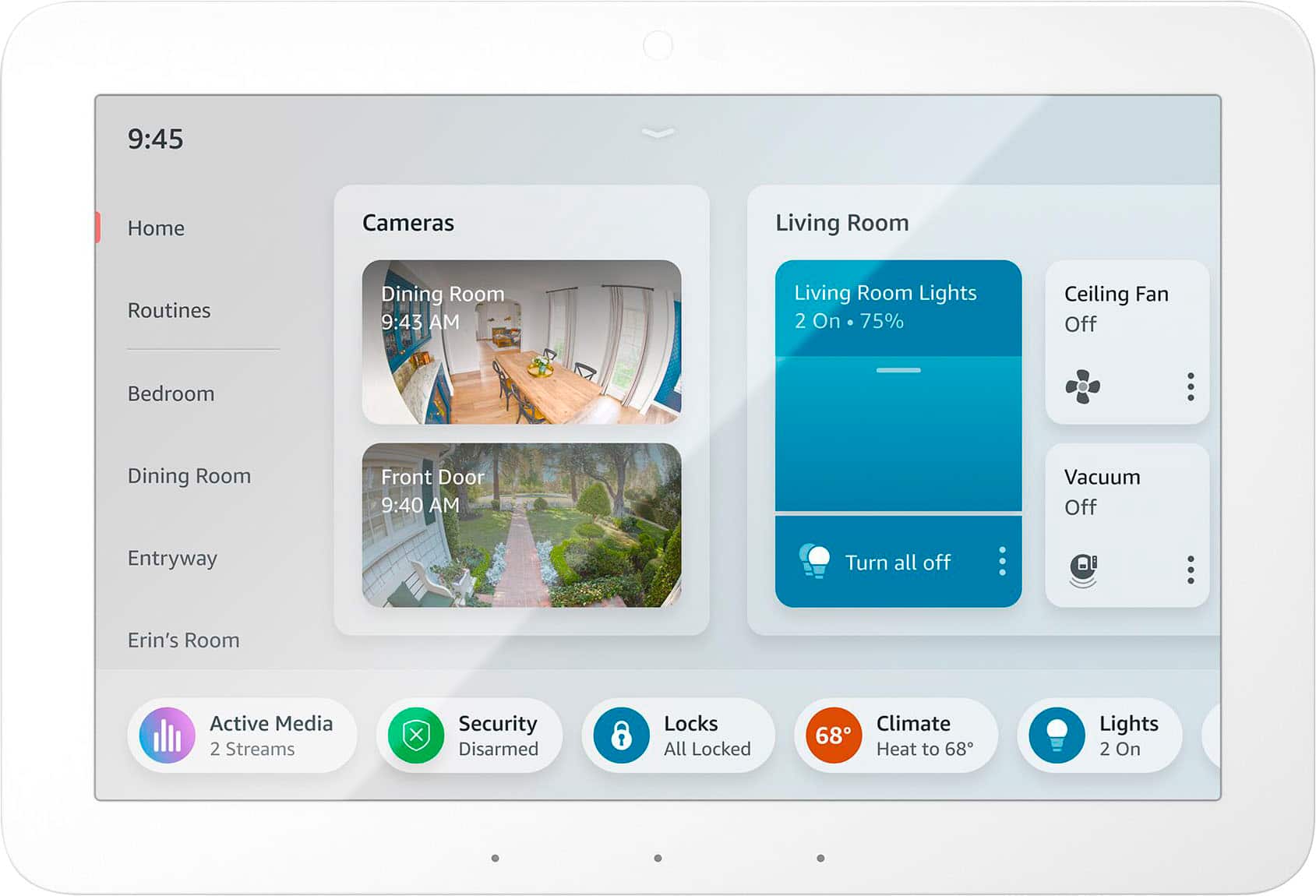
    • Answer The Echo Hub is an easy-to-use control panel for your smart home devices. You can use your voice or tap the display to control lights, smart plugs, camera feeds, and more.
    This question and answer was generated by AI based on customer and product data.

  • QuestionCan I use the Echo Hub to control my Ring security system?

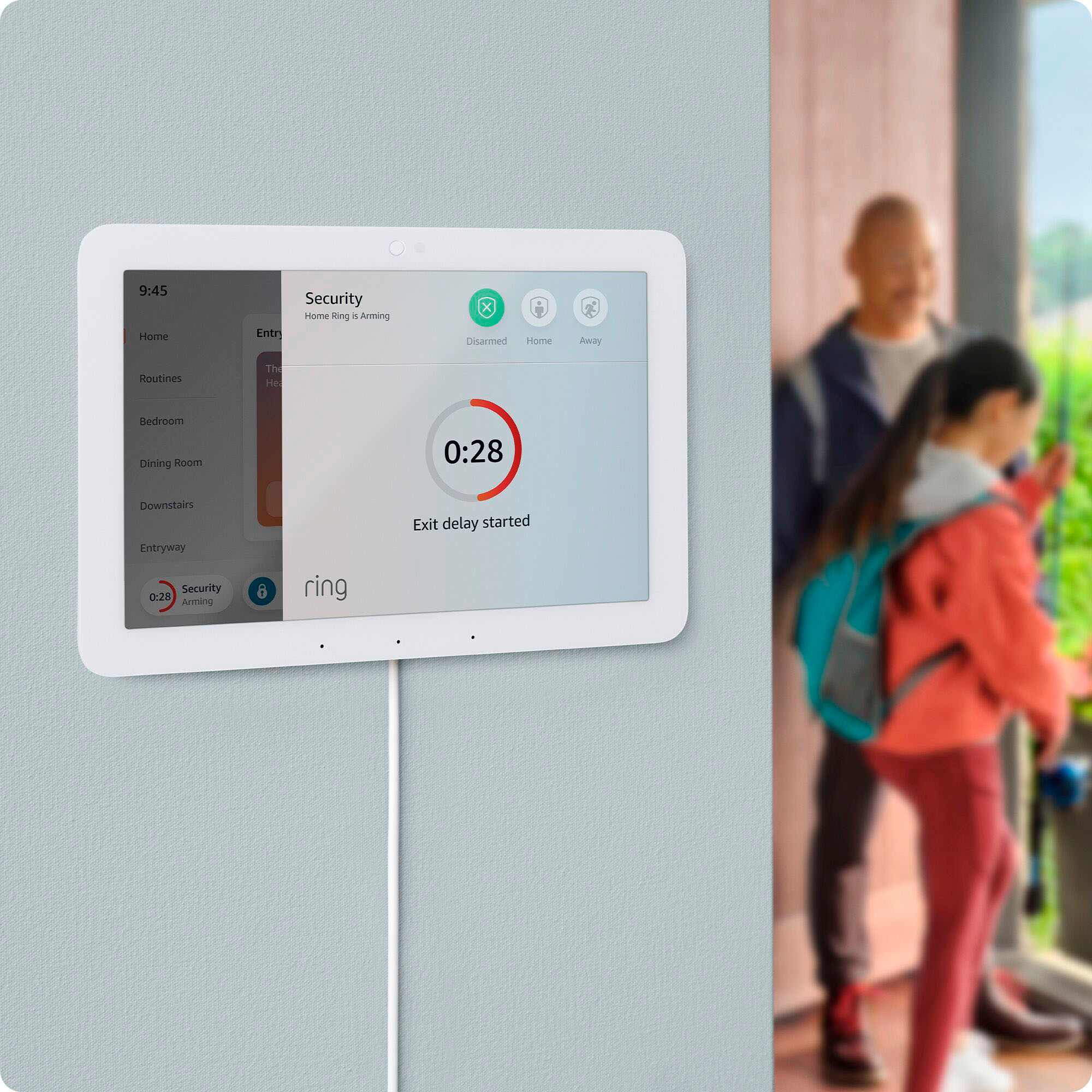
    • Answer Yes, you can use the Echo Hub to arm and disarm your Ring security system.
    This question and answer was generated by AI based on customer and product data.

  • QuestionCan I mount the Echo Hub on the wall?

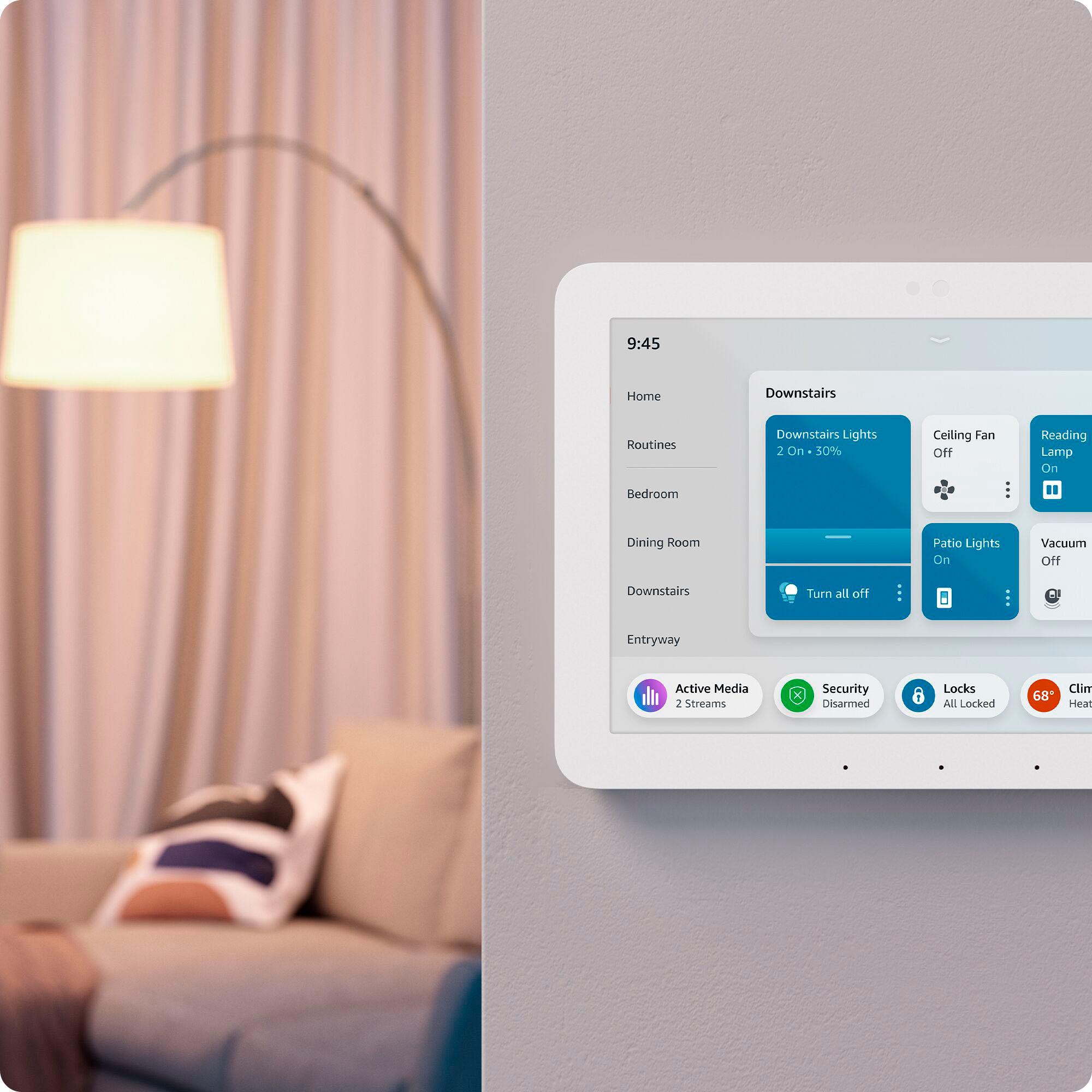
    • Answer Yes, the Echo Hub can be wall mounted anywhere you have an outlet.
    This question and answer was generated by AI based on customer and product data.

  • QuestionDoes the Echo Hub have a built-in smart home hub?

    • Answer Yes, the Echo Hub has a built-in smart home hub that works with Wi-Fi, Bluetooth, Zigbee, Matter, Sidewalk and Thread devices.
    This question and answer was generated by AI based on customer and product data.
  • QuestionDoes anybody have any idea on when this hub will be released, I'd really like to purchase one! Thanks!

    Asked by Cody.

    • Answer We had 2 in our hands this afternoon that they accidentally let get to the floor. They would not let us purchase them and said we needed to come back on the 29th.

      Answered by Anonymous

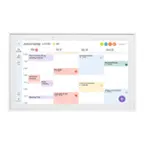
  • QuestionWill this product be able to display my linked calendars that are linked through Alexa Calendars and allow me to add/edit/delete calendar events?

    Asked by Mike.

    • Answer Hello Mike, Thank you for your question. Yes, the Amazon Echo Hub can work with calendars. You can link your calendar to your Echo device using the Alexa app. You can then use voice commands to add, delete, or update events in your calendar. Hope this helps, have a nice day!

      Answered by Amazon Devices Customer Support

  • QuestionDoes this product have a built-in camera?

    Asked by Luiz.

    • Answer Hi Luiz, thank you for your question. No, the Amazon Echo Hub does not have a built-in camera. It is designed primarily as a smart home control panel, differing from the Echo Show series which typically includes a camera for video calls and other functions. I hope this helps, have a great day!

      Answered by Amazon Devices Customer Support

  • QuestionIs the Echo Hub compatible with wyze cameras and thermostat

    Asked by Jack.

    • Answer Hello Jack and thank you for your question! Yes, many of Wyze's camera and devices are compatible with the Amazon Echo Hub. In order to be 100% sure (as some of Wyze devices may not be), you can always check Wyze website for compatibility or check the product box to see the "Works with Alexa" seal. Hope this helps, have a great day!

      Answered by Amazon Devices Customer Support

  • QuestionDoes this work with blink cameras?

    Asked by RT.

    • Answer Hi RT, yes the Echo Hub works with Blink cameras for live view and basic controls once you’ve enabled the Blink Alexa skill and linked your accounts. Hope this helps!

      Answered by Amazon Devices Customer Support

  • QuestionWill this work with ADT, and can I see live video of it

    Asked by Melissa.

    • Answer Hi Melissa! You can control your ADT system with the Echo Hub by adding the ADT skill using the free Alexa App. This will allow you to arm or disarm your system, as well as control many other features with your voice. From looking online it appears ADT's cameras are Google Nest cameras, which are also compatible with Alexa. I usually add skills via the Alexa App. From the main screen tap on the three lines icon at the bottom for 'More', then select 'Skills & Games.' Search for ADT and sign in using your ADT account to link everything up! You will also need to do the same thing for the Nest cameras to get the most functionality. I hope that helps, have a great rest of your day!

      Answered by Amazon Devices Customer Support

  • QuestionWill it work with SimpliSafe cameras

    Asked by Truker1.

    • Answer Hello Truker1. Thank you for your question. No, the Amazon Echo Hub does not work with SimpliSafe cameras to display a video feed. You can only use Alexa to arm and disarm the SimpliSafe security system using voice commands, but not to view cameras. I hope that helps, have a great day!

      Answered by Amazon Devices Customer Support

  • Questiondoes this product work with the Vivint security system and cameras?

    Asked by jtduchamp.

    • Answer Hi jtduchamp! The Echo Show 15 can be integrated with a Vivint security system, but with some limitations. While you can use voice commands to control some aspects of your Vivint system through Alexa, viewing live camera feeds on the Echo Show 15 is generally not supported. I hope this answers your question!

      Answered by Amazon Devices Customer Support

  • QuestionDoes the Echo Hub have a stand so it can sit on counter?

    Asked by Sand.

    • Answer Hello Sand, the Echo Hub comes with a wall mount. You can purchase a stand separately if you want to set it on the counter. Have a great day!

      Answered by Amazon Devices Customer Support

  • QuestionWill the echo hub smart home work with eufy doorbell camera and security floodlight camera

    Asked by Poppy25.

    • Answer Hi Poppy25, Yes, the Amazon Echo Hub smart home control panel can work with eufy doorbell cameras and security floodlight cameras, provided the eufy cameras are compatible with Amazon Alexa. Many eufy cameras, including doorbell and floodlight models, offer Alexa integration. To enable this functionality, you'll need to link your eufy account to the Alexa app and enable the "eufySecurity" skill. I hope this answers your question!

      Answered by Amazon Devices Customer Support

  • QuestionDoes this work with z-wave technology?

    Asked by Spammypants.

    • Answer .Hello Spammypants! The Echo Hub does not work with Z-wave technology. You can use a separate Z-wave hub to connect Z-Wave devices to Alexa through the Echo Hub. I hope this information helps, have a great day!

      Answered by Amazon Devices Customer Support

  • QuestionWhen is this item coming

    Asked by Bbbbbbbbbenbbbbbbb.

    • Answer No announcements yet...but only 18 days left until "end of the year". Fingers crossed.

      Answered by Tr69

  • QuestionWould this connect to my already installed ring doorbell camera and ring cameras around the house?

    Asked by SarLa.

    • Answer Hello SarLa and thank you for your question! The smart home dashboard displays compatible smart home devices in your home. You can use the Smart Home dashboard to see and control compatible smart home devices in your home from your Echo Show. Your dashboard shows: -Lights -Plugs -Switches -Cameras -Thermostats Your smart home devices must be connected to your Amazon account to display on the Smart Home dashboard. To add a device, say, ""Discover devices."" You can also add devices from the Alexa app. You can add compatible smart home devices to your Favorites. Use the Alexa app to add favorite devices. You can also add the Smart Home Favorites widget to your Widget Panel to see and control your favorite compatible smart home devices. To add the Smart Home Favorites widget to your home screen, go to the Widget Gallery. You can also say ""Add the Smart Home Favorites widget to Home."" I hope this information helps. Have a great day!

      Answered by Amazon Devices Customer Support