Black Friday is hereShop new DoorbustersShop now

Main Content

Questions & Answers

Your price for this item is $42.99
Clearance
The comparable value price is $84.99
Page Showing 1-20 of 81 questions
  • QuestionWhat is the difference between this (with exception of a new color blue) new Echo Show from its older version?

    Asked by Nana60.

    • Answer Hello, Nan60! The main difference is the upgraded camera on the device. The camera is now a 2 MP vs a 1 MP camera. The other differences are the ability to look in while you are away with the built-in camera and the ability to control compatible smart home devices with your motion. Have a great day!

      Answered by Amazon Devices Customer Support

  • QuestionI do not want Alexa in my home. Will this work without setting Alexa up to view video feeds with Ring?

    Asked by BandMom.

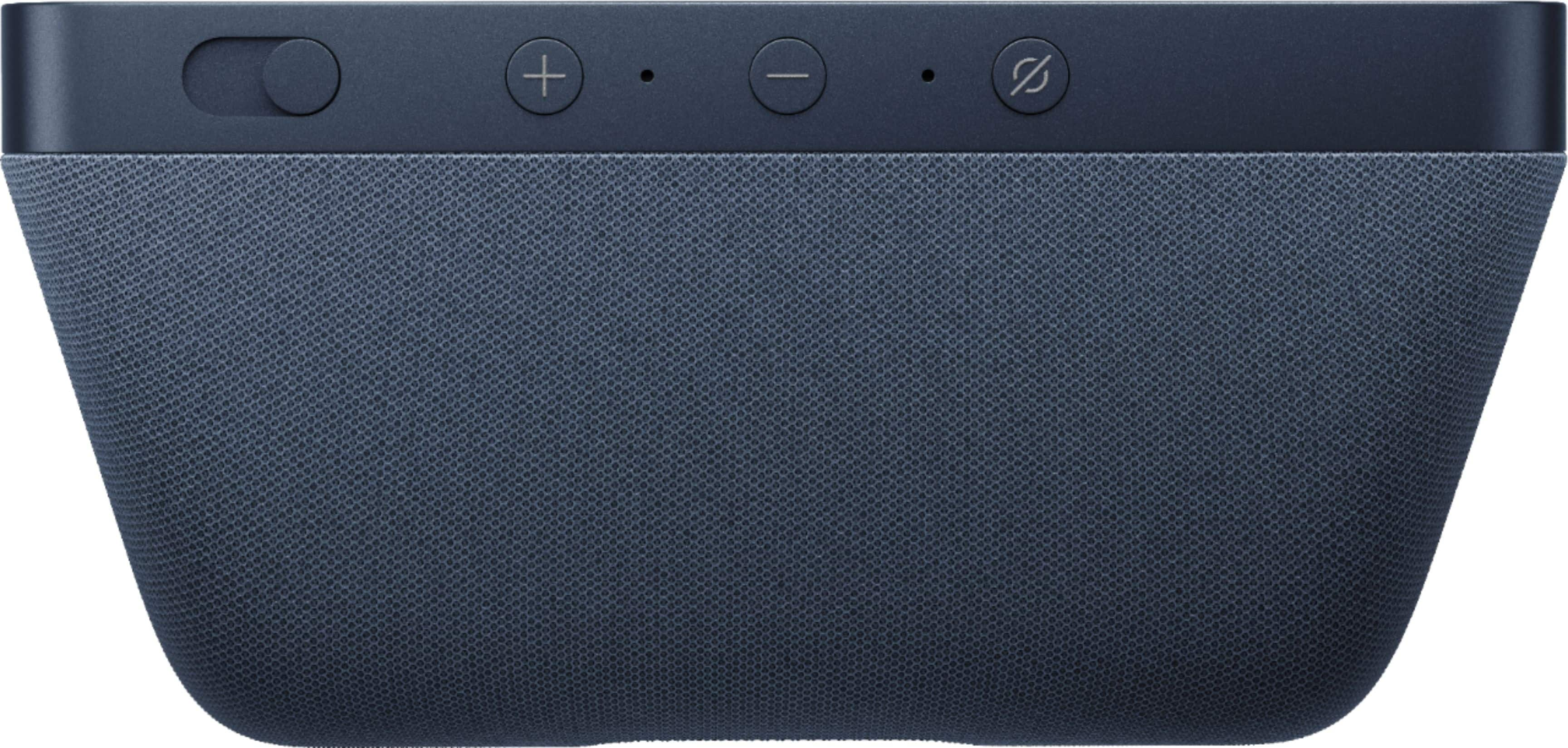
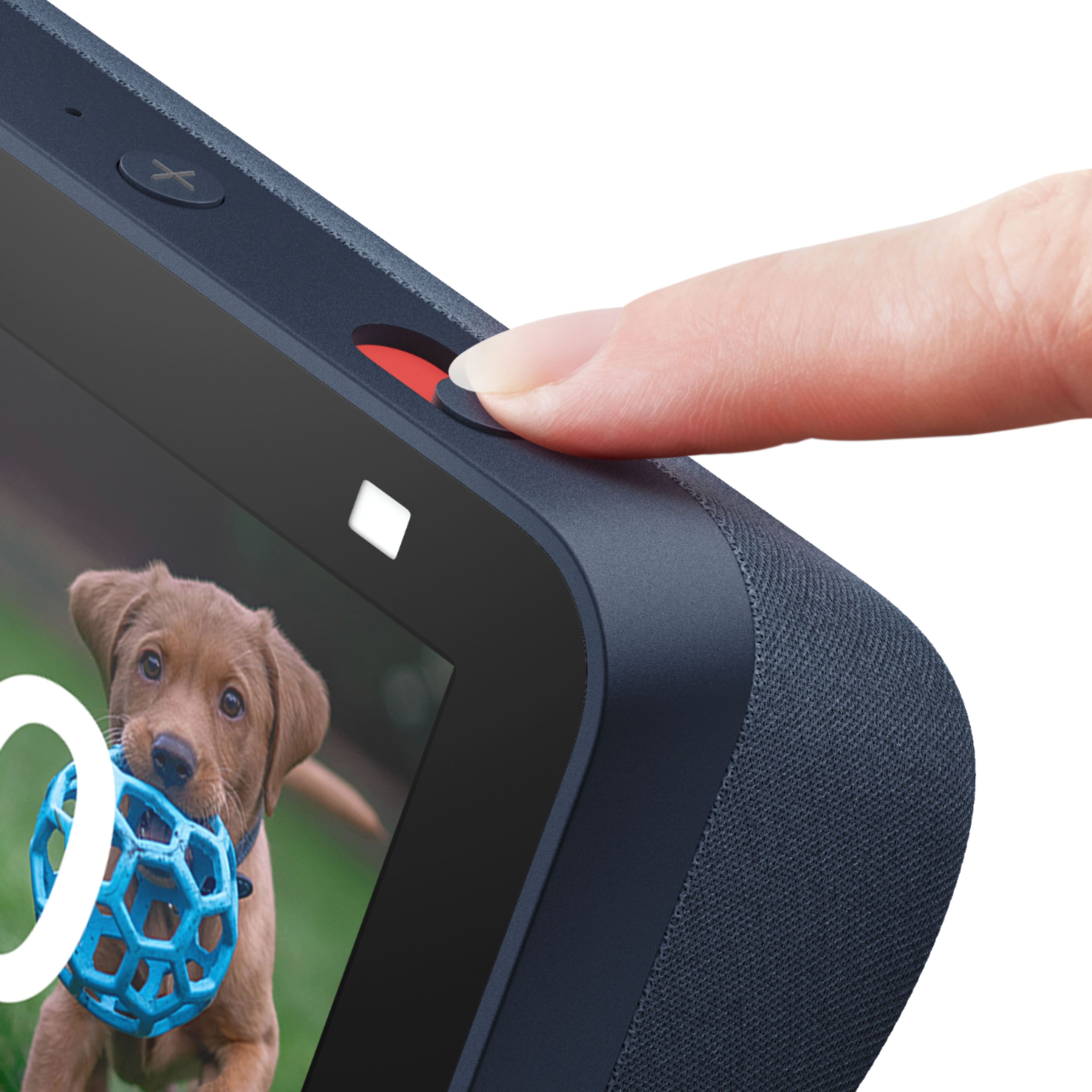
    • Answer BandMom, I'd love to help with your question! The Echo Show 5 comes with Alexa enabled, but you can press the mute button on top of the device if you would like to disable voice commands, and stop Alexa from listening. To view your Ring video feeds, without using voice commands through Alexa, you can open up your devices list and select your Ring Video Camera by following these steps: 1. Swipe inward from the right side of your Echo Show's screen. If you tap on your screen, you'll see a little arrow appear on the right side of the screen to help you decide where to swipe. 2. Select Smart Home from the list of icons. 3. Find your Ring Video Camera in your list of devices and click on it to display the camera footage. I hope this helped answer your question, have an amazing day!

      Answered by Amazon Devices Customer Support

  • QuestionDoes the Echo Show 5 (2nd gen) work with ring doorbell & floodlights?

    Asked by ET2021.

    • Answer Hi ET2021, The Echo Show 5 does work with the Ring Doorbell & Floodligths. Before starting, you'll need to download Amazon's Alexa app, if you haven't already done so 1. Open Alexa. In the upper left-hand corner, you'll see three horizontal bars. Tap them. 2. In the menu that appears, tap Skills & Games. 3. On the next screen, search for Ring in the search box. 4. After you've found Ring, tap the "enable" button. 5. Next, Alexa will ask you to sign in to your Ring account. Doing so will link your Ring account to your Alexa account. 6. After signing in, you'll be asked to discover devices. Tap the Discover Devices button. All of your 7. Ring devices should appear and be connected to Alexa automatically. If you don't want Alexa to integrate with a particular Ring device, simply tap Forget on the right side. Thank you
      Answered by Amazon Devices Customer Support

  • QuestionDoes it understand spanish

    Asked by Anonymous.

    • Answer Hello! Yes, the Echo devices understand Spanish. To set up your Echo Show device, plug it in and follow the on-screen prompts. The prompts will walk you through each stage of the set up including: 1. Select a language. 2. Connect to your Wi-Fi network. 3. Log into your Amazon account. 4. Confirm your time zone. 5. Confirm your address. 6. Confirm the location of your device. 7. Choose a name for your device. 8. Choose a wallpaper for your device. 9. Follow the on-screen steps to review your available offers. When you see the home screen with rotating pages, your device is ready to use. Have a great day!

      Answered by Amazon Devices Customer Support

  • QuestionDo you need a phone number linked to use it for calls? Or is this done through WiFi device to device?

    Asked by TCox.

    • Answer Hello TCox, you will need to link a phone number to the device through the Alexa App in order to make calls through your Echo device. Once the phone number is linked all the calls will be done through the Wi-Fi connection. Have a great day!

      Answered by Amazon Devices Customer Support

  • QuestionCan i use this to see who rings my Blink Door bell and alert me when someone rings the bell?

    Asked by Bigotes.

    • Answer Yes. You can

      Answered by Rochelle

  • QuestionIs there a fee to use this for calling people ?

    Asked by Donn.

    • Answer Hello Donn, you want to know if their is a fee to call people using Amazon Echo Show 5. You will be able to use your Echo Show 5 for calling for free, as long as the other person has the Alexa App or another Amazon Echo device. The other Amazon Echo device does not have to a screen. Hope this has answered your question. Have an amazing day!

      Answered by Amazon Devices Customer Support

  • QuestionWhat size is the screen?

    Asked by SadPanda.

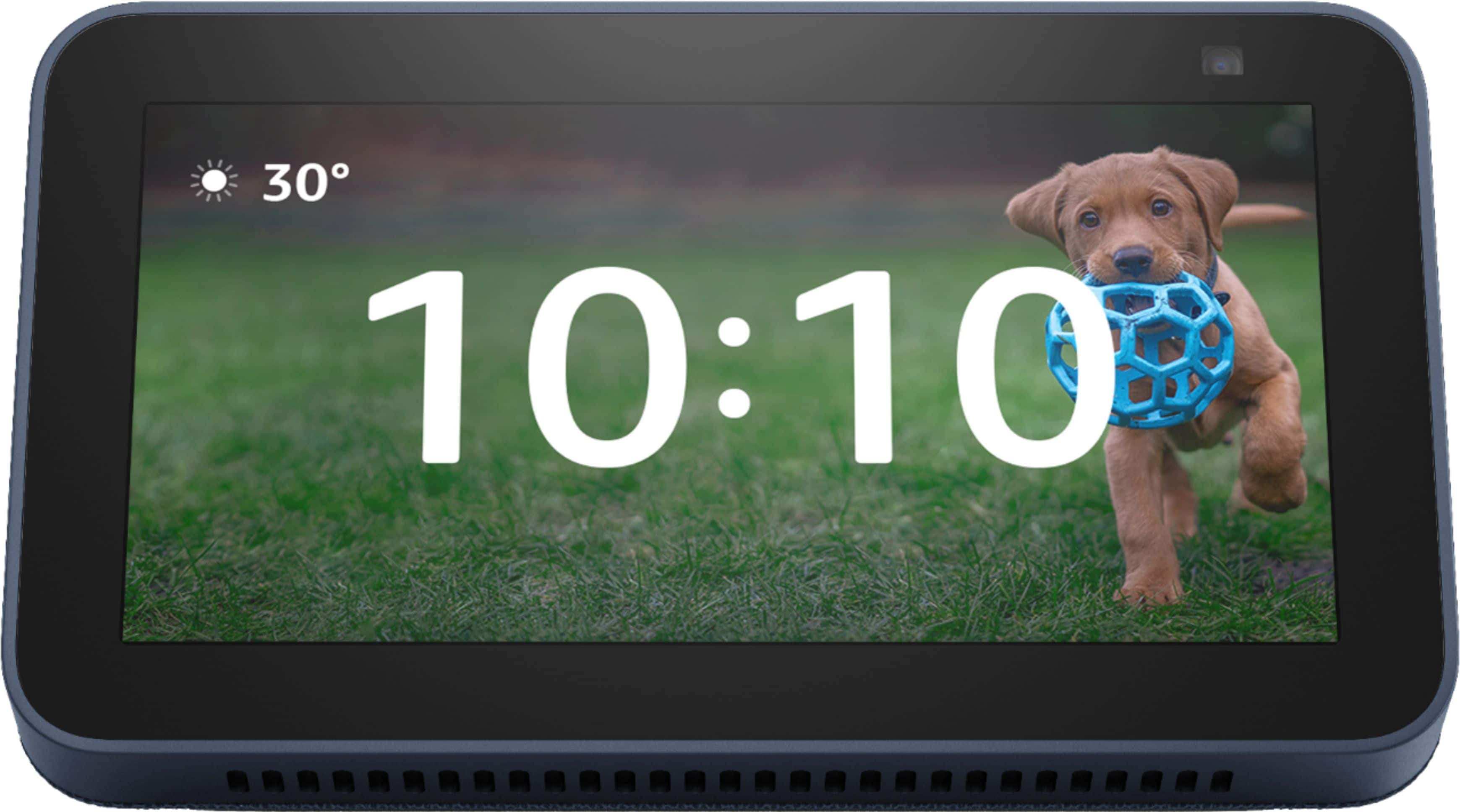
    • Answer Hi Amon, The screen itself is 5". (It gets measured like a TV, from corner to corner, diagonally.) I hope this answers your question. Have a great day.

      Answered by Amazon Devices Customer Support

  • QuestionI have a Swann wireless DVR that has input from cameras all around my house and dsiplays them through their Swann Security app to all my mobile devices. Can I install their app on the eco 5 so I can get the front door via Swann smart app?

    Asked by Anonymous.

    • Answer Hi There, Thanks for your question! Yes, you can pair the two! First, you will need to log into your Amazon Alexa app and the Swann Security app with your login credentials and then enable the Swann Security Skill in the Alexa App! Here is how: -Open the Alexa App to ensure she has already discovered and paired the two devices -If they are not linked you will tap add new device and follow the on screen prompts via both apps -Once devices are paired Alexa responds to the name assigned to your camera (or channel) in the Swann Security app. An alternate name can also be given to your camera through the Alexa app. -Avoid using any special characters like % and numbers. You may want to consider changing the name of your camera if this is the case. (Use clear, distinct words that Alexa will find easier to understand and that don’t overlap with any other smart devices in your home). Then, to connect to your camera and show live video, just say: “Alexa, show <camera name>” To stop streaming your camera, simply say: “Alexa, go home” or “Alexa, stop” Hope that helps!

      Answered by Amazon Devices Customer Support

  • QuestionAre you charge a fee for using the Echo app?

    Asked by PatriciaG.

    • Answer Hi Pat57, There is no charge for the Alexa App! However, subscription rates may apply for music, books, and streaming. Hope that helps!

      Answered by Amazon Devices Customer Support

  • QuestionCan I use this in another country, such as Brazil? I want to give it as a gift to someone who lives there.

    Asked by Rachel.

    • Answer Yes en cualquier parte del mu do funciona y ahorita es novedad en España

      Answered by DanielP

  • QuestionIf your WiFi goes out, will the alarm clock still work? I lose signal sometimes momentarily and wonder if this will affect the time and/or alarm.

    Asked by Itsjustme.

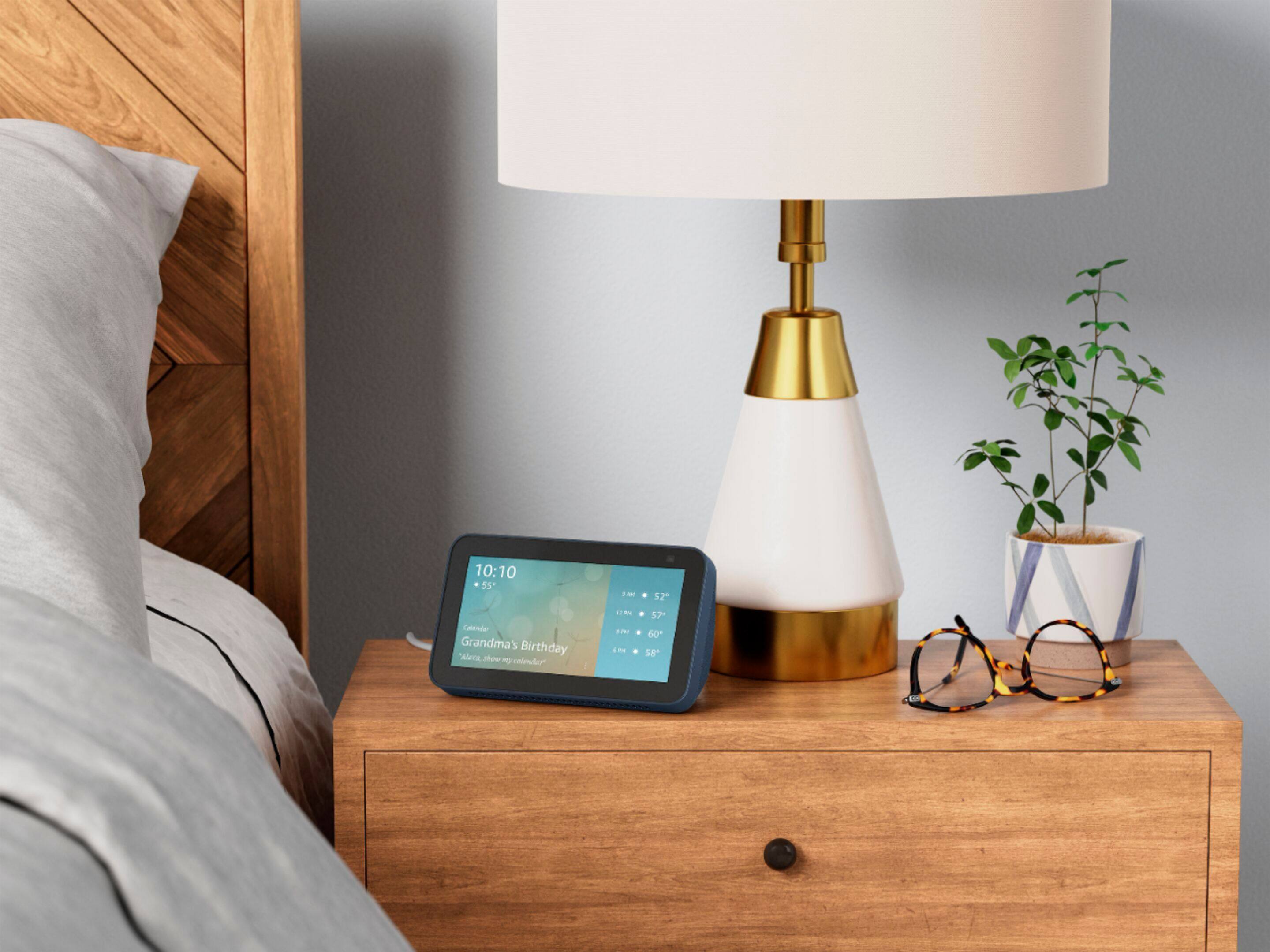
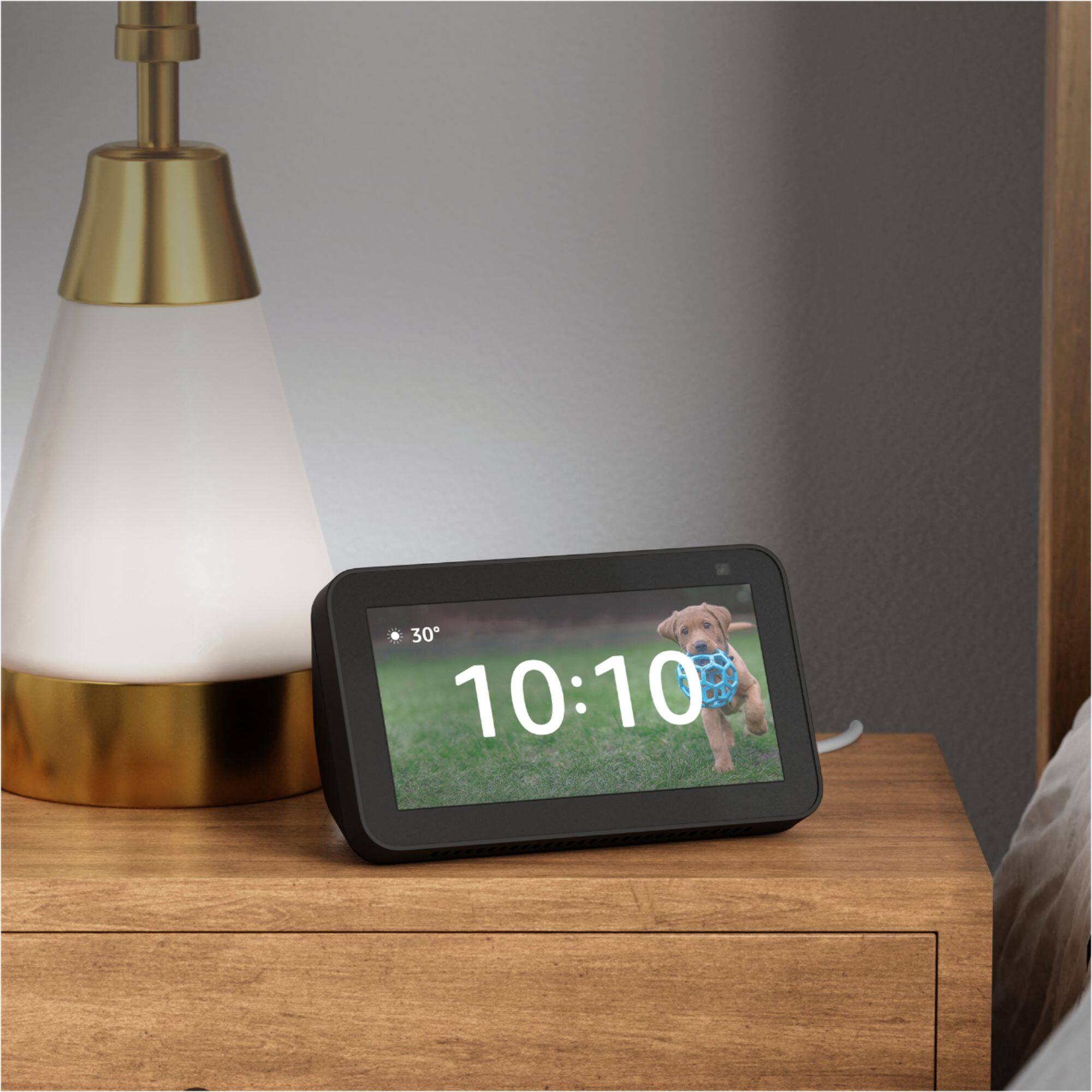
    • Answer Hi Latte! Yes your alarm clock will work even without internet connection on your Echo Show 5. It is important to note that you will not be able to create an alarm schedule without internet connection though. Thanks for your question, have a great day!

      Answered by Amazon Devices Customer Support

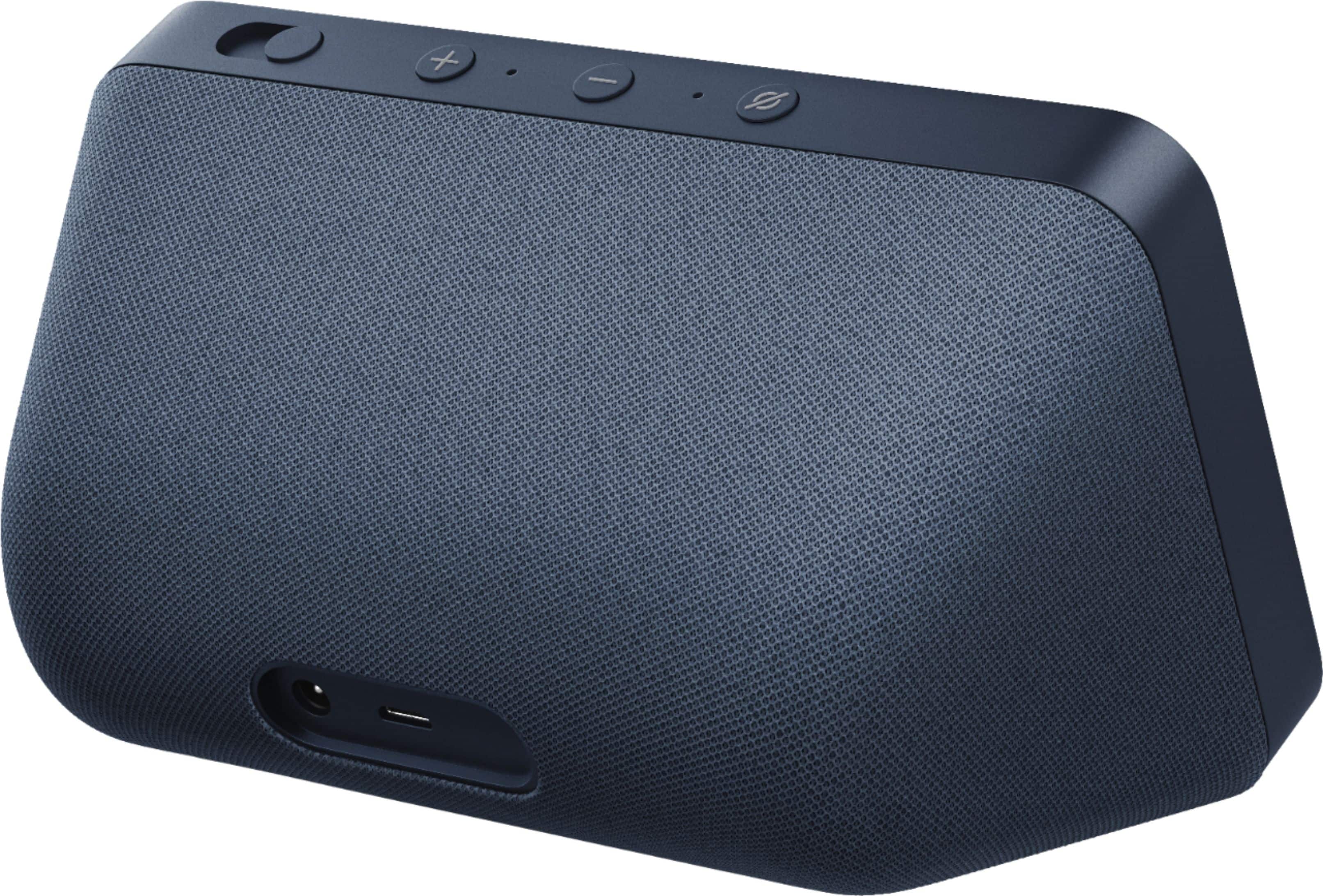
  • Questionwhat is the micro usb female port use

    Asked by wagg.

    • Answer it is for charging USB devices

      Answered by MichaelS

  • QuestionHello- can you plug in an iPhone for charging with the echo show 5?

    Asked by Pearl.

    • Answer Hello Pearl, the Amazon Echo Show 5 does not have the ability to charge other devices. Have a great day!

      Answered by Amazon Devices Customer Support

  • QuestionCan you have photos from google photos (or apple icloud photos) shown in this echo ?

    Asked by Eash.

    • Answer Hello Eash! While you can't specifically set up Google Photos or Apple iCloud Photos directly with the Echo Show, you can definitely use the Amazon Photos app and use that service with the photos you have by allowing your photos to be uploaded to Amazon Photos automatically. This will allow you to use the Amazon Photos service to show all photos that are uploaded to the app on an Echo Show device. I hope this helps answer your question and that you have a awesome day!

      Answered by Amazon Devices Customer Support

  • Questionis there youtube and Disney + on it

    Asked by Hunter.

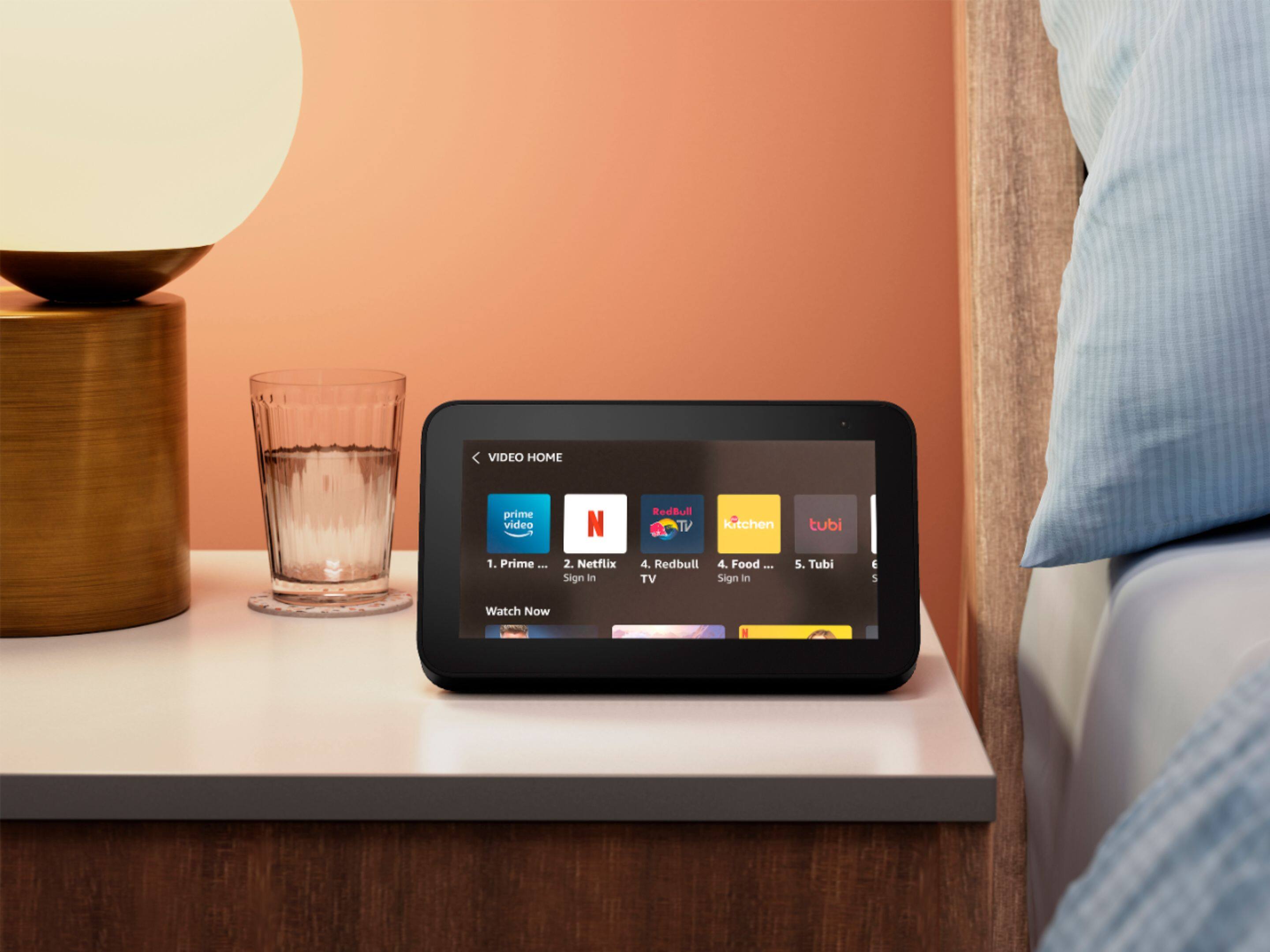
    • Answer Hi Hunter! The Disney + App is not yet available on Echo Show devices, but YouTube is available to watch on your device! You can access YouTube by asking, "Alexa, go to video home," to view all streaming apps, or just ask, "Alexa, open YouTube." Thanks for your question, have a great day!

      Answered by Amazon Devices Customer Support

  • QuestionCan you use this with Arlo security cameras?

    Asked by Kharysan.

    • Answer Hi Khary, You can pair your Arlo cameras with Alexa via skills in your Alexa app. Make sure that your Arlo camera is powered on and connected to the cloud. Enable the Arlo skill in one of the following ways: Ask Amazon Alexa “Alexa, enable Arlo skill” to receive instructions in your Alexa app to link your Arlo account with your Alexa account. In the Alexa app, search for the Arlo Skill, then click Enable Skill to link your Arlo account with your Alexa account. From there, make sure you have notifications turned on and Alexa will be ready to help. Hope that helps!

      Answered by Amazon Devices Customer Support

  • QuestionARE YOU ABLE TO MAKE PHONE CALLS USING Echo Show 5 (2nd Gen, 2021 release) | Smart display with Alexa and 2 MP camera | Deep Sea Blue?

    Asked by JIM.

    • Answer Yes

      Answered by STEPHANIE

  • QuestionDoes this work like google assistant?

    Asked by DAB.

    • Answer I think it’s better than google assistant.

      Answered by JasonW

  • QuestionDoes this work with blink?

    Asked by Badmom2.

    • Answer yes. After you enable the skill for Alexa

      Answered by carolh