Questions & Answers
- Model:
- B09B2SBHQK
- |
- SKU:
- 12223770
Q: QuestionIs this compatible with ring doorbell 2?
Asked by Stella.
- A:Answer Hi, Stella! Yes! The Echo Show 5 (3rd Generation) is compatible with the Ring Video Doorbell. All you need to do is connect your Ring to your Alexa device via the Alexa app. I hope this helps. Have a great day!
Answered by Amazon Devices Customer Support
Q: QuestionDoes this unit work well with all phones and phone companies for receiving calls?
Asked by Teri.
- A:Answer Yes and i love it
Answered by Anonymous
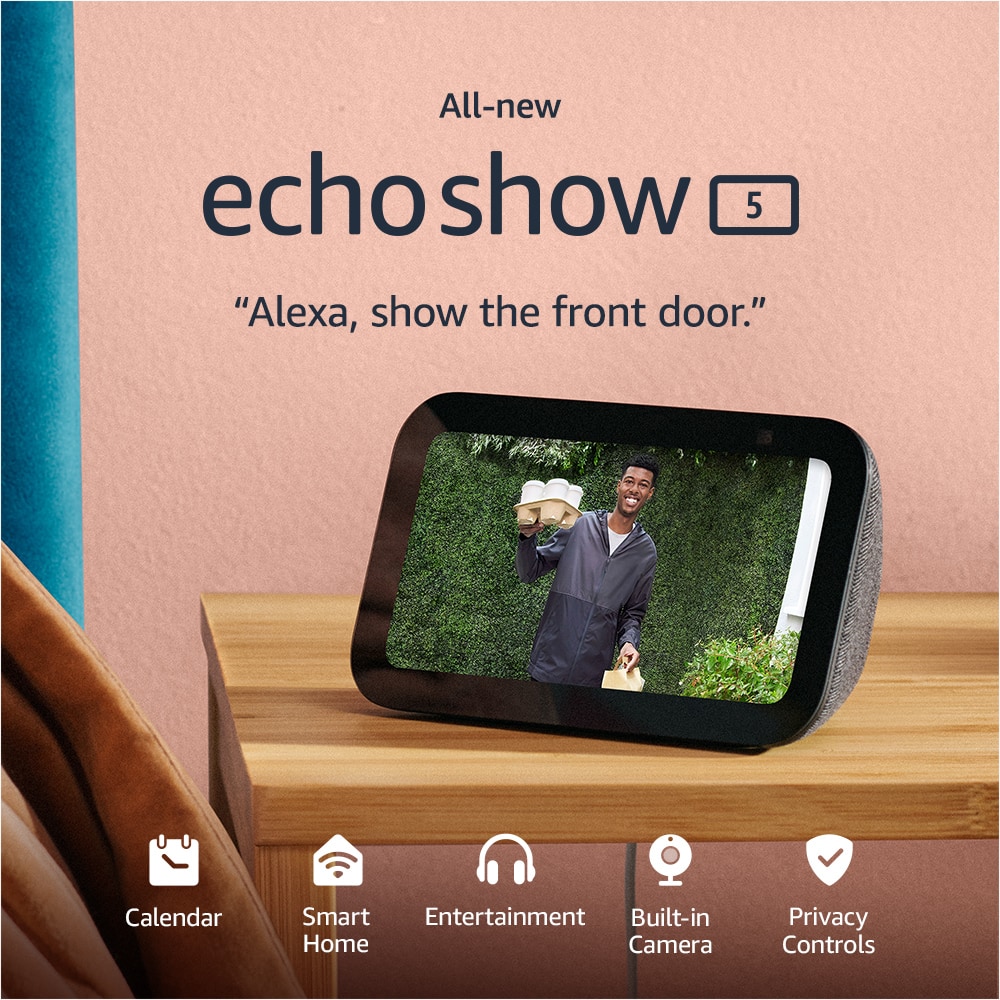
Q: QuestionCan echo 5 pair to ring cameras?
Asked by jp.
- A:Answer Hello Jp Yes, the Amazon Echo Show 5 pairs seamlessly with Ring cameras and doorbells to display live video, provide two-way audio communication, and announce motion or doorbell presses. You can set this up through the Alexa app. I hope this information helps. Have a great day.
Answered by Amazon Devices Customer Support
Q: QuestionIs it compatible with youkey life doorbell?
Asked by Rachel.
- A:Answer Hi Rachel, Yes, the Youkey Life doorbell (such as the DB312 wireless or DB322 wired models) is compatible with the Amazon Echo Show 5. Youkey Life doorbells officially support Amazon Alexa integration. This means you can: 1) View the live video feed from the doorbell on your Echo Show 5 using voice commands like “Alexa, show the front door camera” (or whatever name you assign to it). 2) Stream live feeds on Alexa-enabled screen devices like the Echo Show series. 3) Use two-way talk in some setups (check the specific model for full details). 4) Receive notifications and control basic functions through the Alexa app. Hope you have a great day.
Answered by Amazon Devices Customer Support
Q: QuestionCan I watch cooking recipes on here ?
Asked by Anonymous.
- A:Answer Hi Yes, you can watch cooking recipes on the Echo Show 5—it's actually one of the better uses for this compact smart display in the kitchen. You can use voice-activated recipes with video just by saying something like "Alexa, show me a recipe for (DISH NAME), ETC. Once you pick a recipe, Alexa reads the steps aloud while showing them on the 5.5 inchec screen. Hope you have a great day.
Answered by Amazon Devices Customer Support
Q: Questiondoes it work with indoor security system
Asked by Anonymous.
- A:Answer Hello! Alexa is compatible with a wide range of security systems, allowing for voice-controlled arming/disarming, camera viewing, and routine integration. While compatible with a large number of systems, I would verify compatibility with your specific system just to be sure. Thank you and have a great day!
Answered by Amazon Devices Customer Support
Q: QuestionIs installation easy/hard? Or need a professional to do it.
Asked by Cassie.
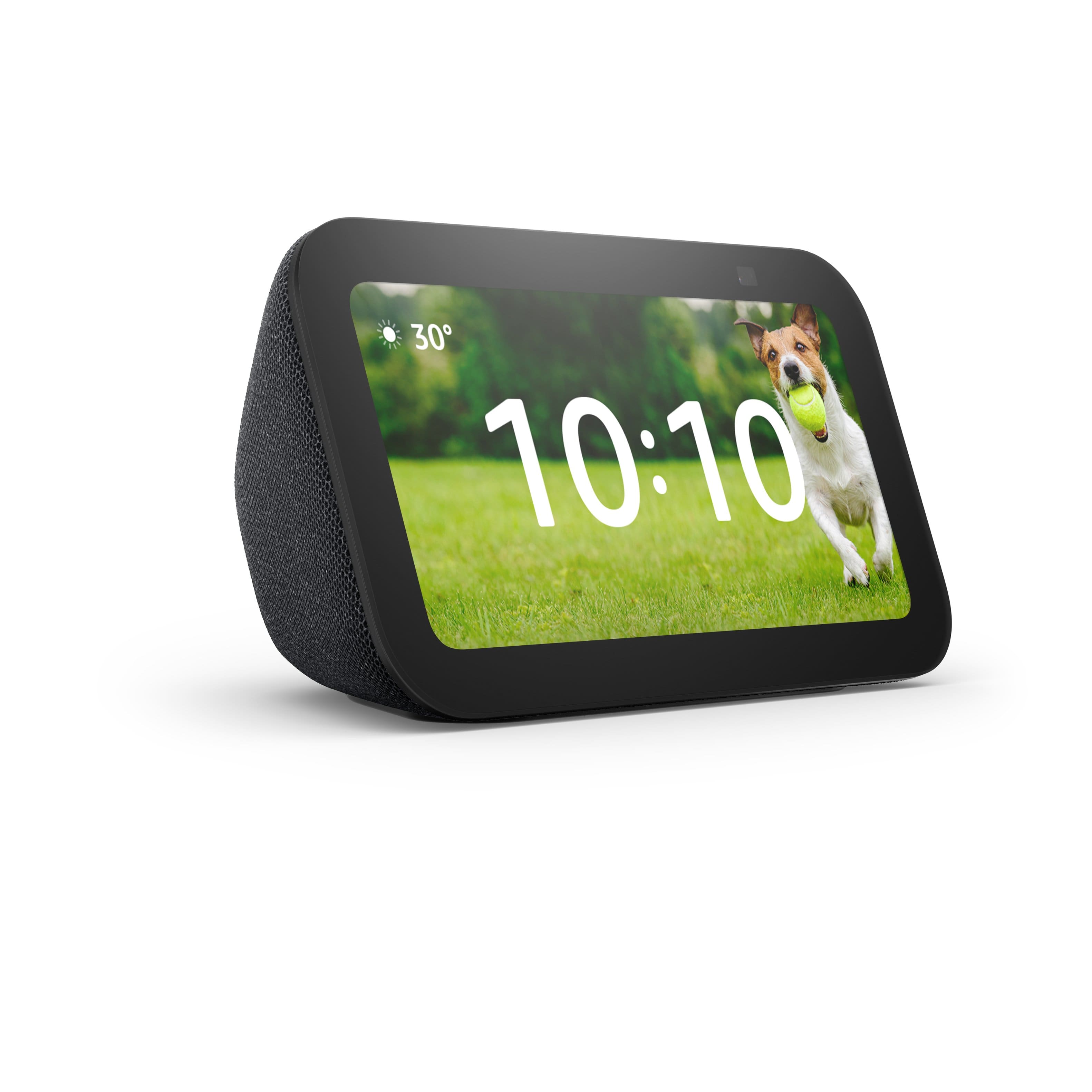
- A:Answer Hello Cassie! Happy to report that Alexa device setup is simple and frustration free! All you'll need to do is plug it in, connect to wi-fi, and follow a few prompts. Here's a step by step guide: 1. Power On: Plug the included power adapter into a wall outlet and the back of the Echo Show 5. It will automatically begin booting up. 2. Select Language: Select your preferred language on the screen. 3. Connect to Wi-Fi: Select your Wi-Fi network from the list and enter the password. 4. Log in to Amazon Account: Enter your Amazon account email and password, or if you purchased it on your account, it may pre-register. 5. Confirm Information: Verify your time zone, address, and name the device. 6. Update and Customize: The device will likely install a software update, which takes about 5-10 minutes. Then, select your preferred clock face, background photo, and room location. 7. Final Settings: Decide on settings for Amazon Sidewalk, camera monitoring, and Kid-friendly content. I hope I've answered your question and that you have a great day!
Answered by Amazon Devices Customer Support
Q: QuestionCan you connect to wi-fi directly from Amazon Alexa Show or do you need your phone to connect the device to Wi-fi
Asked by Melissa.
- A:Answer Hello, Melissa! The Echo Show devices don't require a phone to connect to Wi-Fi. Because it has a built-in touchscreen, you can handle the entire setup directly on the device itself. This makes it much more "standalone" than its screenless devices. **How to connect directly on the Echo Show** --Swipe down from the top of the screen to reveal the quick menu. --Tap the Settings (gear icon). --Tap Network. --Select your Wi-Fi network from the list. --An on-screen keyboard will pop up; type in your password and tap Done or Connect. I hope this helps!
Answered by Amazon Devices Customer Support
Q: QuestionCan I control my Roku TV with Alexa
Asked by Bbking.
- A:Answer Hi Bbking, Yes, you can control your Roku TV with an Amazon Echo Show 5 by enabling the Roku skill in the Alexa app. You can use voice commands to turn the TV on/off, adjust volume, switch inputs, and launch specific apps like Netflix. I hope this answers your question!
Answered by Amazon Devices Customer Support
Q: QuestionCan u see my Wyze camera on this device
Asked by Shirley.
This question was asked about the related product: Amazon - Echo Show 5 (newest model), Smart display with Alexa+, 2x the bass and clearer sound - Cloud Blue
- A:Answer Hello Shirley and thank you for your question! Yes, in order to see the Wyze camera on the Amazon echo show 5, you need to enable the Wyze skill on the Alexa app. Once the skill is enabled, you can connect to the camera. Hope this helps! Have a great day!

Answered by Amazon Devices Customer Support
Q: QuestionCan I use this device with FaceTime or Meet and does it work with Roku home cameras?
Asked by Anonymous.
This question was asked about the related product: Amazon - Echo Show 5 (newest model), Smart display with Alexa+, 2x the bass and clearer sound - Glacier White
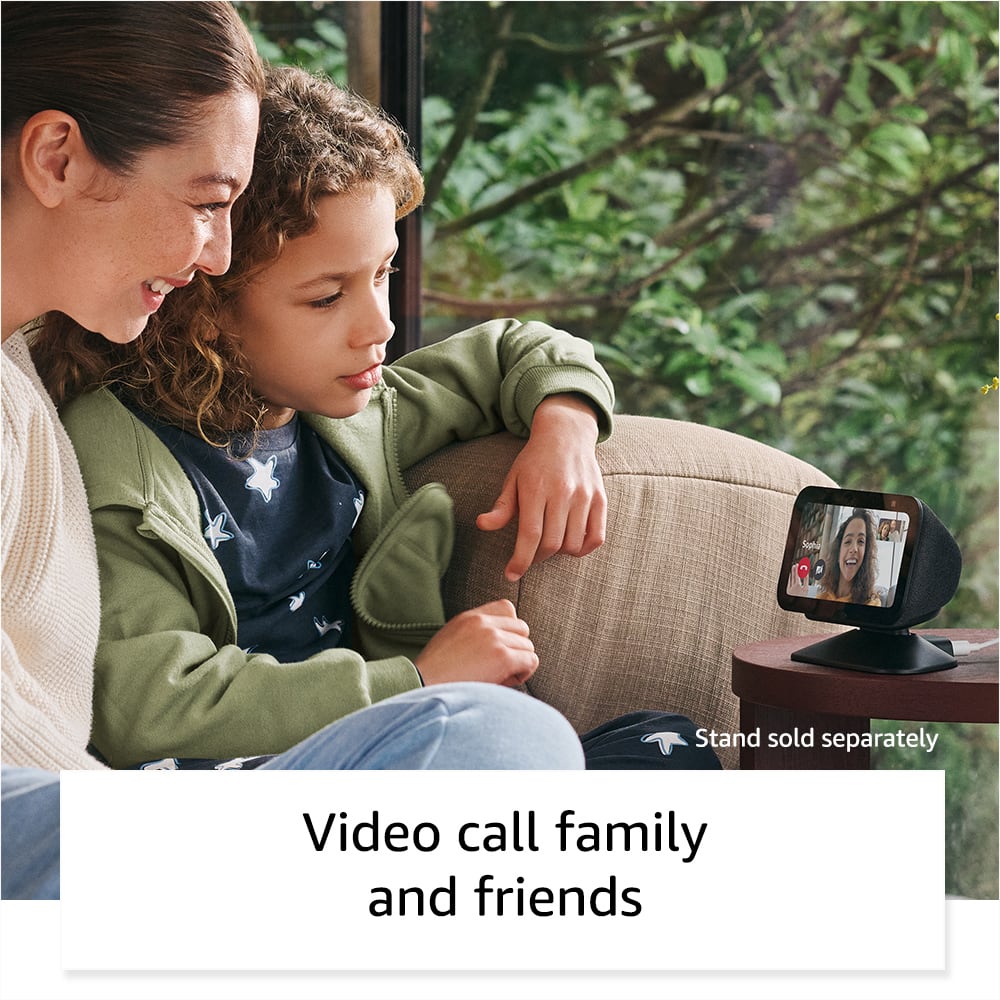
- A:Answer Hello, Alexa does not use the FaceTime or Meet apps for video calling. Alexa does however offer Drop in video calling. Using Alexa's Drop In feature you can video or voice call anyone in your contacts. For example, My family all use Android phones, but I have an iPhone, When my wife and I want to video chat with my parents, I can say "Alexa, Video Call Mom and Dad". The one thing that is required is that any party you would like to call do need to have the Alexa App, which is free on IOS or Android. Roku Cameras are supported by Alexa Devices, In order to view your Roku Cameras on your Echo Show 5 you can complete the following steps: - Make sure your Roku Cameras are on and connected to your network. - On your Phone or Mobile Device open the Alexa App. - Tap "More" Icon -Tap "Skills & Games" - Search for "Roku Smart Home" - Enable Skill and sign in to your Roku Account on the Alexa App. - The Alexa App will give you prompts to follow to discover your devices. - If the Discovery process does not work, you can tell your Show 5 "Alexa, Discover Devices" I hope this answers your questions!
Answered by Amazon Devices Customer Support
Q: QuestionCan I use this device with Roku cameras?
Asked by Anonymous.
This question was asked about the related product: Amazon - Echo Show 5 (newest model), Smart display with Alexa+, 2x the bass and clearer sound - Glacier White
- A:Answer Hi there! You can access your Roku camera's via Alexa by enabling the Roku skill in the free Alexa app. To find the skill, just open the free alexa app and search "Roku" via the Alexa+ store. Once you're all signed in, just say "Alexa, show me [name of the Roku camera]" to see the live view. I hope that helps, have a great rest of your day!
Answered by Amazon Devices Customer Support
Q: QuestionDoes this support emergency service calling?
Asked by Anonymous.
- A:Answer Hello! Thank you for your question about the Echo Show 5. The Echo Show 5 does not support direct emergency service calling (911) on its own. However, when bundled with Alexa Emergency Assist, you can say "Alexa, call for help" to connect with a trained Urgent Response agent 24/7 who can request dispatch of emergency services on your behalf and pass critical information from your profile to first responders. This service avoids wait times and automatically notifies up to 25 designated emergency contacts when a call starts and ends. The standard Echo Show 5 without Emergency Assist allows you to make calls, drop-ins, and announcements to one designated emergency contact. Alexa Emergency Assist requires a subscription and provides enhanced emergency response capabilities including pre-saved critical information like allergies, gate codes, or pets in the home that can be shared with first responders. If you have other questions about the Echo Show 5's calling features or emergency capabilities, I recommend contacting Amazon Customer Support at 1-888-280-4331 (available 24/7) for additional assistance. Have a great day!
Answered by Amazon Devices Customer Support
Q: QuestionCan I move the camera remotely?
Asked by Tim.
- A:Answer No, you cannot move the camera remotely on the Amazon Echo Show 5.
Answered by AkhilA
Q: QuestionIs this compatible with my Denon stereo?
Asked by Anonymous.
- A:Answer Yes, but only in limited ways. Don’t assume full integration.
Answered by AkhilA
Q: QuestionCould I have setup at home
Asked by Lou.
This question was asked about the related product: Amazon - Echo Show 5 (newest model), Smart display with Alexa+, 2x the bass and clearer sound - Glacier White
- A:Answer Yes
Answered by AkhilA
Q: QuestionCan it control what a child may use or who they call on the phone?
Asked by controls.
- A:Answer Hello controls and thank you for your question! You can set up a Kids profile on the Amazon Echo Show 5 to help manage the childs device. You can add the Kids profile in the settings on the Alexa app or on the echo show 5 itself. Hope this helps! Have a great day!
Answered by Amazon Devices Customer Support
Q: QuestionI have a Vivint home security system will it work with the Alexa Echo system
Asked by NancyO.
- A:Answer Hi Mark! Yes, Vivint does work with the standard Amazon Alexa system for voice control of lights, locks, and thermostats. I hope this answers your question!
Answered by Amazon Devices Customer Support
Q: QuestionCan I watch netflix or disney plus on it?
Asked by Anonymous.
This question was asked about the related product: Amazon - Echo Show 5 (newest model), Smart display with Alexa+, 2x the bass and clearer sound - Cloud Blue
- A:Answer Hi! Yes, you can watch Netflix on the Echo Show 5, but there is no native Disney+ app on the Echo Show 5. I hope this answers your question!
Answered by Amazon Devices Customer Support
Top Rated
- $147.49$147.49The price was $169.95