Save up to 50% on 3-Day Sale deals.Ends 12/7.Shop now

Skip to content
Gift Ideas
Main Content

Questions & Answers

Your price for this item is $59.99
The comparable value price is $89.99
Page Showing 61-67 of 67 questions
  • QuestionWhat Alexa plays live music from the radio?

    Asked by Jay.

    • Answer Hi Jay! Any of the Echo devices (with or without a screen) can play life music from the radio. I've used iHeartRadio's Alexa Skill in the past and had no issues whatsoever, I just ask Alexa to play the radio station by it's call sign (for example WASU for my old college radio station) and she plays it via iHeartRadio. Hope that helps, have a great rest of your day!

      Answered by Amazon Devices Customer Support

  • QuestionDose this work with ring doorbell and camera

    Asked by Ring.

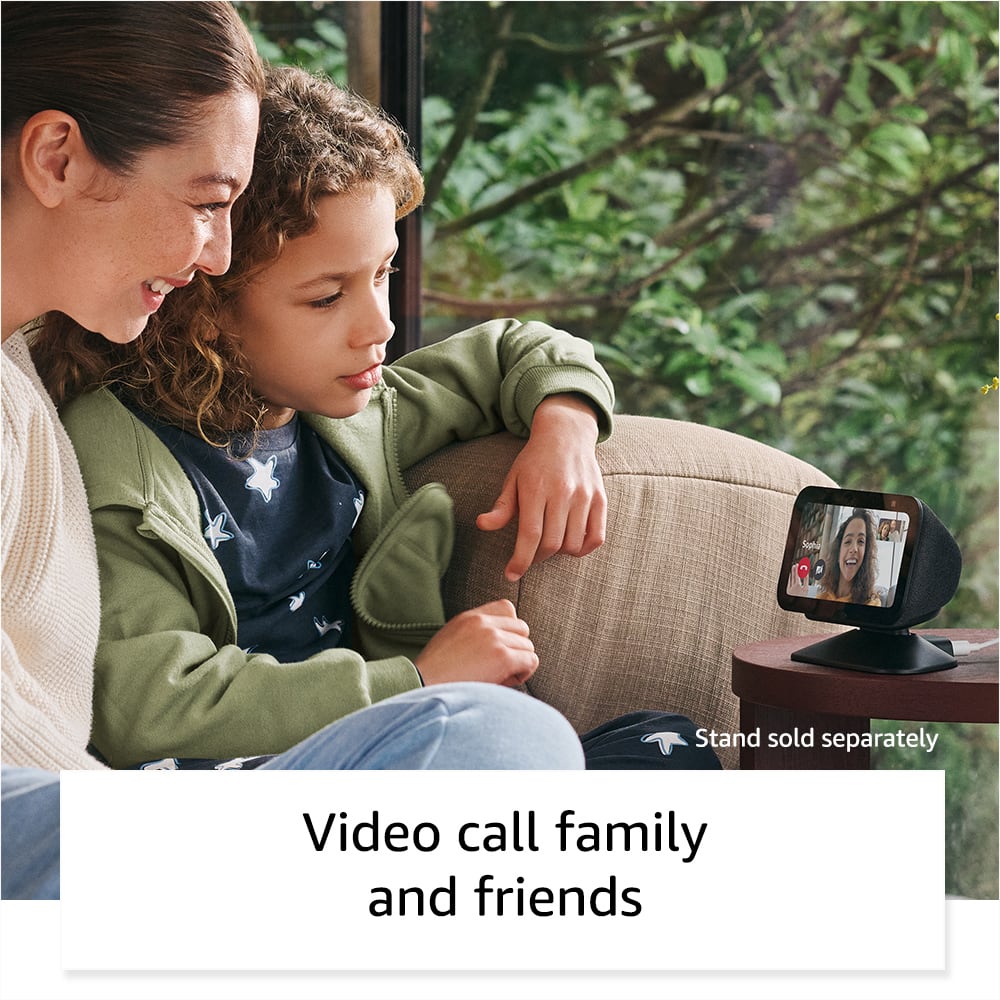
    • Answer Yes it does, whenever I get a motion, it will announce and show a brief video. Love it

      Answered by Fritobandito

  • QuestionCan I use echo 5 3rd Gen with eufy smart things zigbee ecobee or make video call?

    Asked by newtech.

    • Answer Yes

      Answered by Dazzled21

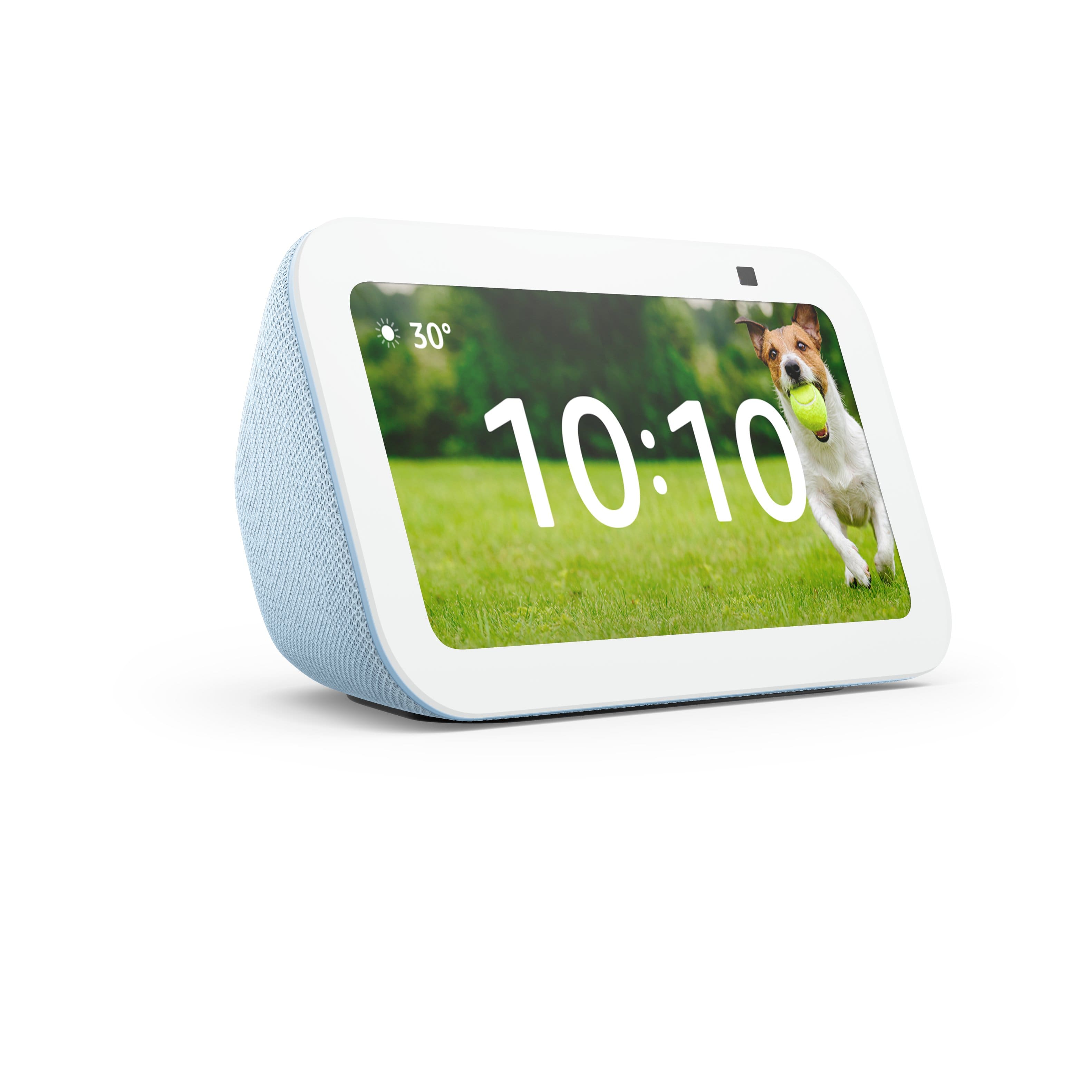
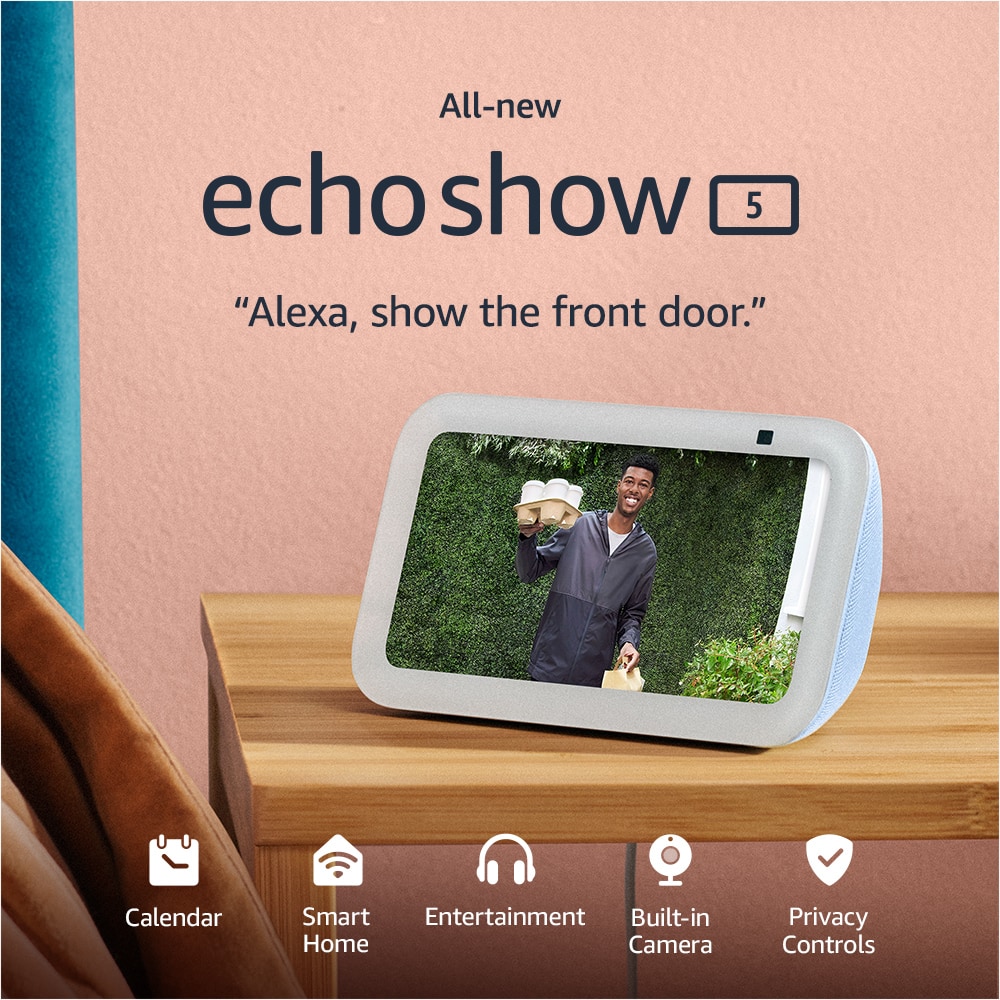
  • QuestionWill my SONOS wireless speakers and my Thermostat work with the Echo Show 5 (3rd Generation) 5.5 inch Smart Display with Alexa?

    Asked by Dck.

    • Answer Hi Dck! As long as your Thermostat has an Alexa skill you should have no issues getting everything to work together, because SONOS definitely works! To add a skill to Alexa: 1. Open the Alexa app on your smart device. 2. Select More and then Skills & Games. 3. Search for the brand name of the device (like SONOS for your speakers) and select it. 4. Log in with your account information. 5. Go to Devices and select the '+' symbol, Alexa should discover your connected devices automatically. From here, you can actually choose your SONOS speaker as the preferred speaker for the Echo Show 5. That will mean that you can ask Alexa to play music and she'll automatically use the chosen SONOS device instead of the regular speakers on the Echo Show 5. I hope that helps, have a great rest of your day!
      Answered by Amazon Devices Customer Support

  • QuestionJust received my echo show 5, I have an older one and the 10. I can not get it to connect to my internet. My internet shows up but will connect. Any ideas or help? I've changed internet settings and still no luck. Never had issues with my other ones...

    Asked by Anonymous.

    • Answer On my home router, I have access control enabled meaning I only allow know devices to connect. I have to explicitly add any new devices to my router. Is it possible that you have access control enabled? Just a thought . . .

      Answered by Dave

  • QuestionDoes this work with Blink cameras and Blink doorbell Camera?

    Asked by Mike.

    • Answer Using the Blink SmartHome Alexa skill, you can monitor and control your Blink system with hands-free voice commands through compatible Alexa-enabled products. All you need to do is enable the Blink SmartHome skill in the Alexa app! Note: You must link your Blink and Alexa accounts in the Blink app before you can enable the Blink SmartHome skill.

      Answered by Merple

  • Questionwhy doesn't my echo have netflix?

    Asked by Kenzie.

    • Answer They removed support on the 3rd gen. The second gen still works with it though. Also a heads up - you CAN’T use Netflix through the silk browser either. You can open the site and login - but nothing plays when clicking anything. I’m about to return my 3rd gen and get a used 2nd gen exactly for this reason.

      Answered by Anonymous