Questions & Answers
- Model:
- B08F5LQCYP
- |
- SKU:
- 6461952
Q: QuestionAs a long time customer, I now own three Fire Tablets. All have been infected with an issue of being unable to open email attachments. Clicking on an attachment continuously downloads Free Amazon Game Apps with the complete inability to open the original.
Asked by Hozro.
- A:Answer Hello Hozro! I am so sorry you're having these issues with your email attachments on these devices. My best recommendation would be to reach out to Amazon Customer Service directly as this may have something to do with the email service you are using or with the types of attachments you are trying to open up. This is not a known issue and I have not seen it happen or heard of it happen to anyone else. Amazon Customer Service can assist further with your specific concerns and issues. Thanks so much for reaching out and I hope you have an amazing day!
Answered by Amazon Devices Customer Support
Q: QuestionIs this refurbished
Asked by Maxwell.
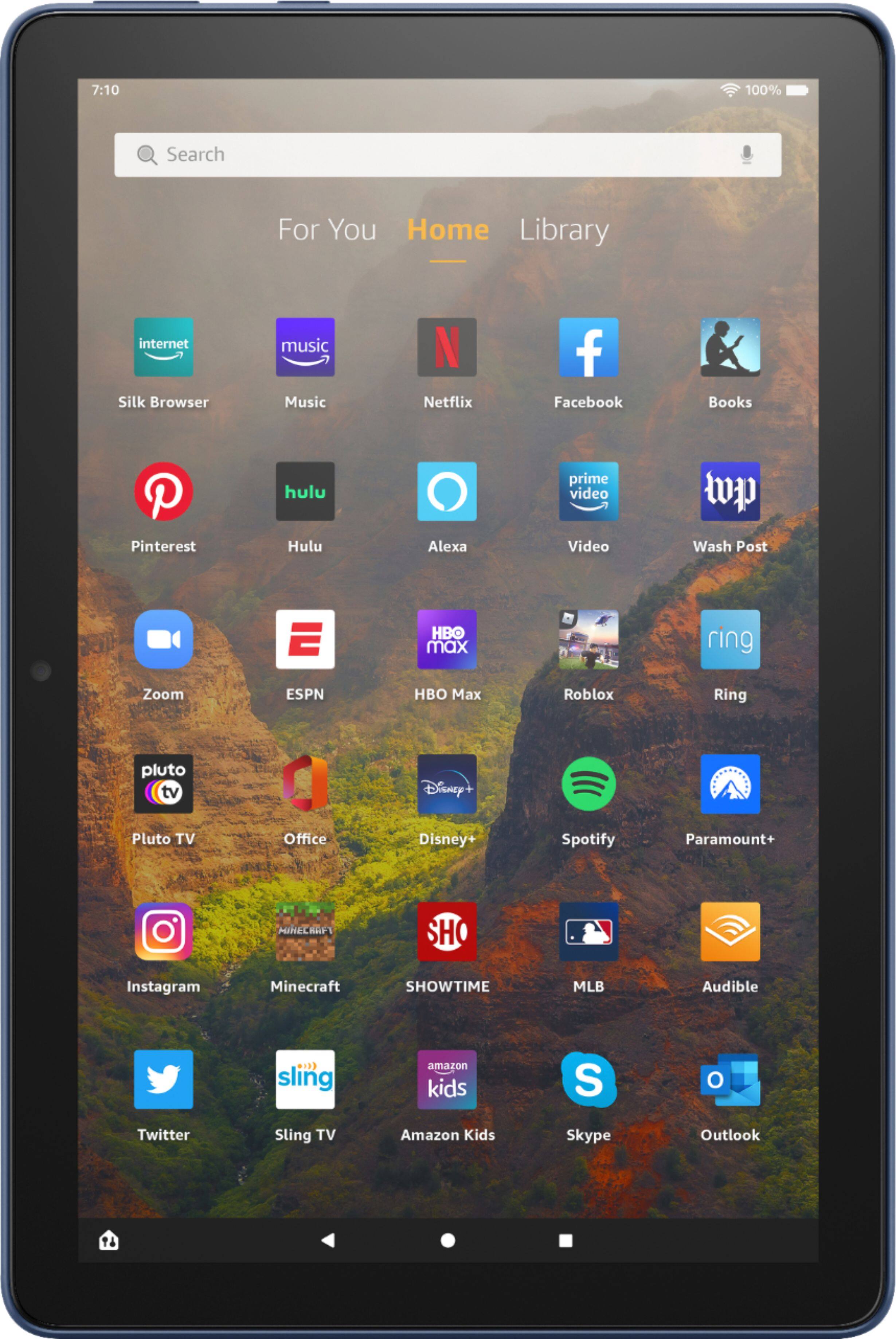
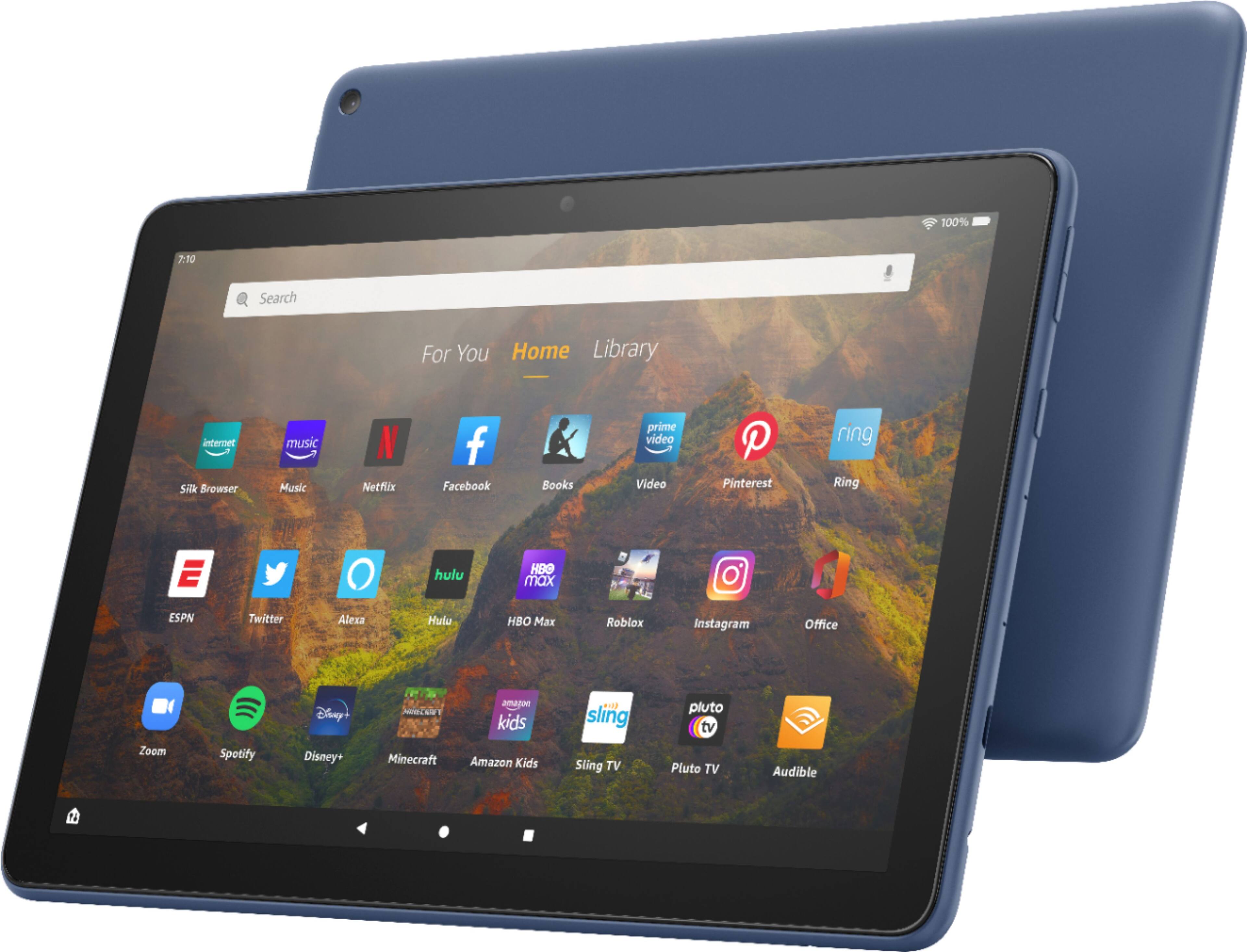
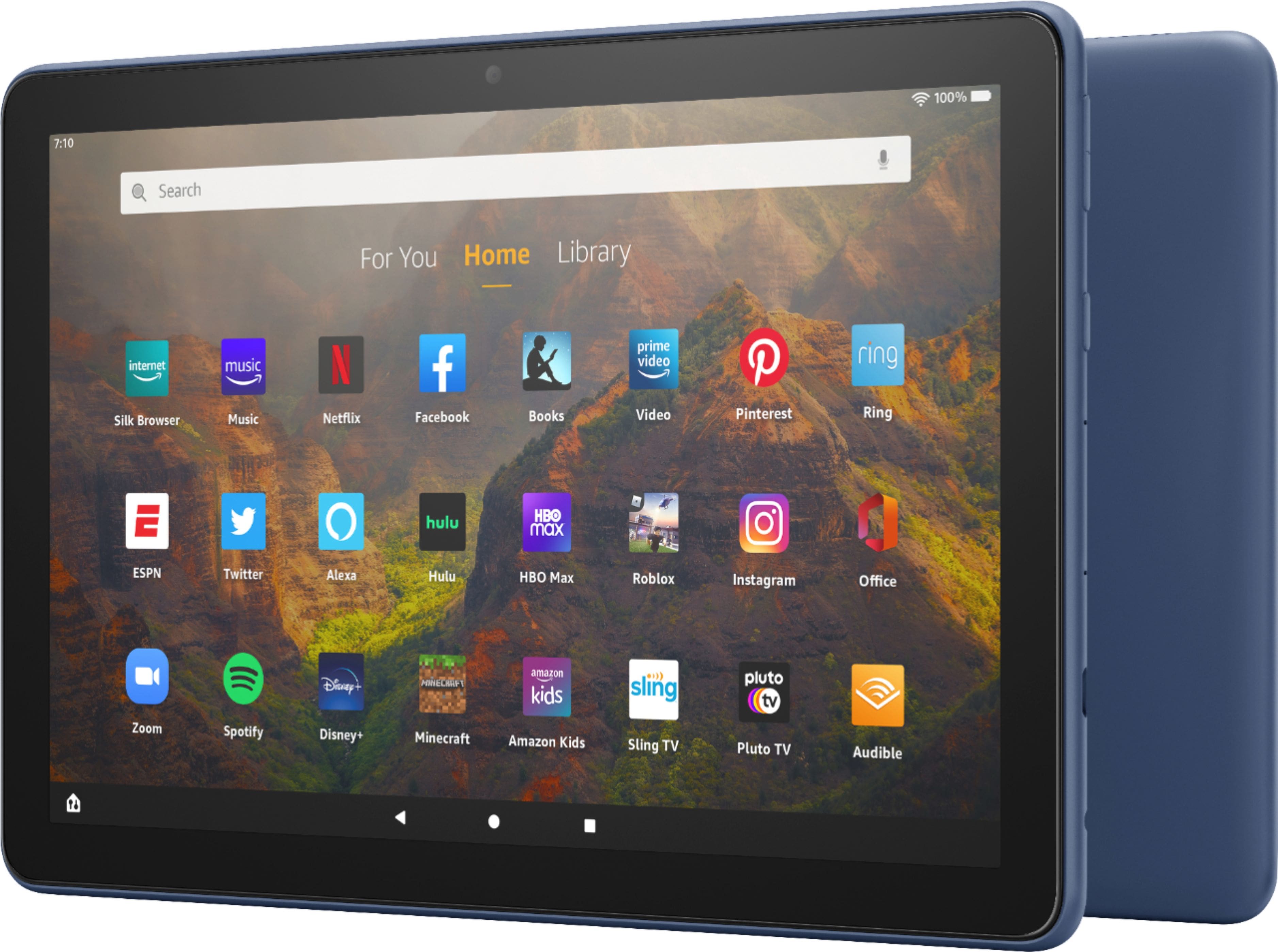
- A:Answer Hi Maxwell! This listing is for a brand new Fire HD 10, though there may be open box items available for purchase. This newest generation has 3 GB of RAM (50% more than previous generation), a 10% brighter screen with more than 2 million pixels, a 5 MP rear camera, and expandable storage to 1 TB. I hope that helps, have a great rest of your day!
Answered by Amazon Devices Customer Support
Q: QuestionCan you subscribe to a newspaper with this tablet and is their good clarity with this tablet?
Asked by Anonymous.
- A:Answer I am not sure about subscribing to a newspaper, but the tablet has great clarity
Answered by JohnS
Q: QuestionCan I access the Libby Aop?
Asked by Jerry.
- A:Answer Yes. Libby loads easily from the app store. My problem with it reading when off line. Books don't seem to dl to the device so it's useless when travelling or anywhere away from wifi. If someone has solved this I'd like to hear how.
Answered by RobertY
Q: QuestionDoes it rotate to upward hold
Asked by cc.
- A:Answer Yes. There's an auto-rotate toggle in Settings>Display
Answered by RobertY
Q: QuestionCan you download excel to Fire tablet?
Asked by cardlady.
This question was asked about the related product: Amazon - Fire HD 10 – 10.1” – Tablet – 32 GB - Lavender
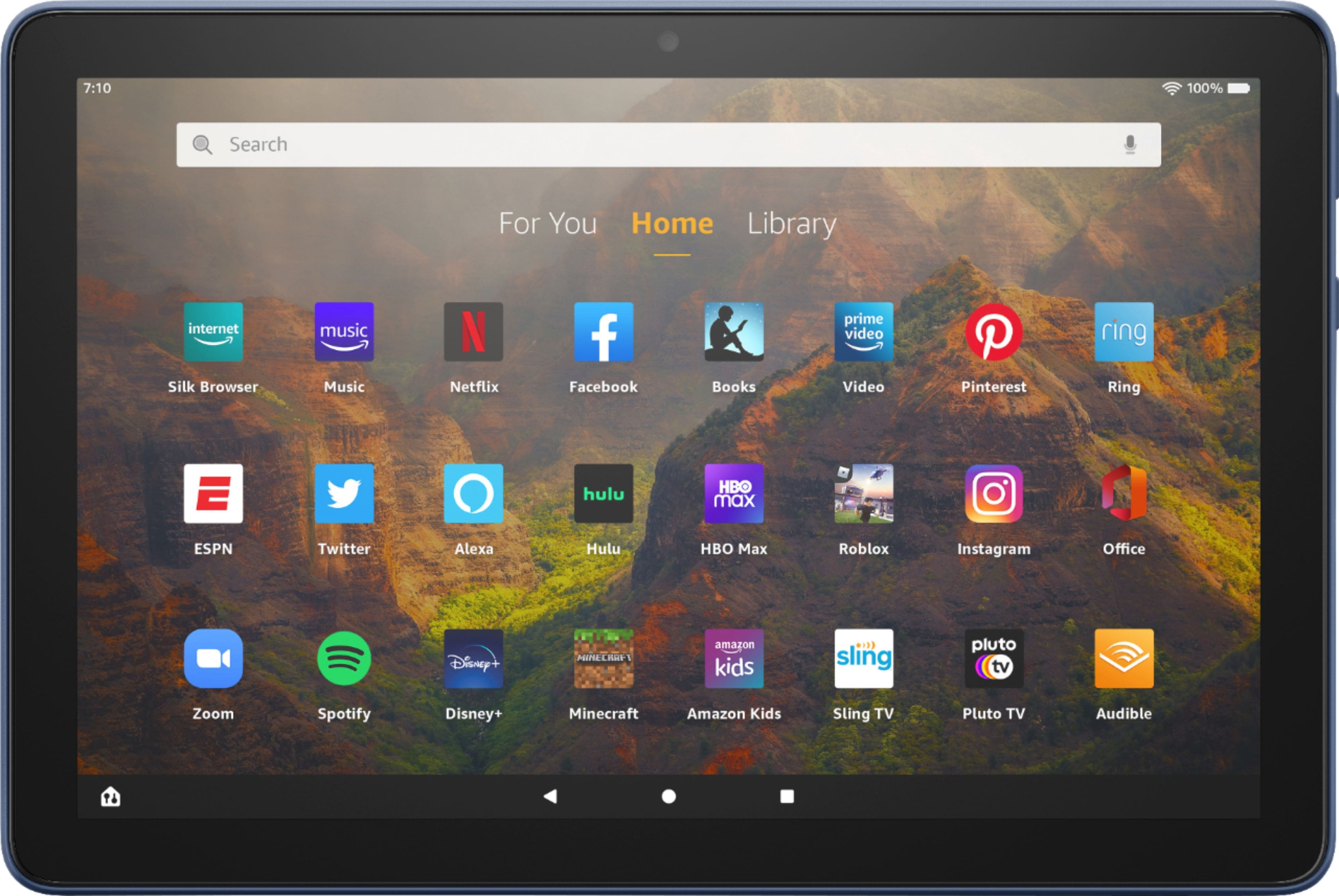
- A:Answer Hi cardlady! Microsoft 365 (which includes Word, Excel, and Power Point) is available! If it isn't pre-installed on your tablet, you can download it off the Amazon Appstore: 1. Select Games & Apps or open the Apps or Games app. 2. Select an app from your Library to download it or search for a new app in the Store. Have a great day!
Answered by Amazon Devices Customer Support
Q: QuestionCan l download Comcast Xfinity app for streaming cable television on my tablet? My current Fire Tablet does not have the most recent Xfinity app available in the Amazon app store.
Asked by Anonymous.
This question was asked about the related product: Amazon - Fire HD 10 – 10.1” – Tablet – 32 GB - Lavender
- A:Answer Hello and thank you so much for your question! The Comcast Xfinity Stream app is available for download from the Amazon Appstore with this device and should be included with your Xfinity subscription service. I hope you have a phenomenal day!
Answered by Amazon Devices Customer Support
Q: Questionpurchased an echo 4th Gen Speaker for my sister she lives at a different address i was playing with the speaker at my house and set it up do I need to reset it when i take it to her house so she can put her location and put her voice on it ?
Asked by Betty.
- A:Answer Hi Betty! It looks like the product you are inquiring about is the Fire HD 10 tablet. As for the Echo 4th Gen speaker, you will need to connect it to her internet when you set up the device at her house. You can either reset the Echo and set it up at her house or you can connect it to her WiFi. If you want her information on the device, you can add her information through the Alexa app. Hope this helps and have a great day!
Answered by Amazon Devices Customer Support
Q: QuestionWill it work with the Echo 4th gen speaker?
Asked by Betty.
- A:Answer Hi Betty! Yes, you can connect this Fire HD 10 tablet to your Echo 4th Gen speaker. Here are the steps on how to do so: You can use the Alexa app to pair your tablet or Bluetooth speaker with your Echo Device. Follow these steps do pair the device: 1. Put your Bluetooth device in pairing mode. 2. Open the Alexa app . 3. Select Devices . 4. Select Echo & Alexa. 5. Select your device. 6. Select Bluetooth Devices, and then Pair A New Device. The next time you want to connect, enable Bluetooth on your phone or Bluetooth speaker and say, "Pair Bluetooth." Once the initial pairing is complete, certain Bluetooth devices may automatically reconnect to your Echo when in range. I hope that helps! Have a great day!
Answered by Amazon Devices Customer Support
Q: QuestionWill it support Verizon Mobile TV App?
Asked by curt.
- A:Answer Hello Curt, you want to know if the Amazon Fire HD 10-10.1" Tablet supports the verizon mobile TV app. The Amazon Fire HD 10-10.1" Tablet supports the Fios TV Mobile app by verizon service corp. Always keep in mind you will be able to use Prime Video which will provide you with endless entertainment. Hope this has answered your question. Have an amazing day!
Answered by Amazon Devices Customer Support
Q: QuestionCan use Google drive
Asked by Anonymous.
- A:Answer Hi There, Thanks for your question! Unfortunately, the Google Drive app is not supported by the Amazon App Store currently. Hope that helps!
Answered by Amazon Devices Customer Support
Q: Questioncan you shut off alexa?
Asked by looi.
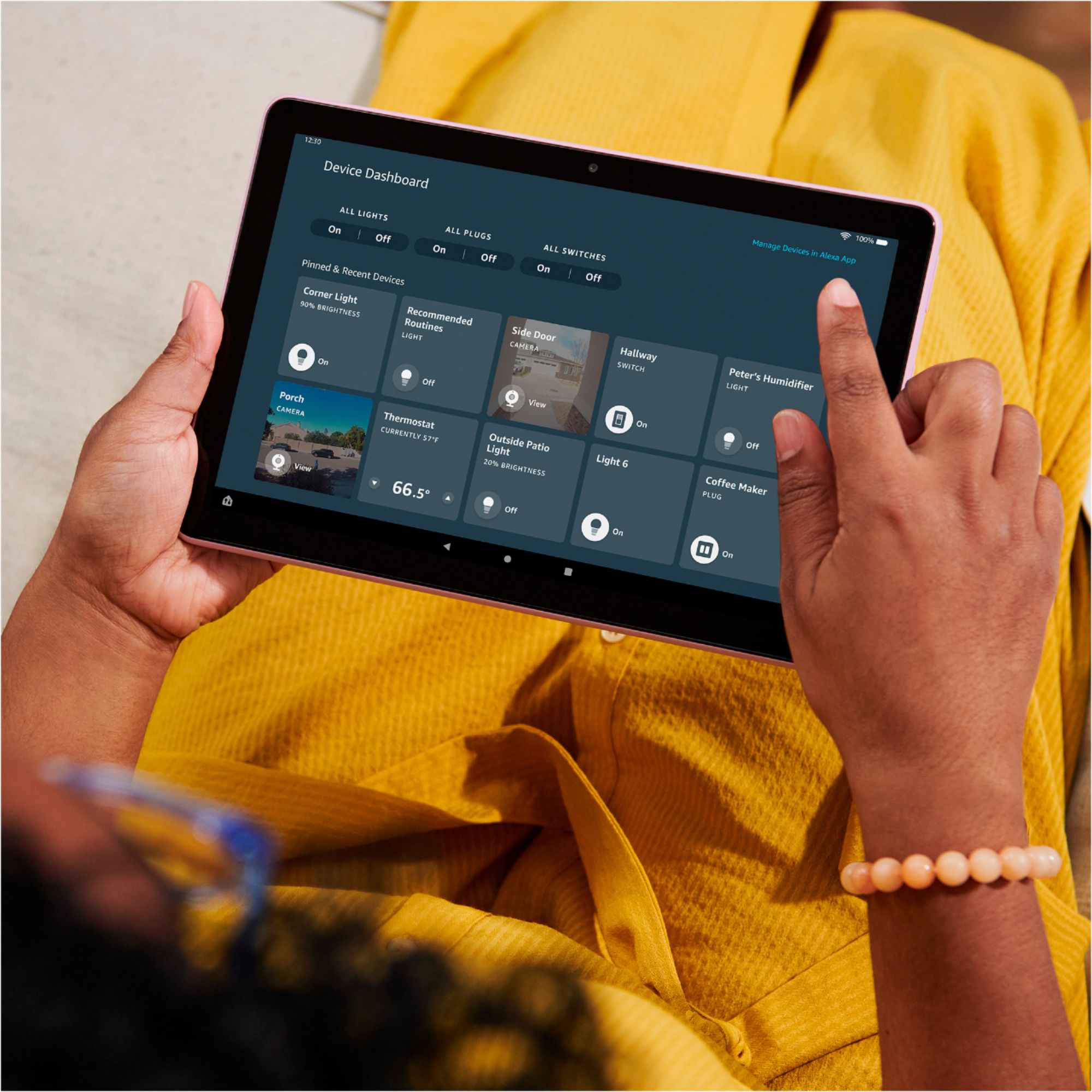
- A:Answer Hello Iooi! Yes, Alexa settings can be turned off during the initial setup, through the Settings, or even by swiping down from top of the screen and toggling the Alexa Hands-Free switch when outside of Show Mode or the mute button when in Show Mode. Thank you so much for your question and I hope you have a terrific day!
Answered by Amazon Devices Customer Support
Q: QuestionDoes this tablet allow FaceTime?
Asked by GrandmaP.
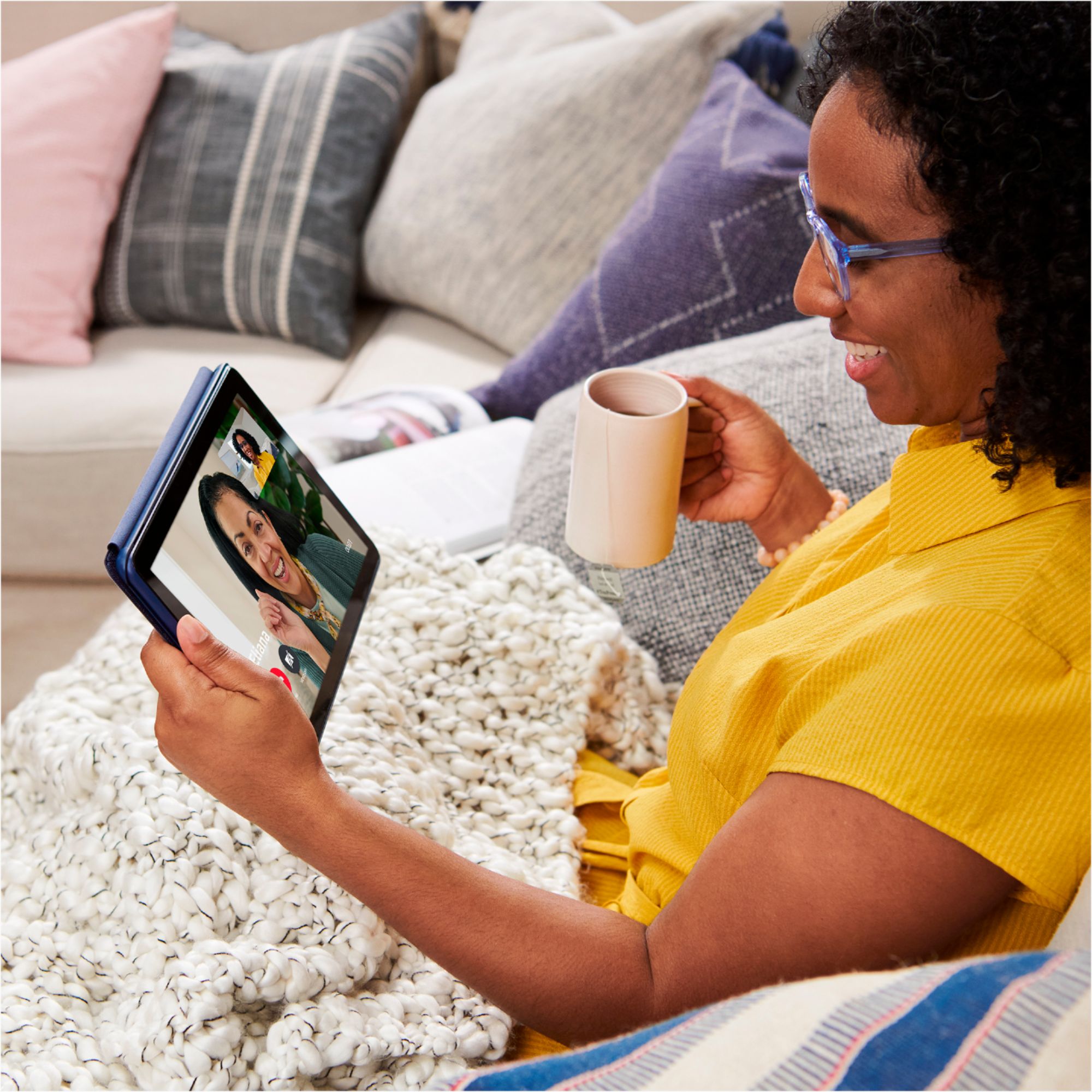
- A:Answer Hello GrandmaP! FaceTime is exclusive to Apple devices and is not available on any other platform. You are able to use Alexa Calling when this device is in Show Mode and can call anyone that has the Alexa app on their smartphone or that has an Alexa device such as an Echo or Echo Show. There are also a plethora of different communication apps available such as Zoom that can be downloaded from Appstore. I hope this helps answer your question and that you have a superb day!
Answered by Amazon Devices Customer Support
Q: Questionmust you have an amazon account to buy and use this?can you use this for emails and searches?
Asked by twig.
This question was asked about the related product: Amazon - Fire HD 10 – 10.1” – Tablet – 32 GB - Lavender
- A:Answer Hello twig! While you can skip the registration process to use this device with its pre downloaded content, you would want to register it to an Amazon account in order to be able to download new content from the Appstore and unlock all features available on this device. It does not require any subscription and it is free to set up an Amazon account if you don't already have one and it can be set up during the initial set up of the device. You can definitely use this device for emails and searches as well. Thanks so much for your questions and I hope you have an amazing day!
Answered by Amazon Devices Customer Support
Q: QuestionI use my fire HD 10 9th generation tablet for banking, but I cannot print out statements. Does the new 11th generation have that capability? I can print attachments from emails only.
Asked by Anonymous.
This question was asked about the related product: Amazon - Fire HD 10 – 10.1” – Tablet – 32 GB - Lavender
- A:Answer Hello! Yes, you can print from a Fire Tablet. First, you will need to pair your compatible wireless printer to your device. Here are the steps to do that: 1. Download an office app or a PDF viewer from the Amazon App store 2. Select the menu icon (three vertical dots) or select File for the item you wish to print then select Print. 3. Select Save as PDF then select All printers.... 4. Locate the IP address for your printer (refer to your printer's product's user guide). 5. Select the Add Printer icon (plus sign) to add a printer manually using the IP address of the printer. After you have done this, you should have access to print from that printer. Be sure to follow these steps to make sure you have the correct printer: 1. Make sure that your printer is turned on and connected to Wi-Fi. 2. Select the menu icon (three vertical dots) for the item or web page that you want to print, and then select Print. 3. Select your printer from the list or select All Printers for nearby printers. 4. Select the number of copies or tap More options to choose the paper's size, color, and orientation. 5. Tap Print. Have a great day!
Answered by Amazon Devices Customer Support
Q: Questionhow long is the battery life ?
Asked by donnamae8865.
- A:Answer Hello! This Fire HD 10 tablet has up to 12 hours battery life. Hope this helps and have a great day!
Answered by Amazon Devices Customer Support
Q: QuestionAll I need/want is to be able to download books from Amazon prime and other book vendors, gmail. Google search, card games and Peacock and Free To Me. Are all of these available options? Also with decent speed.
Asked by Hummingbird.
- A:Answer Hi Hummingbird, Yes, you can download books, look at email through your browser, play and download games, stream peacock and free to me on prime video. You can search for and download apps via the Amazon App store. The speed of the tablet will be determined by your wifi connection and router. Hope that helps!
Answered by Amazon Devices Customer Support
Q: QuestionDoes the tablet have a micro HDMI output slot.
Asked by Steve.
This question was asked about the related product: Amazon - Fire HD 10 – 10.1” – Tablet – 32 GB - Olive
- A:Answer No
Answered by AntonioH
Q: QuestionCan I download my tv/cable provider app to watch shows? Can you download abc,cbs,nbc?
Asked by Anonymous.
- A:Answer it all depends if your provider has a app compatible with the tablet or not.
Answered by Yess
Q: QuestionAre you able to download Google search Google on the tablet?
Asked by LGB9.
- A:Answer Hi Steve, The Amazon Fire 10.1 Tablet has Silk as the primary browser but you can browse thousands of websites and search Google as you wish. To do so you simply open the silk browser and type Google into the search bar, you can also bookmark it on your silk app and utilize it that way! Hope that helps!
Answered by Amazon Devices Customer Support
Best-selling tablets
- $219.99Your price for this item is $219.99
- $319.99Your price for this item is $319.99$349.99The comparable value for this item is $349.99
- $199.99Your price for this item is $199.99
- $159.99Your price for this item is $159.99$229.99The comparable value for this item is $229.99
- $149.99Your price for this item is $149.99
- $319.99Your price for this item is $319.99
- $102.99Your price for this item is $102.99$139.99The comparable value for this item is $139.99
- $429.99Your price for this item is $429.99$499.99The comparable value for this item is $499.99
- $129.99Your price for this item is $129.99$189.99The comparable value for this item is $189.99
- $579.99Your price for this item is $579.99$649.99The comparable value for this item is $649.99
- $269.99Your price for this item is $269.99
- $219.99Your price for this item is $219.99
- $399.99Your price for this item is $399.99
- $199.99Your price for this item is $199.99$269.99The comparable value for this item is $269.99
- $229.99Your price for this item is $229.99
- $999.99Your price for this item is $999.99
- $249.99Your price for this item is $249.99$319.99The comparable value for this item is $319.99
- $1,199.99Your price for this item is $1,199.99
- $399.00Your price for this item is $399.00