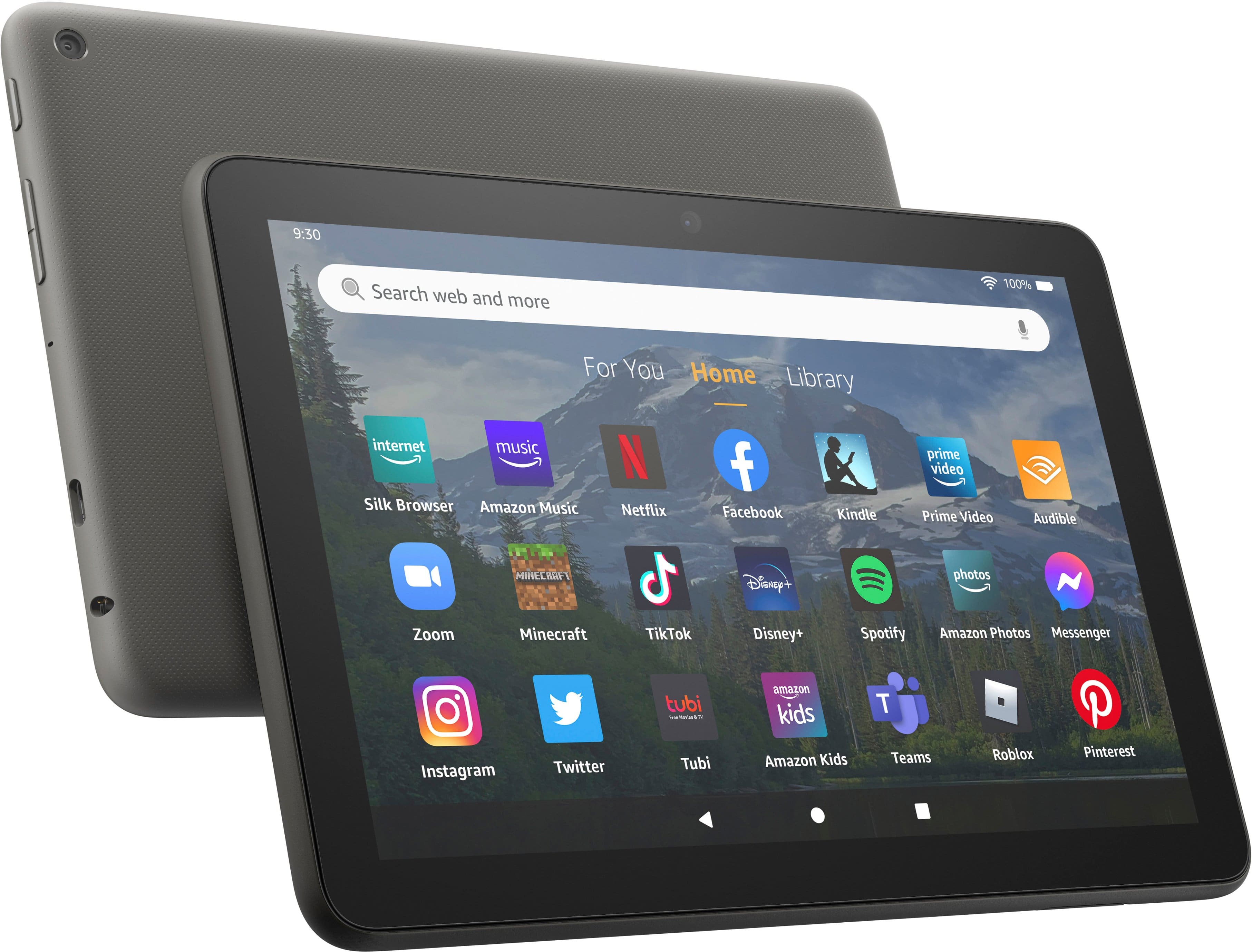
A:AnswerHi there, the Fire HD 8 and Fire HD 10 both work with OSMO as long as you have the Fire Tablet version of the reflector. Hope that helps, have a great rest of your day!
A:AnswerHello! Hello! Yes, the Yahoo app can be downloaded to your Fire Tablet. You can also use Yahoo in the web browser. You can download games and apps and use them on the go by following these steps: 1. Select Games & Apps or open the Apps or Games app. 2. Select an app from your Library to download it or search for a new app in the Store. Have a great day!
A:AnswerHello J! Yes, games and apps can be downloaded to your Fire Tablet. You can download games and apps and use them on the go by following these steps: 1. Select Games & Apps or open the Apps or Games app. 2. Select an app from your Library to download it or search for a new app in the Store. Have a great day!
A:AnswerHi Xly! You can definitely use the Fire HD 8 to access and read PDF files, I usually just open them in the Kindle app for simplicity's sake. You can also access additional PDF readers on the Amazon App Store if you need something with more features. Hope that helps, have a great rest of your day!
A:AnswerHello Felix and thank you for your question! There is no official Cricut Access support via software or apps on this device as there is not currently an app for it available on the Appstore. You can access Cricut on the Silk web browser and may be able to use most if not all of the service through their website. I hope this helps answer your question and that you have an amazing day!
A:AnswerHi route66! The Fire Tablets with the best Rear facing camera would be the Fire HD8 Plus, Fire HD10, and Fire HD10 Plus. All three of these models have a 5MP rear-facing camera, and will give the best picture quality of the Fire Tablet lineup. Thanks for your question, have a great day!
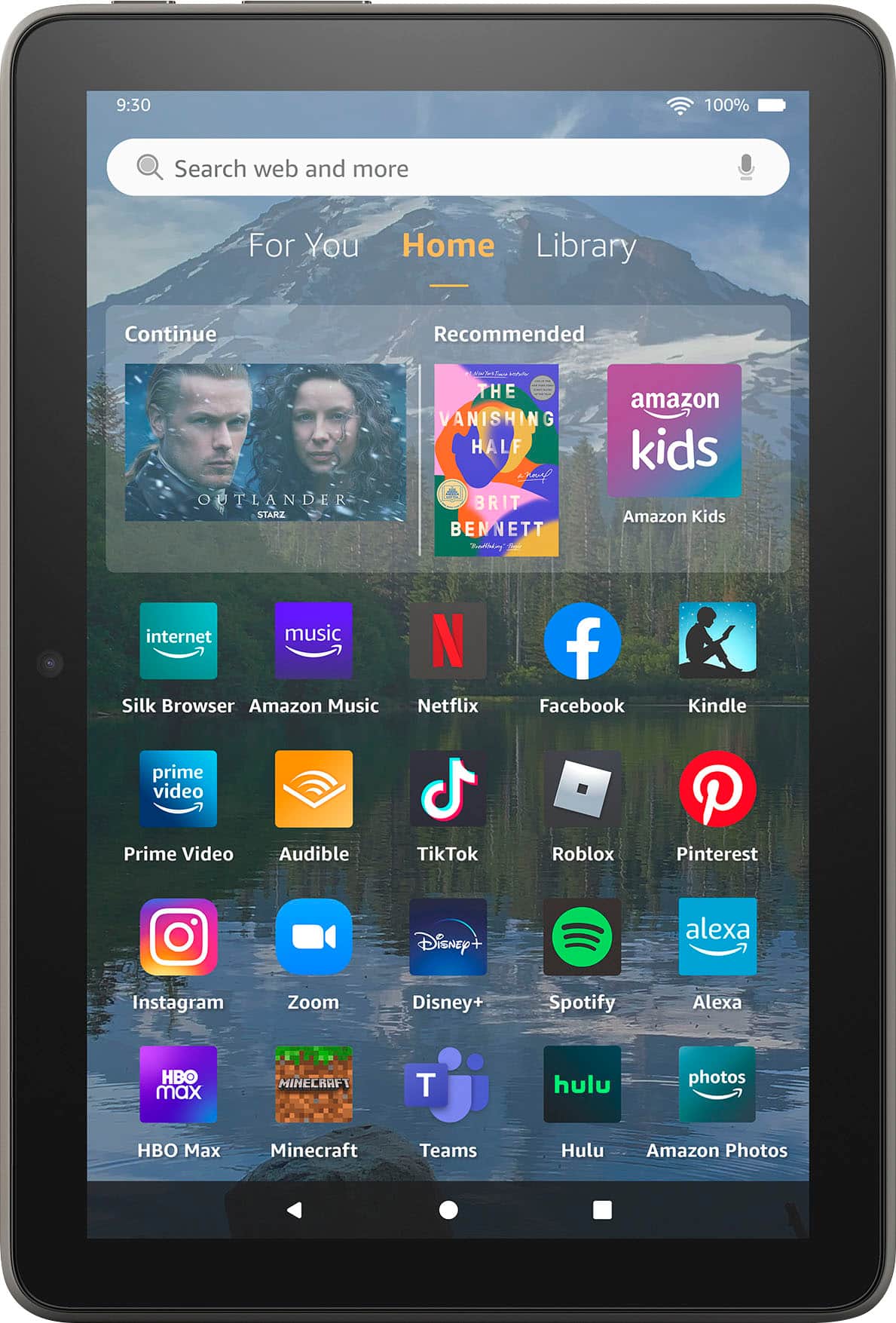
A:AnswerYes, multiple apps like a metronome or tuning meter app can be downloaded to your Fire Tablet. You can download games and apps and use them on the go by following these steps: 1. Select Games & Apps or open the Apps or Games app. 2. Select an app from your Library to download it or search for a new app in the Store. Individual apps may have charges, but there is no charge to use your Fire Tablet on wifi. Lots of apps will work without a wifi connection as well. Have a great day!
A:AnswerIt has a built in wifi antenna, so it will connect to WiFi easily. If what you're looking for is a built in connection to cell based service, there may be models available through providers that do thst, but this particular model doesn't.
A:AnswerThe fire tablets are modified Android OS. You cannot directly download from Google play, but there are hacks to allow you to do so. Amazon store has many apps.