Black Friday is hereShop new DoorbustersShop now

Main Content

Questions & Answers

Page Showing 1-4 of 4 questions
  • QuestionI bought 2 remote controls neither of them work. How do I get it paired.?

    Asked by microwave.

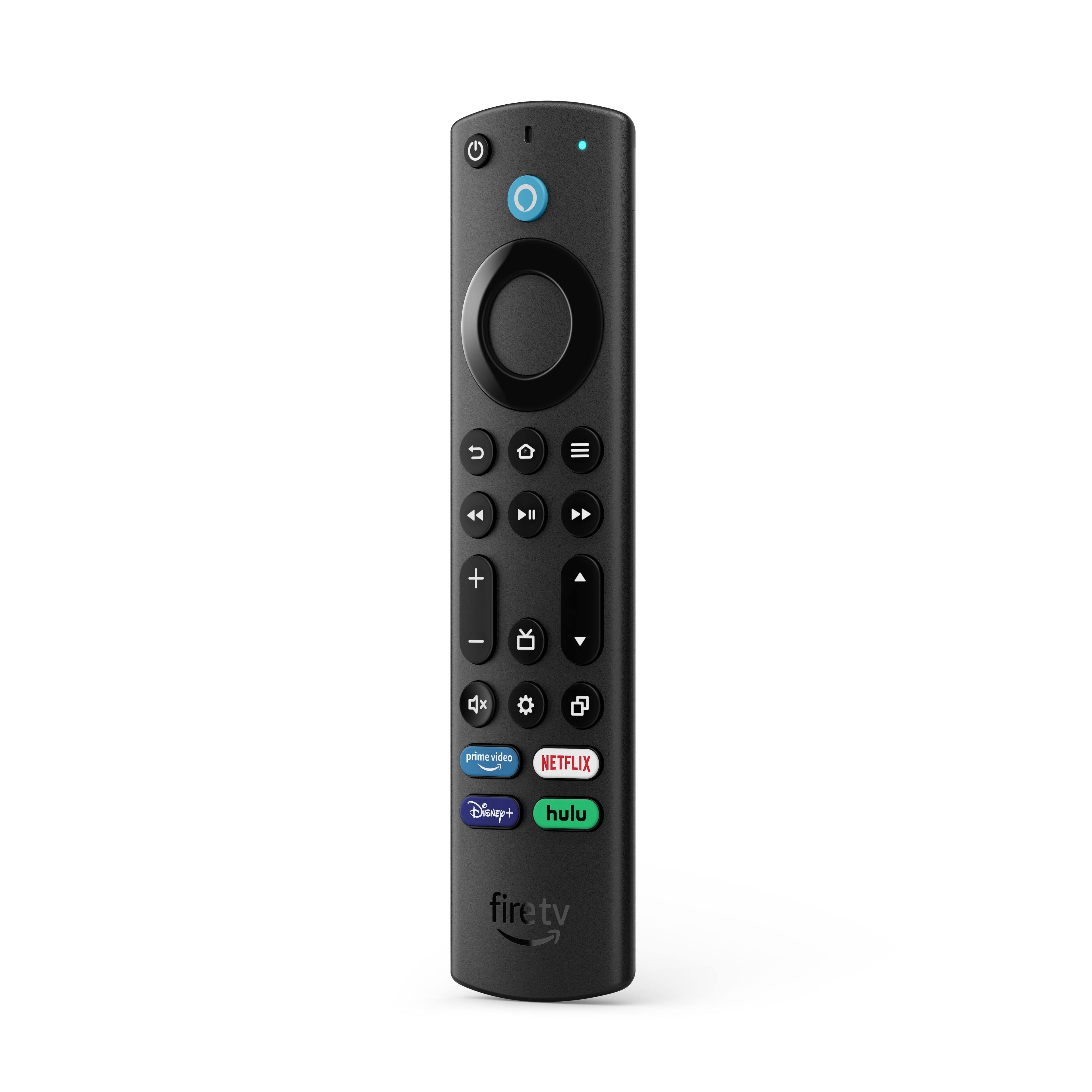
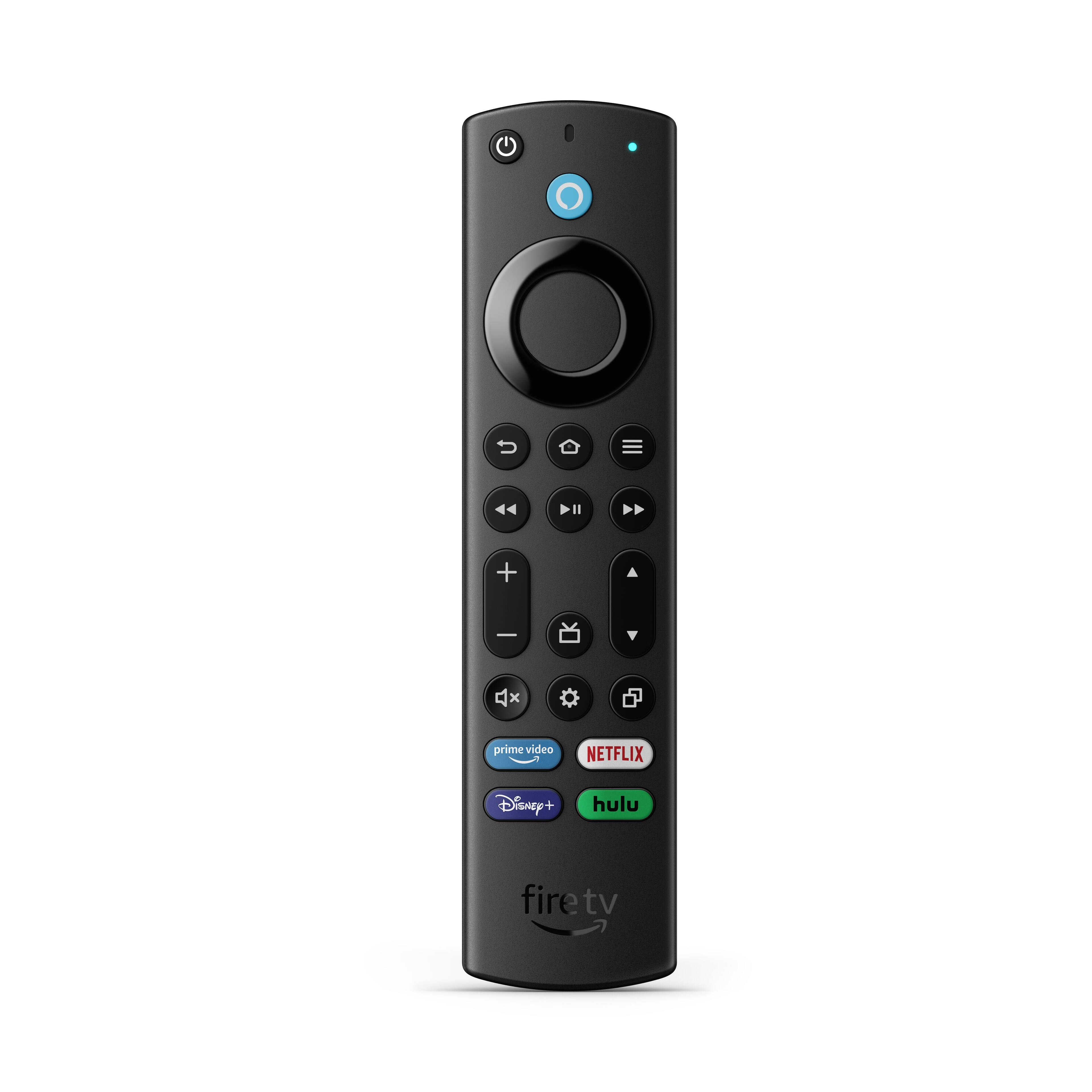
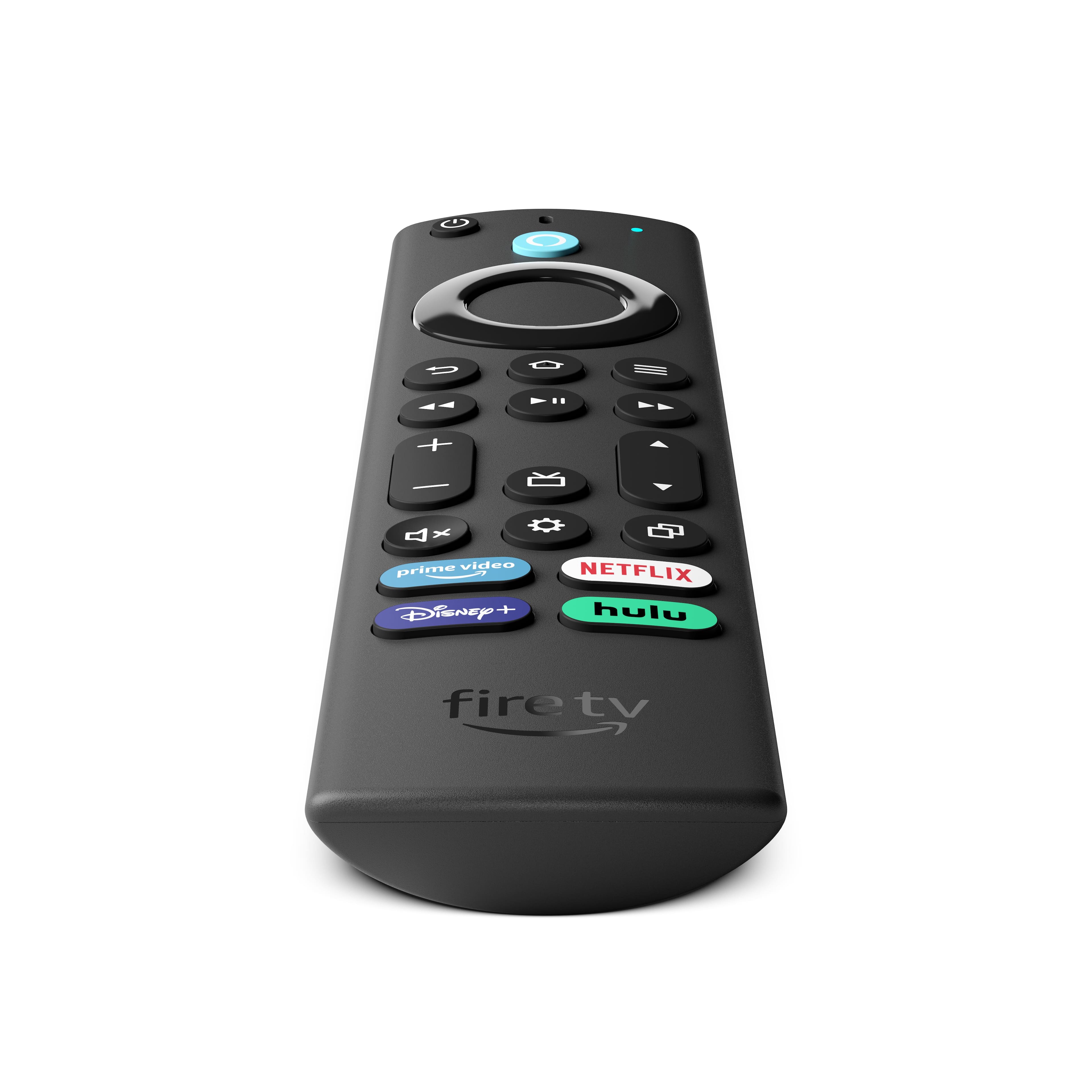
    • Answer Hi Noreen! First, ensure that the replacement remote that you are purchasing is compatible with your device. This remote is for the Omni/4-Series Fire TV. If you need a replacement remote for a Fire TV Stick or Toshiba/Insignia/Pioneer Fire TV, then you will need to purchase the remote that is compatible for these devices. If you are having issues connecting your Fire TV remote, you can try these troubleshooting tips: -Replace the batteries in your remote. -Move your remote closer to your Fire TV device, within 10 feet (3 m). -Unplug your Fire TV device from the power cord or adapter then plug it back in. -Use the Fire TV app to pair your remote. -If you have seven controllers paired, remove one of them before attempting to pair another. I hope that helps get your device working. Have a great day!
      Answered by Amazon Devices Customer Support

  • QuestionFire Tv remote when I am using the controller part of the mouse buttons after putting in the password on the keyboard of tv it shoots straight to the bottom and stays there until I shut it off !! Why??

    Asked by Tim.

    • Answer Hello Tim! I am so sorry you are having trouble with your Fire TV Alexa Voice Remote. I would recommend trying to reset and pair your remote to your TV again. The steps are as follows: 1. Unplug your Fire TV and wait 60 seconds. 2. Press and hold the Left button, Menu button, and Back button at the same time. Hold them for 12 seconds. 3. Release the buttons and wait 5 seconds. 4. Remove the batteries from your remote. 5. Plug in your Fire TV and wait 60 seconds. 6. Put the batteries back in your remote. 7. Press the Home button on the remote. 8. When the LED indicator blinks blue, your remote is paired successfully. If it's not paired, press the Home fire tv remote home button button for 10 seconds. If this does not correct the issue then I would suggest contacting Amazon Customer Service while at home in front of the device so they can help troubleshoot further with your specific issue. I hope this helps some and that you have an amazing day!

      Answered by Amazon Devices Customer Support

  • QuestionWhat sound bar does this remote support?

    Asked by karin63.

    • Answer Hi karin63! You can control a soundbar’s audio levels with a Fire TV remote. It can be done through HDMI CEC or by adding the soundbar to equipment controls under the settings menu. This will work on a variety of sound bars currently available. I hope this helps answer your question, have a great day!

      Answered by Amazon Devices Customer Support

  • QuestionSo does this not work with the toshiba tv?

    Asked by Sleeper.

    • Answer It does, My dog chewed up the original remote that came with my Toshiba FireTv so I bought this remote and it works with my tv.

      Answered by GabbieSpires