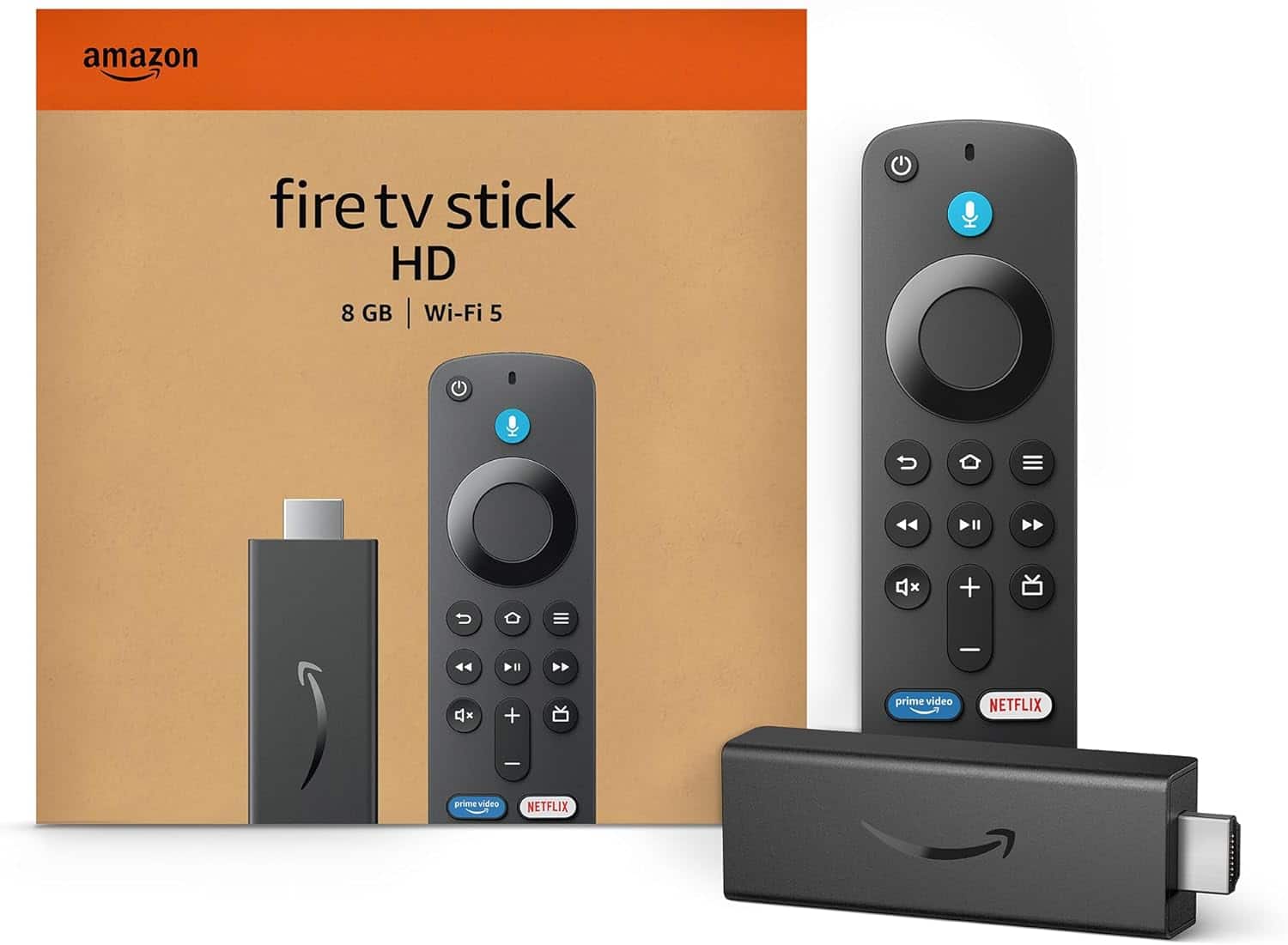
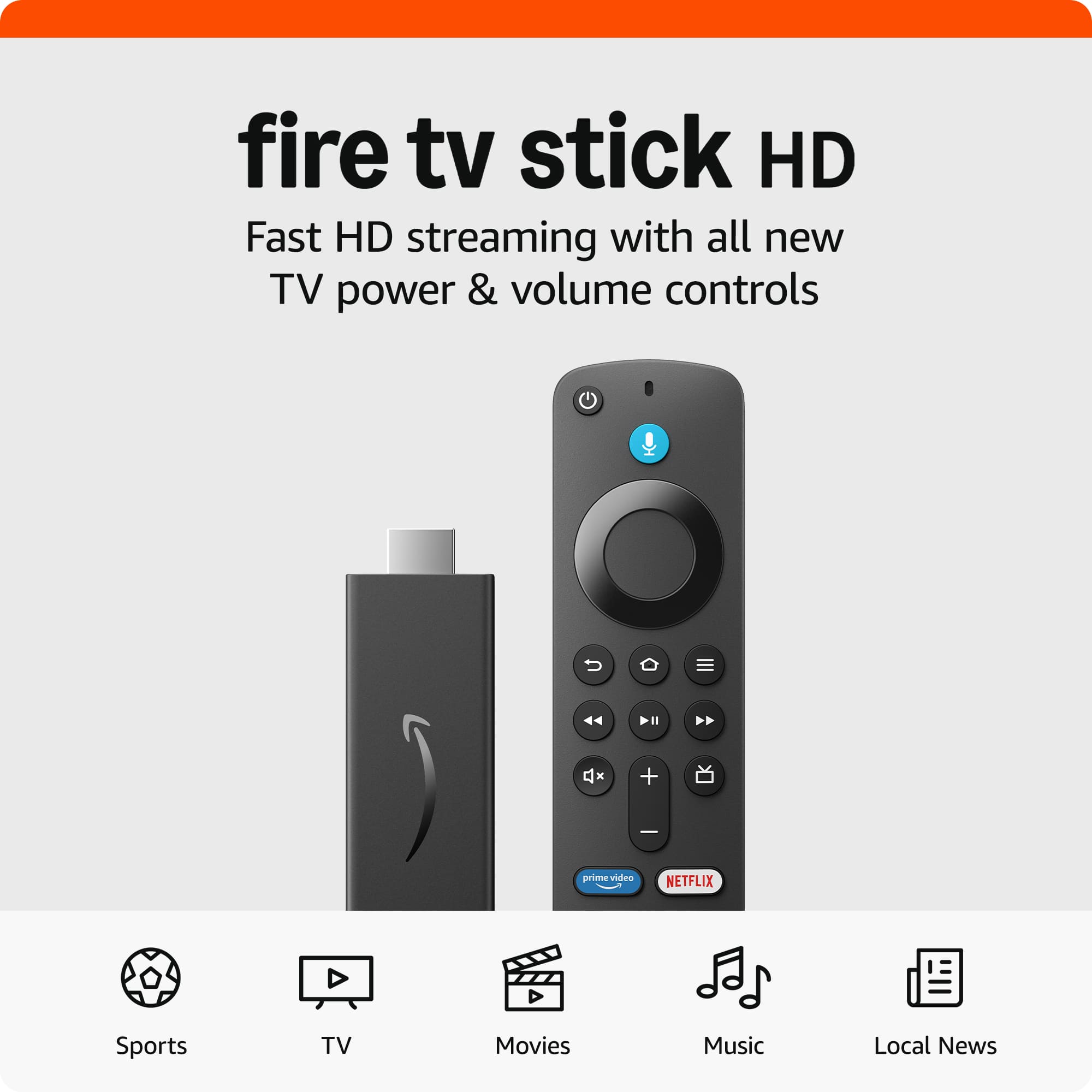
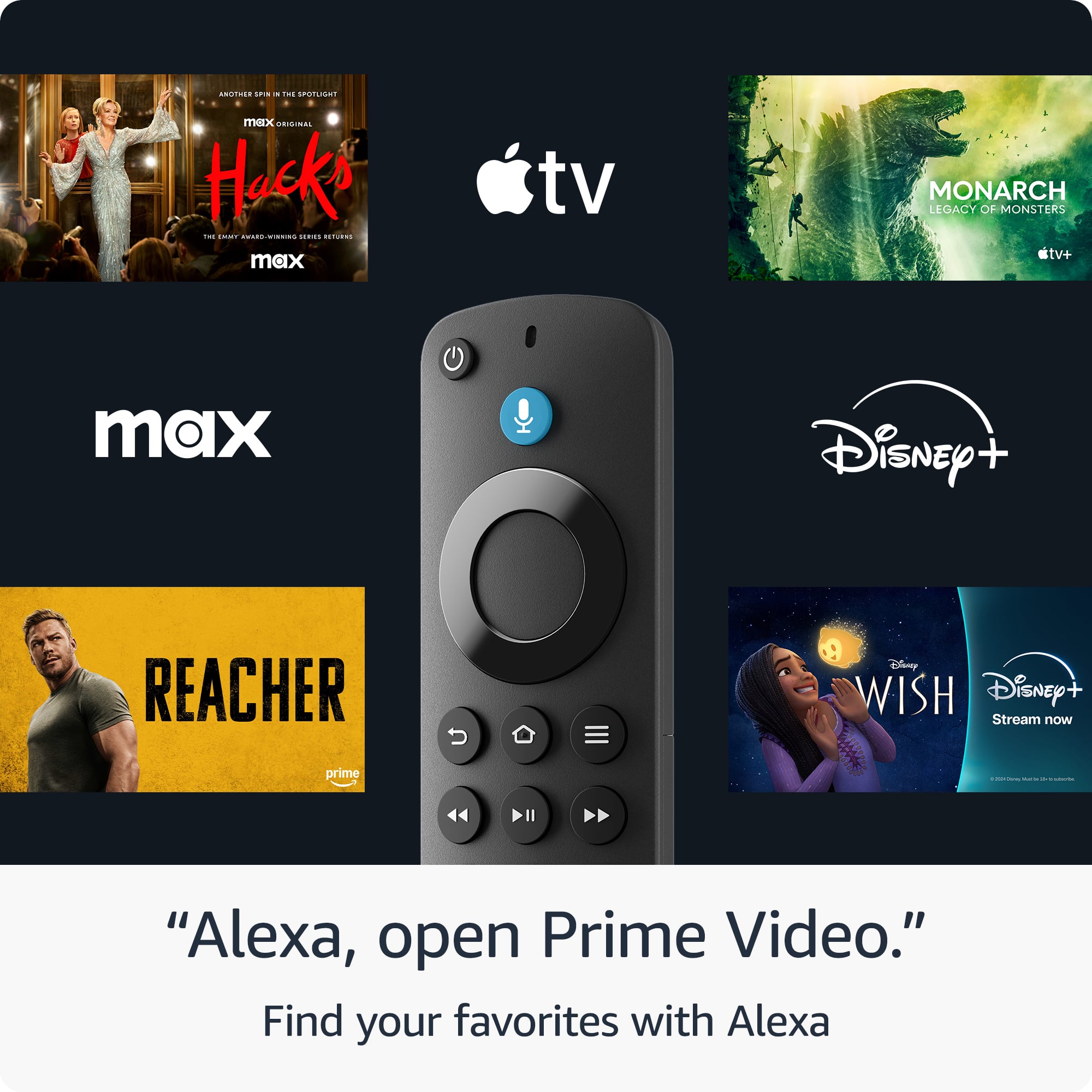
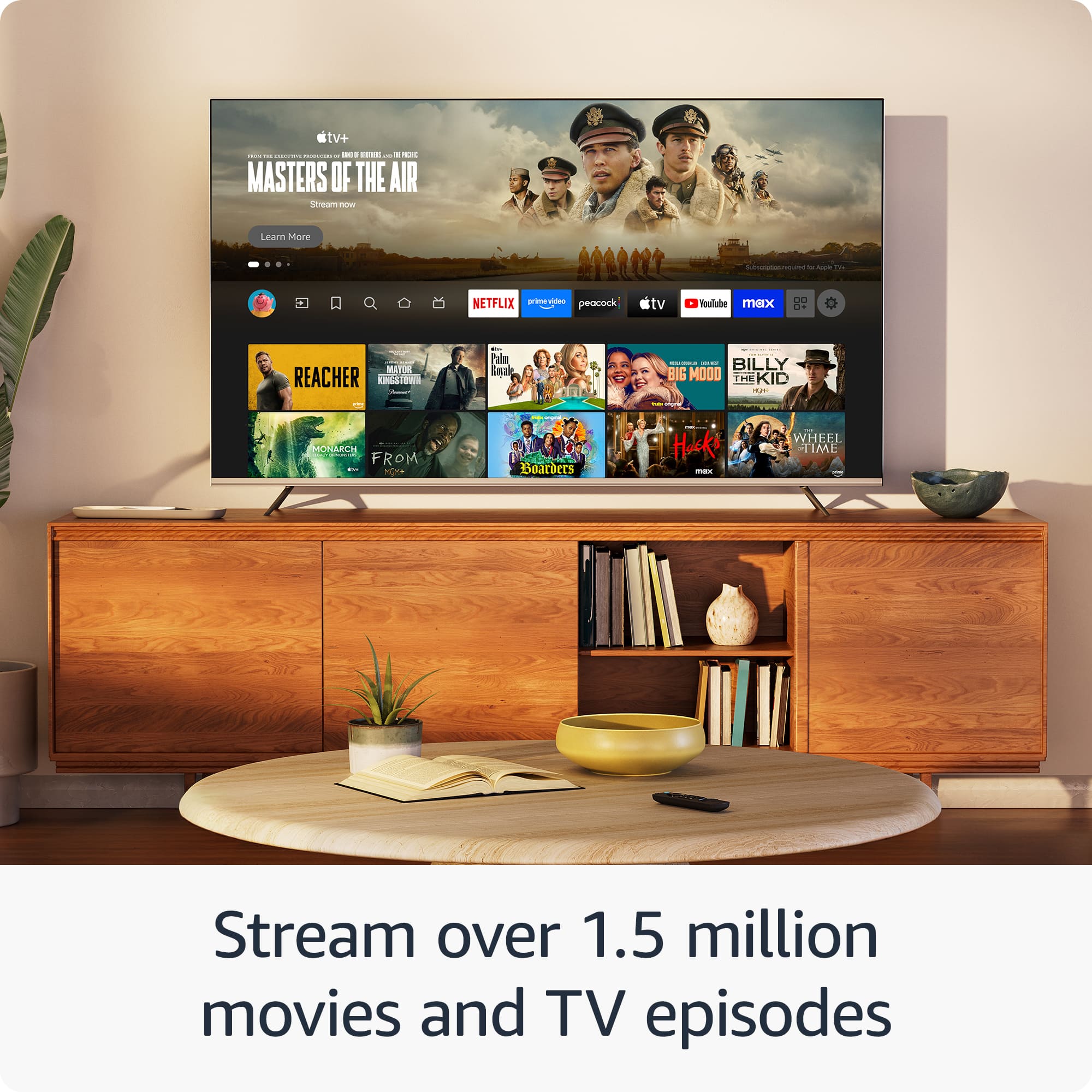
A:AnswerIt comes with many free apps and channels like YouTube, Pluto TV, Freevee, Tubi, and others. The exact number can change over time as apps are added or updated.
A:AnswerThe only thing u have to pay monthly is whatever subscriptions you get like Netflix, HBO, Disney etc but as far using YouTube or any free streaming sites they’re no recurring fees they’re are a lot of free streaming sites but they have ads tho if you get a fire tv it’ll be better u can manage all inputs and if u have an antena u can watch live tv easier
A:AnswerYes, I will be able to download and use the Paramount+ app on a Fire TV Stick.
Paramount+ is available directly in the Amazon Appstore, so I can install it easily and stream without any issues. This works on Fire TV Stick HD, 4K, and 4K Max models.
A:AnswerYes — in most cases it will work, but it depends on the model of your Amazon Fire TV.
Generally compatible with:
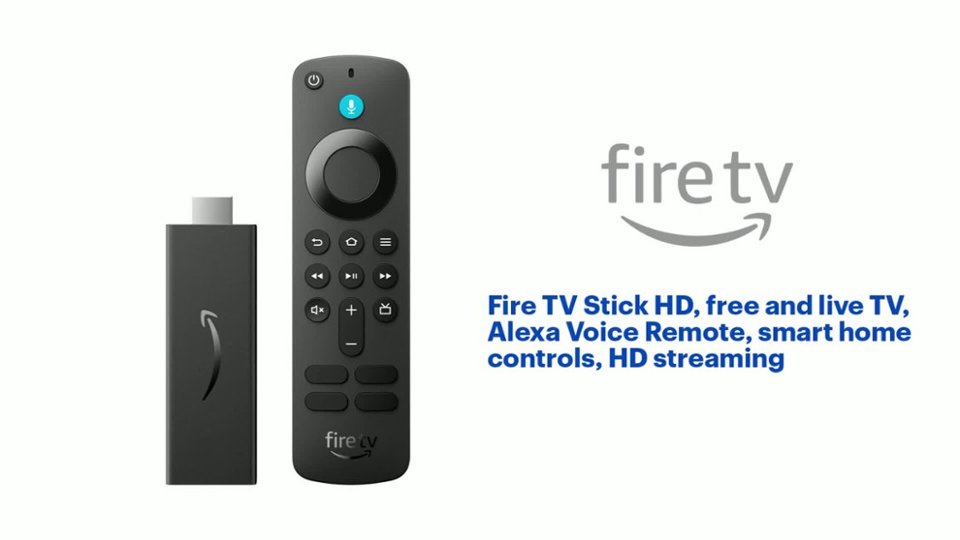
• Fire TV Stick (HD, 4K, 4K Max)
• Fire TV Cube
• Most Fire TV–enabled TVs (Toshiba, Insignia, some TCL models)
A:AnswerYes, you can play games on it, but cloud gaming support is limited on a Fire TV Stick.
What works:
• Casual games from the Amazon Appstore
• Some simple controller-based games
• Amazon Luna (Amazon’s own cloud gaming service) works best and is officially supported
A:AnswerThe Big Ten Network (BTN) is available on a Fire TV Stick through the BTN app in the Amazon Appstore.
Important notes:
• You’ll need a TV provider login (such as Xfinity, Spectrum, DirecTV, YouTube TV, Hulu + Live TV, etc.) to watch live BTN content.
• There is no standalone BTN subscription; access is tied to a supported TV provider.
A:Answer• Roku → simpler, cleaner, easier to use
• Fire TV Stick → more features, Alexa, more customizable
Recommendation: For easy streaming (BritBox, Paramount+, BTN), Roku is usually the better choice.