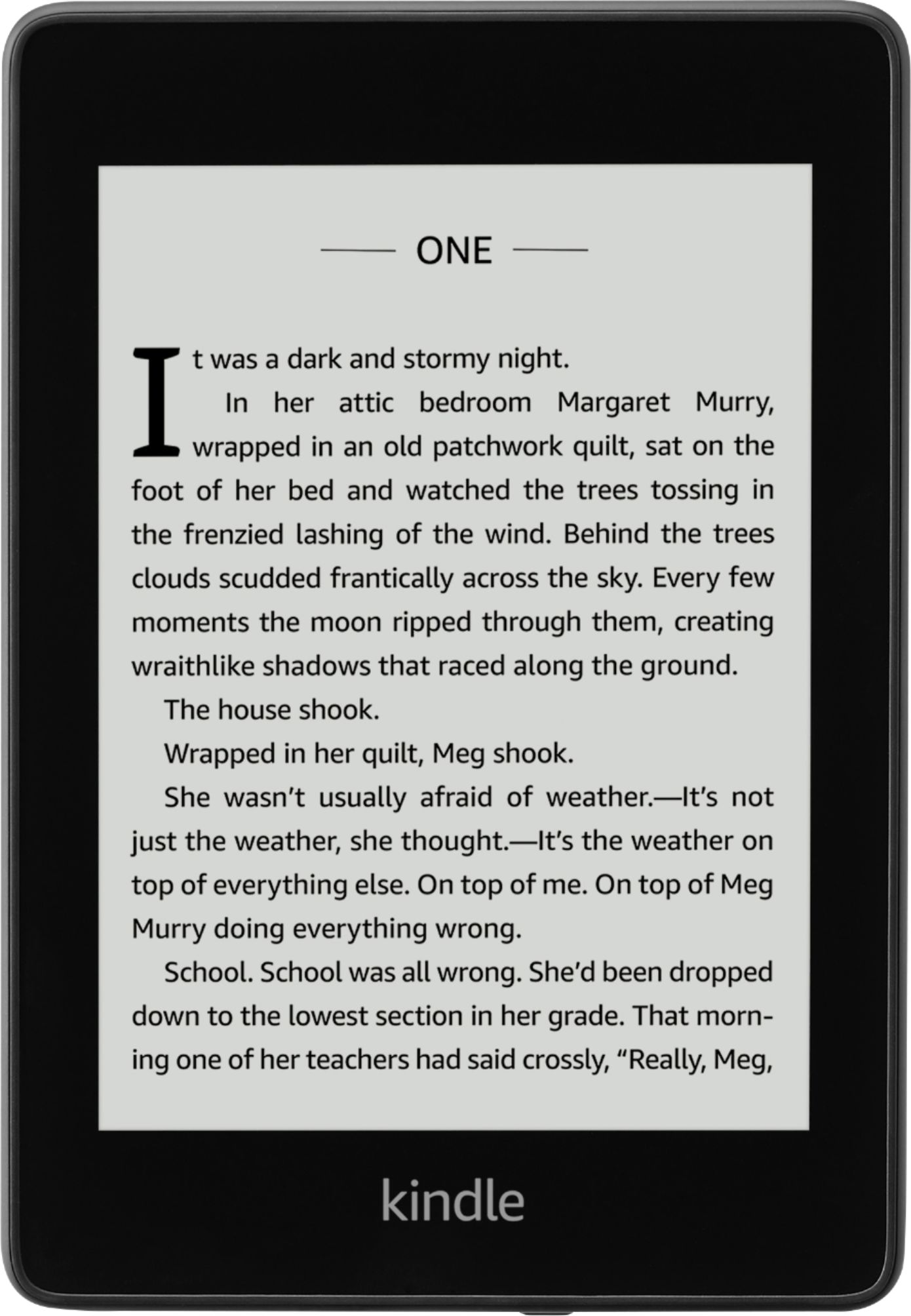
A:Answer Hello, Lucy! It looks like the device you are looking at here comes with the special offers. Those Special Offers are displayed as a screensaver when your Kindle e-reader is in sleep mode. If you are wanting to remove them, here is how to do that: 1. Open your Alexa app and go to Manage Your Content and Devices.
2. Select Devices, and then select your device.
3. Under Special Offers, click Remove offers. A pop-up window then displays the price to remove special offers. Select End Offers and Pay the Fee to proceed.
I hope that helps answer your question! Have a great day!