Questions & Answers
- Model:
- B0CZ9TDDN6
- |
- SKU:
- 6603850
Highly rated by customers for: Portability, Battery Life, Note Taking
$279.99Your price for this item is $279.99
Comp. Value: $419.99
The comparable value price is $419.99
Page Showing 1-11 of 11 questions
Q: QuestionHow is the Kindle Scribe's display for reading in different lighting conditions?
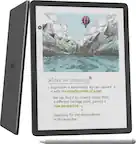
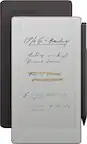
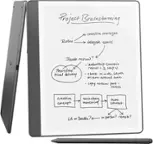
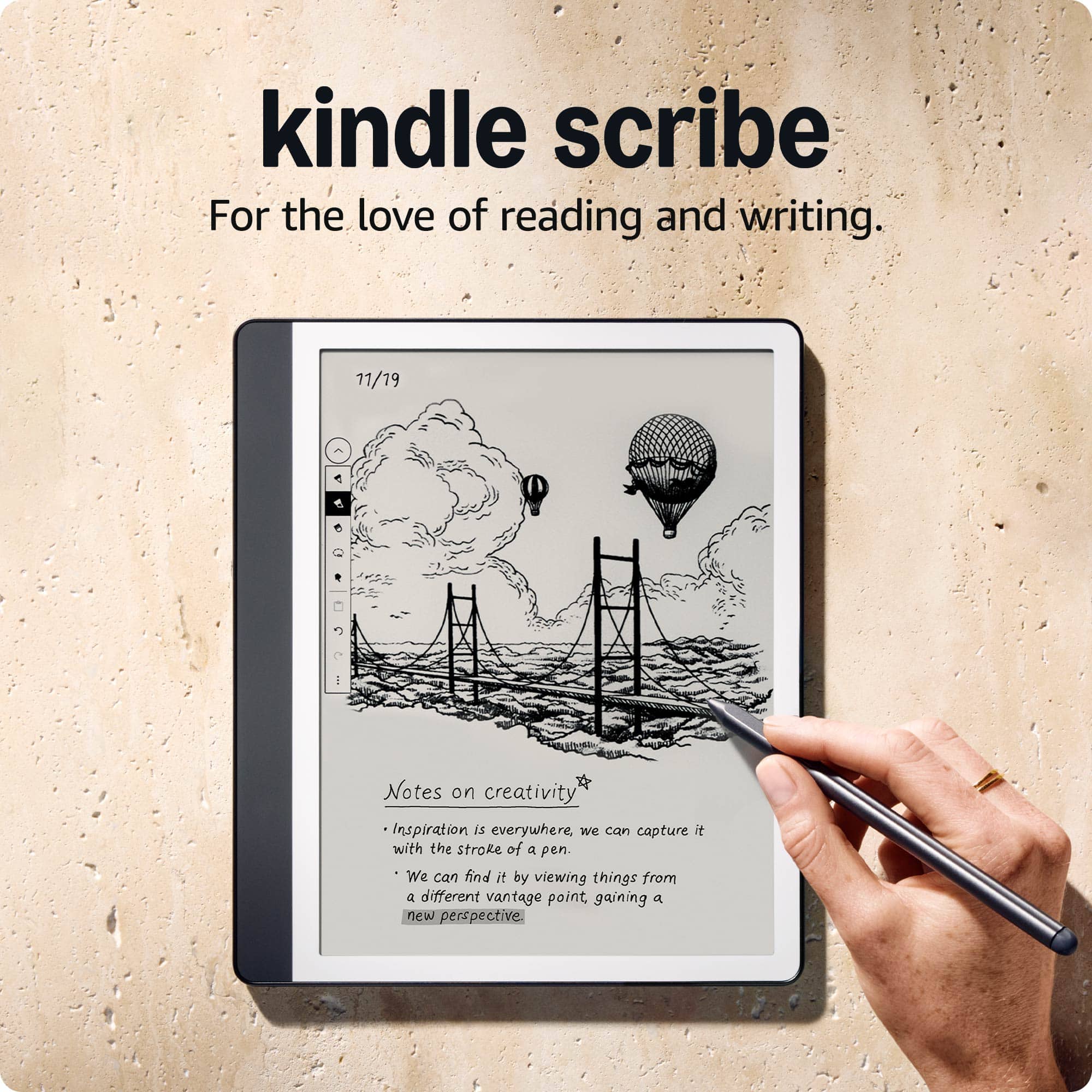
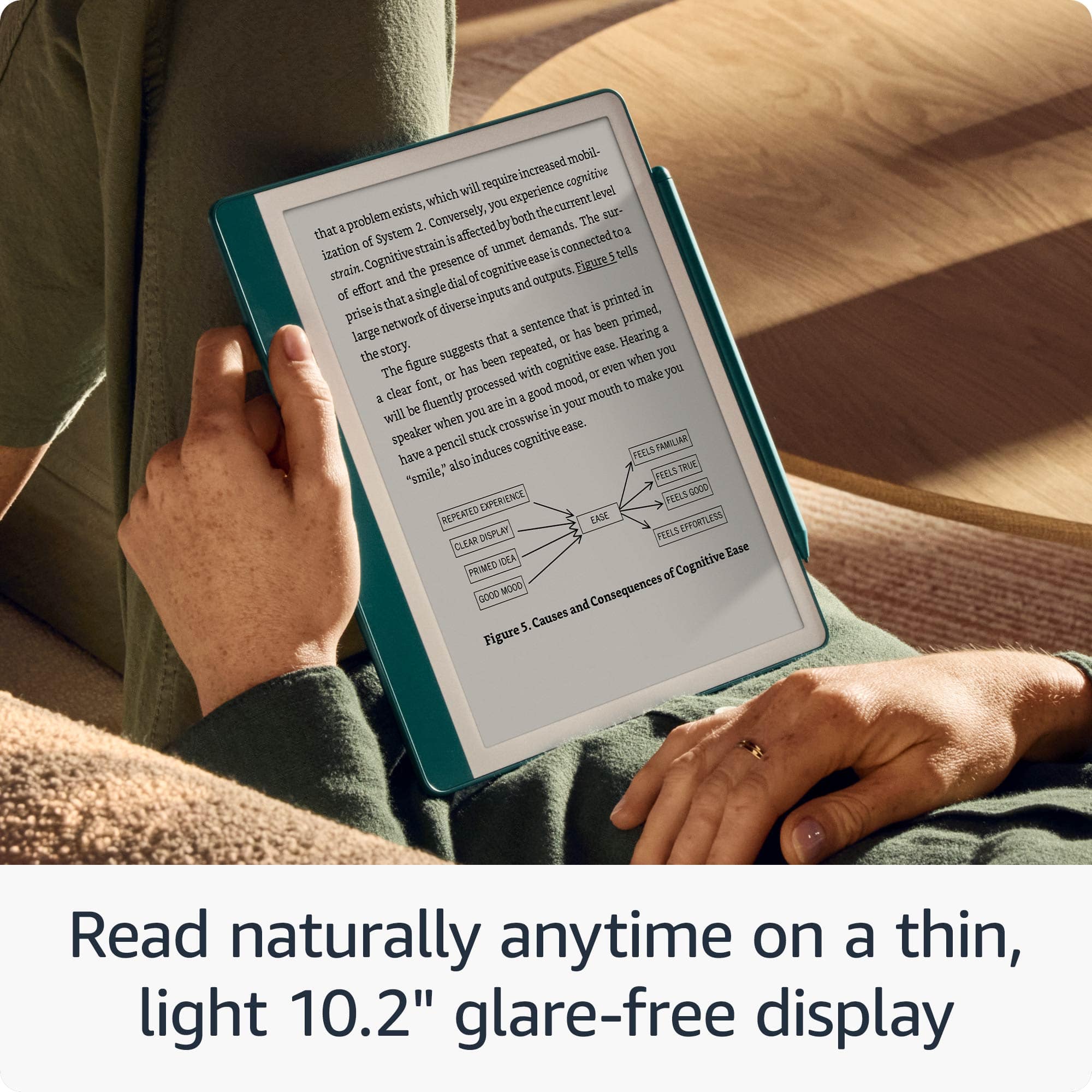
- A:Answer The Kindle Scribe has a 10.2-inch glare-free, 300 ppi front-lit display designed for reading in any light, both indoors and outdoors.
This question and answer was generated by AI based on customer and product data.Q: QuestionHow much storage space does the Kindle Scribe have?
- A:Answer This Kindle Scribe model comes with 32GB of total storage capacity.
This question and answer was generated by AI based on customer and product data.Q: QuestionWhat type of battery does the Kindle Scribe use?
- A:Answer The Kindle Scribe uses a Lithium-ion battery.
This question and answer was generated by AI based on customer and product data.Q: QuestionWhat is the screen size of this Kindle Scribe?
- A:Answer The screen size of the Kindle Scribe is 10.2 inches.
This question and answer was generated by AI based on customer and product data.Q: QuestionCan I write directly on books with this device?
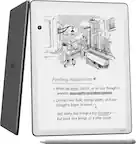
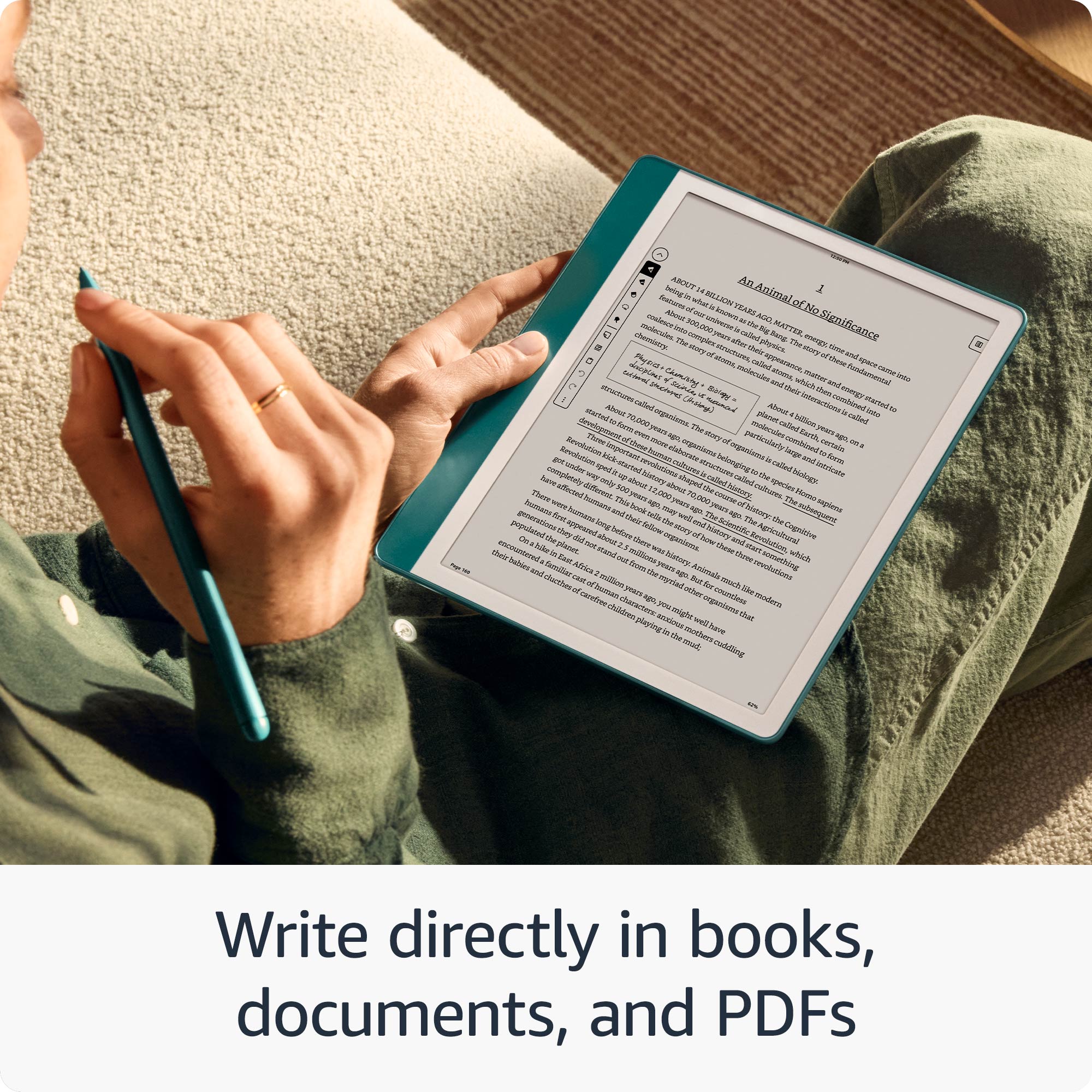
- A:Answer Yes, you can start writing directly on the page of a book, and Active Canvas will create space for your notes.
This question and answer was generated by AI based on customer and product data.Q: QuestionDoes the Kindle Scribe come with a pen?
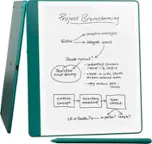
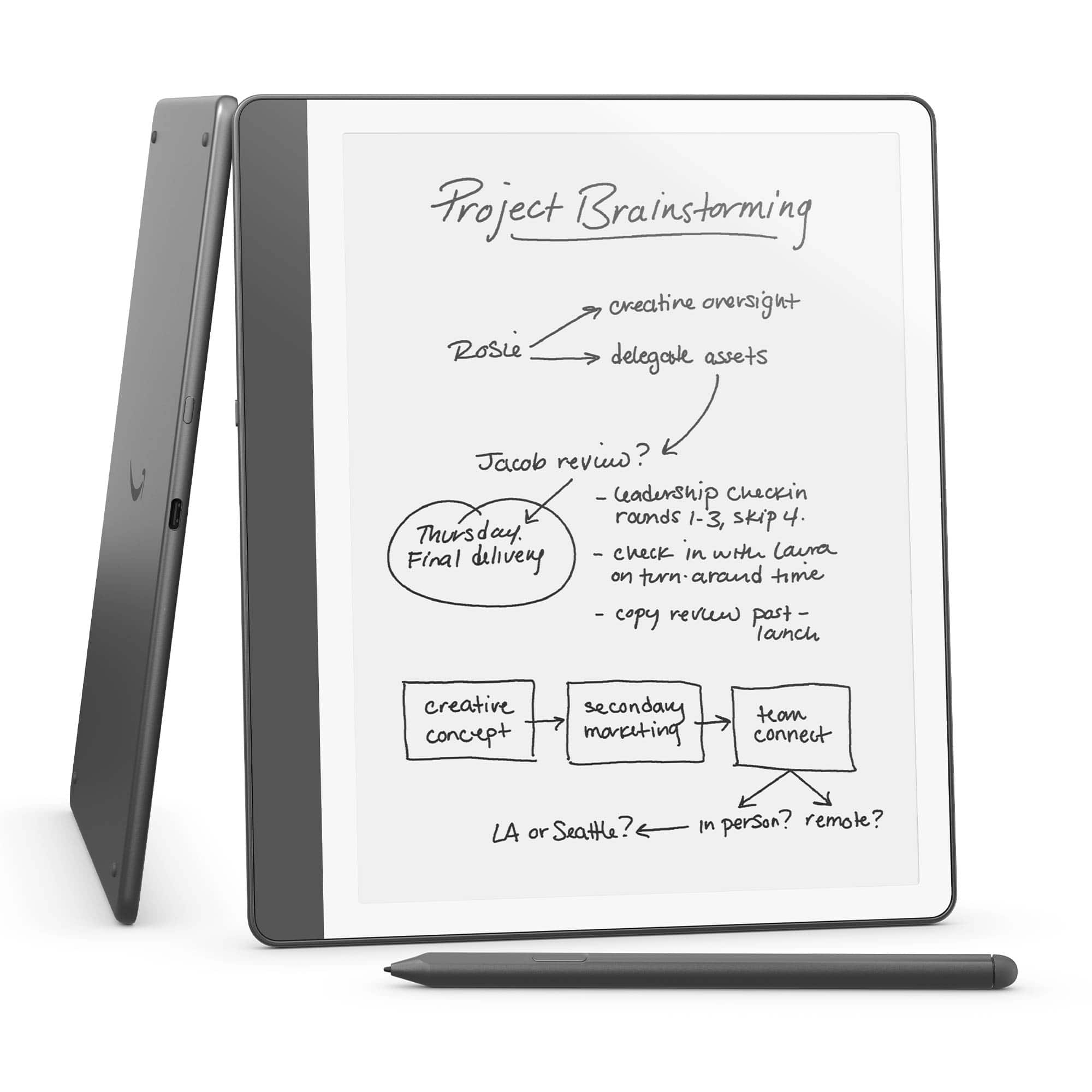
- A:Answer Yes, the Kindle Scribe comes with a Premium Pen included.
This question and answer was generated by AI based on customer and product data.Q: QuestionDoes this have AI features?
Asked by RonW.
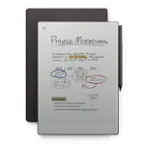
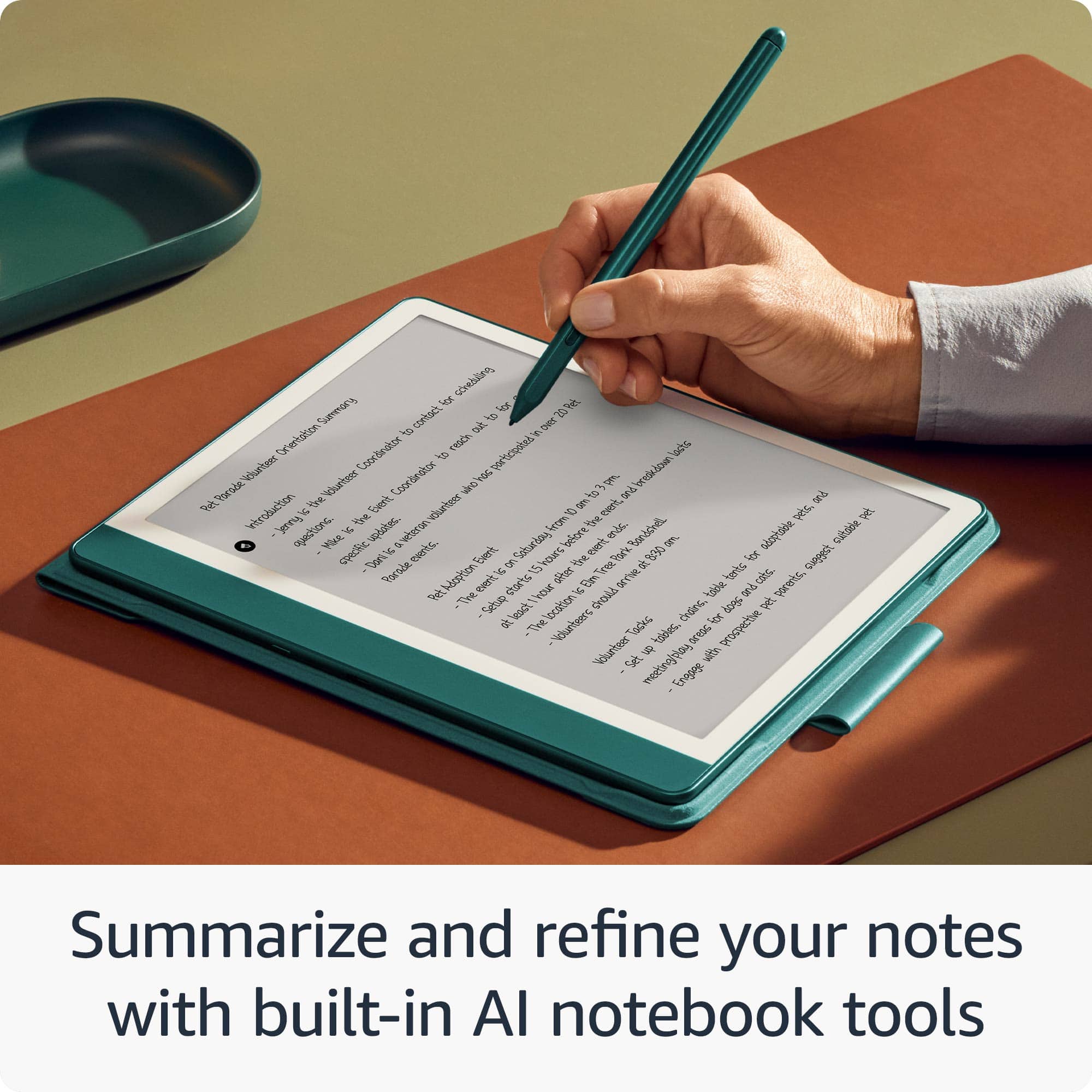
- A:Answer Hello QuietQ. Thank you for your question about the Kindle Scribe's AI features. The Kindle Scribe does indeed include AI features that enhance its functionality: The Notebook Summarization feature, powered by generative AI, is built into the Kindle Scribe notebook. It allows you to quickly create a summary of your notes, which can be incredibly helpful for reviewing or organizing your thoughts. If you're writing in a hurry or your handwriting isn't as neat as you'd like, the Scribe offers a refinement feature. This AI-powered tool can convert your handwritten words into a script font, giving your notes a more polished and elegant appearance. I hope that helps, have a great day!
Answered by Amazon Devices Customer Support
Q: QuestionCan you upload google docs and write on them?
Asked by Bob.
- A:Answer Hi Bob! While there isn't a direct Google Docs import feature, you can use the Send to Kindle feature to import a PDF version of your document and write directly on it using the Kindle Scribe. While this won't allow you to edit the PDF directly, it's great for taking notes and collecting your thoughts before putting together another draft. I tend to just use the email version of Send to Kindle: "To find your Send to Kindle email address, go to Manage Your Content & Devices > Preferences > Personal Document Settings. 2 Only approved email addresses can send files to your Kindle library. Before sending, make sure the account you'll use is on your Approved Personal Document E-mail List in your Personal Document Settings. 3 Send your file as an attachment to your Send to Kindle email address. You don't need to include a subject line." I hope that helps, have a great rest of your day!
Answered by Amazon Devices Customer Support
Q: QuestionUpload your notes to your computer
Asked by Scribe.
- A:Answer Hello You can move your notes from your Kindle Scribe to your computer by connecting your Scribe to your computer via USB cable. Your Scribe will appear as a removable drive in the File Explorer. From there you can copy or download your notes to your computer. You can also email your notes to yourself using the Kindle Scribe's share function. I hope this information helps. Have a great day!
Answered by Amazon Devices Customer Support
Q: QuestionCan you download books just like a standard kindle and use to study by including your own notes inside the book just as if writing or highlighting in a textbook? Am I reading this right?
Asked by StudyAid.
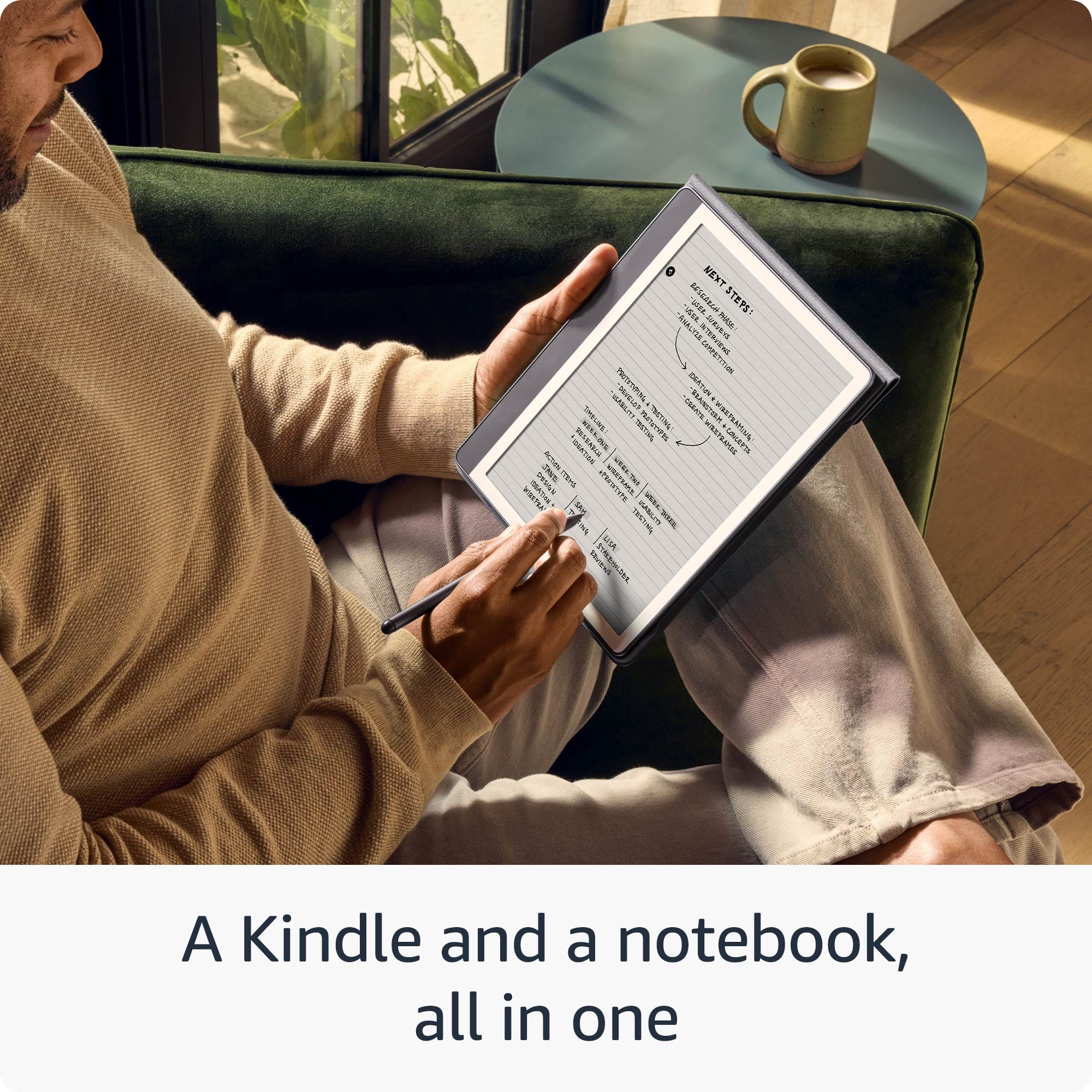
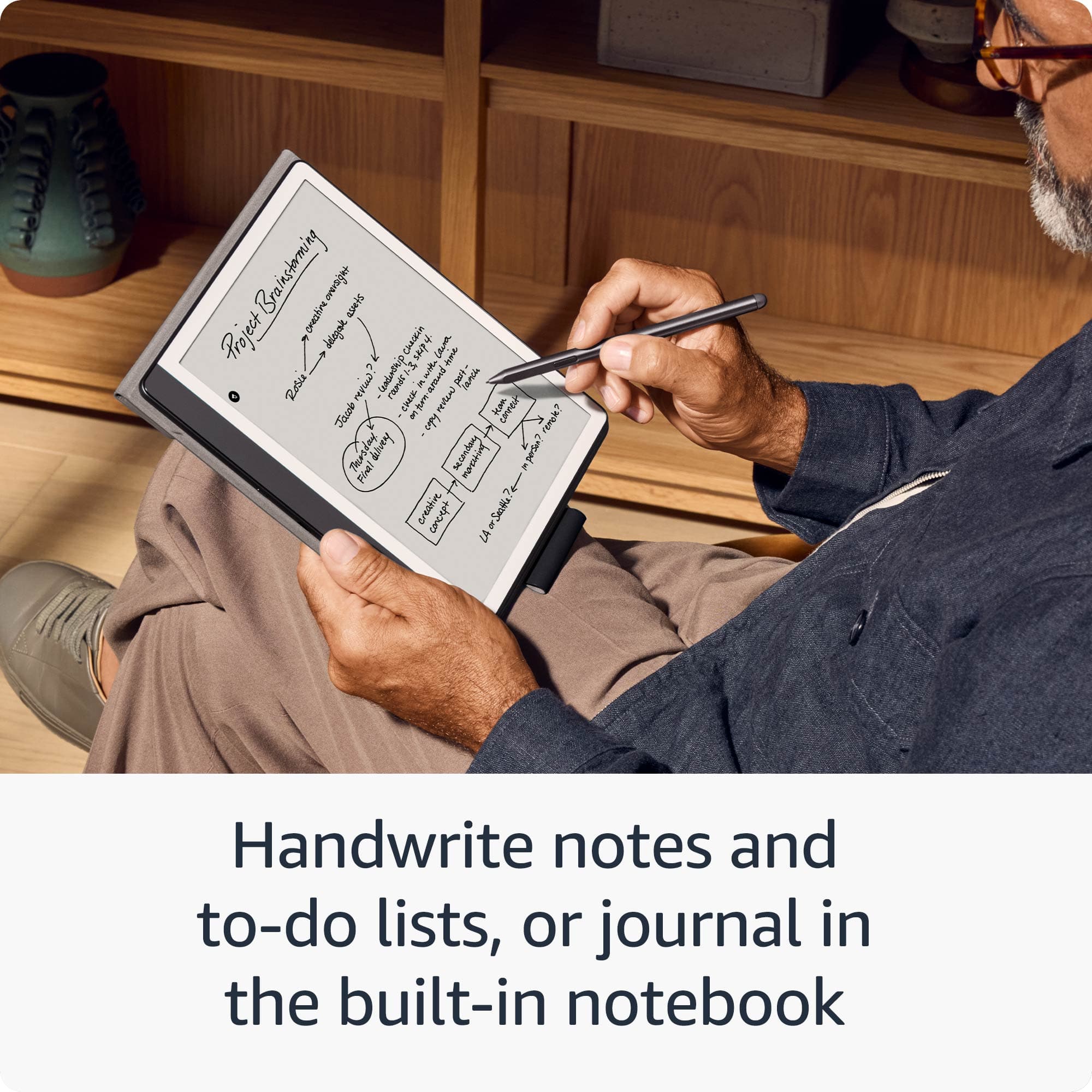
- A:Answer Hello, StudyAid. Yes, the Kindle Scribe can download books, just like the other Kindles in the Kindle device lineup. You can read and annotate books or documents, or write to-do lists, take meeting notes, or journal in a separate notebook. I hope this information is helpful. Have a great day!
Answered by Amazon Devices Customer Support
Page 1, Showing 1-11 of 11 questions
Best-selling e-readers
- Black Friday Deal$79.99Your price for this item is $79.99
- Black Friday Deal$124.99Your price for this item is $124.99
- Black Friday Deal$169.99Your price for this item is $169.99
- Black Friday Deal$149.99Your price for this item is $149.99
- $309.99Your price for this item is $309.99$449.99The comparable value for this item is $449.99
- $229.99Your price for this item is $229.99$279.99The comparable value for this item is $279.99
- $189.99Your price for this item is $189.99$269.99The comparable value for this item is $269.99
- $134.99Your price for this item is $134.99$179.99The comparable value for this item is $179.99
- $94.99Your price for this item is $94.99$129.99The comparable value for this item is $129.99
- $199.99Your price for this item is $199.99$229.99The comparable value for this item is $229.99
- $139.99Your price for this item is $139.99
- $279.99Your price for this item is $279.99$399.99The comparable value for this item is $399.99
- $399.99Your price for this item is $399.99
- $159.99Your price for this item is $159.99
- $529.99Your price for this item is $529.99
- $308.99Your price for this item is $308.99$338.99The comparable value for this item is $338.99
- $223.99Your price for this item is $223.99$253.99The comparable value for this item is $253.99
- $349.99Your price for this item is $349.99$399.99The comparable value for this item is $399.99
- $159.99Your price for this item is $159.99