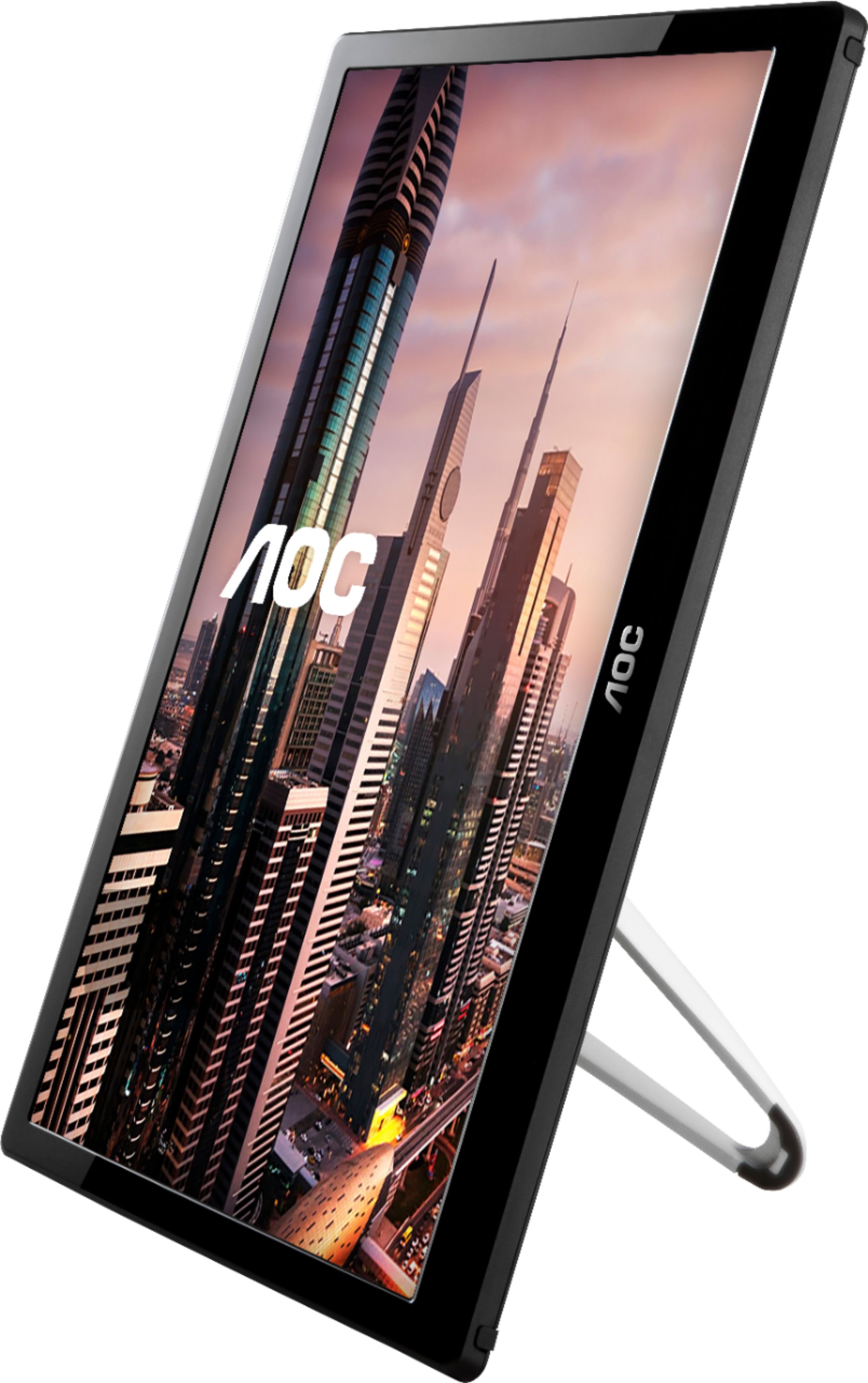
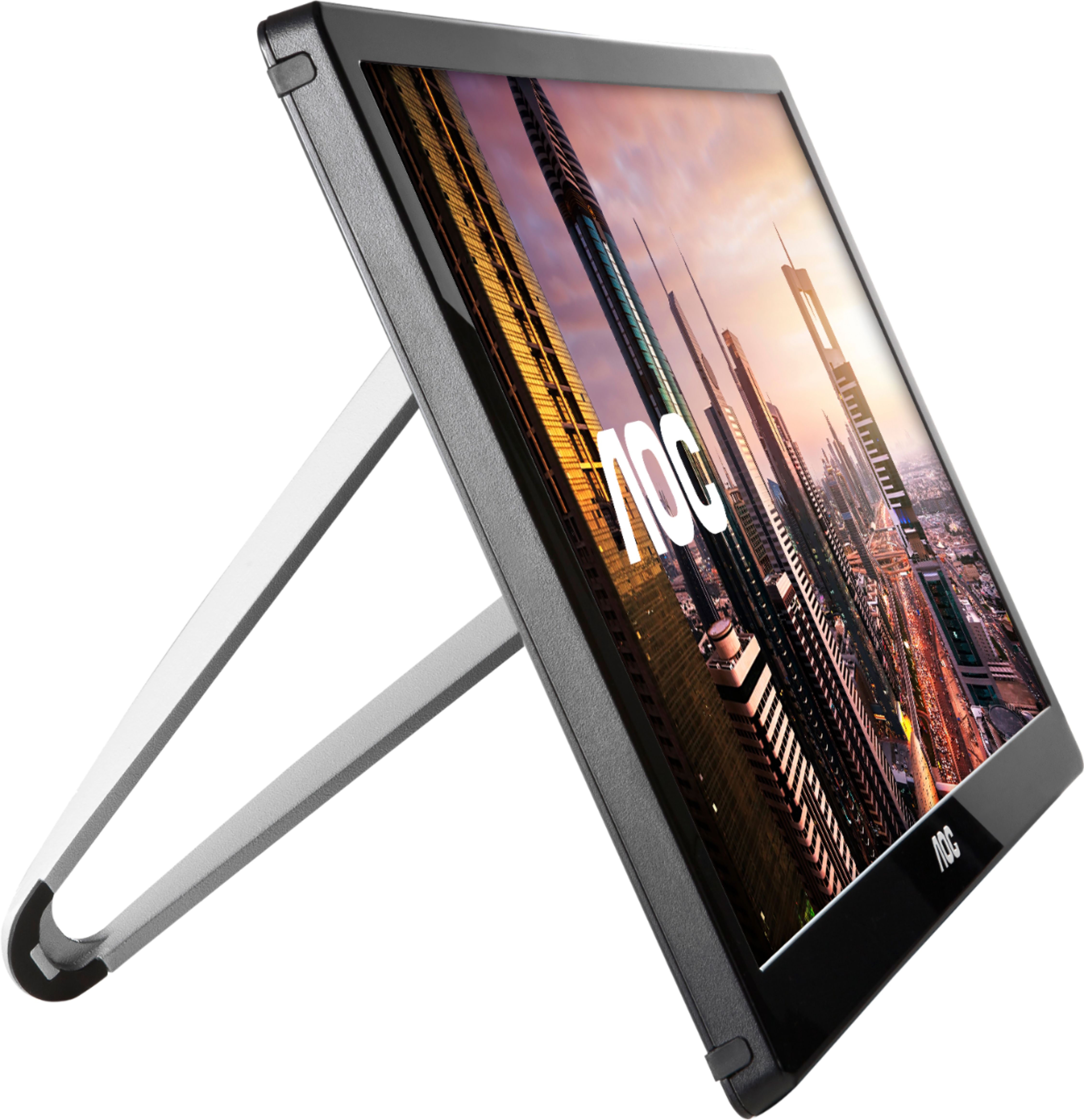
A:AnswerI don't think that is possible because there's no hook up available on the extra monitor, let alone the weight of it might put a strain on your laptop's monitor.
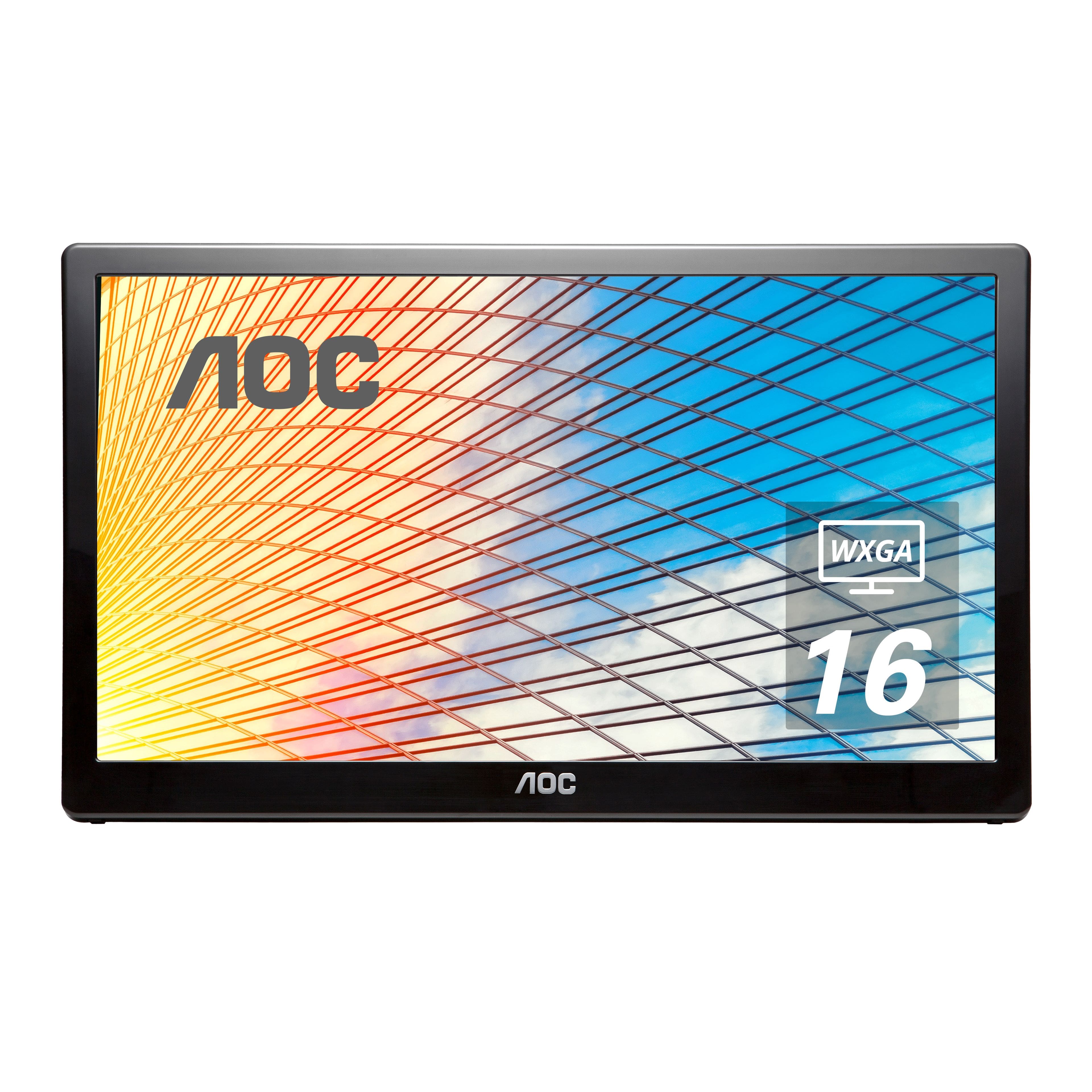
A:AnswerYou don't need a driver. I have two of these. They work great. I have a HP laptop that the screen broke. Instead of throwing it away, I ripped off the screen, bought one of these AOC screens and use the laptop like a desktop. I even have a second monitor hooked up to the USB port. The Monitor will show up automatically.
A:AnswerI have windows 10, and that supports external USB monitors natively. You should also be able to download it from Microsoft using Windows Update, or download directly from AOC's website.
A:AnswerYou may need a USB to HDMI adapter as I believe a PS4 requires an HDMI connection to project a picture. It won’t work if you just plug the monitor into a PS4 USB port.
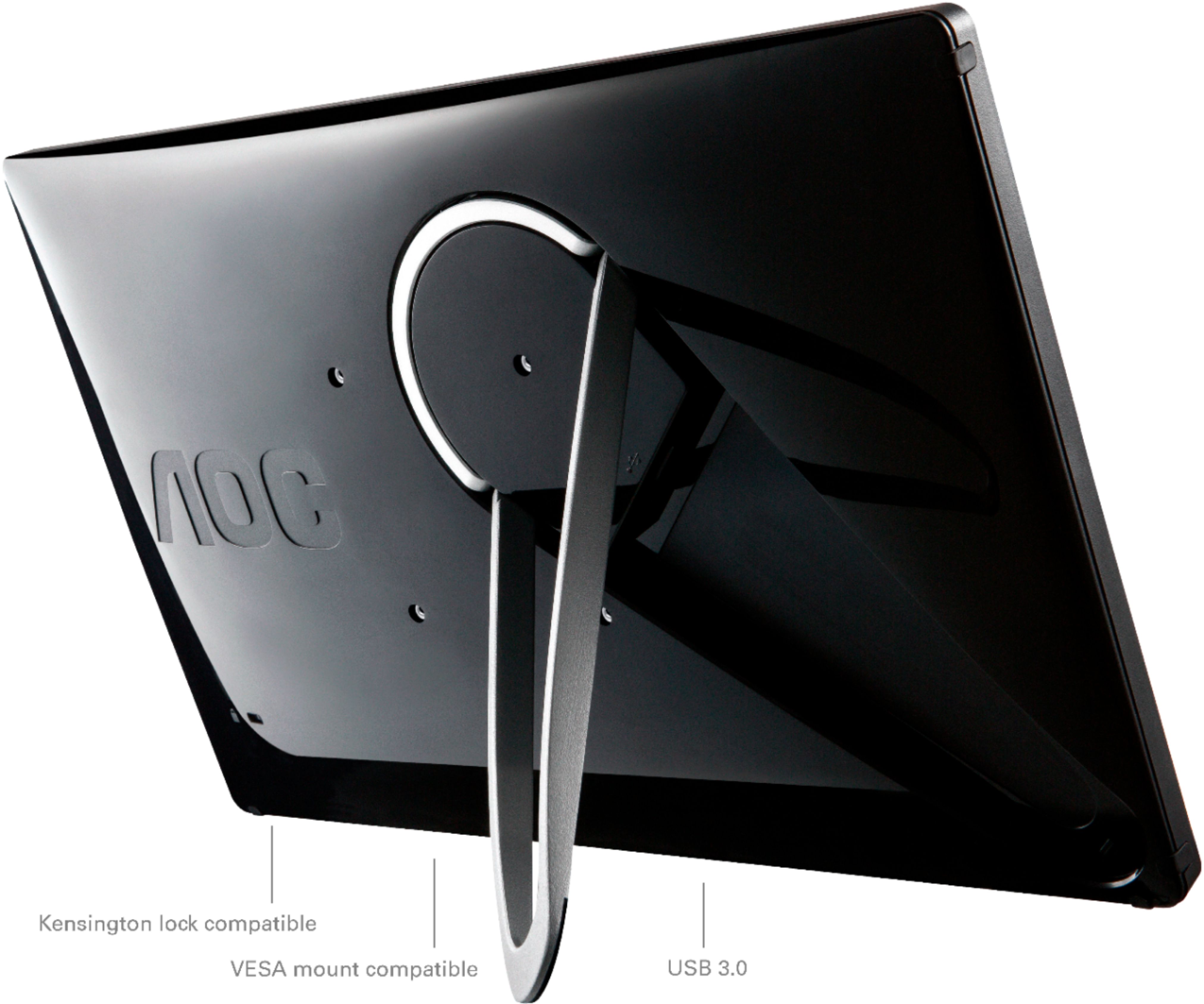
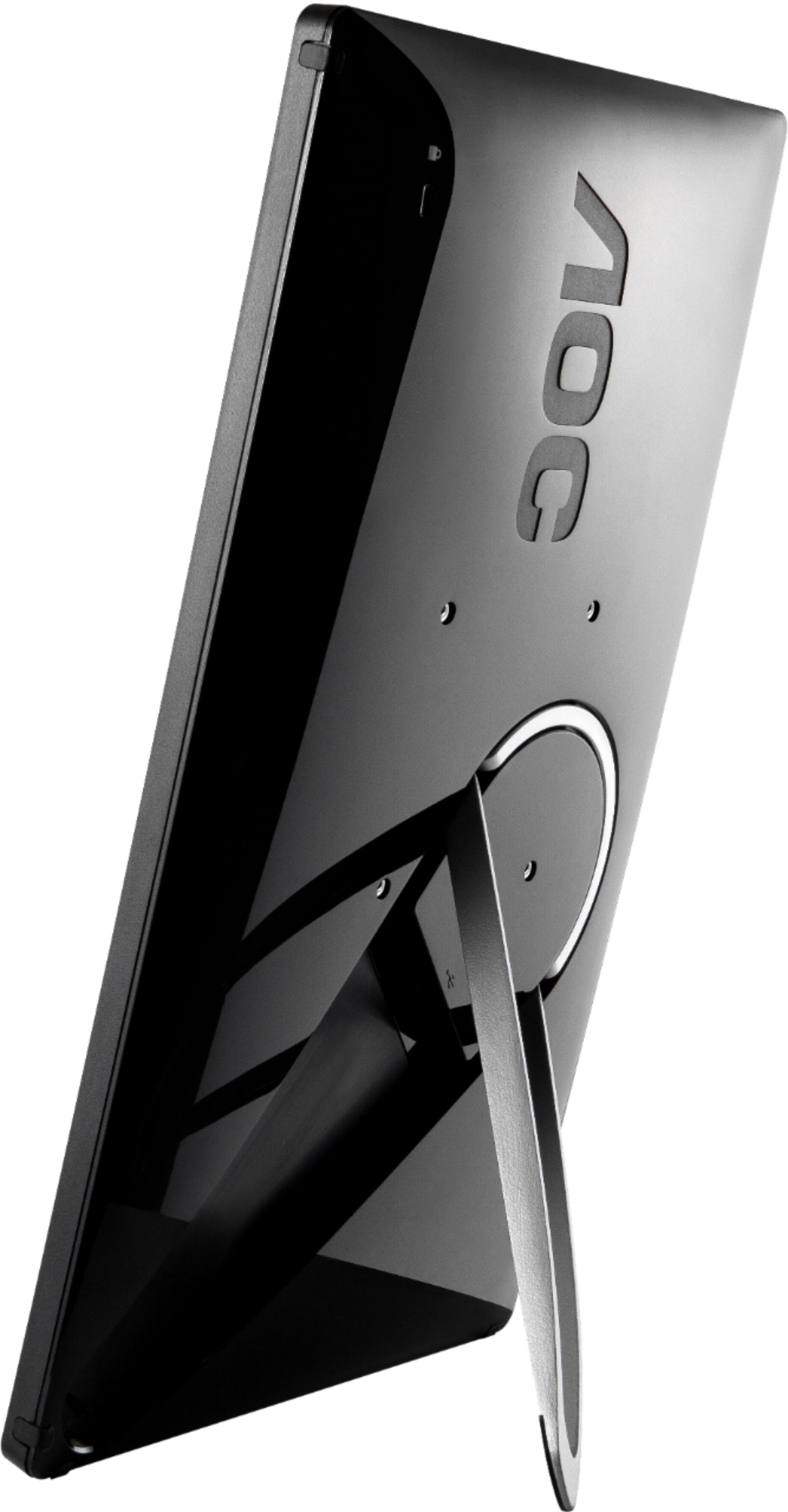
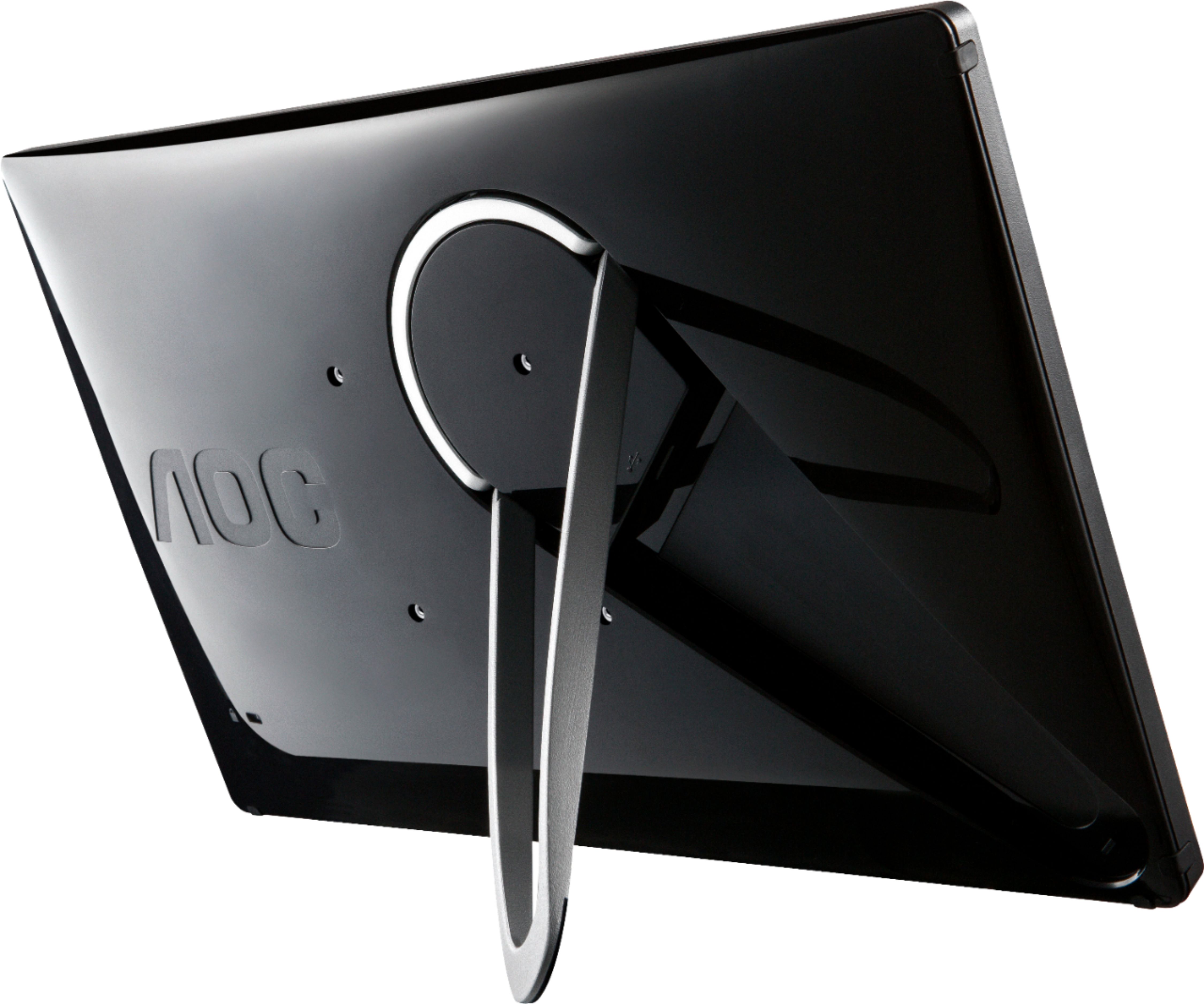
A:AnswerI don't have insight about your specific computer, but this is a usb connected screen, you literally just plug it in and it works. I have a dell notepad, and I just plugged it in and that's it. There is no speaker on the back.