A:AnswerYou will need to pick up a USB C dock, they range in price from $40 to over $200. Many around $100 have dual monitor connections, Search for USB C dock with HDMI.
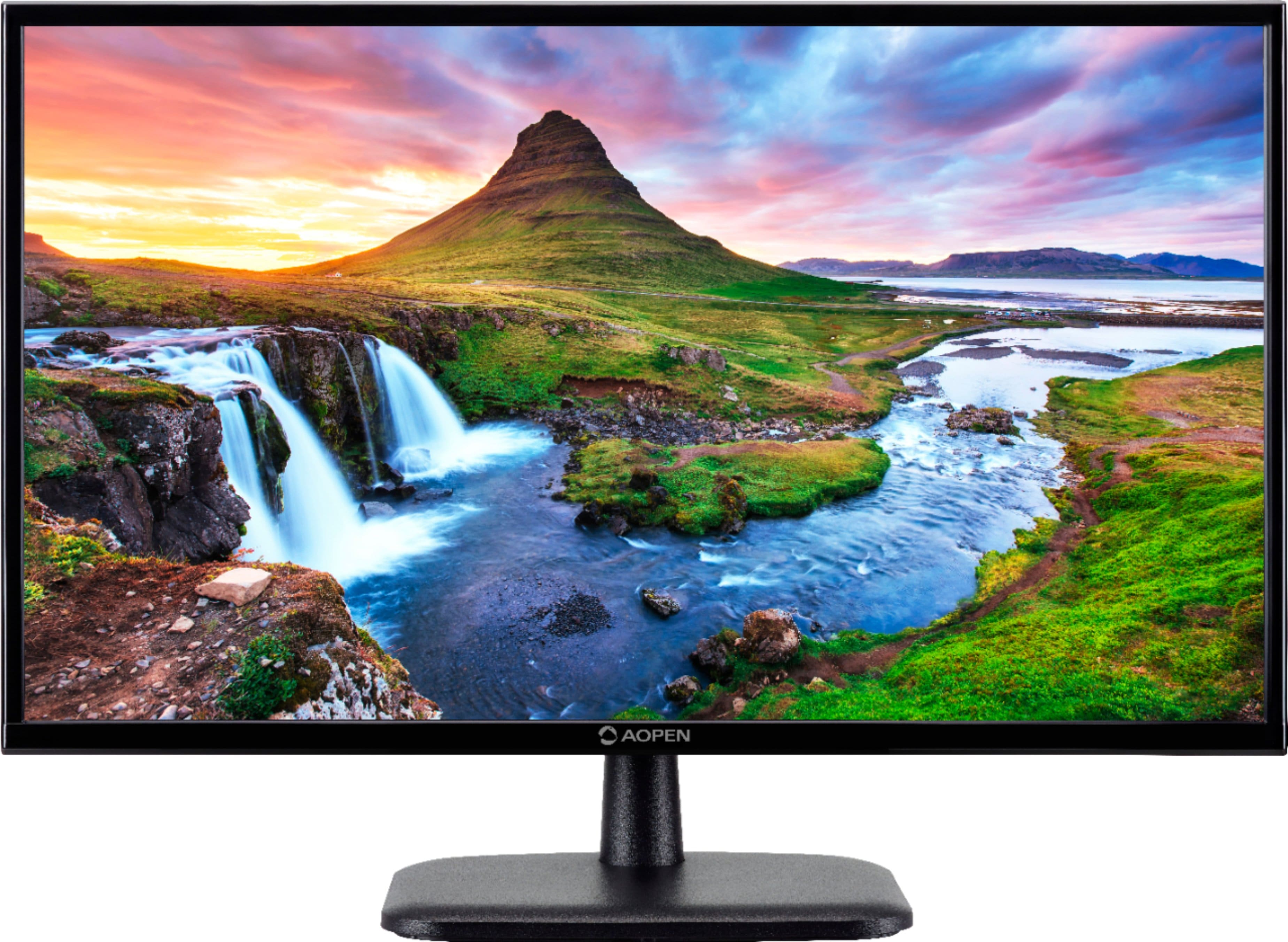
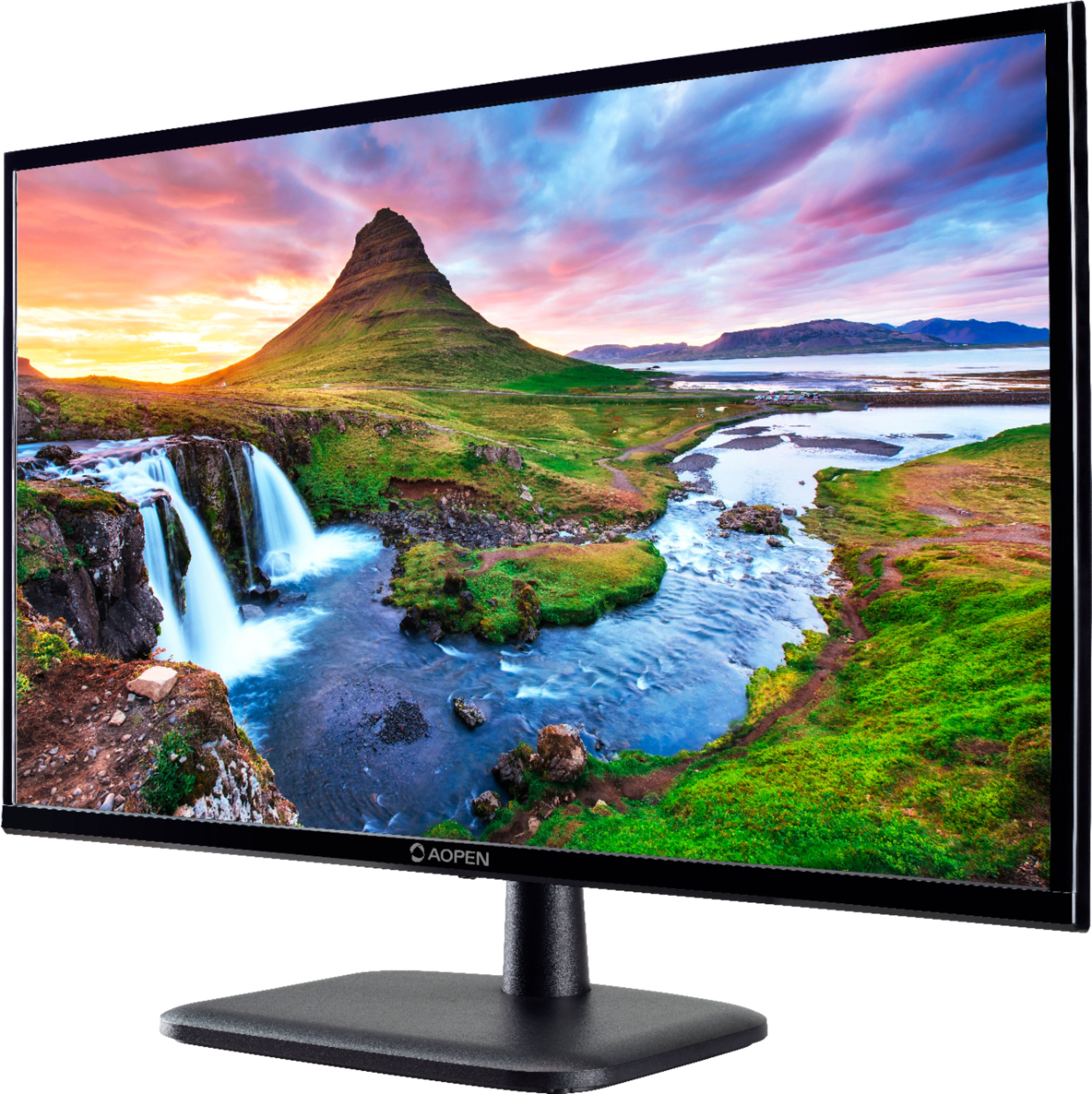
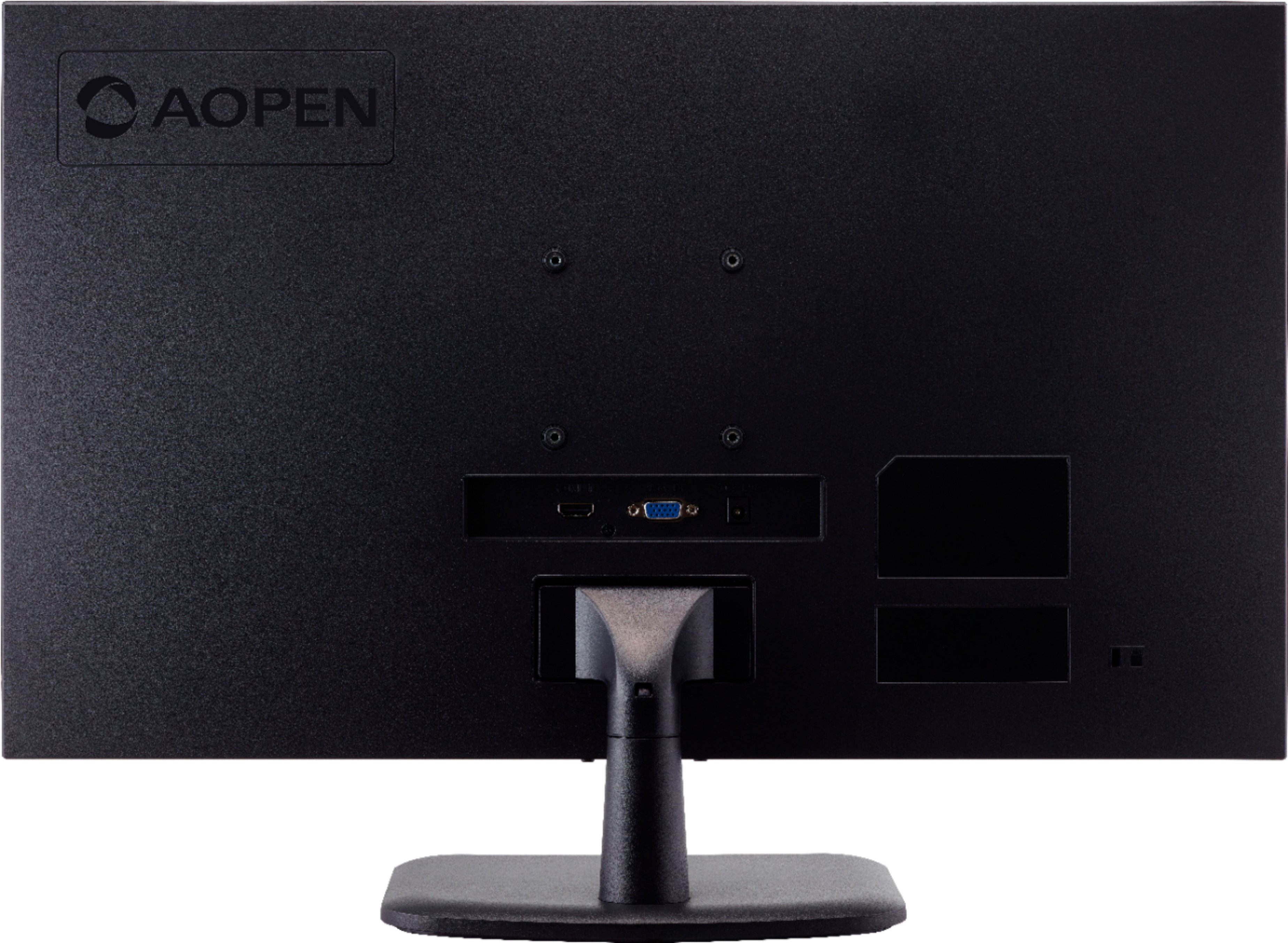
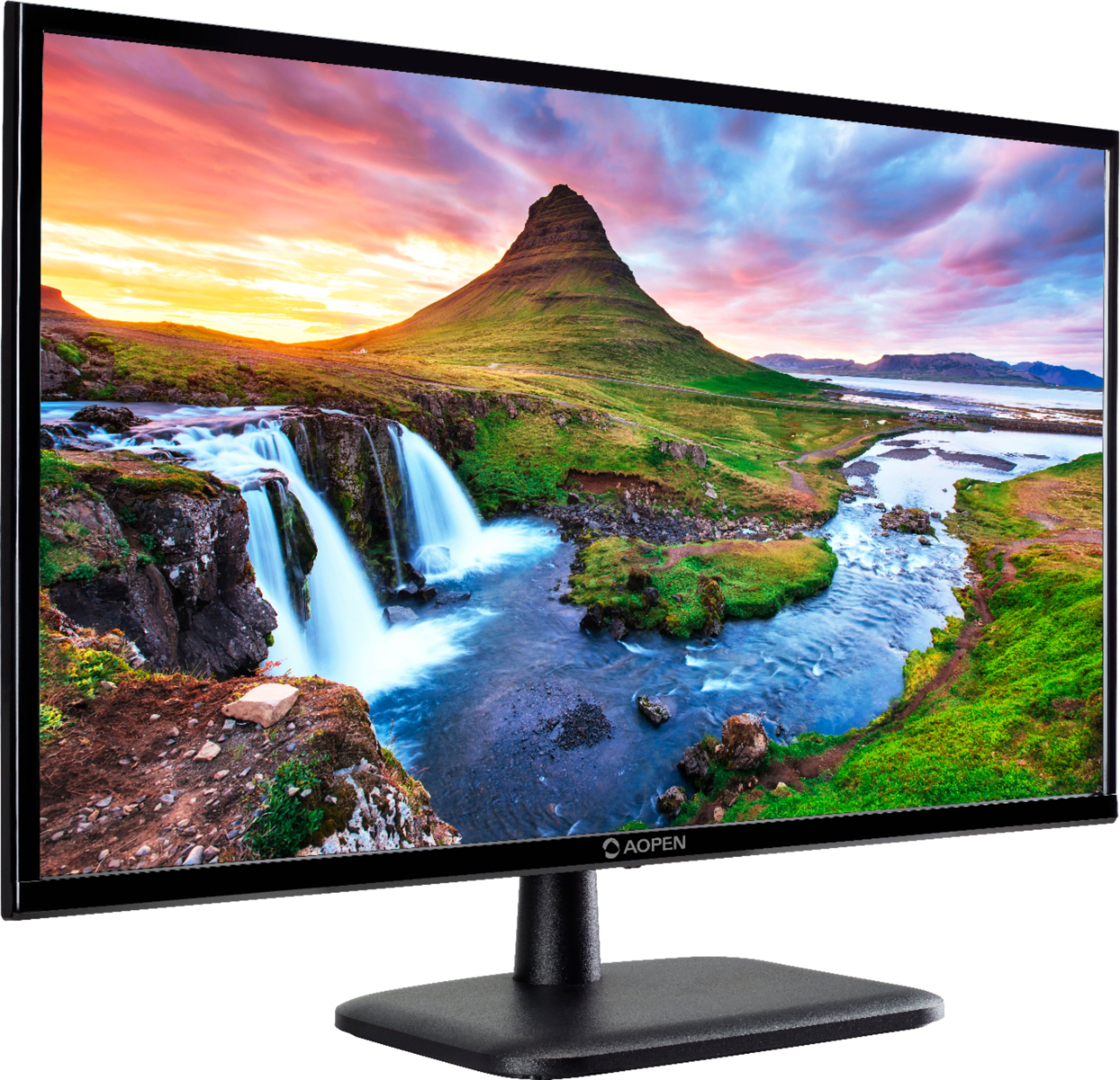
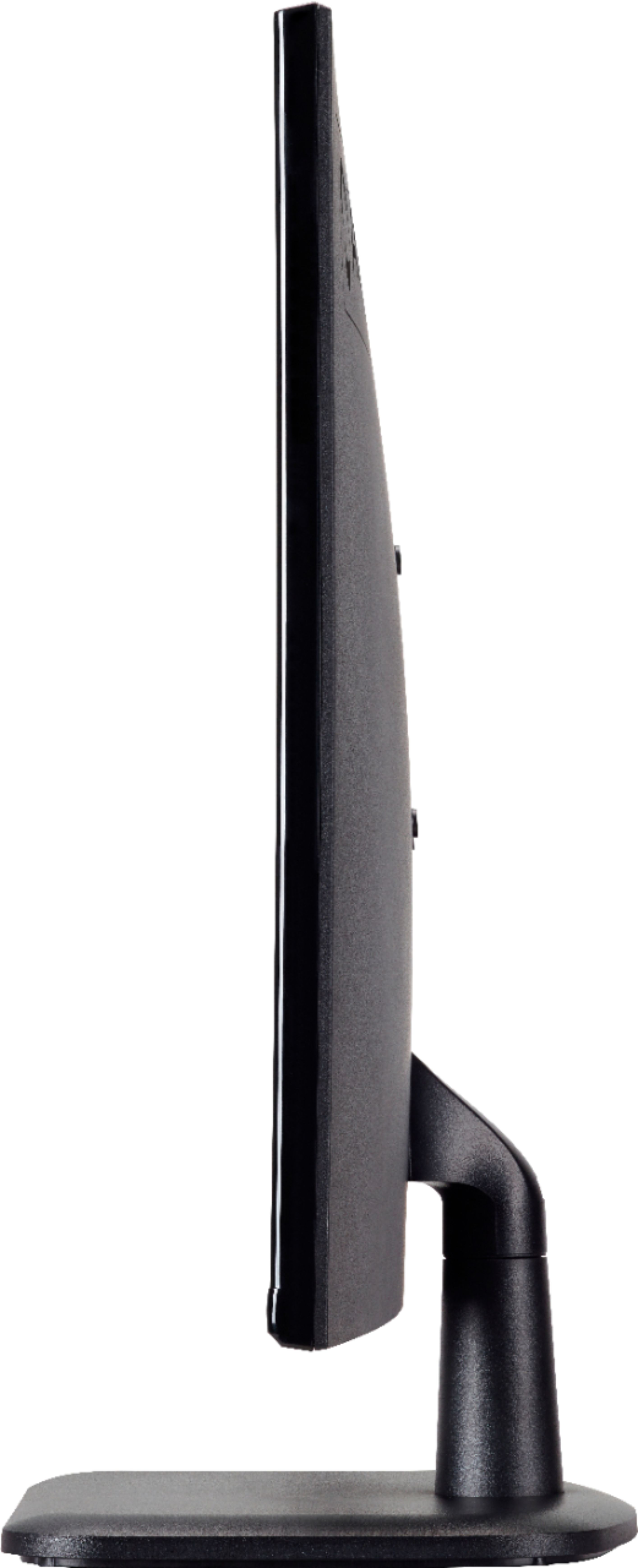
A:AnswerYes, you don't have to use the stand that comes with it. You will need to buy a mounting kit of some kind to mount it on a wall. It is already set up to accept a wall mount kit if desired.
A:AnswerSo far so good. The monitor goes to sleep when the Mac requests it and comes back on. I burned my previous LG monitor because it had to stay on continuously otherwise it wouldn’t reconnect. I can’t believe Apple didn’t get that right.