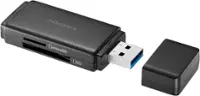
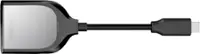
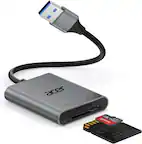
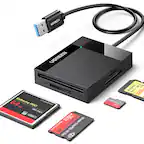
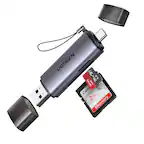
A:Answer It looks like your camera uses an SD Card. If you installed one and your pictures are on the card, all you need to do is take the card out of the camera and put it into the SD card reader on your computer (most computers/laptops have one). Download the pictures off the SD Card into Pictures or some other Folder where you want to store them.
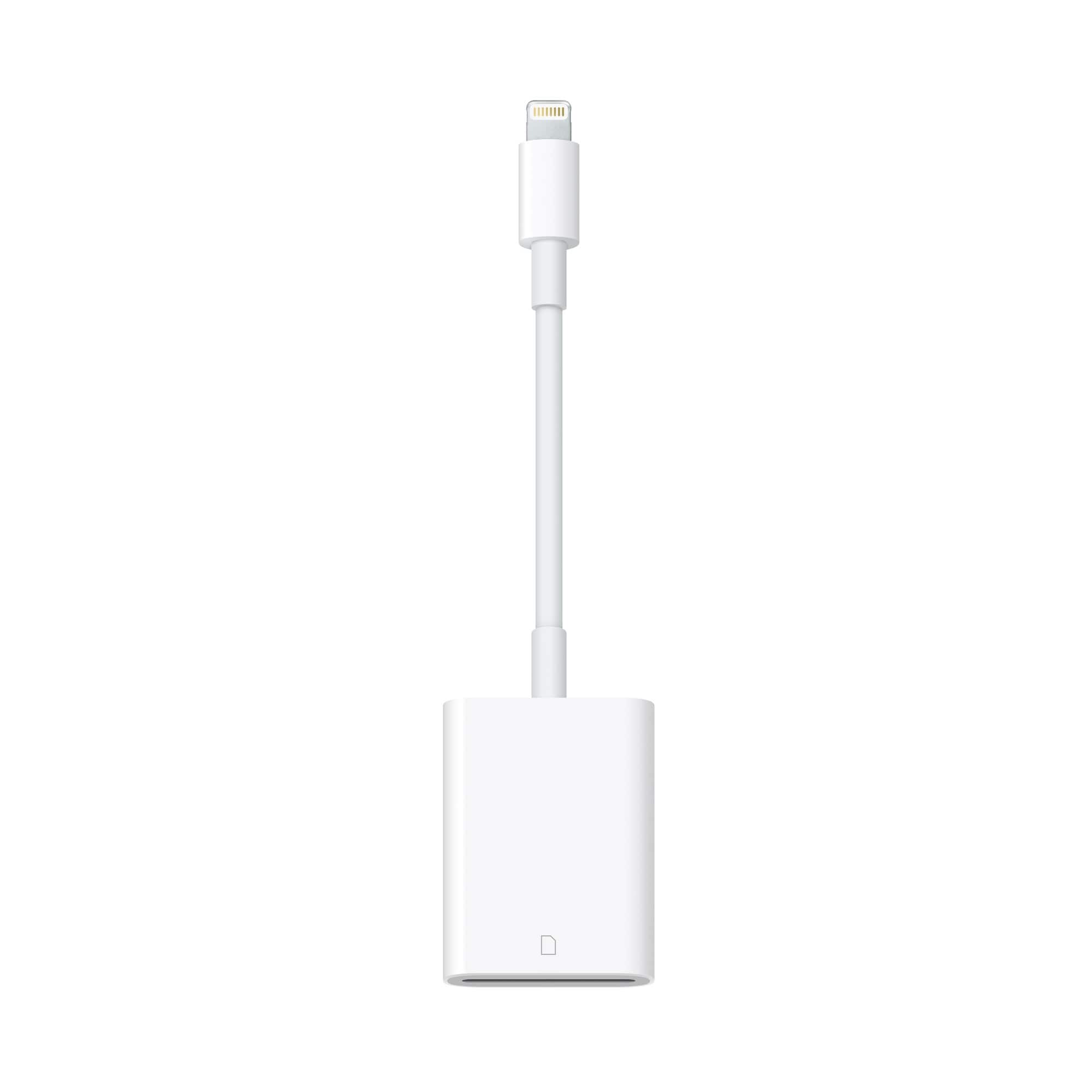
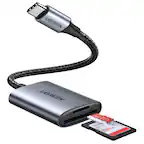
Concerning the Lightning to SD Card cable, yes it will work to put the pictures on the iPad. All you do is put the SD Card into the slot in the cable, connect it to the iPad and go to Photos and you will see an icon that says Import. Select the photos you want and select import. That's it. Hope that helps.