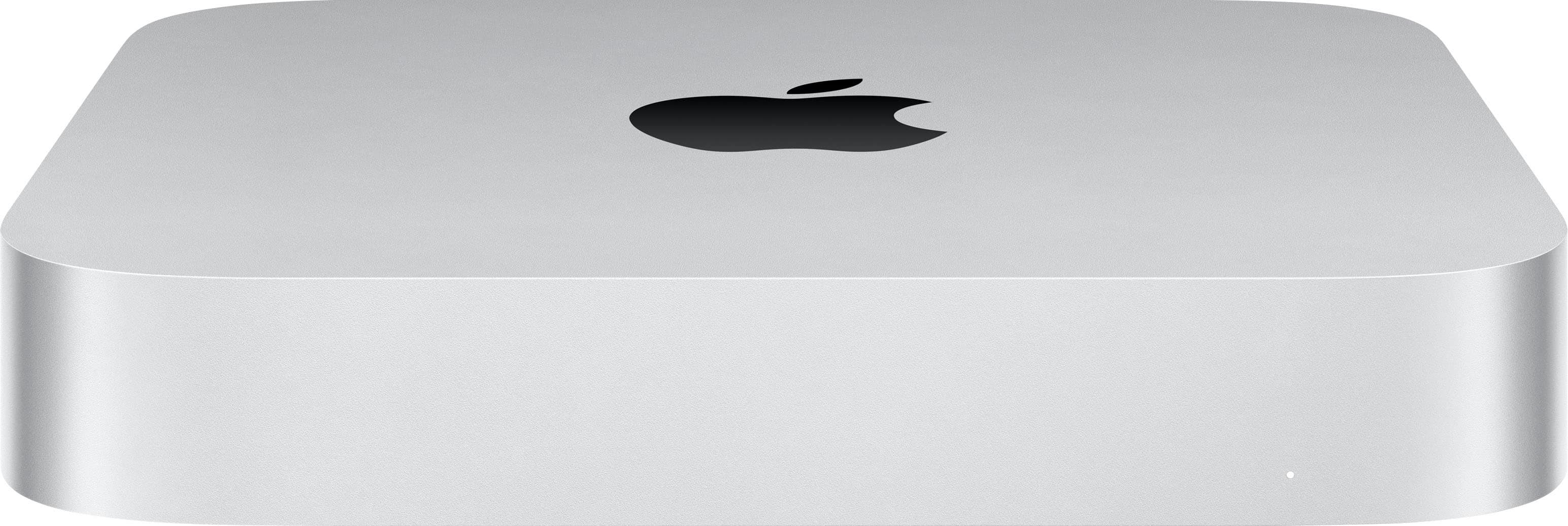
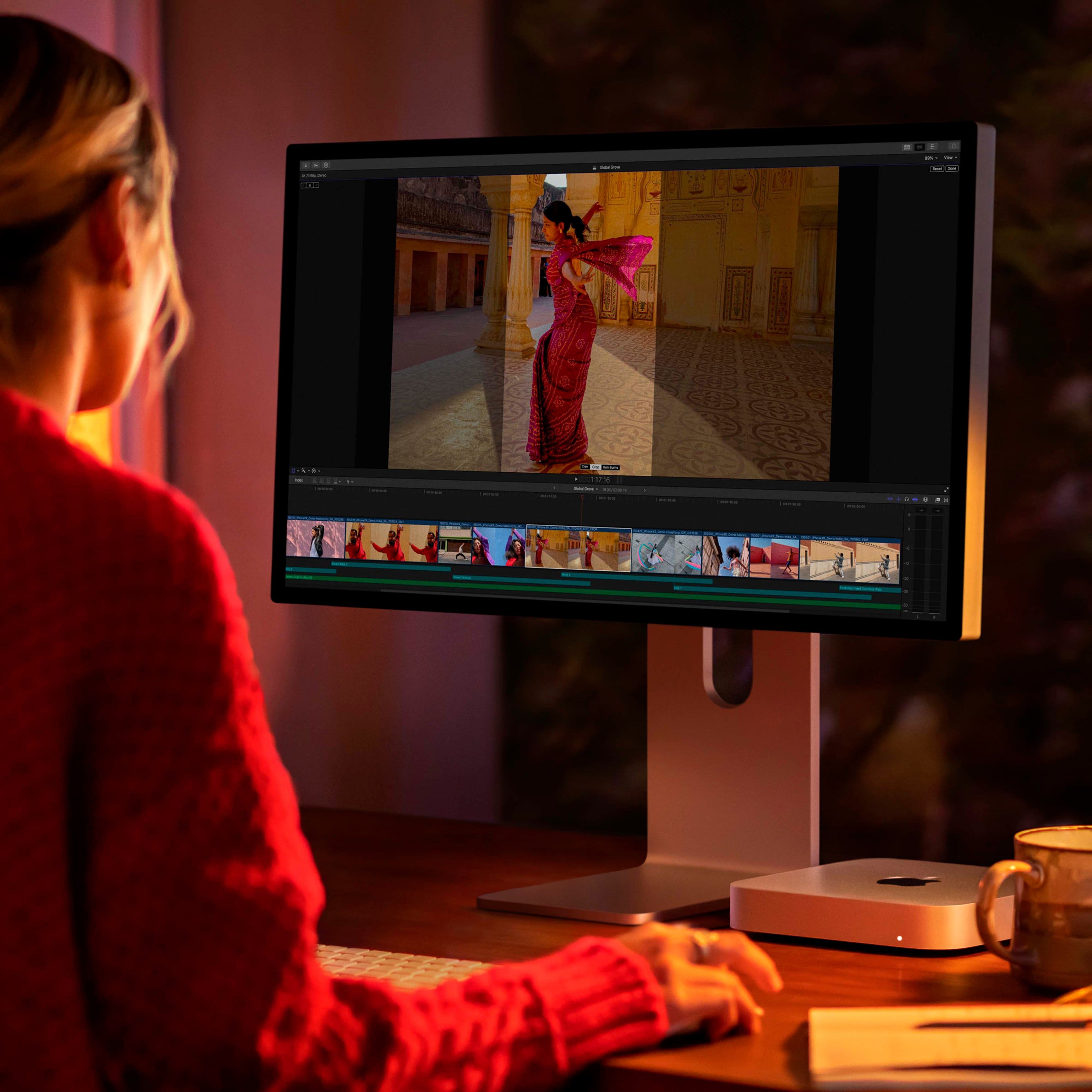
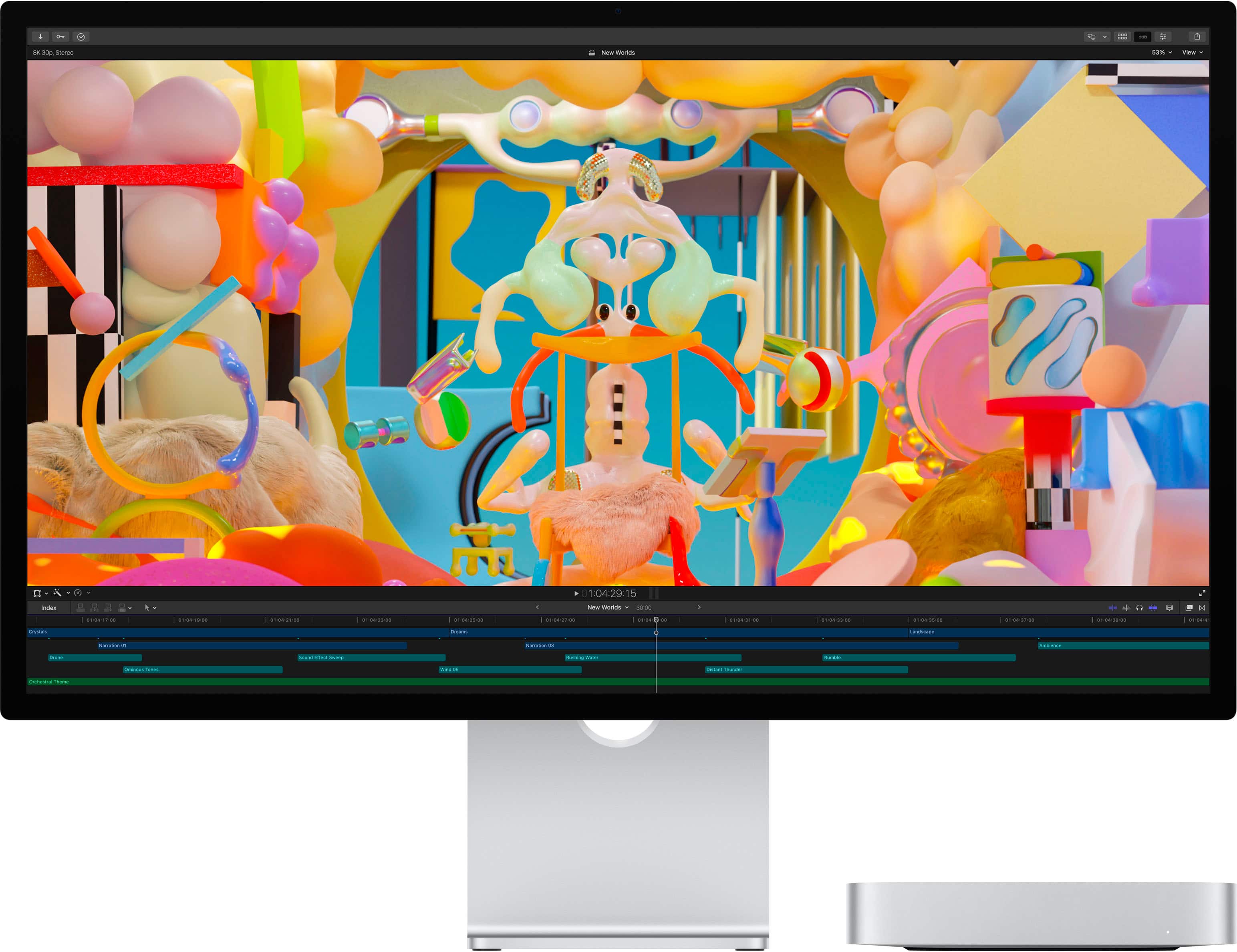
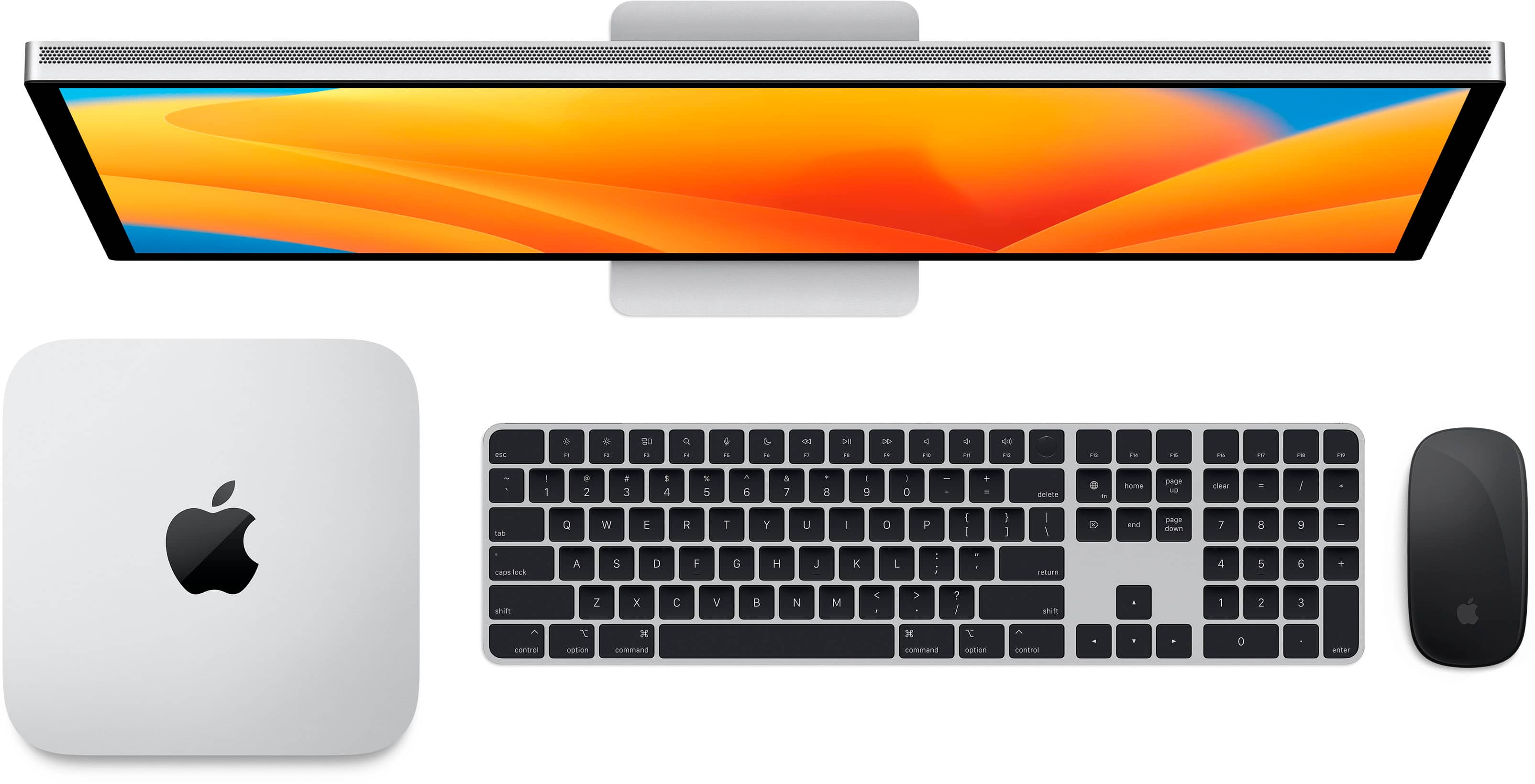
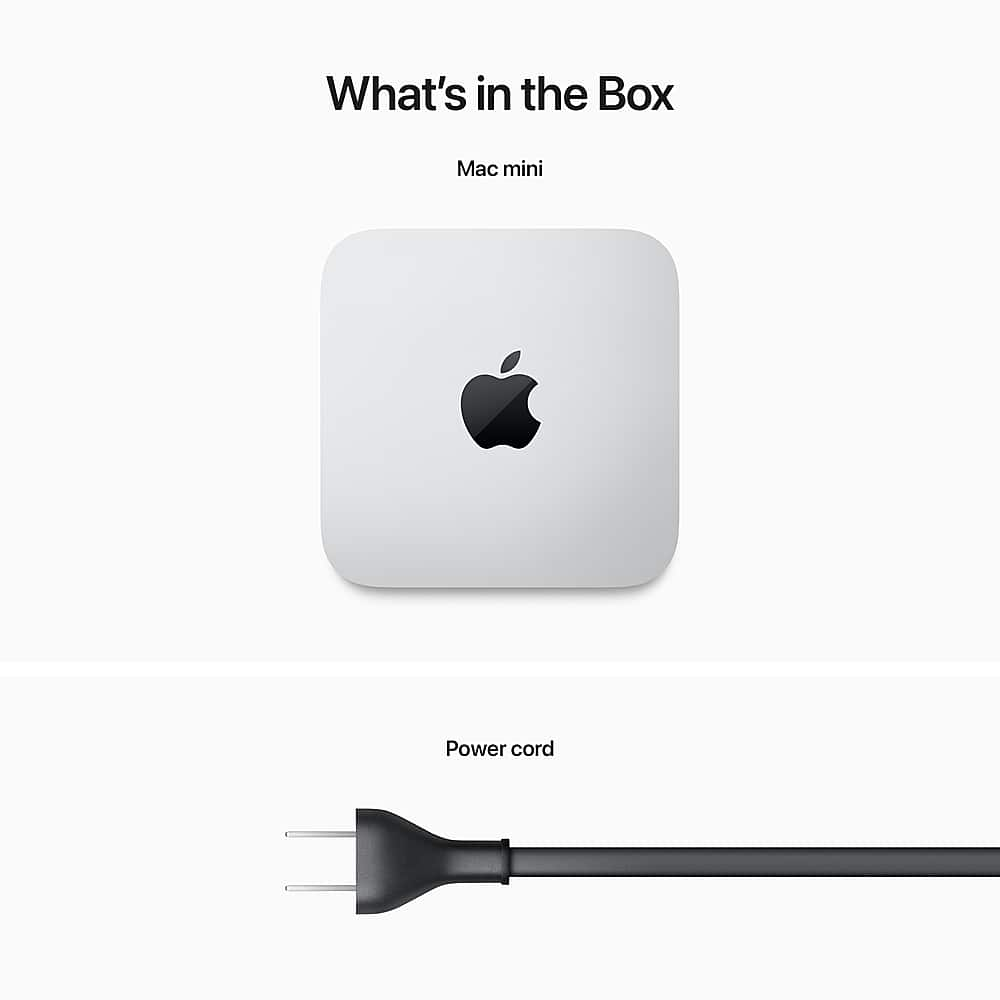
A:AnswerThis is a full blown computer every bit as good as or better than most other desktops and laptops. Just plug in your own monitor(s), and wired or wireless keyboard, and mouse. They can be any brand but make sure the keyboard has Mac-specific keys.
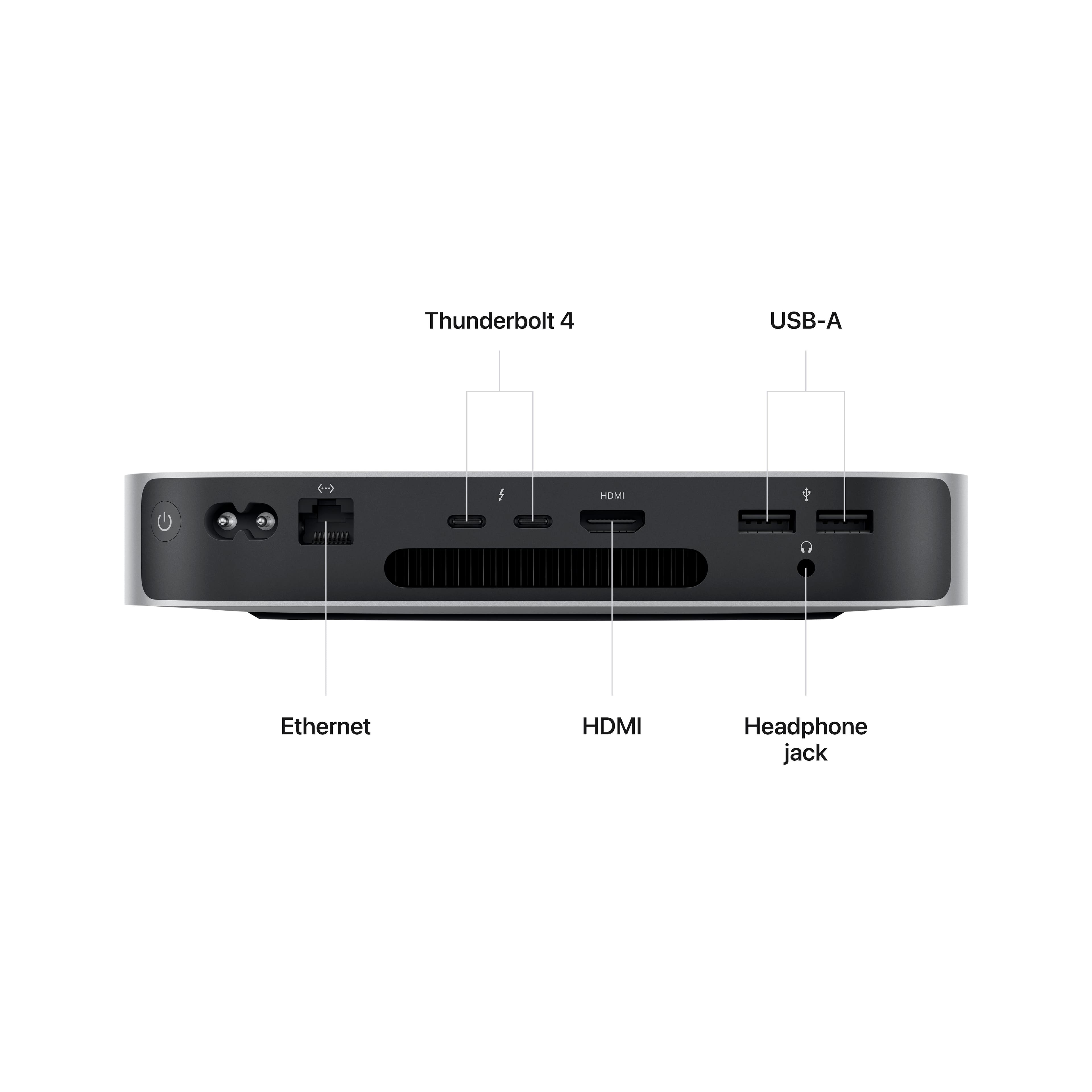
A:AnswerYou have two Thunderbolt ports and an HDMI port. Plug each monitor into a T-bolt port. Or you could plug one monitor into a T-bolt port and the other into the HDMI port. If you need adapters Best Buy has them and they don’t cost very much. I have two 27-inch Acer monitors plugged into my ancient Mac Mini (late 2012). I had to use a cheap adapter to plug one in, but it’s very easy to use two monitors. (Sorry about the distortion on the photo.)
A:AnswerI am running quicken on the Mac Mini. I DID NOT use Migrations assistant to move data files. Before Opening the quicken data file from my external back up, I downloaded 7.1.1 version of Quicken that supports the M1 & M2 processors. Some slight differences in appearance and available reports but comparing the register information side by side with my iMac no data is lost. Hope this helps.
A:AnswerNormal HDMI 2.0 on this model. The higher tier Mini with 16gb & 512 has the 2.1 HDMI. I use the entry level M2 Mini with a Studio Display & Thunderbolt, so no HDMI. It works perfectly! No Wake from sleep issues. It is literally like having a new 27" iMac M2 with this setup. When the M1 mini first came out I set it up with a 4k TV and it worked fantastic using the HDMI. Also note: you can't upgrade the configuration on the mini to the M2 Max Chip. Only the M2 Pro Chip. You would have to get the Mac Studio