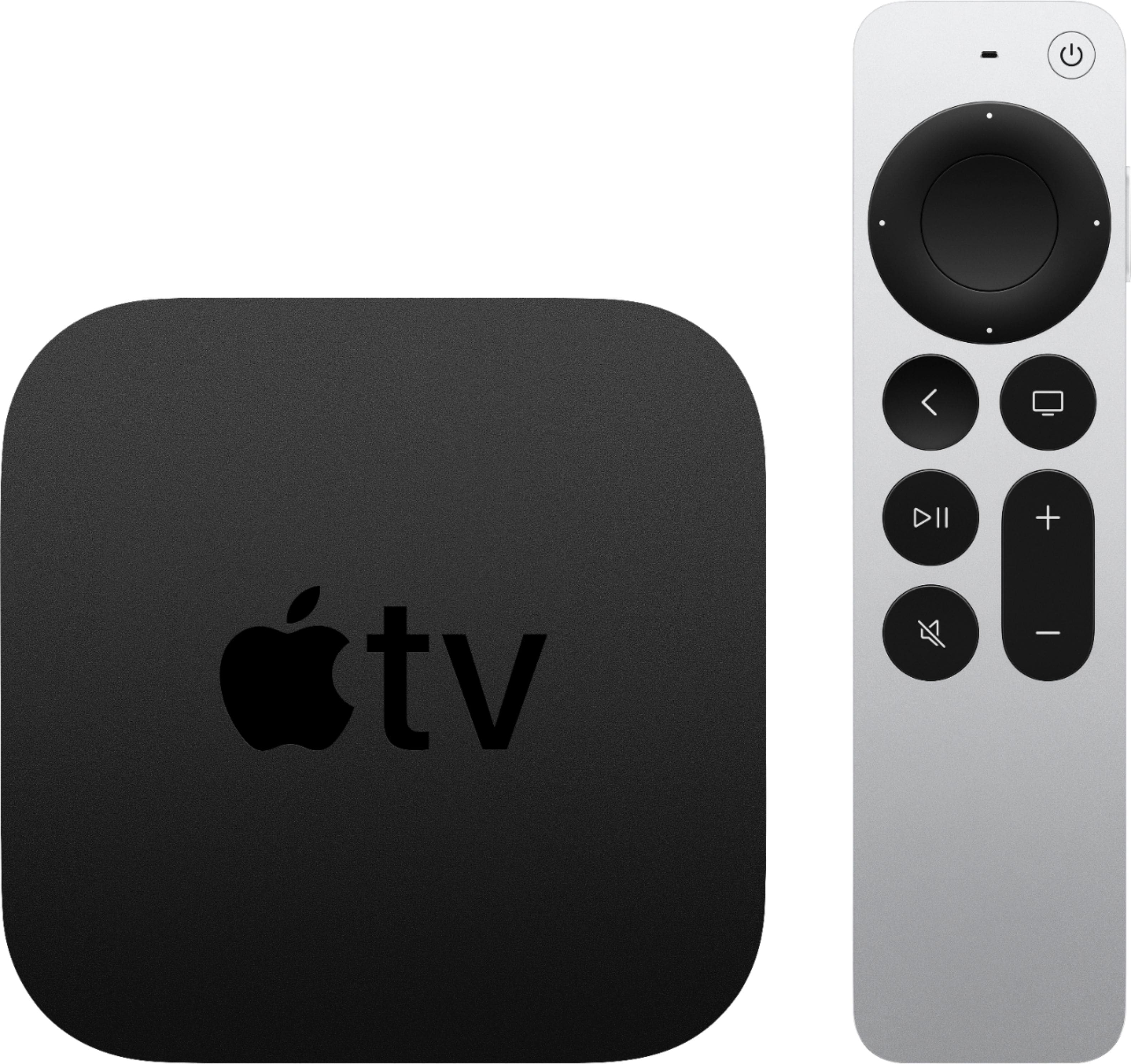
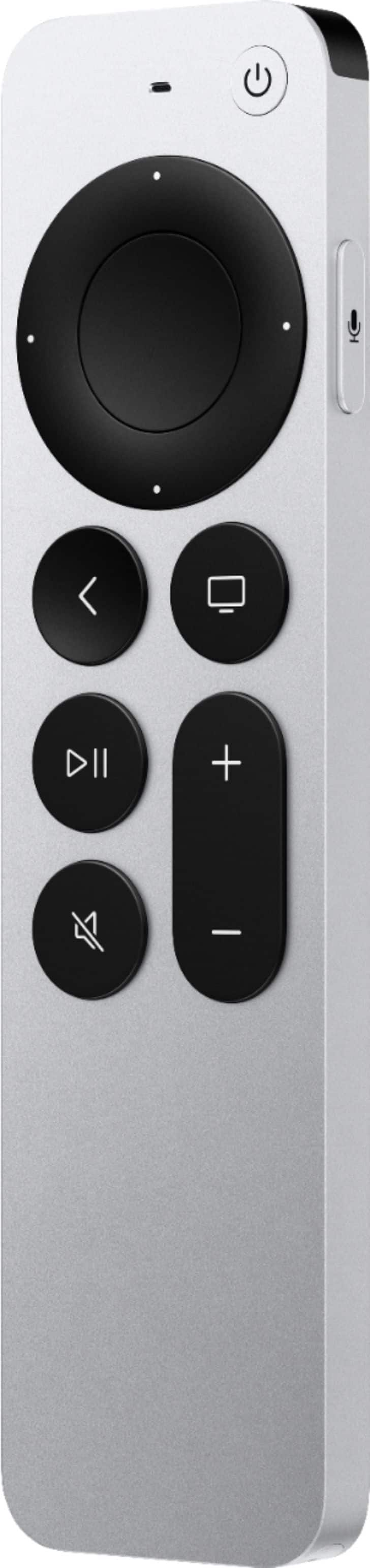
A:AnswerYou don’t have to have an iPhone, it is an awesome entertainment piece all by itself, can be ran all by your voice by the virtual assistant Siri.
A:AnswerThat app lists Apple TV as compatible in the App Store. The other apps you listed aren’t built in but can be downloaded from the App Store with ease. Out of the box it’s pretty barebones. Which is also nice because it isn’t littered with ads or random apps.
A:AnswerYes, you can arrange your favorite apps where ever you want them. Just click on them, hold down until it flashes (similar to moving an app around on your iPhone), then move to another location.
A:AnswerThe way I get local channels is I purchased the YouTube TV and installed the app on my Apple device. In my area, the YouTube TV has about 100 channels including local channels.