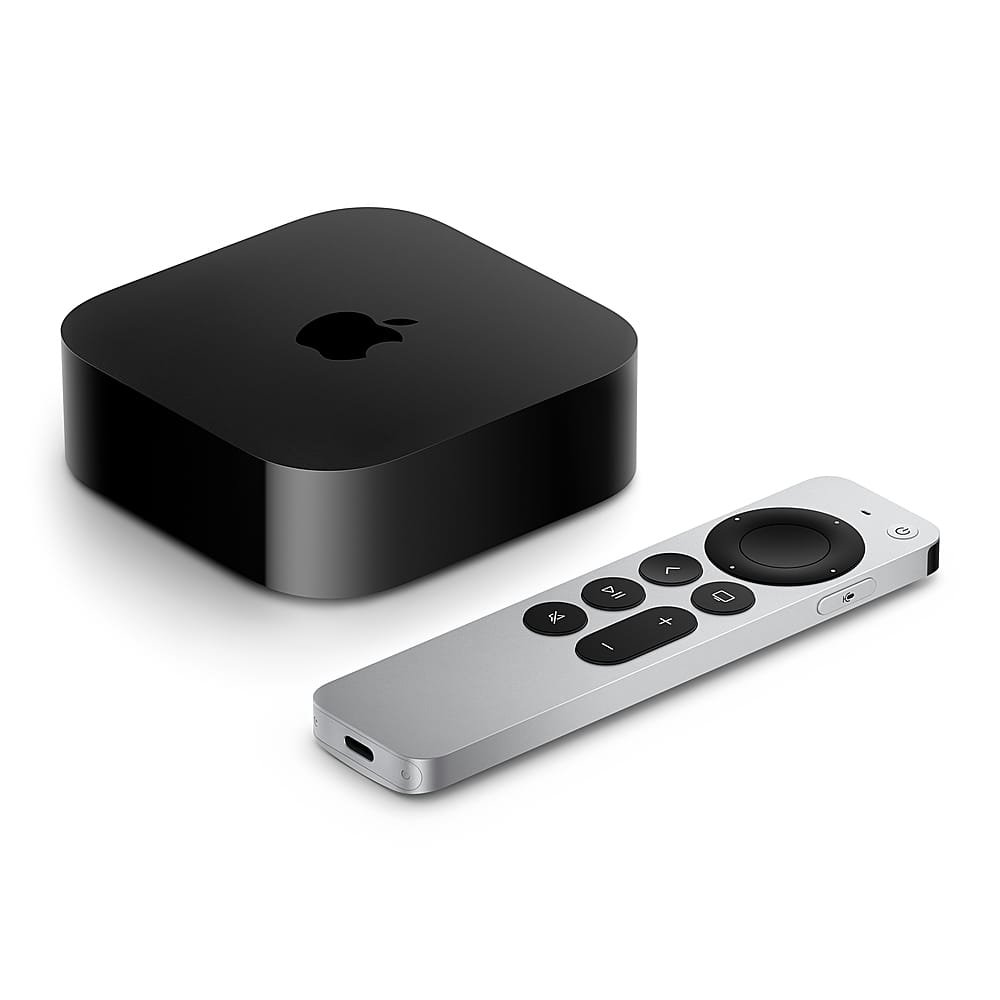
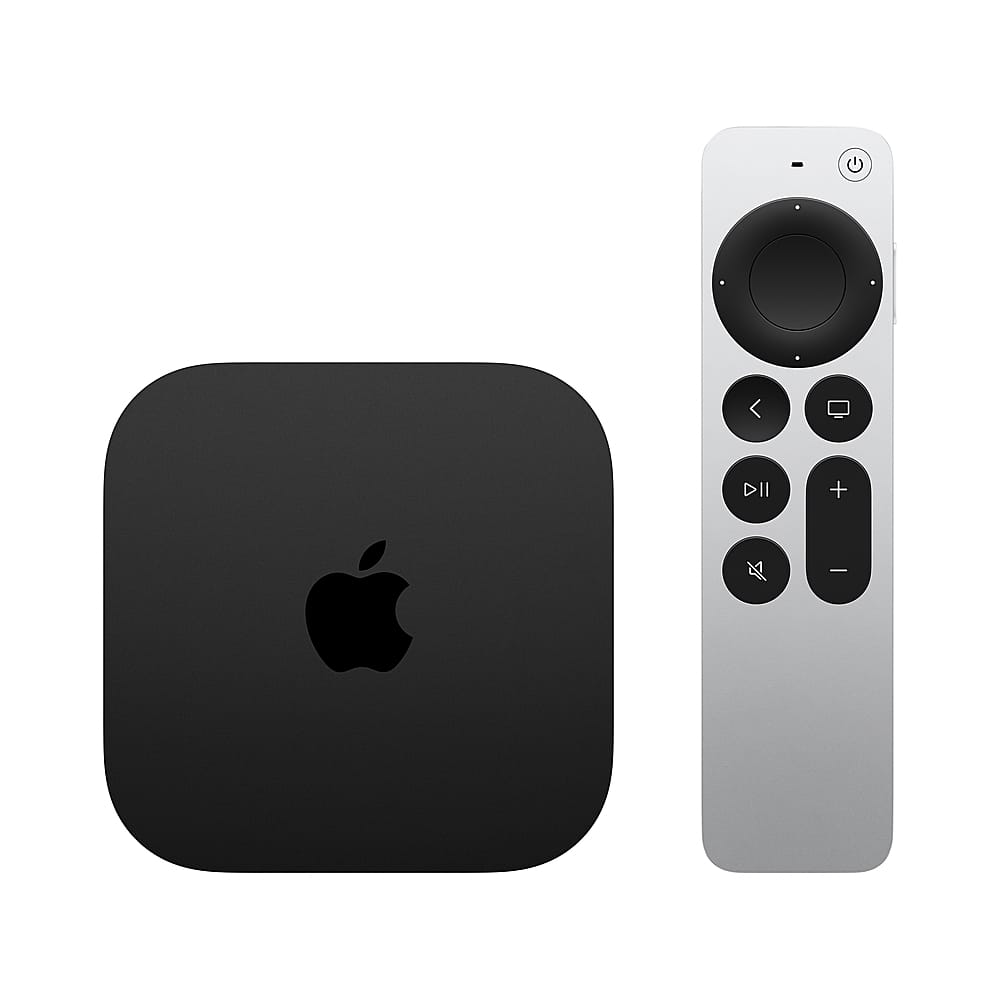
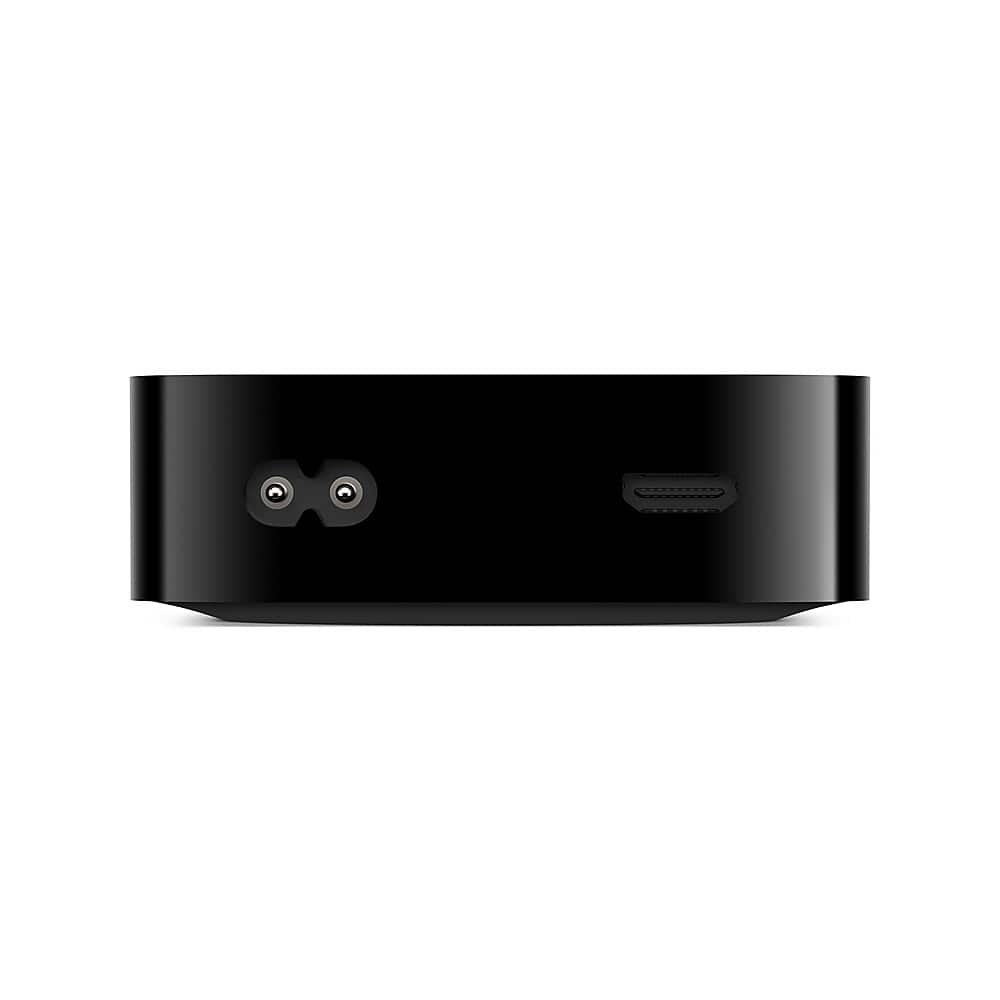
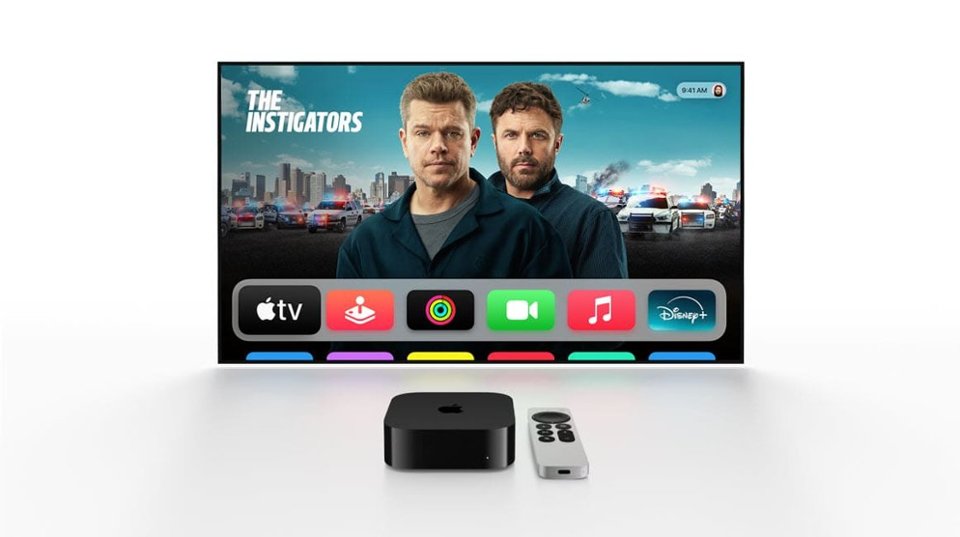
A:AnswerYes, the Apple TV 4K (64GB and higher models) has a built-in Ethernet port. You can connect it directly to your router for a faster and more stable connection compared to Wi-Fi.
A:AnswerApple TV doesn’t provide local channels on its own. You can access local channels through streaming apps like YouTube TV, Hulu + Live TV, Sling, or network-specific apps (ABC, NBC, CBS, FOX) if you subscribe to them.
A:AnswerYes, it can work without Wi-Fi if you connect it via Ethernet. Also, you can play downloaded content from apps like Apple TV+, iTunes, or other services if the app supports offline playback. However, most features (streaming, app updates) need internet access.
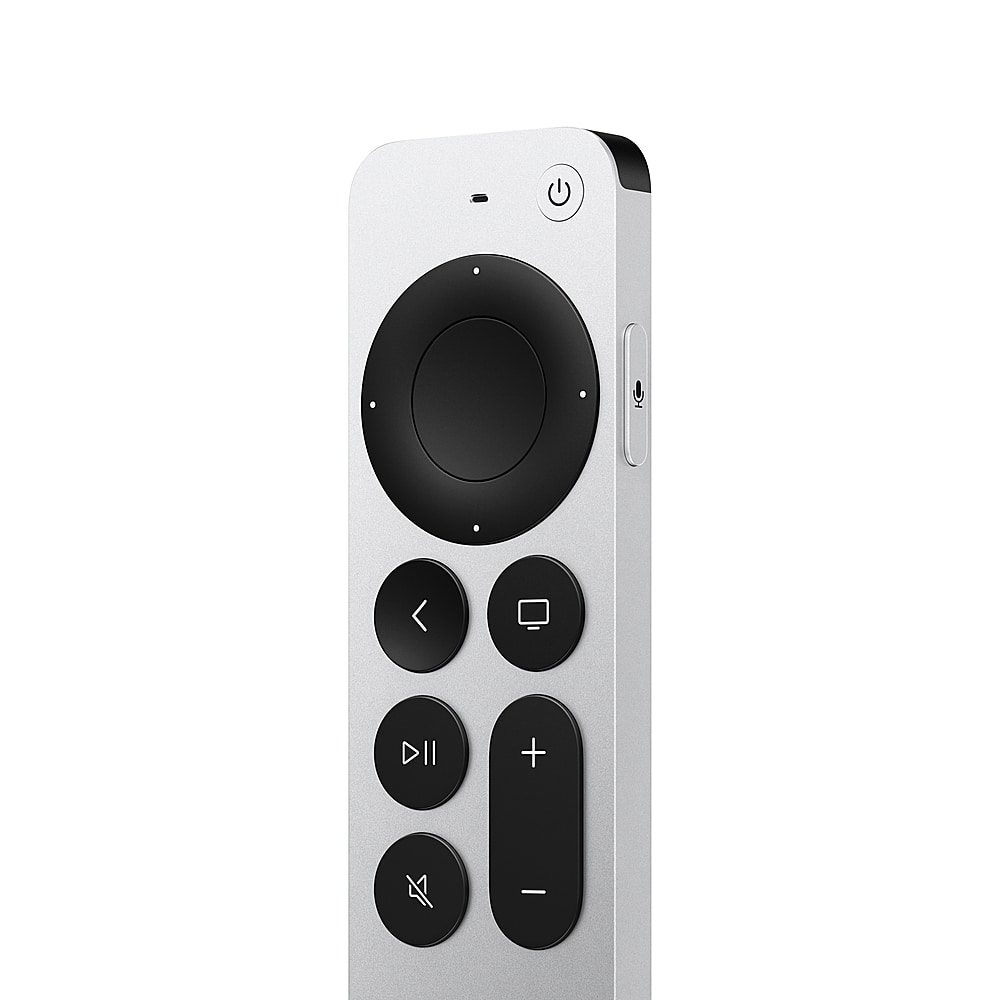
A:AnswerYes, even with a smart TV, Apple TV can be useful. It provides a smoother interface, faster performance, better app support, and the excellent Siri Remote. You also get access to the Apple ecosystem (Apple TV+, Fitness+, iCloud, AirPlay).
A:AnswerAbsolutely. Apple TV works with any TV that has an HDMI port, including your Samsung QLED. You’ll just need to connect it via HDMI and switch the input.
A:AnswerInstead of casting like Chromecast, Apple TV uses AirPlay. You can AirPlay Netflix (and most apps) from your iPhone directly to the Apple TV. It works similarly to casting, just under Apple’s ecosystem.
A:AnswerInstead of casting like Chromecast, Apple TV uses AirPlay. You can AirPlay Netflix (and most apps) from your iPhone directly to the Apple TV. It works similarly to casting, just under Apple’s ecosystem.
A:AnswerThere’s no monthly cost to use the Apple TV device itself once you’ve purchased it. However, you may pay subscription fees for apps/services (like Netflix, Hulu, or Apple TV+), depending on what you choose to watch.